Introduction
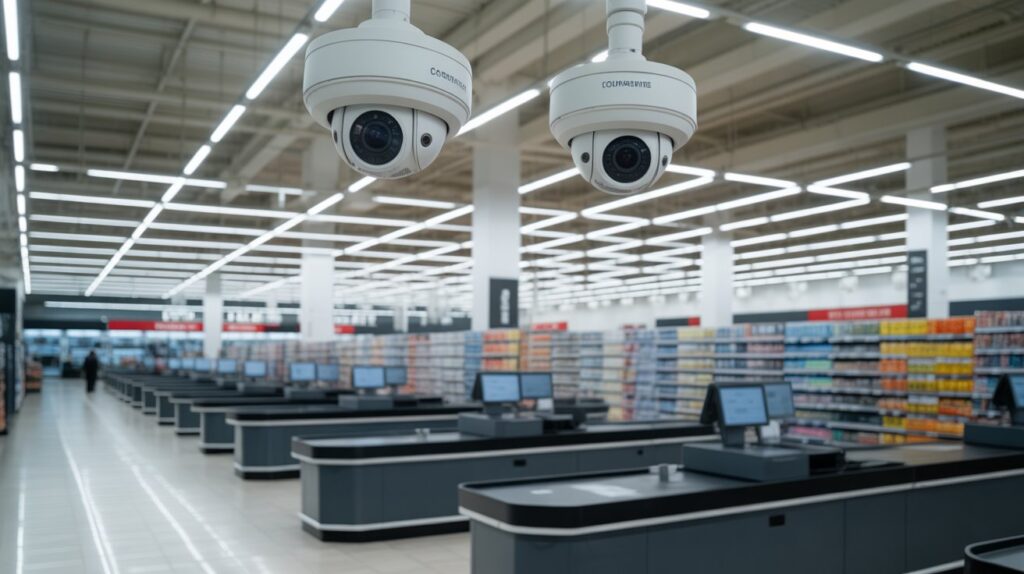
Walk into almost any store today, and there’s a good chance a security camera is watching the aisle you’re standing in. Store security cameras work by combining constant monitoring with recorded evidence, quietly covering entrances, checkout counters, and high-traffic areas without interrupting the shopping experience.
But these systems do more than just record footage. They help store owners catch theft early, resolve disputes with real proof, and keep both staff and customers accountable during busy hours.
In this guide, we’ll break down exactly how store security cameras work — from motion detection and footage storage to the privacy rules retailers have to follow — so you understand what’s really happening behind the lens.
Table of Contents
Why Stores Rely on Security Cameras Today (The Big Picture)
When a customer walks into a store, three things shape their experience: safety, trust, and a sense of control. Theft is usually the first concern, but retail spaces also deal with shoplifting, staff disputes, false claims, and unexpected safety incidents — often without warning. That’s why understanding how store security cameras function has become part of core retail management, not just an add-on.
In practice, these systems give store owners real-time visibility across aisles, entrances, and checkout points. Owners who understand how their surveillance systems operate can make faster decisions, settle disputes with actual evidence, and cut down on financial losses. Even the visible presence of a camera alone tends to discourage bad behavior and keeps the shopping floor more orderly.
Camera placement plays a big role here too — a system is only as good as its coverage of key traffic areas, which is why many retailers plan their camera positioning around entrances, registers, and high-theft zones rather than mounting cameras randomly.
Key Benefits of Store Security Cameras:
- Loss Prevention – Reduces theft and inventory shrinkage
- Clear Evidence – Gives factual footage for disputes or investigations
- Better Safety – Monitors customer and employee well-being in real time
- Improved Accountability – Encourages responsible staff behavior
- Faster Response – Helps management act quickly during incidents
- Trust Building – Builds a safer, more reliable shopping environment
At its core, store security isn’t about watching people — it’s about protection, transparency, and building trust with both staff and customers.
What Are Store Security Cameras and What Do They Capture?
- Store security cameras are fixed or smart video systems built to monitor activity inside and around retail spaces, giving owners a clear view of what’s happening in real time and after an incident. Simply put, these cameras act as the store’s eyes — watching entrances, aisles, checkout counters, and storage areas to reduce risk and improve overall safety.
- These cameras record video footage along with movement and time-stamped activity, letting store owners review exactly what happened and when. Modern retail cameras can detect motion, capture continuous or event-based footage, and log precise timestamps — making the footage reliable for theft prevention, customer disputes, and internal investigations. This kind of documentation is one reason retail loss prevention remains a core focus for store operators nationwide.
- Video quality and coverage depend on camera type and placement, but most store cameras are designed to clearly capture faces, product movement, and customer flow. This visibility helps businesses understand shopping patterns while protecting employees and customers from false claims or unsafe situations.
- Visible cameras are placed where customers can see them, usually near entrances or high-risk zones, because their presence alone discourages shoplifting and suspicious behavior. Many retailers treat visible cameras as a psychological deterrent that builds a sense of accountability on the floor.
- Hidden or discreet cameras handle targeted monitoring, especially in areas where theft or policy violations have happened before. These aren’t meant to invade privacy — they support loss prevention in spots where visible cameras alone aren’t enough.
- Together, visible and hidden cameras form a balanced system, letting stores monitor activity honestly, protect merchandise, and maintain a safe shopping experience without disrupting customers. This reflects how modern retail security leans on protection, accuracy, and trust rather than constant supervision.
How Security Cameras Work in Stores, Step by Step
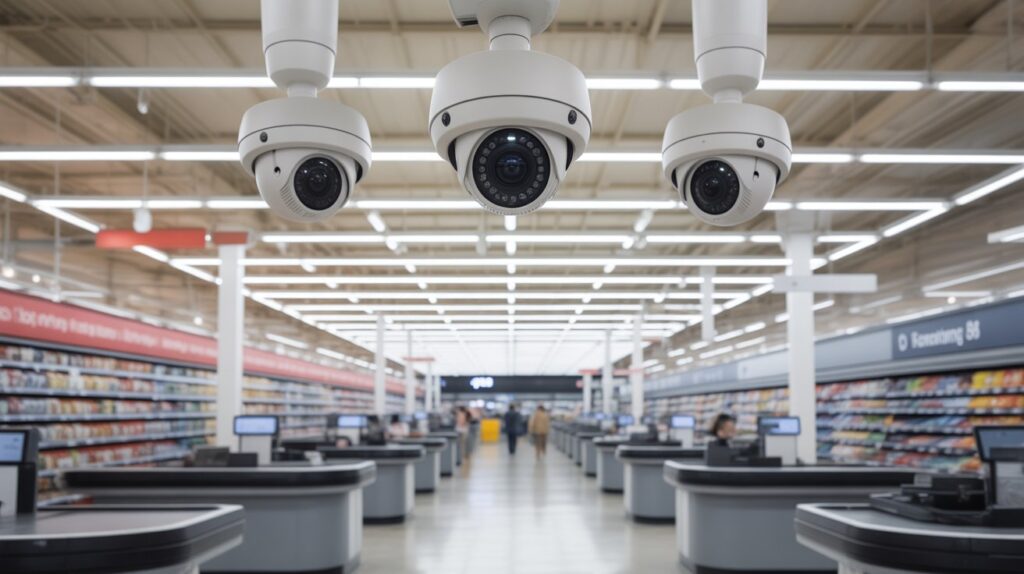
Once you break it down, the process behind store security cameras is simpler than most people expect. Cameras are mounted at entrances, aisles, and checkout counters to continuously watch activity, and the moment movement happens, the camera captures it — so nothing important slips through. This lets store owners stay aware of what’s happening on the floor without needing to be physically present around the clock.
Motion Detection and Continuous Recording
Most modern store cameras rely on motion detection, meaning they start recording as soon as movement is sensed — someone walking into an aisle or approaching the counter triggers the capture automatically. Higher-risk areas often use continuous recording instead, so every second is saved regardless of activity. Together, these two methods keep footage reliable during both busy hours and quiet stretches.
Video Processing and Compression
Once footage is recorded, the system compresses it so it doesn’t eat up excessive storage space — this is what allows a store to hold days or even weeks of recordings without losing video quality. Getting this balance right often comes down to storage choices, which is why picking the right SD card capacity matters just as much as the camera itself. For stores running cloud-connected systems, compression also affects network bandwidth usage, especially when multiple cameras upload footage at once. Together, these steps are what keep store security cameras working reliably in the background to protect both the business and the people inside it.
Where Store Security Camera Footage Is Stored
Most people trying to understand how do store security cameras work are surprised to learn that where footage is stored matters just as much as how it’s recorded. Storage affects how long videos are kept, how fast they can be accessed, and how reliable they are during an incident. For store owners, choosing the right storage option is a practical business decision, not just a technical one.
- Local storage is commonly handled through DVR or NVR systems connected to hard drives, which keep video footage on-site inside the store. This setup allows owners to access recordings quickly without relying on the internet, making it a trusted option for many small and medium retail stores.
- Cloud-based storage saves camera footage securely online, meaning videos can be viewed remotely from a phone or computer at any time. This is especially useful for multi-location stores or owners who want constant access, even if something happens to the physical system in the store.
The choice between local and cloud storage directly impacts security, cost, and convenience. Local storage offers control and one-time setup costs, while cloud storage provides flexibility and off-site protection. In real retail environments, understanding these options helps businesses choose a system that fits their daily needs and long-term security goals.
Do Store Security Cameras Provide Real-Time Monitoring?
Whether a store camera shows live footage or just records for later depends entirely on how the system is set up. Some setups allow real-time viewing, others are built purely for after-the-fact review — and most stores actually rely on a mix of both.
Live Monitoring vs Recorded Footage
- Live monitoring lets store owners or security teams watch activity as it happens — useful during busy hours or in high-risk zones like entrances and checkout counters, where staff need to respond before a situation escalates.
- Recorded footage is built for review after an incident, whether that’s theft, an accident, or a customer dispute. It gives stores something to rely on besides memory or guesswork, which makes outcomes fairer and easier to defend.
The Role of Security Personnel and Remote Access
- On-site vs. remote monitoring depends on store size. Larger retailers often run dedicated security teams watching feeds in real time, while smaller stores usually just pull footage when something goes wrong.
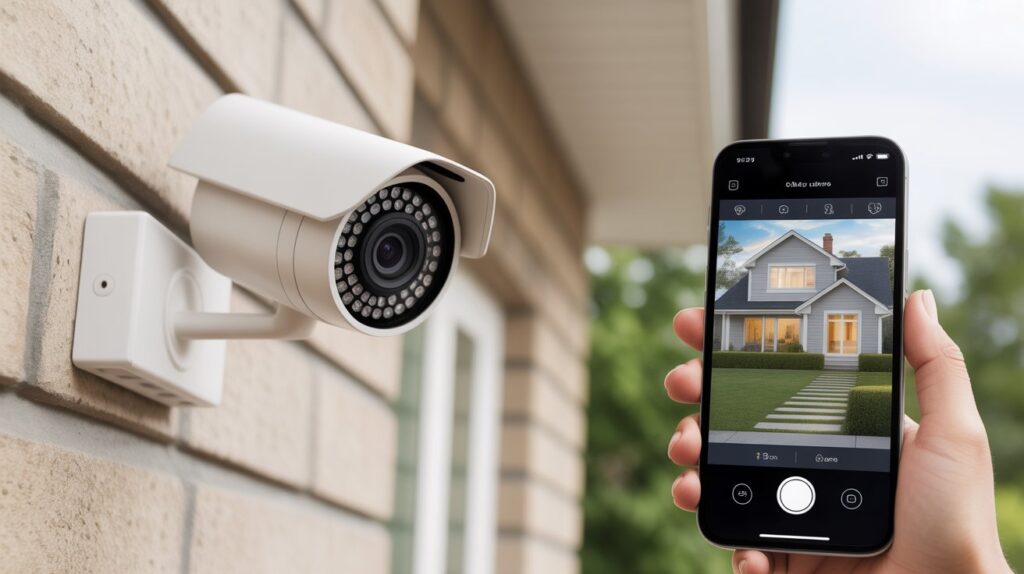
- Remote access lets owners check camera feeds from a phone or laptop from anywhere — a big reason modern retail surveillance systems have become the standard rather than the exception for multi-location or single-owner stores alike.
It’s also worth knowing what these systems don’t do: store cameras are limited to public areas — not restrooms, changing rooms, or other private spaces — and they don’t capture conversations or personal data. That boundary is exactly what keeps surveillance useful for security without crossing into customer privacy concerns.
How Store Owners Use Camera Footage Beyond Theft Prevention
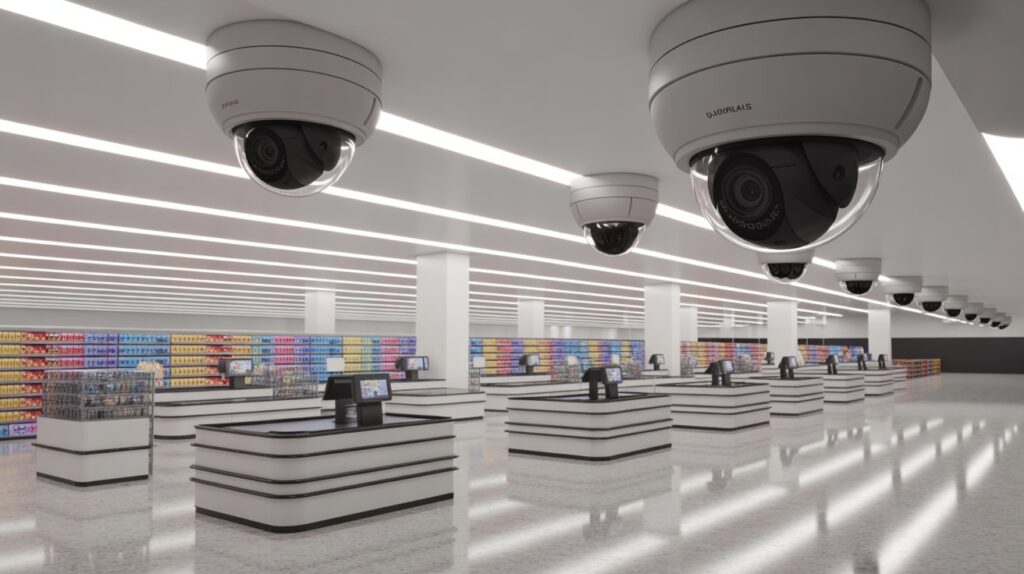
When people ask how do store security cameras work, they often think only about stopping shoplifting. In reality, camera footage plays a much bigger role in daily store operations. Retail owners rely on recorded video to create a safer, fairer, and more organized environment for everyone inside the store.
- Employee safety and accountability are major reasons cameras matter. Footage helps protect staff from false accusations, supports proper workplace behavior, and provides clarity if an incident occurs during a shift.
- Customer dispute resolution becomes faster and more accurate with video evidence. Whether it’s a return issue, a slip-and-fall claim, or a disagreement at checkout, recorded footage allows store owners to review facts instead of relying on opinions or memory.
- Store layout and loss-prevention insights come from watching real customer movement, not guesswork. By reviewing how shoppers move through aisles, where congestion happens, or where items go missing, owners can improve layout, product placement, and overall store flow.
This is exactly why store security cameras function as business tools, not just surveillance devices. Beyond stopping theft, they help owners make informed decisions, spot patterns in customer behavior, and build the kind of trust that keeps both staff and shoppers confident in how the store operates.
Privacy Rules, Legal Boundaries, and Building Customer Trust in Security Systems
Understanding how do store security cameras work isn’t complete without knowing the legal and privacy boundaries. Stores must balance security with respect for customer privacy, ensuring that surveillance builds trust rather than concern.
- What stores are legally allowed to record: Retailers can generally record video in public areas such as entrances, aisles, and checkout counters. Cameras are not permitted in private spaces like restrooms or changing rooms. Following these rules ensures compliance with local laws and fosters customer confidence.
- Audio recording clarification: Most stores avoid audio surveillance due to strict legal restrictions. While video captures movement and behavior, recording conversations without consent is often illegal and unnecessary for standard security purposes.
- Privacy expectations for customers: Shoppers can expect that cameras monitor only public areas for safety and theft prevention. Stores maintain transparency by placing cameras visibly and clearly, reinforcing a sense of security rather than intrusion.
Sticking to legal limits and being upfront with customers about surveillance is what separates responsible store management from overreach. When shoppers feel safe and respected rather than watched, security cameras end up doing their job fully — protecting people and property while reinforcing the store’s overall integrity.
Conclusion
Store security cameras are far more than theft-deterrents — they play a wider role in protecting people, ensuring fairness, and strengthening trust across everyday retail environments. From tracking customer movement and supporting employee safety to resolving disputes with clear evidence and helping managers make better decisions, these systems work quietly in the background to keep daily operations smooth and secure.
That’s the bigger picture worth remembering: true protection isn’t just about watching — it’s about building an environment where customers and staff feel safe, respected, and confident every time they walk in. If you’re weighing similar options for spaces without reliable internet access, our guide on outdoor security cameras that work without WiFi covers exactly how those systems hold up.
FAQs
Q1: How do security cameras in stores work?
Store security cameras work by capturing video of public areas, using motion detection or continuous recording to monitor activity, prevent theft, and ensure safety.
Q2: Do security cameras record all the time?
Some cameras record continuously, while others only record when motion is detected, depending on the store’s system setup and security needs.
Q3: Is someone always watching security cameras in stores?
Not always. Many stores rely on recorded footage for review, though live monitoring is used in high-risk areas or during busy hours.
Q4: Will security cameras work without internet?
Yes. Local storage cameras like DVR/NVR systems can record footage without internet, but remote access and cloud features require a connection.
Q5: Do cameras record when offline?
Offline cameras with local storage continue recording to hard drives or memory devices; cloud-only systems, however, need an internet connection to save footage.
Q6: How far will a wireless security camera work?
Wireless cameras typically work within 100–300 feet of their receiver, depending on obstacles, interference, and signal strength.
About the Author
M Bilal holds a B.S. in Criminology and writes on home and retail security topics for CrimTechHub, covering how surveillance systems, access control, and loss-prevention technology work in real-world settings. His background in criminology informs a research-driven approach to explaining security systems — focused on how they actually function, not just product features.