Introduction
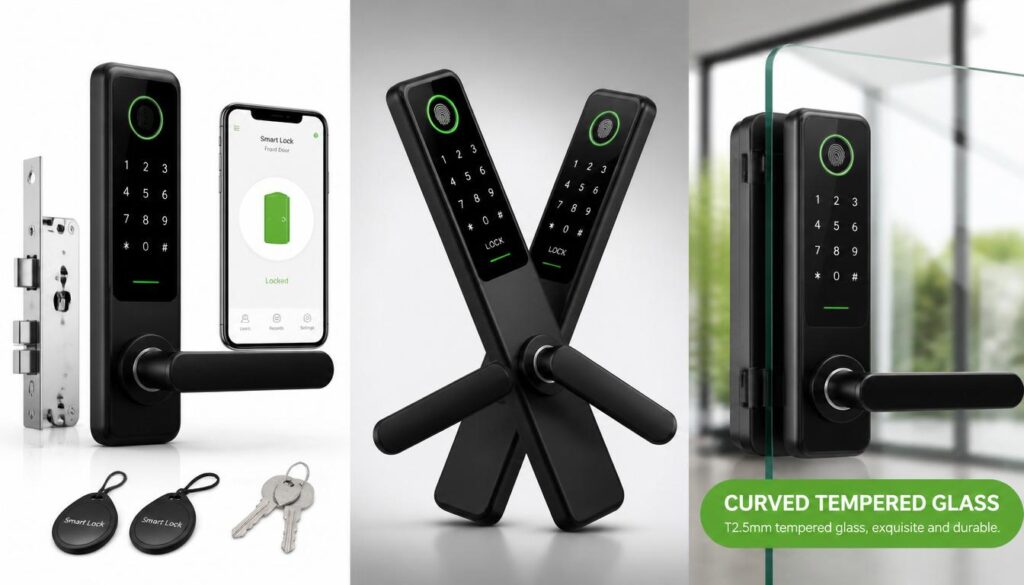
You’re standing at your front door, and the code that’s worked every day for months suddenly doesn’t. Sound familiar? Learning how to open an electronic door lock with a code and no key isn’t about tricks or tools — it’s about knowing which backup option applies to your situation. This guide walks through the legitimate ways to get back in, from backup codes to manufacturer overrides, so you’re never actually stuck outside.
Table of Contents
Why Your Electronic Door Lock Isn’t a Regular Lock
An electronic door lock isn’t just a fancier version of a traditional deadbolt — it replaces the physical key with a code, fingerprint, or app, which means the way you unlock it (and the way you get locked out of it) works completely differently.
With a traditional lock, the only way in is a matching metal key. Lose it, and you’re stuck until a locksmith cuts a new one. An electronic lock flips that logic. Instead of a single key, most models run on a code-based keyless entry system — you set a numeric PIN on a keypad or touchscreen, and the lock’s internal circuit board checks that code against what’s stored in its memory before releasing the bolt. No metal, no cutting, no spare key hidden under a doormat. If you’re curious about the mechanics behind this, our guide on how smart locks work without WiFi breaks down what happens inside the lock when no internet connection is involved.
This is exactly why learning how to open an electronic door lock with a code and no key matters more than it would for an old-fashioned lock. If you’re locked out of an electronic door because you forgot your PIN, a family member changed it, or the keypad just isn’t responding, the fix has nothing to do with locksmith tools — it’s about knowing which code to use, whether it’s your daily code, a guest code, or the manufacturer’s backup code.
Take a common real-world example: a rental property owner in Texas sets up a keypad lock for short-term guests. Every guest gets a temporary 4-to-6 digit code that expires after checkout. If a guest forgets it or the code doesn’t work, the owner isn’t calling a locksmith — they’re either issuing a new temporary code remotely or walking the guest through the backup code stored in the lock’s manual. That’s the entire advantage of an electronic lock without a physical key: access is managed through logic and settings, not metal. This same backup-code logic is also what makes it possible to deactivate a smart lock remotely once a guest checks out or a code is no longer needed.
Understanding this difference matters before troubleshooting anything, because “no key” doesn’t mean “no way in.” It means the way in has moved from your pocket to a code you (or the lock’s manufacturer) control. Once you understand that logic, the rest of the process — checking backup codes, using admin overrides, or resetting a forgotten PIN — starts to make a lot more sense.
Legal & Ethical Ways to Unlock an Electronic Door Lock Without a Key
There are four legitimate ways to open an electronic door lock without a key: using a saved backup code, the guest or admin code, the manufacturer’s emergency override, or a factory reset — and every one of them relies on a code, not a tool.
Knowing how to open an electronic door lock with a code and no key starts with understanding that these locks are built with backup access in mind. Manufacturers know batteries die, PINs get forgotten, and keypads glitch, so almost every model on the market ships with more than one legal way back in. The trick is knowing which option applies to your situation before you assume you’re stuck.
Here are the main legitimate routes:
- Backup code smart lock access – Most locks let you set a secondary backup code when you first install them. If your main code stops working, this saved code lets you in without touching the lock’s settings.
- Guest code vs admin code – A guest code is temporary and limited (common for Airbnb-style rentals), while the admin code has full control, including the ability to reset or reassign other codes. If your daily code fails, the admin code almost always works.
- Manufacturer emergency override code – Every reputable brand documents an emergency lock override master code in the printed manual or the account you registered the lock under. This is meant specifically for situations where you’re locked out of an electronic door with no other option.
- Factory reset code for electronic lock – This is the last resort. It wipes all saved codes and restores the lock to its original settings, so you’ll need to reprogram it afterward — but it works even if you’ve completely forgotten every stored code.
A practical example: a homeowner in Ohio installs a keypad deadbolt and only ever uses the daily 4-digit code. Six months later, the batteries die mid-swap and the code gets wiped. Instead of calling a locksmith, they pull out the install manual, find the 8-digit manufacturer emergency override code printed on the back page, and get back in within minutes. That’s the entire point of how to bypass an electronic lock legally — it’s never about tools or force, it’s about knowing where your backup code is stored before you need it.
This is different from a full keypad reset, which we cover in more detail in our guide on How to Remove a Yale Smart Lock From Your Door for cases where the lock itself needs to come off entirely.
Using the Keypad (Backup/Guest/Master Code)
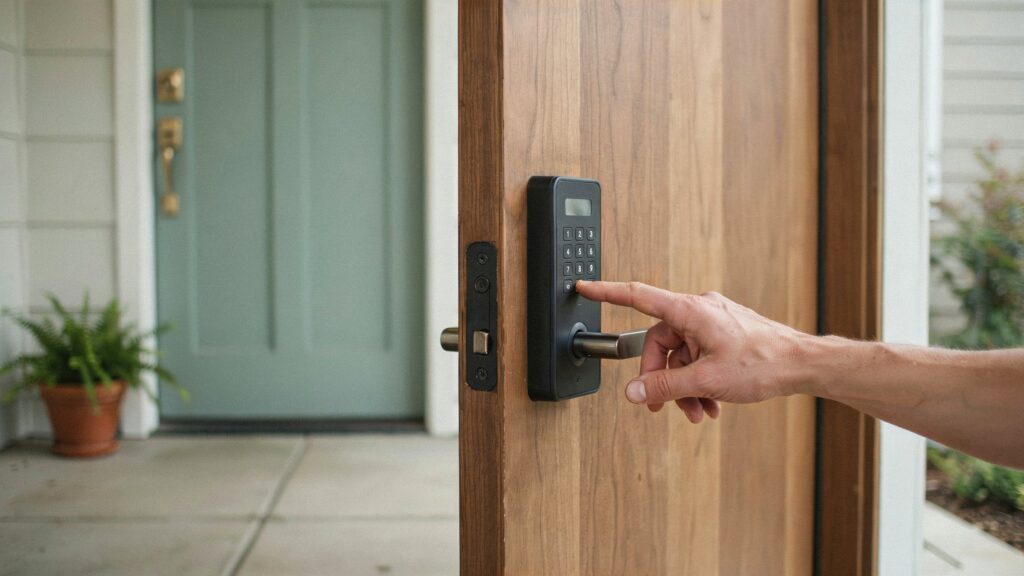
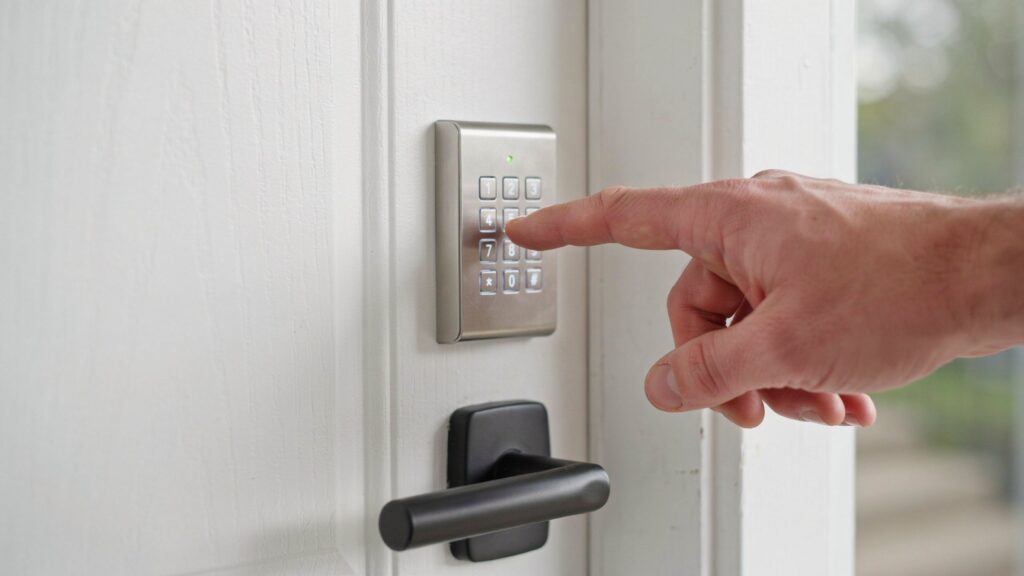
The keypad is the most direct way to open an electronic door lock with a code and no key — you simply enter the right sequence of numbers, and the lock releases without needing a physical key at all.
Most keypad locks work off the same basic logic, but knowing which code to use, and in what order, makes the difference between getting in on the first try or standing outside troubleshooting for ten minutes. Here’s what the sequence usually looks like in practice:
- Wake the keypad – Tap any button or the keypad’s touch panel to bring it out of sleep mode. Many models stay dim until touched, which sometimes makes people think the lock is dead when it isn’t.
- Enter your keypad door lock PIN code – Type your personal or admin code, followed by the “enter,” “#,” or lock-symbol key depending on the brand. A keypad door lock PIN code is usually 4 to 8 digits, set during initial setup.
- Try the guest access code keypad option – If your main code isn’t working, a temporary PIN code door lock feature lets you or a guest use a secondary code without needing the primary one.
- Use the master code if others fail – The keypad master code manufacturer provides during setup can override guest or user codes and is meant specifically for situations like a keypad door lock reset code scenario, where every other code has stopped functioning.
- Watch for lockout after failed attempts – Most keypads lock for 30 to 90 seconds after 3 to 5 wrong entries, a built-in security feature that also explains why keyless entry code not working is often a temporary issue, not a broken lock.
A real-world case: a family in Florida shares one daily code among household members. When their teenager repeatedly mistypes it trying to get in after school, the keypad locks for a minute as a security cooldown. Rather than assuming the lock has failed, they simply wait it out and re-enter the correct code-based keyless entry sequence — no locksmith, no tools, no drama.
If your code isn’t saved anywhere and none of these steps work, the next step is usually a full reset, which we walk through in our guide on how to deactivate a smart lock.
Using a Touchscreen Code Entry
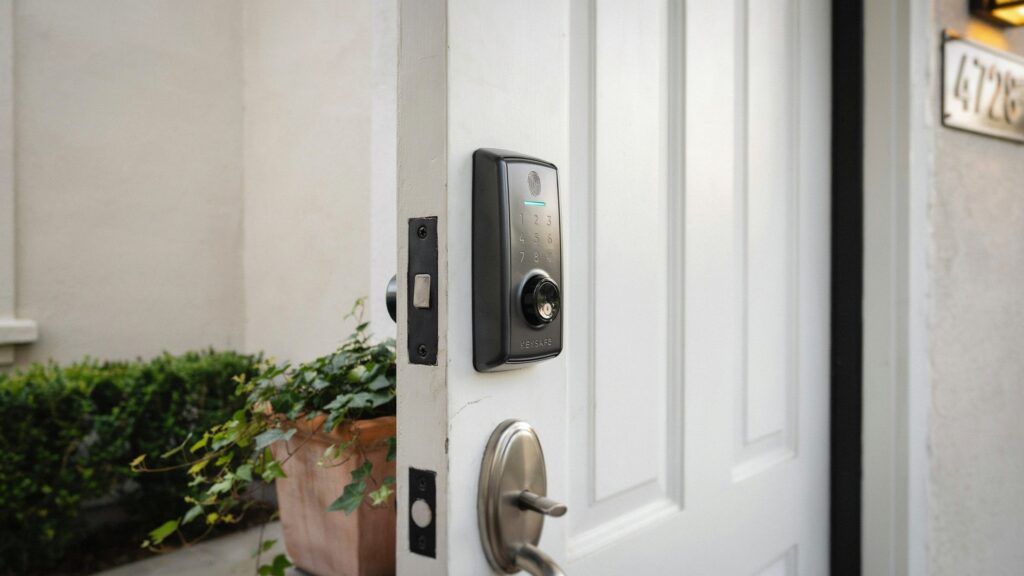
A touchscreen door lock lets you open an electronic door lock with a code and no key in almost the same way a keypad does, except you’re tapping a flat glass panel instead of pressing raised buttons.
The core logic is identical — you enter a numeric code and the lock verifies it before releasing the bolt — but touchscreens work differently in a few practical ways that matter once you’re actually standing at the door.
How Touchscreen Entry Works
- Wake the screen first – Touchscreens are usually blank until tapped, so a light touch or tap anywhere on the glass activates the display before you can enter anything.
- Enter your code using the on-screen numbers – Type your keypad door lock PIN code or backup sequence directly on the glass, then confirm with the on-screen checkmark or lock icon.
- Smudge patterns can be a giveaway – Because fingers leave visible smudges on glass, some touchscreen models add random number shuffling or extra decoy touches each time, so the same digits don’t always sit in the same spot. This is a small but genuine security upgrade over a fixed physical keypad.
- Battery drain is a real factor – Lighting up a full display uses more power than a basic button press, so touchscreen locks tend to burn through batteries faster, which is worth remembering if you’re relying on enter code to unlock door access daily.
A relatable example: a homeowner in California installs a touchscreen deadbolt for its sleek look, only to notice the battery indicator drop faster than expected within a few months. Instead of assuming the lock is faulty, they simply keep spare batteries on hand, since frequent touchscreen wake-ups are the actual cause. This is a good reminder that electronic lock without a physical key convenience comes with its own small trade-offs, not just added security.
Touchscreen entry is also central to code-based keyless entry, especially in newer smart lock models where the touchscreen doubles as a fingerprint reader too — a topic we cover separately in our guide on how fingerprint locks work.
Emergency Override & Manufacturer Master Code
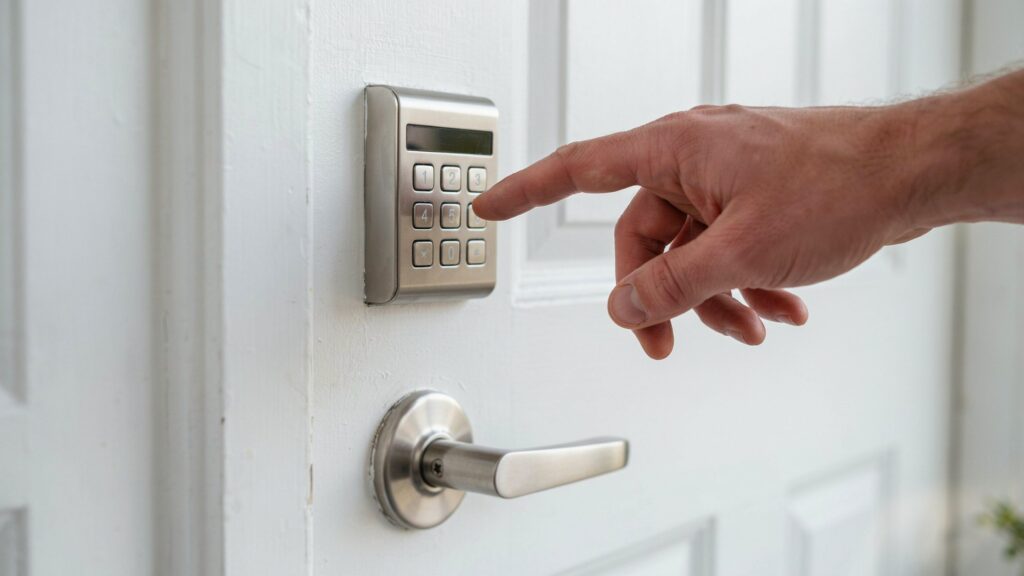
When every stored code fails, the manufacturer’s emergency override is your legal way to open an electronic door lock with a code and no key — it’s a backup path built into the lock specifically for situations like this.
Every reliable electronic lock brand accounts for the possibility that a homeowner forgets every code they’ve set. That’s why manufacturers document a separate override process, usually tied to a serial number or account registration, so access never depends on memory alone.
Here’s what this process typically involves:
- Locate your digital lock admin override details – This information is usually in the printed manual, the box the lock came in, or the manufacturer’s mobile app account tied to your lock’s serial number.
- Contact manufacturer support directly – A manufacturer emergency override code is rarely handed out through a website form. Most brands verify ownership first — through a receipt, serial number, or registered account — before releasing it over phone or email.
- Use the emergency lock override master code if provided – Some models ship with this code printed on a hidden slip inside the battery compartment, meant only for a true digital lock locked out no key situation.
- Consider an electronic lock manual override – A few models include a mechanical override port behind a small cover plate, letting a locksmith or the manufacturer’s technician reset the system without damaging the door.
- Request a factory reset as the last resort – This wipes every stored code, including guest and admin codes, and restores the lock to default settings so you can reprogram it from scratch.
A practical scenario: a small business owner in Chicago installs a keypad lock on a side entrance and loses the manual within the first year. When the admin code is accidentally changed by an employee and no one remembers the new one, the owner calls the manufacturer, verifies ownership with the lock’s serial number, and receives the emergency lock override master code within a business day — no locksmith, no damage to the door.
This process connects closely to what happens during a full factory reset, which we cover in more detail in our guide on how to deactivate a smart lock.
Real-World Scenario: What to Do If Your Code Suddenly Stops Working
When your code suddenly stops working, the fastest way to open an electronic door lock with a code and no key is to rule out the three most common causes in order: low battery, too many wrong attempts, or a factory reset code that never got saved.
This isn’t a rare glitch — it’s one of the most searched smart lock problems in the USA, and almost every case traces back to one of a handful of predictable issues rather than a broken lock.
Here’s a realistic walkthrough of how this usually plays out and what actually fixes it:
- Check for a temporary lockout first – Most keypads disable themselves for 30 seconds to a few minutes after too many wrong code attempts (commonly 5 to 10 tries). If you or someone in the house mistyped the code repeatedly, this is often the entire problem — no damage, no reset needed, just a short wait.
- Rule out a low battery before anything else – A dim or unresponsive keypad, a code that seems to register but doesn’t unlock, or a slow, straining motor sound are classic signs of power dropping below a usable level. Replacing all batteries with a fresh, matching set solves this in the majority of cases.
- Confirm you didn’t lose the code during a factory reset code for the electronic lock – If someone recently reset the lock (intentionally or by holding the wrong button too long), every stored code, including guest and admin codes, gets wiped. This is one of the most overlooked reasons a previously working code just stops responding overnight.
- Try the digital lock admin override – If your daily code fails but you still have the admin or master code, use it to check the lock’s code list and re-add or reset the missing one from inside the settings.
- Move to the manufacturer’s emergency override code – If none of the above works, this is the documented fallback every reputable brand provides, usually tied to your lock’s serial number for identity verification.
A concrete example: a homeowner in Denver enters their usual 5-digit code and nothing happens. Instead of assuming the worst, they notice the keypad light looks dimmer than usual, swap in four fresh AA batteries, and the lock works immediately. That’s a keyless entry code not working situation solved in under five minutes, with zero tools and zero locksmith calls — proof that most “sudden” failures have a simple, code-related root cause rather than a mechanical one.
This scenario connects closely to general lock troubleshooting, which we cover in more depth in our guide on how smart locks work without WiFi.
Mistakes to Avoid When Unlocking an Electronic Door Lock
The biggest mistake people make when trying to open an electronic door lock with a code and no key is reaching for a shortcut instead of a legitimate code — and that shortcut almost always makes the situation worse, not better.
When you’re standing outside your own door, it’s tempting to try whatever seems fastest. But electronic locks are built specifically to resist forced or improvised entry, which means most “hacks” don’t just fail — they can lock you out longer or damage the hardware.
Here’s what to avoid:
- Don’t try to brute-force the code – Repeatedly guessing numbers isn’t a real strategy. Most keypads trigger a security lockout after 5 to 10 wrong attempts, disabling the keypad for several minutes. This turns a simple mistake into a longer wait, not a faster fix.
- Avoid random online “bypass” tricks – Videos claiming to open any electronic lock with a magnet, a paperclip, or a specific app trick are almost always outdated, brand-specific, or outright fake. Trying an electronic lock without physical key hack that doesn’t actually work wastes time you could spend using a real backup code. According to the Associated Locksmiths of America, consumers should verify any lock-related advice through certified professionals rather than unverified online sources.
- Don’t force the touchscreen or keypad – Pressing buttons harder or tapping repeatedly won’t override a keypad door lock reset code issue. If the keypad isn’t responding, the problem is almost always power or lockout related, not the buttons themselves.
- Skip third-party “locksmith” apps or code generators – No legitimate manufacturer allows a third-party app to generate a guest code vs admin code for your specific lock. Anything claiming to do this is either a scam or a security risk, since it usually asks for personal or account information first.
- Don’t attempt a factory reset without checking the manual first – Resetting wipes every saved code at once. If you skip reading the exact reset sequence for your model, you can end up with a lock that’s fully reset but with no admin code set up to reprogram it.
A real-world example: a renter in Seattle finds an online video claiming a specific sequence of button taps will “unlock any keypad lock instantly.” After several failed attempts, the keypad locks for five minutes, and the renter still has to fall back on the manufacturer’s emergency lock override master code anyway — the exact step they could have used from the start. The lesson holds across nearly every how to bypass an electronic lock legally situation: legitimate codes work faster than shortcuts, every time.
This is closely tied to lock security in general, a topic we go deeper into in our guide on how to remove a Yale smart lock from your door.
How to Prevent Future Lockouts
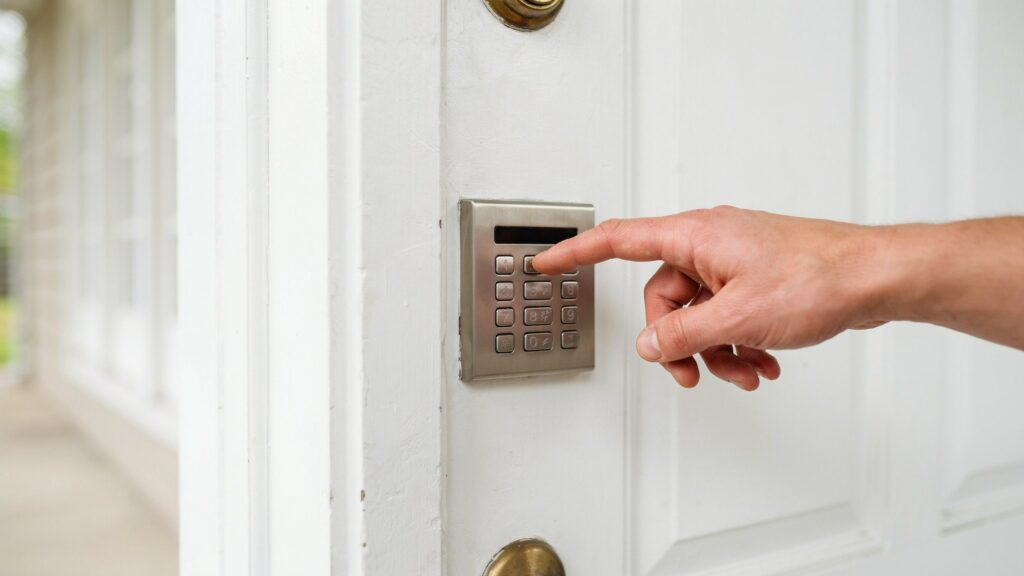
The best way to avoid ever needing to open an electronic door lock with a code and no key again is simple: store your backup codes safely and check your batteries before they fail, not after.
Most lockouts aren’t random — they follow predictable patterns. A little routine maintenance and one safe place to store your codes can eliminate the majority of situations that leave people standing outside their own door.
Here’s what actually prevents this from happening again:
- Write down your backup code smart lock information somewhere safe – Keep a copy of your admin code, guest code, and factory reset code in a secure spot that isn’t near the lock itself, such as a password manager or a locked drawer inside the house.
- Replace batteries on a schedule, not when they die – Most keypad and touchscreen locks run 6 to 12 months on a single set of batteries. Swapping them proactively every 6 months, rather than waiting for a low-battery alert, avoids sudden mid-use failures.
- Register your lock with the manufacturer – This makes requesting a manufacturer emergency override code much faster later, since most brands verify ownership through your registered account or serial number before releasing sensitive access details.
- Avoid sharing your only code with everyone – Set up a separate guest access code keypad entry for visitors or short-term renters instead of handing out your personal or admin code. This keeps your main access under your control if a guest code needs to be revoked.
- Test your codes periodically – A quick monthly check that your daily code, guest code, and backup code all still work catches problems (like accidental resets or expired guest codes) before you’re relying on them in a real lockout.
A practical example: a landlord in Phoenix manages three rental units with keypad locks and keeps every property’s admin code and factory reset code stored in one encrypted note on their phone. When a tenant’s code stops working, the landlord pulls up the note, resets it in under two minutes, and never needs to call a locksmith. This kind of simple code-based keyless entry organization is what separates a five-minute fix from a stressful, drawn-out lockout.
Staying ahead of these issues also ties into general lock maintenance, something we cover further in our guide on how smart locks work without WiFi.
Final Thoughts
A forgotten code doesn’t have to mean a wasted evening or a locksmith bill. Every electronic lock is designed with a legitimate way back in, and knowing where your codes live makes all the difference. The next time you set up a keypad or touchscreen lock, take five minutes to store your backup access somewhere safe — and if you’re still deciding which lock fits your door, our guide on how to install a fingerprint door lock is a good next stop. That small habit is often the real difference between a quick fix and a long night outside your own door.
FAQs
How to unlock a keypad door lock with the code?
Wake the keypad, enter your 4–8 digit PIN, then confirm with the enter or lock-symbol key. The lock verifies the code against its stored memory and releases the bolt instantly.
How do I open a keypad door lock?
Enter your personal, guest, or admin code on the keypad. If it doesn’t respond, check that the keypad is awake and the batteries aren’t low before re-entering the code.
How to reset a keypad door lock without code?
Use the manufacturer’s factory reset button, usually inside the battery compartment. This wipes all saved codes and restores default settings, letting you set up a new code from scratch.
How to unlock digital locks?
Enter the correct PIN on the keypad or touchscreen. If the main code fails, use a saved backup code, guest code, or the manufacturer’s emergency override code instead.
Is it possible to unlock a lock without a key?
Yes. Most electronic locks are built for code-based keyless entry, using a PIN, admin code, or emergency override instead of a physical key.
How to unlock a code lock door?
Enter your set numeric code on the keypad and confirm it. If the code isn’t accepted, verify the batteries and try your backup or admin code next.
How to open a door lock with no key code?
Use your saved PIN, guest code, or admin code on the keypad or touchscreen. If none work, the manufacturer’s emergency override code is the legitimate fallback.
Author Box
Written by M. Bilal
M. Bilal holds a Bachelor’s degree in Criminology and writes about home security, smart locks, and access control systems at CrimTechHub. His background in criminology shapes a practical, safety-first approach to covering electronic locks, break-in prevention, and everyday security decisions for homeowners across the USA. He researches each guide through manufacturer documentation and real-world lock troubleshooting before publishing.