Introduction
Ever pulled up your camera footage right when you needed it, only to find that exact moment already overwritten? It happens more often than people think — and most of the time, it’s not the camera’s fault. It’s the SD card.
Getting the SD card size for security camera right is what actually decides whether footage is there when you need it or already gone. Too small, and your camera overwrites important clips within a day or two. The right size means your recordings stick around long enough to actually matter.
This guide breaks down the best SD card sizes, how long each one actually records for, and the mistakes that quietly cost people their footage.
Table of Contents
Why Choosing the Right SD Card Size for Your Security Camera Really Matters
It always happens at the worst time. A package goes missing, someone scratches your car, or an unfamiliar face shows up at the door — and the footage that would’ve shown everything just isn’t there anymore. In almost every case, that comes down to one thing: the wrong SD card size.
The SD card controls how long your camera holds onto footage before it starts overwriting old clips. Go too small, and you’re looking at gaps measured in hours, not days — right when you need the recording most. The right size keeps your camera recording reliably in the background without you having to think about it.
This matters even more for outdoor cameras covering high-traffic spots like driveways or front doors, where more motion means the card fills up faster. Getting the size right means the footage is actually there — whether you’re home, at work, or away — instead of finding out too late that it got erased.
How Security Cameras Use SD Cards for Recording
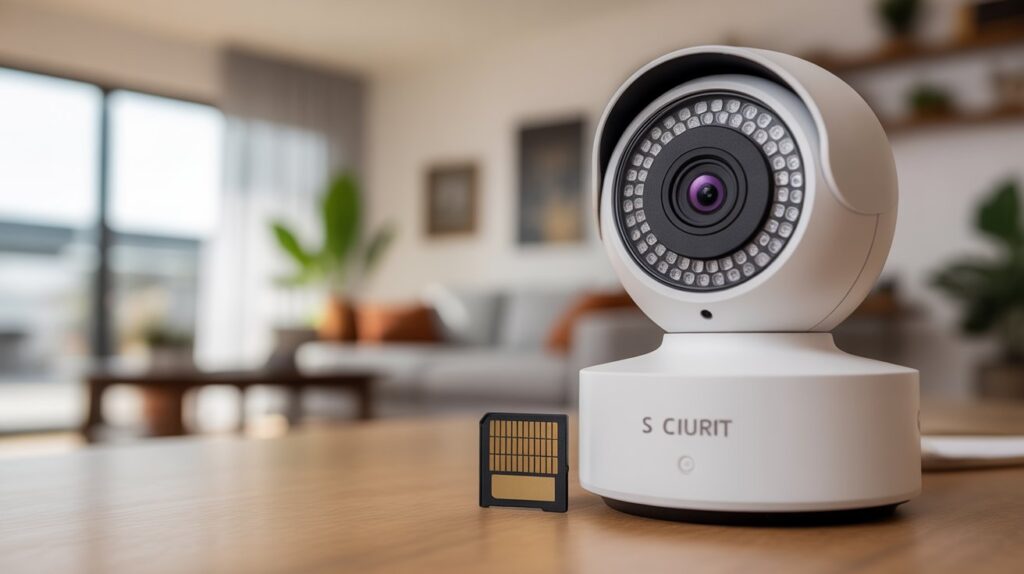
Security cameras use SD cards as local storage, meaning video footage is saved directly inside the camera instead of being sent to the cloud. Every time the camera records, the video files are written to the SD card until the storage fills up. Once the card reaches its limit, the system usually starts overwriting the oldest footage with new recordings. This is why understanding what size SD card for security camera is important — the card size directly decides how much history your camera can keep.
Most security cameras record in one of two ways, and each method affects storage differently:
- Continuous recording saves video 24/7, offering full coverage but filling up the SD card quickly.
- Motion-based recording only saves clips when movement is detected, using less storage and keeping footage longer.
Because of this difference, two cameras with the same SD card can store very different amounts of video.
Storage needs also vary from camera to camera due to factors like video resolution, frame rate, and compression technology. A 4K camera records much larger files than a 1080p model, even if both use motion detection. Indoor cameras usually need less storage, while outdoor cameras often record more activity. Choosing the right SD card size ensures your camera records smoothly, stores footage reliably, and never stops working when you need it most.
What Size SD Card for Security Camera Is Best? (Quick Answer)
If you want a fast, clear answer, here it is: 128GB is the best SD card size for most security cameras. It offers enough storage to keep important footage for several days without filling up too quickly. For most homes and small businesses, this size provides the right balance between recording time, reliability, and cost. Still, the best choice depends on how your camera records and how much activity it captures.
Here’s a simple breakdown of common SD card sizes and who they work best for:
- 32GB–64GB: Basic use with light activity
- 128GB: Ideal for most users and everyday security needs
- 256GB+: Best for high-traffic areas or continuous recording
Choosing the right size means fewer overwritten videos and more confidence that your footage will be there when you need it. Understanding what size SD card for security camera fits your setup helps you avoid storage frustration and protect what matters most.
Small Storage (32GB–64GB) – When It’s Enough
A 32GB or 64GB SD card works well for indoor cameras with motion detection and low daily activity. If your camera only records short clips — like someone entering a room or a door opening — smaller storage can be enough. However, footage may only last one or two days before being overwritten, so it’s best for low-risk areas.
Medium Storage (128GB) – Best Balance for Most Users
A 128GB SD card is the most practical option for most security camera setups. It stores several days of motion-based recordings or over a full day of continuous video, depending on resolution. This size is perfect for front doors, driveways, and indoor monitoring, offering reliable storage without constant worry.
Large Storage (256GB+) – For Maximum Coverage
A 256GB or larger SD card is ideal for outdoor cameras, busy locations, or 24/7 recording. It allows longer video history, making it easier to review incidents days later. If you rely heavily on your security camera or want maximum peace of mind, larger storage ensures your system never misses critical moments.
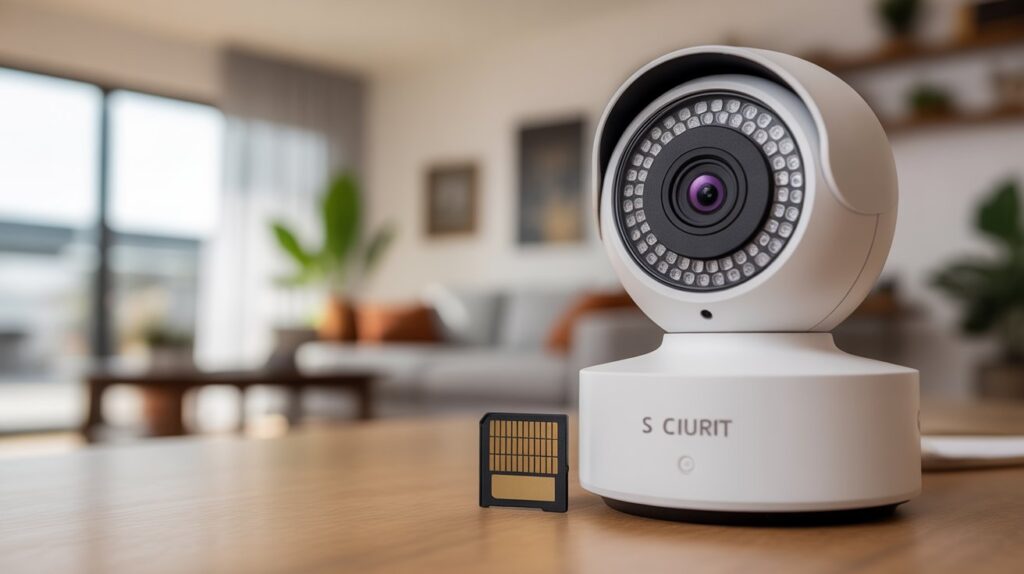
Key Factors That Decide SD Card Size for Security Cameras
Picking the right storage isn’t guesswork — a few practical factors decide what actually works for your setup. Get these right and you avoid early overwriting and lost footage down the line.
- Video resolution: Higher resolution means bigger files. A 4K camera fills up storage far faster than a 1080p or 720p model, even under identical recording settings.
- Recording mode: 24/7 continuous recording eats through storage quickly, while motion-based recording only saves clips when something actually happens, stretching your storage much further.
- Number of cameras: Running multiple cameras off shared storage multiplies your total data needs, so each device’s card has to be sized accordingly.
- Retention time: Want to pull up footage from a week ago? That expectation alone should decide your card size, not the other way around.
Real-world use makes these factors count even more. A quiet indoor camera can get by on moderate storage, but an outdoor camera covering a busy street or driveway needs considerably more room to handle constant motion. Match the card to your actual setup, and you stop worrying about whether the footage will be there when you need it.
How Long Will an SD Card Record on a Security Camera?
Recording time isn’t a fixed number — it depends entirely on how your camera is configured and how much movement it’s actually picking up. That’s why the same size card can behave completely differently on two different setups.
Here’s a realistic breakdown most homeowners can work with:
- 32GB: ~1 day continuous, or 1–2 days on motion detection
- 64GB: ~2 days continuous, or 3–4 days on motion detection
- 128GB: 3–5 days continuous, or up to a week on motion detection
- 256GB: 7+ days continuous, or several weeks on motion detection
These numbers assume standard 1080p footage, which covers most consumer security cameras.
Actual results shift with the scene. An indoor camera watching a quiet hallway stretches storage much further than an outdoor camera pointed at a busy street, since more motion means more data written to the card. Plan around your actual environment, not the largest card size available — matching storage to your real activity level is what keeps footage on hand when you actually need it.
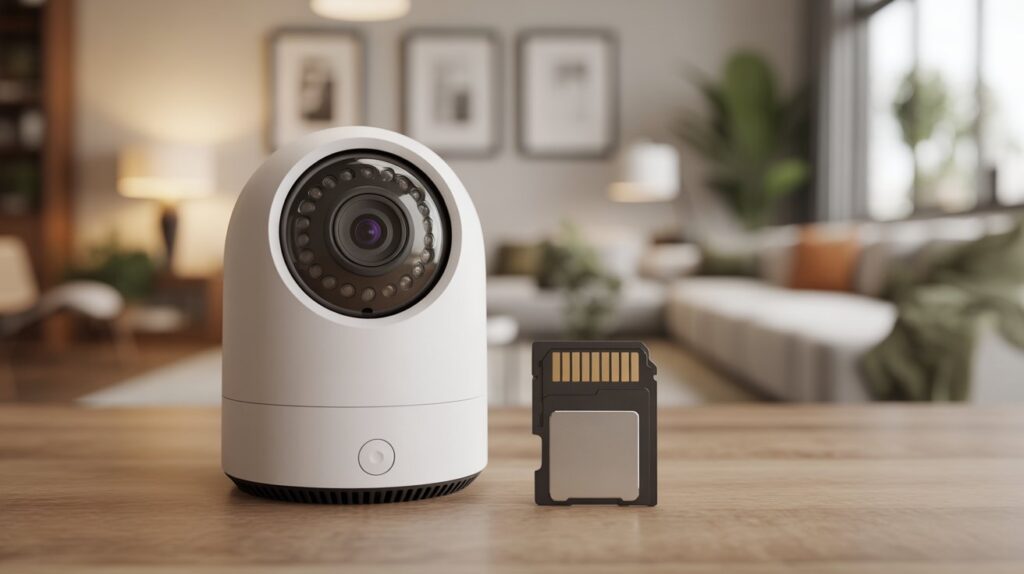
Best SD Card Type for Security Cameras (Not Just Size)
When choosing storage, size alone is not enough. Even if you know what size SD card for security camera works best, using the wrong type of card can still lead to lost footage. Security cameras write data constantly, and standard SD cards are not designed to handle this level of nonstop recording.
That’s why endurance-rated SD cards matter. These cards are built specifically for continuous video recording and frequent overwriting. They last longer, perform more reliably, and reduce the risk of corrupted files. Cheap SD cards often fail because they wear out quickly under constant use, causing recording errors or sudden storage failures — usually without warning.
A high-quality SD card offers better reliability, longer lifespan, and stronger heat resistance, especially for outdoor cameras exposed to sunlight and changing temperatures. Spending a little more on the right SD card type protects your footage and ensures your security camera works when it truly matters.
- Common SD Card Mistakes That Can Cost You Important Footage
- Ignoring your camera’s size limit: Every camera has a maximum SD card size it can actually read. Go over that limit and you risk failed formatting or the camera refusing to record at all — always check the spec sheet first.
- Skipping manufacturer recommendations: Cameras are tuned for specific card types and write speeds. Ignore that, and you’re looking at dropped frames, recording errors, or a card that wears out faster than it should.
- Using a standard card instead of an endurance one: Regular SD cards aren’t built for the nonstop write-erase-write cycle security cameras put them through. Standard cards fail faster under that load, and when they do, it’s usually corrupted files or silent recording gaps.
- Assuming same size means same performance: Two cards can share a storage number and perform completely differently. What matters more is the endurance rating and video speed class, not just the GB on the label.
- Waiting too long to swap an aging card: Even a solid card degrades over time. The failure rarely announces itself — you just find out during playback, when the footage you needed simply isn’t there.
Catch these five and you avoid the scenario where the camera was recording the whole time, but the card wasn’t holding up its end.
Conclusion
Getting the SD card size right isn’t just a spec sheet detail — it’s what decides whether your camera actually has the evidence when something happens. From matching the size to your recording mode, to picking an endurance-rated card, to catching the small mistakes that quietly erase footage, every piece of this adds up to one thing: reliable coverage you can actually count on.
That reliability matters more than most people realize — law enforcement agencies increasingly rely on home security footage to help make arrests and solve cases, which only works if the footage is actually still on the card when it’s needed. CBS News
Take a minute to check your current setup against what’s covered here. A five-minute review now is a lot cheaper than realizing the footage isn’t there the one time you actually needed it.
FAQs
Can I use any brand of SD card in my security camera?
A: Technically yes, but not recommended. Stick to endurance-rated cards from trusted brands — standard cards wear out fast under constant recording and are more likely to corrupt footage.
Do I need a bigger SD card for a 4K security camera?
A: Yes. 4K footage takes up roughly 3-4x more space than 1080p, so a card that lasts a week at 1080p may only last 2 days at 4K.
What happens when a security camera’s SD card gets full?
A: Most cameras use loop recording, automatically overwriting the oldest footage once storage fills up, so recording never actually stops.
How often should I replace my security camera’s SD card?
A: Every 1-2 years for cards used with continuous recording, longer for motion-based setups. Watch for playback errors or failed formatting as early warning signs.
Can I use both an SD card and cloud storage together?
A: Yes, many cameras support this. The SD card acts as a local backup while cloud storage keeps footage accessible even if the card or camera is damaged or stolen.
Author Box:
M Bilal
Founder, CrimTechHub
M Bilal holds a Bachelor’s degree in Criminology and founded CrimTechHub to help homeowners make practical, informed decisions about home security. His background in criminology grounds every guide in real-world usage — from what actually happens when a card fails mid-recording to which storage habits protect your footage when it matters most.