Introduction
Ever left a cabin, a rural property, or a garage unattended and wondered if it was actually safe — especially with no WiFi in sight? For a lot of Americans, patchy internet or a remote location makes a standard security camera nearly pointless. That’s exactly where a wireless security camera that connects to phone without WiFi earns its place.
These cameras keep you in the loop without a complicated setup or a constant internet connection. Whether it’s a construction site, a storage unit, or a weekend getaway, you can check in on what matters most from anywhere. This guide covers how these cameras actually work, where they fit best in real life, and what to look for before you buy.
Table of Contents
Wireless Security Camera That Connects to Phone Without WiFi: Is It Really Possible?
For a lot of people across the USA, this question shows up sooner or later: you want eyes on your property, but WiFi just isn’t an option. A vacation cabin, a garage, a construction site, or a short-term rental — none of them make setting up internet worthwhile. So is a wireless security camera that connects to phone without WiFi actually real, or just clever marketing?
It’s real — just not quite the way most people picture it. No camera pulls video out of thin air without some form of connection behind the scenes. What actually happens is the camera leans on alternatives like cellular data, a direct phone link, or local storage to fill the gap WiFi would normally cover. Knowing this upfront matters, because plenty of buyers expect instant phone access without understanding how the footage is actually getting there.
This matters more now than it used to. As more Americans set up cameras on RVs, rural properties, and job sites, interest in a wireless camera without internet keeps climbing. People are after flexibility and privacy without locking into a long-term internet plan — which is exactly why this search keeps growing, and why picking the right type saves both money and hassle later.
The right choice really comes down to how and where you’ll use it. A cellular camera that pushes alerts straight to your phone suits one situation; a camera that stores footage locally and syncs when you’re nearby suits another. If cellular connectivity is the route you’re leaning toward, our barn and farm camera roundup breaks down solid options built for exactly that kind of off-grid setup. Either way, the goal stays the same — real peace of mind without needing home internet at all.
Why People Need a Security Camera Without WiFi in the First Place
Not every place people want to protect has reliable internet — and that’s exactly why demand for a wireless security camera that connects to phone without WiFi keeps growing. Across the USA, many homes and properties fall outside normal WiFi setups, yet still need basic, dependable security. In these situations, a traditional WiFi camera simply isn’t practical, no matter how advanced it looks on paper.
No internet access areas are one of the most common reasons. Rural homes, vacation cabins, storage sheds, and farmland often don’t have stable broadband. Setting up internet just for a camera can be expensive and unnecessary. A wireless security camera without internet allows users to monitor activity without changing their entire setup or committing to long-term service plans.
Privacy concerns also play a big role. Some homeowners and renters prefer security cameras that don’t rely on constant cloud connections. A camera that works without WiFi can store footage locally or connect directly to a phone, reducing exposure to online risks. For many people, especially in rentals or shared spaces, this added control feels safer and more personal.
Then there’s the simple stuff — job sites, RVs, temporary rentals, short-term projects. Nobody in these situations wants a complex system. It’s really just about checking in occasionally, getting a basic alert, or pulling up footage when something feels off. For scenarios like these, a wireless camera that connects to a phone without WiFi hits the sweet spot — solid protection without the extra setup or tech headaches nobody has time for.
If you’re covering a job site specifically, our temporary construction camera picks are worth a look — built for exactly this kind of short-term, no-WiFi monitoring.
How a Wireless Security Camera Works Without WiFi
A wireless security camera that connects to phone without WiFi doesn’t rely on home internet, but it still follows a clear and logical process. Instead of sending data through a WiFi router, these cameras use alternative ways to capture, store, and share footage. Once you understand the basics, it becomes clear why a wireless camera without internet can still be reliable and effective in real-life situations across the USA.
Cellular (4G/LTE) Security Cameras
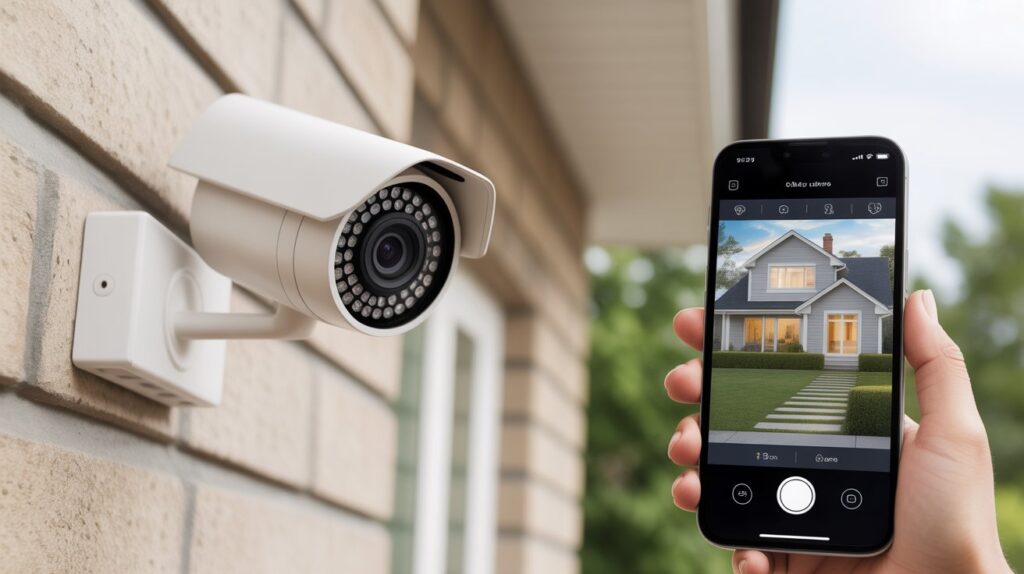
Cellular security cameras work much like a smartphone. They use a built-in 4G or LTE SIM card to send video and alerts over mobile networks. This allows the security camera without WiFi to connect directly to your phone through an app, even when you’re far away. These cameras are commonly used in rural homes, construction sites, and vacation properties where internet access is limited or unavailable. As long as there’s cellular coverage, the camera can provide live view, motion alerts, and recorded clips without needing WiFi.
Local Storage & Direct Phone Connection (Bluetooth / Hotspot)
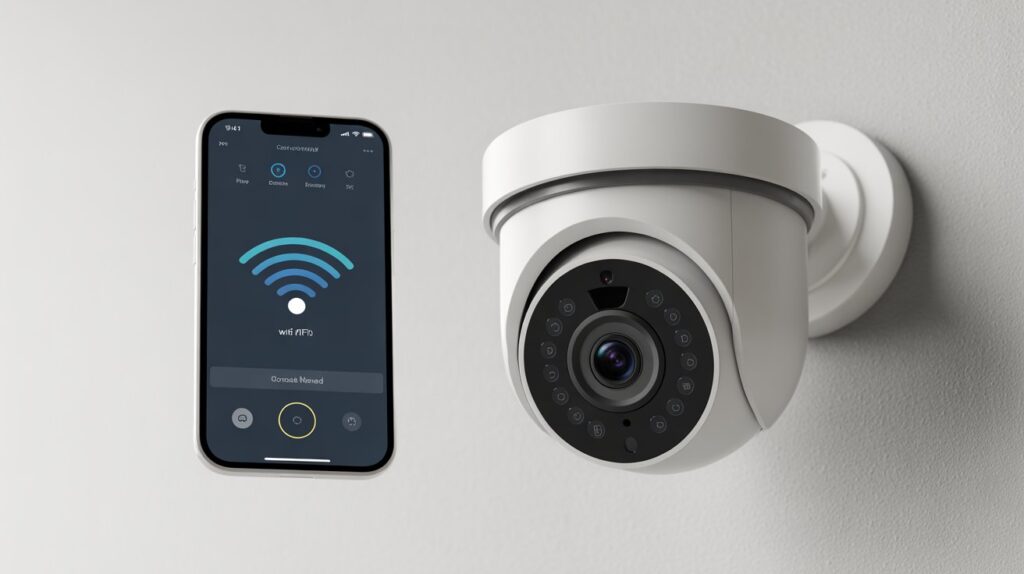
Another common option is local storage with direct phone access. These cameras save footage straight to an SD card and link to your phone through Bluetooth or a temporary hotspot. Instead of streaming anything over the internet, the camera builds a short-range connection the moment you’re close enough to it. This setup works especially well for garages, RVs, and indoor spaces where basic monitoring is all you really need — it keeps things private, costs less, and sets up fast, all while leaving you in full control of your own footage. Independent testing has confirmed that cameras built around local storage — saving to a microSD card or a local recorder — can run entirely without an internet connection, which lines up with exactly how this type of setup behaves in practice. Security.org
Put together, these two approaches make one thing clear: a security camera doesn’t need WiFi to earn its keep. Whether it’s leaning on cellular data or a direct phone link, today’s wireless cameras cover real-world needs without piling on unnecessary complexity.
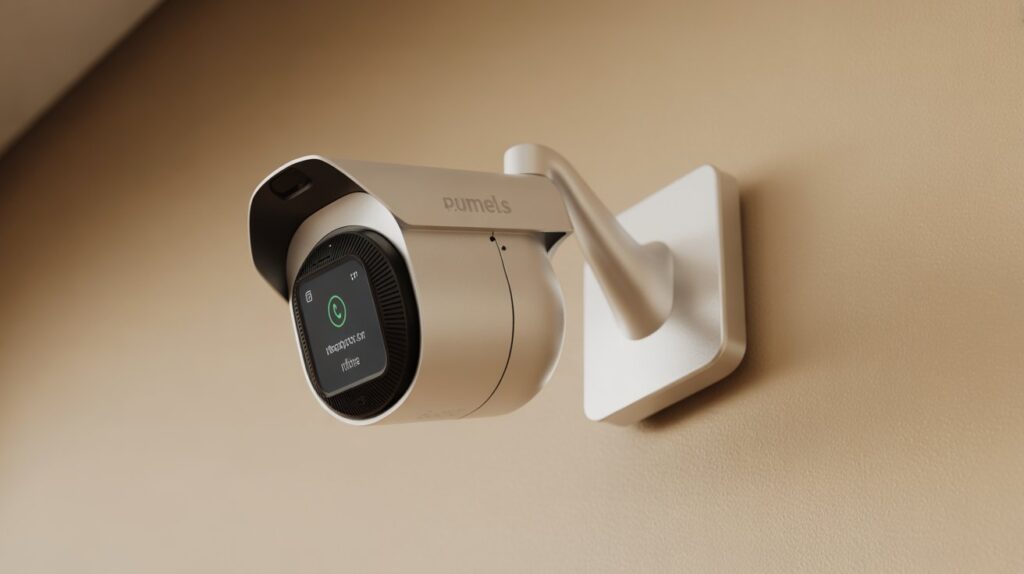
Can a Security Camera Connect Directly to Your Phone Without Internet?
- What “no WiFi” really means: A wireless security camera that connects to phone without WiFi does not use a home internet router, but it still needs some way to transfer data. This can be a direct Bluetooth connection, a temporary hotspot, or a cellular network. Understanding this upfront prevents false expectations and builds real trust.
- Live view vs recorded footage: Live viewing without internet is usually limited to short-range connections, such as when your phone is near the camera. In many cases, the security camera without WiFi records footage locally and lets you review clips later through the app, which works well for simple, everyday monitoring needs.
- App-based confirmation: Even without internet, most modern wireless cameras rely on a mobile app to manage settings, view recordings, and receive alerts. This app-based control allows a wireless camera without internet to stay user-friendly, giving clear confirmation that the system is working as expected without constant online access.
Pros and Cons of Wireless Cameras That Don’t Need WiFi
A wireless security camera that connects to phone without WiFi offers clear advantages for people who need flexibility and simple monitoring. These cameras work well in places where internet access is unreliable or unavailable, such as rural homes, RVs, garages, and temporary job sites. Because they don’t depend on a WiFi router, setup is usually faster and more flexible. Many users in the USA also appreciate the added privacy, since a security camera without WiFi often relies on local storage or direct phone connections instead of constant cloud uploads.
At the same time, it’s important to understand the limitations before buying. Without internet, live viewing can be restricted to short-range connections or require a cellular plan, which may add ongoing costs. Storage space can also be limited if the camera uses an SD card instead of cloud backup. A wireless camera without internet is best for focused, practical security needs — not for users expecting full-time remote streaming from anywhere. Knowing both sides helps you choose a camera that truly fits your real-life situation.
Best Use Cases for a Wireless Security Camera Without WiFi
A wireless security camera that connects to phone without WiFi is designed for real-world situations where traditional internet-based systems simply don’t work. These cameras solve practical problems faced by many people across the USA who need reliable monitoring without complicated setups.
- Rural homes: In remote areas where internet service is slow or unavailable, a security camera without WiFi helps homeowners keep an eye on their property without investing in expensive broadband. It offers peace of mind while respecting the reality of limited connectivity.
- Construction sites: Job sites are temporary and often lack stable internet. A wireless camera without internet allows project managers to monitor activity, equipment, and safety without installing permanent infrastructure.
- Vacation cabins: Cabins and weekend homes are often left unattended for long periods. Using a wireless security camera that connects to phone without WiFi makes it easier to check on the property during off-seasons without paying for year-round internet service.
- Garages and storage units: These spaces usually don’t have WiFi, yet they often store valuable items. A wireless camera without internet provides simple, focused security to deter theft and review activity when needed.
Together, these use cases show how wireless cameras without WiFi fit naturally into everyday security needs, offering flexibility, control, and confidence without unnecessary complexity.
What to Check Before Buying One (Expert Buying Guide)
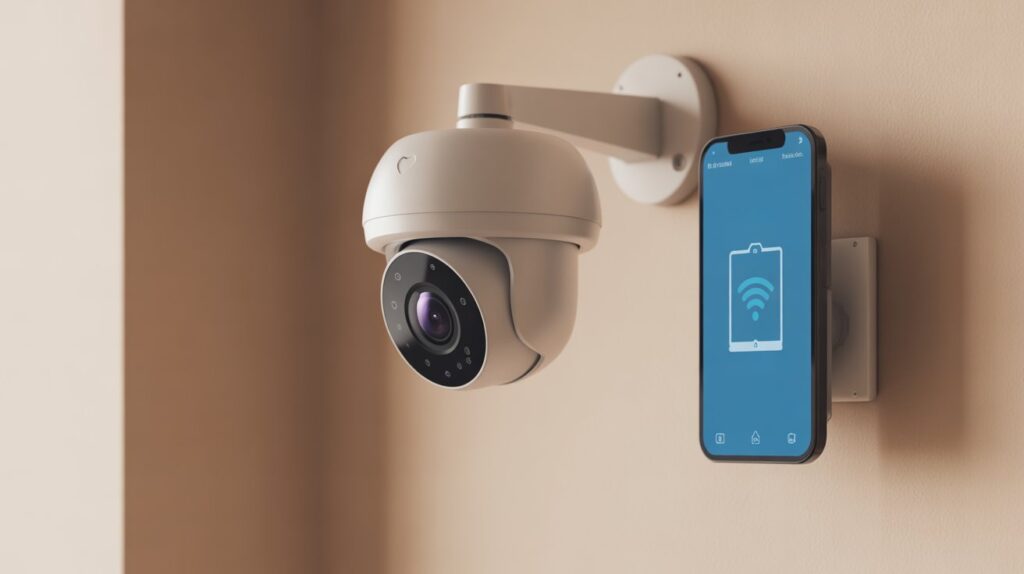
Picking the right wireless security camera that connects to phone without WiFi takes a bit more thought than grabbing whatever shows up first in search. Cameras in this category aren’t all built the same, and the wrong pick usually means frustration — or money down the drain. Here’s what to run through before you buy:
- Cellular plan requirements: Some models lean on 4G or LTE to push video to your phone. Check whether a SIM card or ongoing plan is needed, and look into data caps or extra fees upfront. That way, your camera keeps working the way you expect, with no billing surprises later.
- Battery life: Most wireless cameras run on rechargeable batteries, so look for solid battery life and an easy way to swap or recharge it. A camera that dies every other day defeats the whole point of “convenient” monitoring.
- Storage options: Decide between local storage (SD card) or optional cloud backup. Local recording keeps things private and cuts your reliance on outside servers, while cloud storage adds a safety net for footage you really can’t afford to lose. Cameras built around local media typically save to SD or microSD cards, or use built-in storage that has to be accessed directly, while others connect through a wired setup to a recorder or local network instead — worth knowing since the storage type shapes how you’ll actually retrieve your footage. ConsumerAffairs
- App compatibility (iOS & Android): Make sure the app runs smoothly on your phone’s OS. A well-built app should let you check live footage, tweak settings, and get alerts without any technical back-and-forth.
Running through these four points before you buy saves you from a camera that looks great on paper but doesn’t fit how you’ll actually use it.
By reviewing these factors, you can select a wireless security camera that fits your specific needs — reliable, secure, and fully functional even without WiFi. This expert approach ensures your investment provides peace of mind and practical protection.
Conclusion
A wireless security camera that connects to phone without WiFi shows that solid monitoring doesn’t need a complex setup or nonstop internet. From rural homes to vacation cabins, garages, and construction sites, these cameras deliver flexibility and peace of mind exactly where it’s needed.
Picking the right one comes down to understanding how it works and matching it to your situation — cellular connectivity, battery life, storage type, and app compatibility all play a part. Done right, a camera without WiFi becomes more than a gadget; it’s real protection for what matters most.
For a closer look at cellular options built for off-grid spots, check our barn and farm camera guide next.
A Practical Note Before You Decide
One thing worth keeping in mind: the “best” no-WiFi camera isn’t the one with the most features on paper — it’s the one that matches how remote or how connected your specific location actually is. A cellular camera makes sense on a job site with decent signal, but that same camera becomes a monthly expense with dead footage gaps the moment coverage drops out. Local-storage models sidestep that problem entirely, but only if you’re realistic about how often you’ll actually be nearby to check the SD card. The buyers who end up frustrated are almost always the ones who picked based on spec sheets instead of thinking through their own property first — signal strength, how often they visit, and whether real-time alerts even matter for their situation.
Placement order ho jayega: Conclusion → A Practical Note Before You Decide → FAQs. Yeh ek natural closing thought lagega, jaisa koi genuinely is topic ko samajhne wala insaan likh raha ho — na ke koi generic wrap-up.
FAQs
Can I connect my security camera to my phone without Wi-Fi?
Yes, certain wireless cameras use cellular, Bluetooth, or hotspot connections to link directly to your phone.
Is there a security camera that works without Wi-Fi?
Absolutely — cameras with local storage or cellular connectivity can operate without Wi-Fi.
Can you use a wireless security camera without Wi-Fi but still get a live feed?
Yes, cameras with LTE/4G or direct phone connections can stream live video without Wi-Fi.
How can I view a security camera remotely without Wi-Fi?
Remote viewing is possible via cellular-enabled cameras or mobile hotspot connections.
Why buy a camera without Wi-Fi?
To secure remote, temporary, or private locations without needing internet access or cloud subscriptions.