Introduction
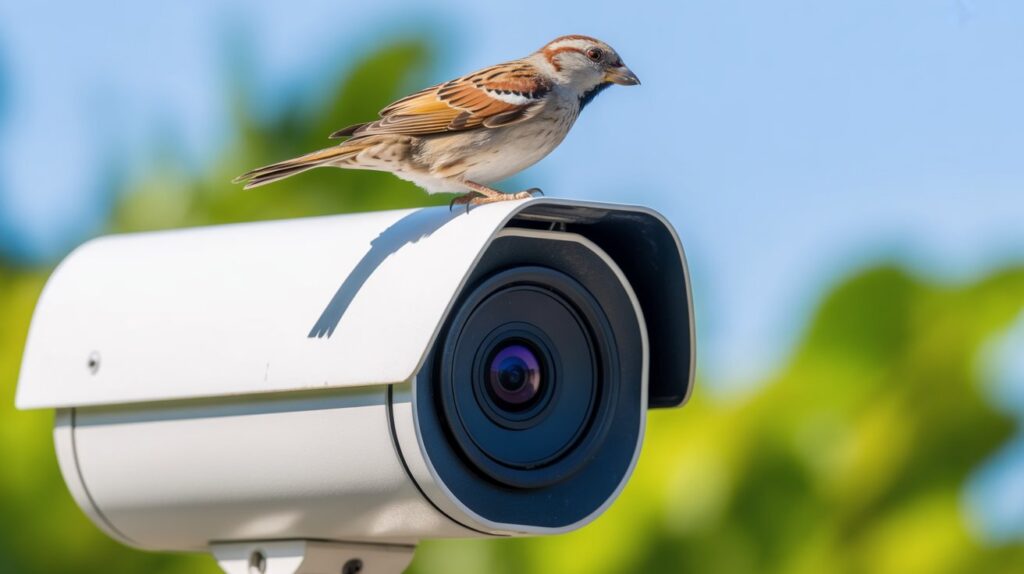
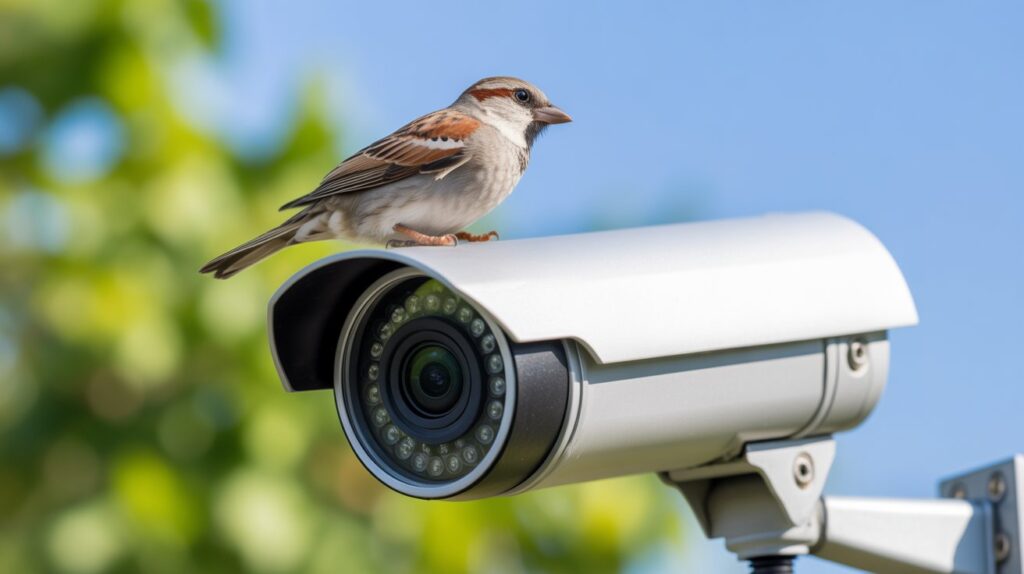
A bird on your security camera is one of the most common false alerts homeowners deal with — and it’s rarely anything to worry about. Small, fast movement near the lens is exactly what motion detection is built to catch, whether it’s a person, a car, or a bird landing on a ledge.
This guide breaks down why birds trigger camera alerts so often, how to tell normal activity from an actual setup issue, and simple adjustments that cut down false notifications without reducing your camera’s real security coverage.
Table of Contents
When a Bird on Your Security Camera Grabs Your Attention
It usually starts with an unexpected notification. Your phone buzzes, you open the app, and instead of a person or a car, it’s a bird sitting near the lens. For a moment there’s confusion — did something trigger by mistake, or is the camera malfunctioning? Most homeowners pause, replay the clip, then realize nothing’s wrong.
This happens more often than people expect. A bird landing near the lens, hopping along a fence, or fluttering close to the housing can easily meet the motion threshold. Cameras are built to notice movement, not judge intent, so even quick, small actions get flagged the same way a person or car would.
If anything, it’s a useful sign. A bird alert means your home security system is active, responsive, and picking up on activity in real time — exactly what it’s supposed to do, even when the “activity” turns out to be harmless.
Why Birds Appear on Security Cameras So Often
Seeing a bird on your security camera is not random or unusual. Birds are naturally drawn to areas around homes because these spaces offer warmth, safety, and easy access to resting spots. Security cameras are often installed near doors, walls, and eaves—exactly where birds like to pause, observe, or land. From an expert point of view, this behavior is normal and expected, not a camera issue.
One major reason birds show up so frequently is the environment your camera creates:
- Warm surfaces and sheltered spots around walls and roofs attract birds, especially during early mornings or cooler seasons
- Reflections and moving objects, like shiny lenses or blinking infrared lights, can catch a bird’s attention and make it curious
- Nesting instincts near homes push birds to explore safe, elevated places where predators are less likely
In practice, a bird hopping near the lens or flying past is enough to trigger motion detection. Most modern cameras are tuned to catch small movements by design, so even brief activity like this stands out. Once you understand why it happens, a bird on a security camera stops feeling like a glitch and starts looking like proof your system is actively monitoring your home.
Is a Bird on a Security Camera Something to Worry About?
For most homeowners, seeing a bird on a security camera is completely normal and not a reason to panic. Birds move quickly, explore their surroundings, and often pass through the same areas again and again. When a camera captures this, it’s usually responding exactly as it should. In everyday home security, this type of activity is considered harmless and does not signal a safety risk.
Normal Behavior vs. Unusual Activity Explained Clearly
Normal bird behavior means brief landings, short hops, or quick fly-bys near the camera — sudden on video, but part of everyday wildlife movement. Unusual activity is different: a bird repeatedly blocking the lens or staying in one spot for extended periods. Knowing the difference keeps homeowners from assuming a problem where there isn’t one.
When a Bird on a Security Camera Is Completely Harmless
Most of the time, a bird triggering an alert is just passing through. The camera is doing exactly what it’s meant to do — detecting movement, not identifying threats. A single clip, or even a handful over time, doesn’t affect your security and needs no action.
When Repeated Bird Alerts May Signal a Setup Issue
If the same bird alert shows up daily, it’s usually a setup issue rather than a security concern — often a camera angled toward a favorite perch, feeder, or reflective surface. Repositioning the camera or adjusting motion sensor settings usually resolves it quickly, and helps you trust both the camera and your own judgment going forward.
How Birds Trigger Motion Alerts on Security Cameras
When a bird on a security camera sets off an alert, it usually comes down to how motion detection actually works. Cameras are built to notice changes in movement, not to identify what caused them — so a fast-moving bird flying close to the lens or landing nearby can easily cross the detection threshold, even with no real threat present.
A few technical factors explain why:
- Motion sensitivity is often set high to avoid missing real events, so even small movements stand out
- Infrared sensors can misread heat and movement when birds pass close by, especially in warm outdoor conditions — PIR sensors work by measuring infrared radiation given off by objects with heat, then detecting the change when something moves through their field of view digikey
- Cameras react to patterns, not intent, so wildlife movement often looks the same as human motion to the system
This trade-off between sensitivity and accuracy is intentional — a system that’s a little too alert beats one that misses real activity. Occasional bird alerts are simply a normal side effect of reliable monitoring.
Common Camera Settings That Attract False Alerts
Certain settings make it more likely for birds to trigger motion notifications. Cameras aimed at open sky, trees, fences, or reflective surfaces are more exposed to natural movement. Wide motion zones and maximum sensitivity levels also increase false alerts. Adjusting these settings helps reduce unnecessary notifications while keeping your security system effective and trustworthy.
What a Bird on Your Security Camera Can Actually Tell You
- A bird on your security camera confirms that the camera placement is effective, capturing real movement in active areas around your home
- Frequent bird alerts help measure detection range accuracy, showing how far and how clearly your camera responds to motion
- Birds triggering alerts reveal how well your system reacts to small, fast movements, which is important for overall security reliability
- Repeated appearances can highlight environmental awareness, such as nearby trees, fences, or ledges influencing motion activity
- Seeing wildlife on camera reassures homeowners that the system is alert, responsive, and consistently monitoring its surroundings
- From an expert perspective, these alerts offer useful insight into how your security setup performs in real-life conditions
Prevent Birds From Setting Off Your Security Camera Alerts
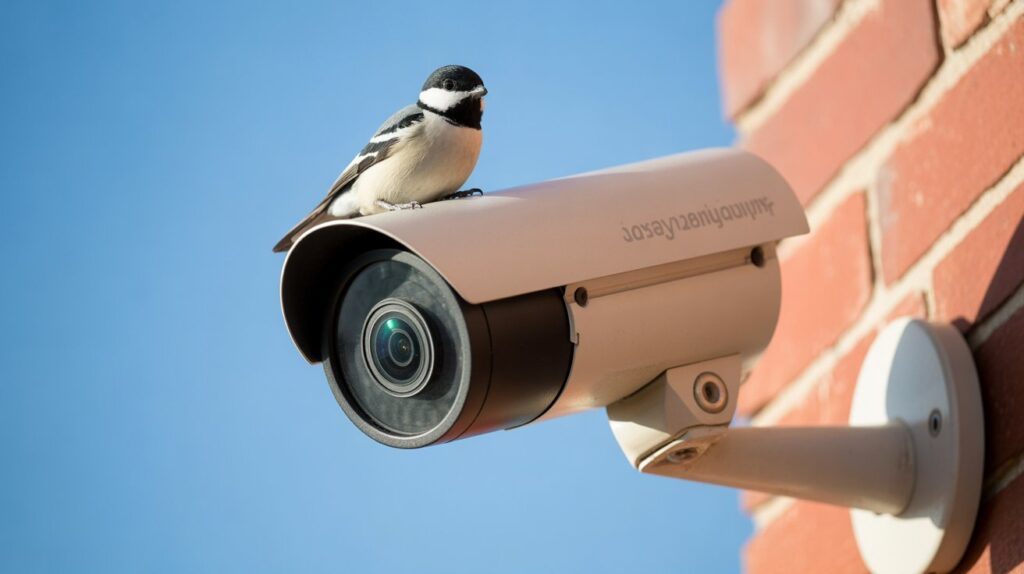
If bird alerts keep piling up, a few small adjustments usually fix it — and none of them come at the cost of real security coverage. The goal is to cut unnecessary motion detection while keeping the camera alert to activity that actually matters.
Smart Adjustments That Reduce Bird Alerts
- Narrow motion zones to entry points like doors and pathways instead of open sky or nearby trees
- Angle the camera slightly downward to avoid common perching spots and flight paths
- Cut reflections and glare by repositioning away from shiny walls, windows, or metal surfaces
- Remove or relocate nearby perches — feeders, ledges, hanging objects
- Fine-tune sensitivity so the camera reacts to meaningful movement, not every small motion
Get these right and the system stays just as reliable, minus the constant interruptions from harmless bird activity.
Bird on Security Camera — A Small Moment That Improves Home Awareness
A bird sighting might seem trivial, but it’s a useful signal — your camera is picking up movement exactly as designed. Each alert highlights how well the camera is placed, how sensitive it’s set, and how it’ll perform when something more important happens.
This is also a good way to gauge your setup without waiting for a real event. If your camera reliably catches something as small and fast as a bird, you can trust it’ll catch what matters. Over time, these small alerts become a quick, practical check on your home’s overall security awareness.
Conclusion
A bird on your security camera is a small thing, but it says something real: your system is catching movement the way it’s supposed to. These alerts are a quick, harmless way to confirm your camera’s placement and sensitivity are working — and that it’ll respond just as reliably when something more important shows up.
If you want to take your setup further, it’s worth checking your full home security system for any gaps beyond just the camera — locks, sensors, and coverage all play a part in keeping false alerts low and real protection high.
FAQs
Q1: How do I keep birds from setting off my security camera?
Angle the camera slightly downward, cut down reflections and glare, and remove nearby perches like ledges or feeders that attract birds to the lens area.
Q2: Will bird alerts drain my camera’s storage or battery?
Frequent false alerts can use up storage and battery faster on battery-powered cameras — narrowing motion zones and lowering sensitivity helps reduce this.
Q3: Can I set my camera to ignore small animals like birds?
Many modern security cameras include smart detection or AI filtering that can be set to alert only for people or vehicles, filtering out birds and other small movement.
Q4: Why does my camera alert for birds but not for actual intruders?
This usually points to a motion zone or sensitivity setup issue rather than a camera fault — zones aimed at open sky or trees pick up birds easily, while zones not covering entry points can miss real activity.
Q5: Does a bird triggering my camera mean it’s working correctly?
Yes — it confirms the camera is detecting movement as designed. Occasional bird alerts are a normal sign of a responsive system, not a malfunction.
About the Author
M. Bilal holds a BS in Criminology and is the founder of CrimTechHub, where he covers home security systems, cameras, and smart home protection. His background in criminology informs a practical, risk-focused approach to writing about everyday security concerns — including common false alerts like motion-triggered notifications — helping homeowners tell the difference between normal activity and an actual issue.