Introduction
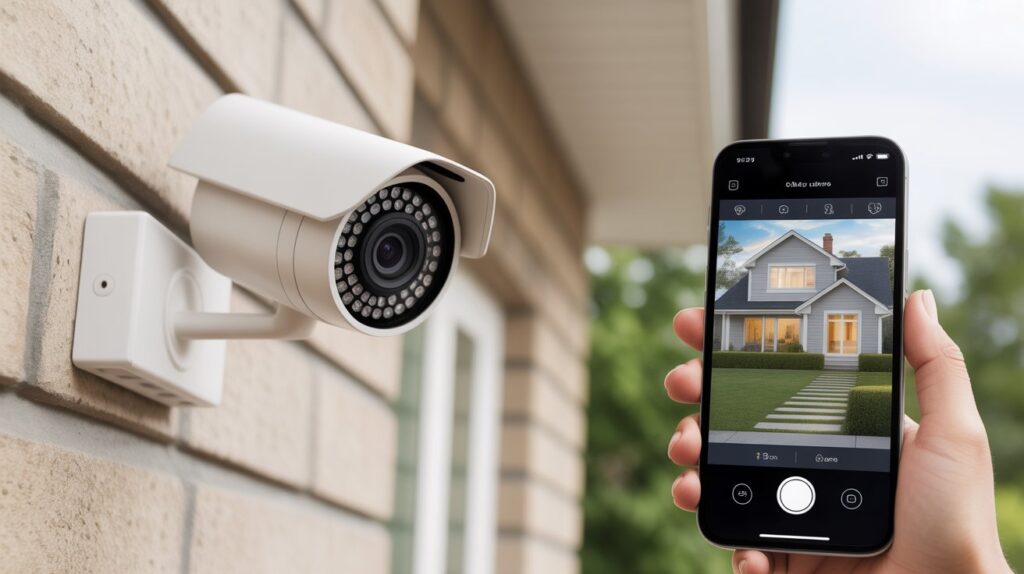
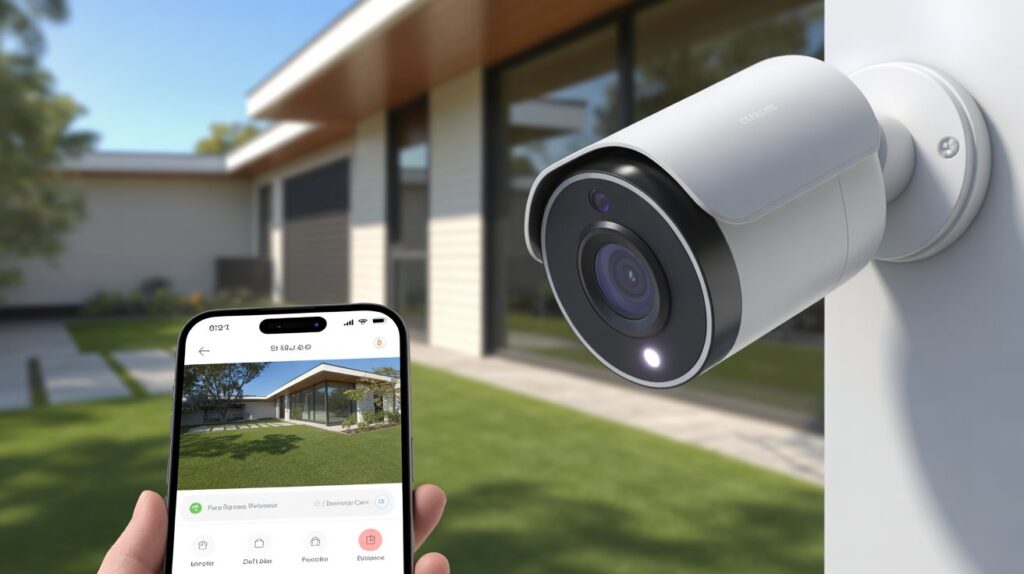
Outdoor security cameras that connect to your phone let you see, hear, and speak to anyone at your doorstep in real time, whether you’re at home or away. Instant motion alerts, live remote viewing, and two-way audio turn a simple camera into a device you can actually rely on for daily security decisions — not just after-the-fact footage.
This guide covers how these cameras connect to your phone, the features worth prioritizing, and which models hold up best in 2026 — so you can pick a system that fits your home instead of guessing based on marketing claims.
Table of Contents
Why Mobile-Connected Outdoor Security Cameras Matter
Home security has moved past simple deterrence. With rising incidents of package theft, burglaries, and vandalism, homeowners need a way to actually see what’s happening — not just record it after the fact. Mobile-connected outdoor cameras solve that by putting your property on your phone screen in real time.
Here’s what makes them worth the switch:
- Real-time monitoring anywhere: View live footage from your smartphone whether you’re at work, running errands, or traveling
- Instant motion alerts: Get a push notification the moment activity is detected, so you can check in immediately
- Two-way communication: Speak to visitors, delivery drivers, or an unfamiliar person at your door directly through the camera
- Crime deterrence: A visible, actively monitored camera measurably reduces the likelihood of an attempted break-in
- Proactive over reactive: You’re responding to activity as it happens, not reviewing footage after something’s already gone wrong
The practical value is straightforward: you know what’s happening at your property without having to be there. A parent can check on kids playing in the backyard; a pet owner can glance in on the yard from their desk; a delivery notification means you catch a package before it sits on the porch too long.
Pairing your camera with a smart lock extends that same real-time control to your front door itself — you’re not just watching who arrives, you’re managing who gets in.
How Outdoor Security Cameras Work With Your Phone
Modern outdoor security cameras that connect to your phone rely on seamless wireless connectivity, making home monitoring simple and efficient. Most cameras use Wi-Fi or cellular networks to transmit real-time video directly to your smartphone. This eliminates the need for complex wiring and allows you to check your property from anywhere in the world.
Once connected, these cameras offer several key features that enhance safety and convenience:
- Live streaming: Watch your property in real-time, whether you’re at work, shopping, or traveling.
- Push notifications: Receive instant alerts when motion is detected, ensuring you never miss unusual activity.
- Remote control: Adjust camera angles, zoom in, or communicate through two-way audio directly from your phone.
Understanding App Integration and Cloud Storage
Most phone-connected outdoor cameras come with a dedicated mobile app that makes management intuitive:
- App integration: The app serves as your control center, giving you access to live video, settings, and recorded footage. Many cameras also integrate with smart home systems like Alexa or Google Home.
- Cloud storage: Recorded clips are securely stored in the cloud, allowing you to review, download, or share footage anytime without worrying about losing important data.
By combining wireless connectivity, mobile apps, and cloud storage, these cameras deliver round-the-clock monitoring without the wiring complexity of traditional setups. For homeowners, that means checking in on your property from anywhere — no matter where you actually are.
Key Features to Look for in a Phone-Connected Outdoor Camera
Not every outdoor camera delivers the same real-world performance, so it’s worth focusing on the features that actually affect day-to-day monitoring instead of spec-sheet extras.
Here’s what to prioritize:
- High-definition video and night vision: Clear footage is what lets you actually identify a face, a package, or unusual activity. HD resolution paired with night vision keeps that clarity intact around the clock, including after dark.
- Motion detection with alerts: Smart motion sensors flag movement and push a notification to your phone instantly, so you’re not manually checking the feed every few hours.
- Weather resistance for outdoor durability: A camera rated for rain, snow, and temperature swings keeps working through the seasons instead of failing right when you need it. Look for a weatherproof or IP65/IP66 rating specifically.
- Two-way audio and smart integration: Two-way audio lets you speak directly to a visitor or delivery driver, and integration with platforms like Alexa or Google Home fits the camera into a broader connected-home setup.
These features also pair well with a wireless security camera system if you’re covering more than one entry point — the same app typically manages every connected camera from one dashboard.
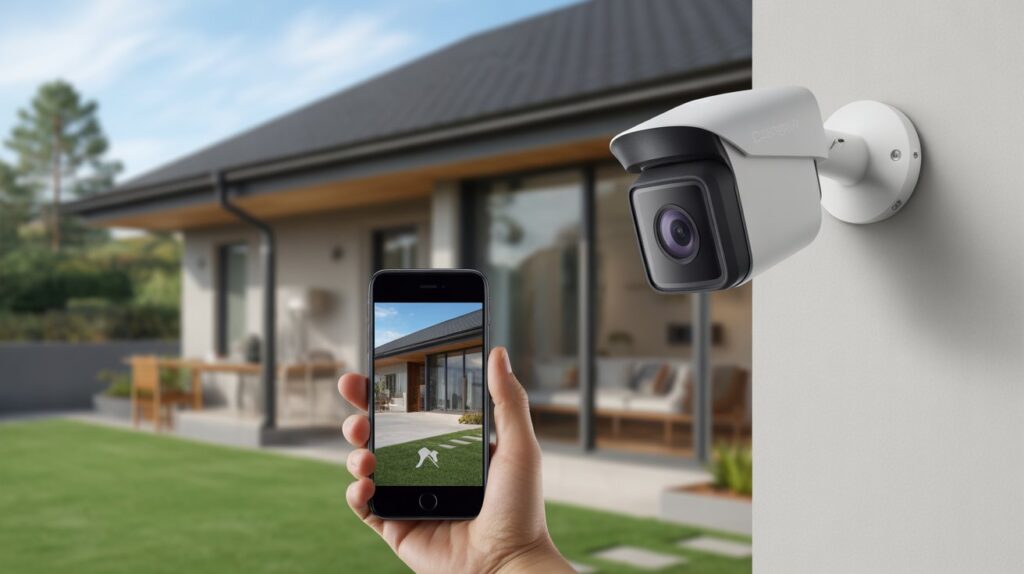
Benefits of Using a Mobile-Connected Security Camera
A mobile-connected outdoor camera does more than add convenience — it changes how actively you can protect your home and family, in ways a standalone camera simply can’t match.
Real-time monitoring from anywhere
The core advantage of a phone-connected camera is checking live footage the moment you want to, not hours later. Whether you’re at work, traveling, or running errands, you get an accurate picture of what’s happening at home instead of relying on assumptions. Parents can check on kids playing in the yard; pet owners can glance in on a pet left home alone — all from a phone screen.
Faster response to emergencies
These cameras don’t just record — they alert you the moment unusual activity is detected. That speed matters: contacting authorities during a break-in, stopping a package theft before it’s finished, or simply catching a delivery driver at the right moment. Faster awareness consistently means less risk of loss or damage.
A stronger deterrent against burglars
A visible camera discourages intruders on its own, but pairing it with active mobile monitoring amplifies that effect — burglars are less likely to target a home where they know activity is being watched and recorded live. For related context on how this plays out legally in shared or rented properties, see our guide on apartment security camera laws.
Simple installation, minimal technical skill required
Unlike wired systems, most mobile-connected outdoor cameras are built for straightforward setup. Wireless models need minimal wiring work, and their apps put live footage, recordings, and settings in one place — accessible regardless of technical comfort level. Smart home integration with Alexa or Google Home adds voice control and automation on top.
Together, these benefits add up to a system that doesn’t just record what happened — it lets you actively monitor, respond, and act while something is still happening.
Common Mistakes to Avoid When Choosing Your Camera
Even a good camera underperforms when a few setup basics get overlooked. These are the mistakes that quietly reduce a system’s effectiveness — and they’re all avoidable.
Ignoring app compatibility
Not every camera app works equally well across phones, operating systems, and smart home platforms. Skipping this check can mean delayed alerts or trouble accessing live footage exactly when you need it. Confirm the app runs reliably on your actual devices before committing to a camera.
Overlooking storage options
Some cameras rely only on limited cloud storage; others depend entirely on a local SD card. Either one, on its own, risks losing footage right when it matters most. A camera offering flexible storage — cloud, local, or both — is the safer choice.
Leaving Wi-Fi networks unsecured
A camera is only as secure as the network it runs on. Weak passwords or an unencrypted network give hackers a path to live feeds or stored recordings. The CISA home network security guide covers the basics — strong passwords, network encryption, and regular firmware updates — worth applying before your camera goes live.
Settling for low video resolution
Blurry footage doesn’t hold up when you actually need to identify a face or a license plate. High-definition video with night vision is what turns footage into usable evidence, not just a record that something happened.
A few more points worth checking before you buy: smart home integration for easier automation, adjustable motion sensitivity to cut down false alerts, and a weather rating that matches your climate.
Get these basics right, and the camera does its job reliably — clear footage, working alerts, and a system that isn’t quietly failing in ways you won’t notice until it’s too late.
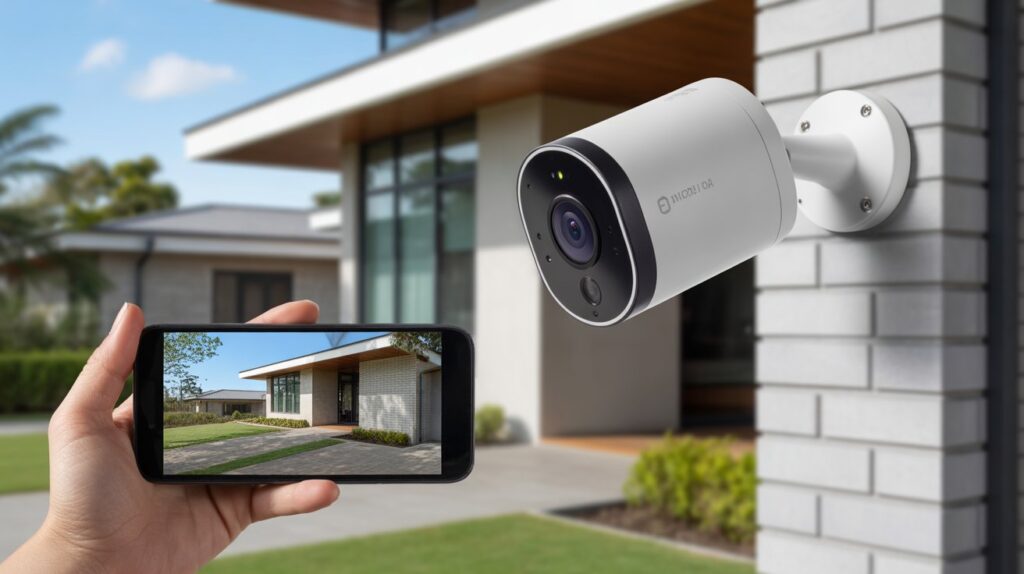
Top Recommended Outdoor Security Cameras for Your Phone (2026 Picks)
With dozens of phone-connected cameras on the market, narrowing it down comes down to reliability, feature set, and how well each one fits your specific setup — apartment, house, or small business.
1. Arlo Pro 5
- Features: 2K HD video, color night vision, smart motion detection, two-way audio, works with Alexa and Google Home
- Pros: Sharp video clarity even in low light, an intuitive mobile app, solid weather resistance for year-round outdoor use
- Cons: Full cloud storage access requires a subscription
- Best Use Case: Single-family homes and apartments that want high-quality monitoring without compromise
2. Ring Floodlight Cam Wired Plus
- Features: HD video, built-in floodlights, motion-activated alerts, two-way talk, integrates with the Ring app
- Pros: Bright floodlights add a real deterrent on top of recording, notifications arrive instantly, smart home integration is straightforward
- Cons: Wired installation adds setup complexity for renters or anyone avoiding electrical work
- Best Use Case: Front yards, driveways, or small business entrances that can support a wired install
3. Google Nest Cam Outdoor (Battery)
- Features: 1080p HD video, night vision, intelligent alerts, mobile app integration, flexible battery-powered placement
- Pros: No wiring needed for placement, AI-based alerts cut down on false notifications, app control is simple
- Cons: Battery needs periodic charging, which means occasional downtime
- Best Use Case: Apartments or homes where running wiring isn’t practical
- Features: 2K video, solar-powered option, two-way audio, PIR motion detection, mobile app notifications
- Pros: Budget-friendly, flexible installation options, strong battery life especially with the solar add-on
- Cons: Smart home integrations are more limited than Arlo or Nest
- Best Use Case: Budget-conscious homeowners or covering a remote area of the property
Quick fit by setup:
- Apartments: Prioritize wireless, battery-powered options with simple app setup
- Houses: Look for motion detection, floodlight deterrents, and reliable cloud storage
- Businesses: Continuous recording, high-definition video, and wide-angle coverage matter most
Each of these covers the core features that actually matter — clear video, dependable alerts, and an app that doesn’t get in your way.
Installation Tips for Maximum Security and Efficiency
Even the best phone-connected outdoor security cameras won’t protect your home fully if they aren’t installed correctly. Smart placement and proper setup can make the difference between comprehensive coverage and blind spots, ensuring your investment truly enhances your home security.
Best placement for wide coverage
- Mount cameras high enough to prevent tampering but low enough to capture clear facial and object details.
- Cover entry points, driveways, and backyard access areas. Wide-angle cameras can minimize the number of devices needed while maximizing coverage.
- Consider overlapping fields of view for critical areas to eliminate blind spots.
Tips for optimal Wi-Fi connection
- Place cameras within range of your Wi-Fi router or use Wi-Fi extenders to maintain a strong signal.
- Avoid obstructions like thick walls, metal gates, or large trees that can weaken connectivity.
- Regularly update firmware through the camera’s mobile app to ensure smooth, uninterrupted streaming.
Avoiding blind spots and common security errors
- Conduct a test run by walking through your property to identify areas the camera may not cover.
- Angle cameras slightly downward to capture human activity rather than just sky or ground.
- Avoid positioning cameras too close to bright lights or windows to prevent glare or false motion alerts.
By following these installation tips, your mobile-connected outdoor camera operates at its full potential — wide coverage, dependable alerts, and a live feed that actually shows what you need to see. Proper setup is what separates a camera that just records from one that actively keeps your home protected.
Conclusion
A mobile-connected outdoor camera does more than upgrade your tech — it puts real-time monitoring, instant alerts, and remote control directly in your hands. The right camera, placed correctly, turns passive recording into active protection for your home and family.
Pair it with a smart lock for full entry-point coverage, and you’ve got a setup that works together instead of leaving gaps.
FAQs
Q1: Can I connect an outdoor security camera to my phone?
Yes. Most modern outdoor security cameras connect through Wi-Fi and a dedicated mobile app, giving you live video, motion alerts, and two-way audio directly on your phone.
Q2: Do phone-connected outdoor cameras need a subscription?
It depends on the brand. Many offer free short-term cloud storage, but extended history, advanced AI alerts, or multi-camera plans usually require a paid subscription.
Q3: How much Wi-Fi bandwidth does an outdoor security camera use?
A single HD camera typically uses a modest amount of upload bandwidth for live streaming, though this rises with higher resolutions like 2K or 4K and with multiple cameras running at once.
Q4: Can I access my outdoor camera’s live feed from more than one phone?
Yes. Most camera apps support multiple user logins, so household members can each view live footage and receive alerts on their own device.
Q5: What happens to my outdoor camera’s footage if the Wi-Fi goes down?
Cameras with local SD card storage keep recording during an outage; cloud-only models lose live monitoring and new uploads until the connection is restored.
About the Author
M. Bilal holds a degree in Criminology and covers home security technology, focusing on how outdoor cameras, smart locks, and connected monitoring systems actually perform in daily use. His approach centers on features that hold up in real conditions — video clarity, alert reliability, and app usability — rather than spec-sheet marketing. He researches each device category directly through manufacturer documentation and hands-on product comparisons before writing.