Introduction
Have you ever stood outside your door, keypad pressed, waiting for your smart lock to respond… and nothing happens? That small moment of silence can quickly turn into frustration, especially when you’re in a hurry or it’s late at night. Most of the time, the issue is not a faulty device—it’s simply a weak battery.
Understanding a kwikset smart lock battery change can save you from these unexpected lockouts and stress-filled moments. It’s a small maintenance task, but it plays a big role in keeping your home secure and your daily routine smooth. In this guide, you’ll learn exactly why it happens, how to fix it, and how to prevent it in the future—so your smart lock always works when you need it most.
Table of Contents
Why Your Kwikset Smart Lock Suddenly Stops Working (And What It Means)
It usually happens at the worst possible moment—you’re standing at your front door after a long day, you tap the keypad or app, and nothing responds. That quick wave of frustration (and panic) is something many homeowners in the U.S. have experienced. A smart lock is supposed to make life easier, not leave you stuck outside wondering what went wrong.
In most cases, the issue isn’t a technical failure or a broken lock—it’s much simpler. The real reason behind this problem is often low or completely drained batteries. Smart locks rely heavily on battery power to operate features like keyless entry, Bluetooth, or Wi-Fi connectivity. When the batteries start to weaken, the lock may respond slowly, fail to unlock, or stop working altogether. That’s why understanding the importance of a timely kwikset smart lock battery change can save you from unexpected lockouts.
Ignoring early warning signs can quickly turn a small inconvenience into a serious problem. A dead smart lock doesn’t just affect convenience—it can impact your home security. If your lock becomes unresponsive, you might lose access when you need it most or leave your home vulnerable if it fails to secure properly. Staying proactive with battery replacement isn’t just maintenance—it’s a simple step that keeps your home safe, accessible, and stress-free.
How to Know It’s Time for a Kwikset Smart Lock Battery Change
Most smart locks don’t stop working without warning—they give you small signals first. The problem is, many homeowners miss or ignore these signs until the lock completely fails. Knowing when to act can save you from the stress of getting locked out or dealing with a non-responsive door at the worst time.
Here are the most common warning signs that it’s time for a kwikset smart lock battery change:
- Delayed response or slow unlocking
If your lock takes longer than usual to respond when you enter a code or use the app, it’s often a sign the batteries are weakening. A healthy smart lock should respond almost instantly. - Beeping sounds or flashing lights
Many Kwikset models are designed to alert you with repeated beeps or blinking lights when battery levels are low. These alerts are easy to ignore—but they’re your first clear warning. - Mobile app notifications (for smart-enabled models)
If your lock is connected to an app, you may receive low battery alerts directly on your phone. These notifications are there to help you act early before performance drops.
Ignoring these signs might seem harmless at first, but it can quickly lead to complete lock failure. Once the batteries die, the lock may stop responding entirely, leaving you unable to access your home smoothly. In some cases, it can even affect how securely your door locks.
Staying ahead with a timely kwikset smart lock battery change keeps your lock reliable, your home secure, and your daily routine uninterrupted. It’s a small step that prevents a much bigger problem.
Step-by-Step Kwikset Smart Lock Battery Change (Beginner-Friendly Guide)
Replacing the batteries in your smart lock might sound technical, but in reality, it’s a quick and simple task. With the right steps, you can complete a kwikset smart lock battery change in just a few minutes—no tools or experience needed. Doing it the right way ensures your lock keeps working smoothly and your home stays secure.
What You’ll Need Before You Start
Before you begin, make sure you have everything ready. This avoids interruptions and makes the process faster and stress-free.
- Correct battery type (usually AA alkaline batteries)
Most Kwikset smart locks use standard AA alkaline batteries. Always go for high-quality brands to ensure longer battery life and reliable performance. - A few minutes of uninterrupted time
The process is simple, but it’s best to do it without rushing—especially if you’re doing it for the first time.
Easy Steps to Replace the Batteries Safely
Once you’re ready, follow these simple steps to complete your kwikset smart lock battery change safely and correctly:
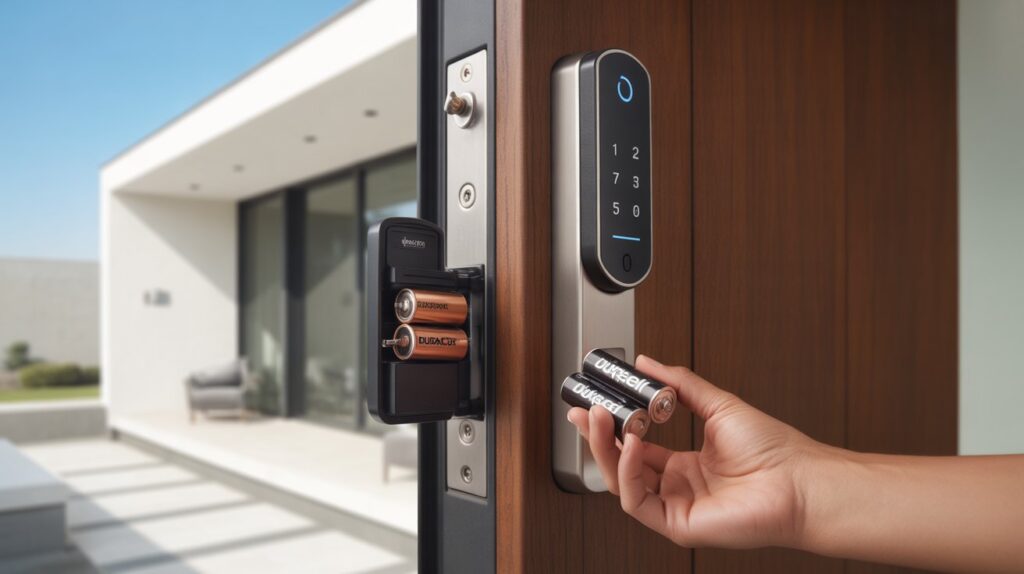
- Remove the interior cover
Start by opening or sliding off the interior cover of the lock (the side inside your home). This will expose the battery compartment. - Take out old batteries
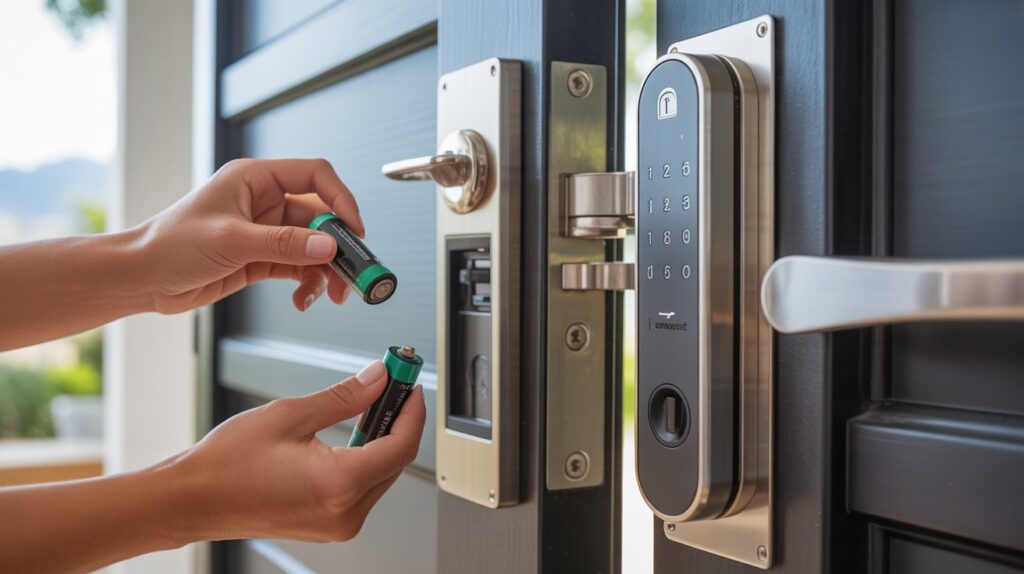
Carefully remove the old batteries. If they’ve been inside for a long time, check for any corrosion or residue. - Insert new batteries correctly
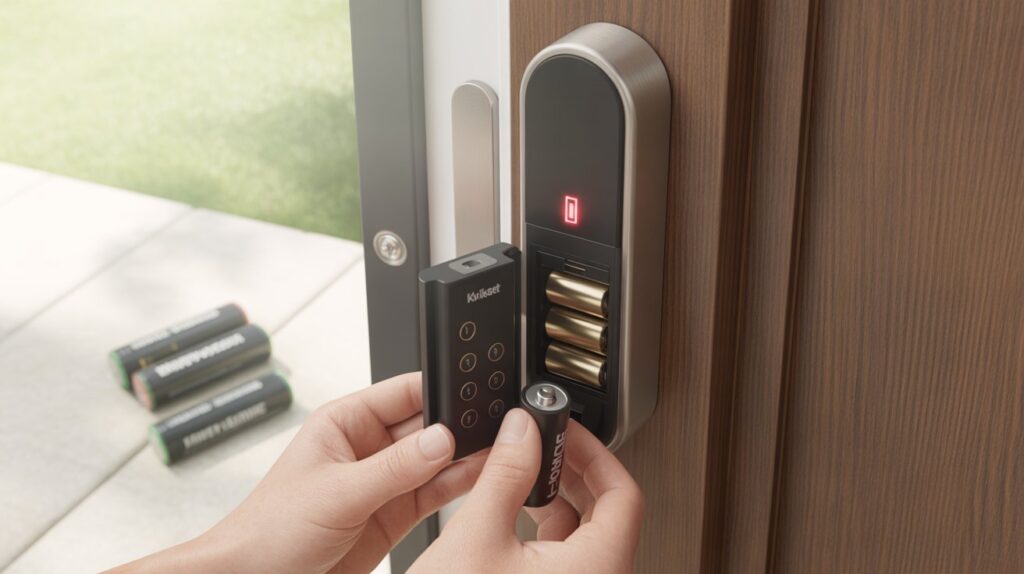
Place the new AA batteries into the compartment, making sure the positive and negative ends match the markings. Proper placement is key for smooth operation. - Reattach the cover and test the lock
Put the cover back in place, then test the lock using the keypad or app. Make sure it responds quickly and locks/unlocks without delay.
Taking a few minutes to follow these steps ensures your smart lock works reliably every day. A simple kwikset smart lock battery change not only restores performance but also gives you peace of mind knowing your home access is secure and hassle-free.
Common Mistakes to Avoid When Replacing Smart Lock Batteries
Even though a kwikset smart lock battery change is simple, small mistakes can lead to poor performance or sudden lock issues. Avoid these common errors to keep your smart lock working smoothly and reliably:
- Using low-quality or rechargeable batteries
Cheap or rechargeable batteries may not provide consistent power, which can cause your lock to lag or fail. Always use high-quality alkaline batteries for better performance and longer life. - Mixing old and new batteries
Combining old and fresh batteries can reduce overall efficiency and drain power unevenly. This often leads to faster battery failure and unreliable lock behavior. - Incorrect battery placement
Placing batteries the wrong way (positive/negative mismatch) can prevent the lock from turning on at all. Always follow the markings inside the battery compartment. - Forgetting to test the lock after replacement
Skipping a quick test can leave hidden issues unnoticed. After every battery change, test the keypad or app to confirm the lock responds properly.
Avoiding these mistakes ensures your kwikset smart lock battery change is done right the first time, keeping your home secure and your lock dependable.
How to Extend Battery Life in Your Kwikset Smart Lock
No one wants to deal with a dead smart lock at the wrong time. The good news? With a few smart habits, you can reduce how often you need a kwikset smart lock battery change and keep your lock running smoothly for months. It’s not about doing anything complicated—it’s about being consistent with small things that actually make a difference.
Here are a few simple habits that help extend battery life and improve overall performance:
- Use high-quality alkaline batteries
This is the easiest win. Premium alkaline batteries last longer and provide stable power, which keeps your smart lock responsive and reliable every day. - Avoid excessive remote access usage
Constantly locking and unlocking your door through apps or Wi-Fi drains battery faster. Try to use remote features only when needed and rely on the keypad for daily use. - Keep firmware updated (if applicable)
Many smart locks receive updates that improve efficiency and battery performance. Keeping your system updated ensures your lock runs smarter, not harder.
Taking care of these small details can go a long way. Proper maintenance doesn’t just delay your next kwikset smart lock battery change—it also keeps your lock fast, secure, and dependable. In the long run, a well-maintained smart lock means fewer surprises and more peace of mind every time you walk up to your door.
Final Thoughts
At the end of the day, something as simple as a kwikset smart lock battery change can make the difference between a smooth, secure routine and a frustrating, stressful moment at your front door. Smart locks are built for convenience—but they rely on small actions from you to keep working the way they should.
By paying attention to early signs, avoiding common mistakes, and building a few simple habits, you’re not just maintaining a device—you’re protecting your home, your time, and your peace of mind. It’s a small task, but it carries real value in your everyday life.
Now take a moment to think—when was the last time you checked your smart lock batteries? Sometimes, staying secure isn’t about big changes… it’s about not ignoring the small ones.
FAQs
How do I change the batteries in my Kwikset lock?
Open the interior cover, remove the old AA batteries, insert new ones correctly, then close the cover and test the lock.
How to reset Kwikset lock after changing batteries?
Most models reset automatically after battery replacement. If needed, press the reset button or follow your model’s reset instructions.
How long do batteries last in a Kwikset smart lock?
Typically, Kwikset smart lock batteries last around 6 months to 1 year depending on usage and connectivity.
How long do batteries last in a Kwikset smart lock?
Battery life is usually 6–12 months, but heavy usage or Wi-Fi connection can shorten it.
How to unlock a smart lock when the batteries are dead?
Use a physical key (if available) or connect a 9V battery to the emergency power terminals to temporarily unlock it.
What to do if my Kwikset lock won’t open?
Check battery power first, then try replacing batteries or using the manual key option if your model supports it.
What happens if the battery dies on a smart lock?
The lock stops responding electronically, but most Kwikset locks still allow manual key access for emergencies.
How to replace batteries in a smart lock?
Open the battery compartment, remove old batteries, insert fresh ones correctly, close it, and test the lock to confirm it’s working.