Introduction
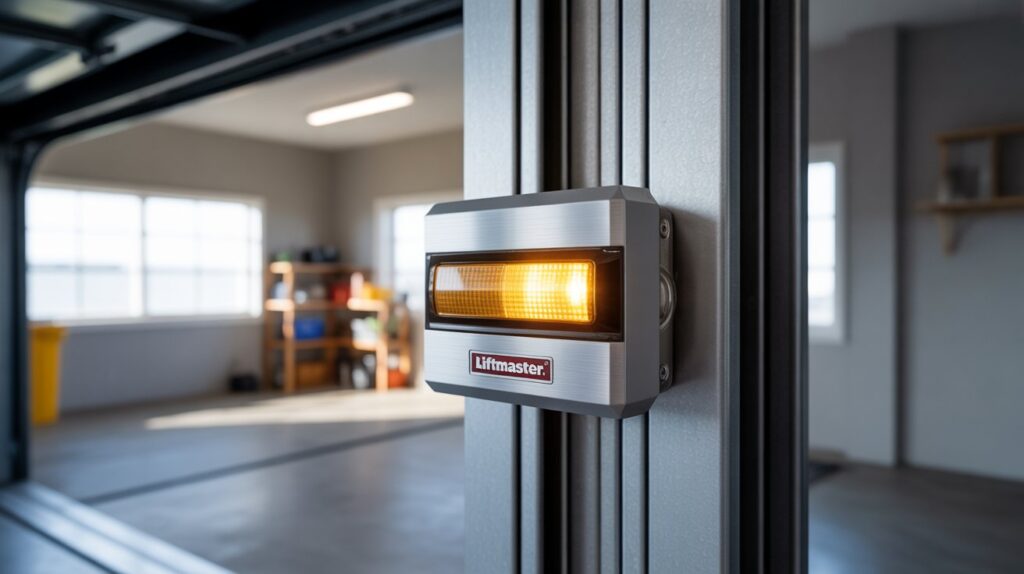
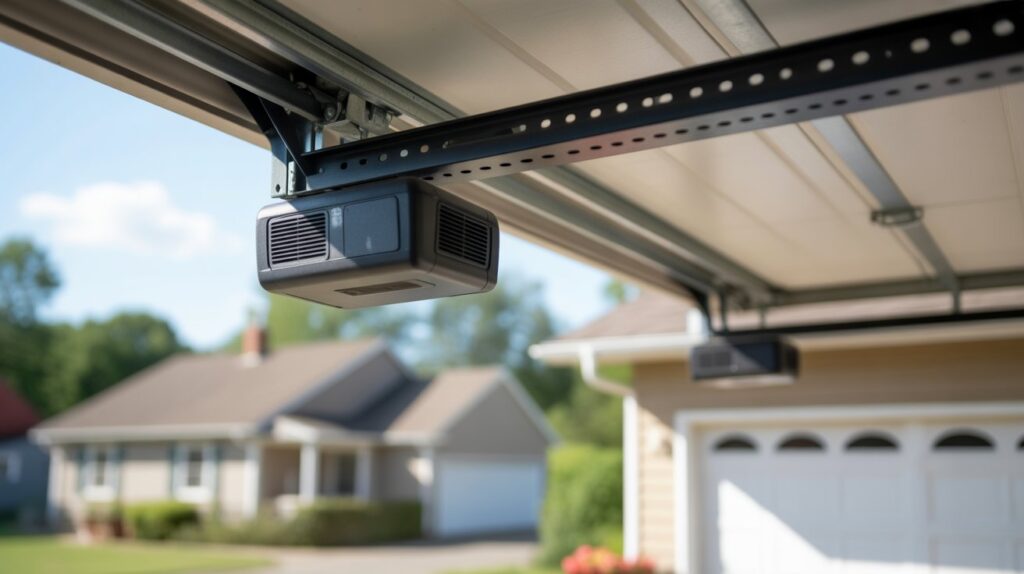
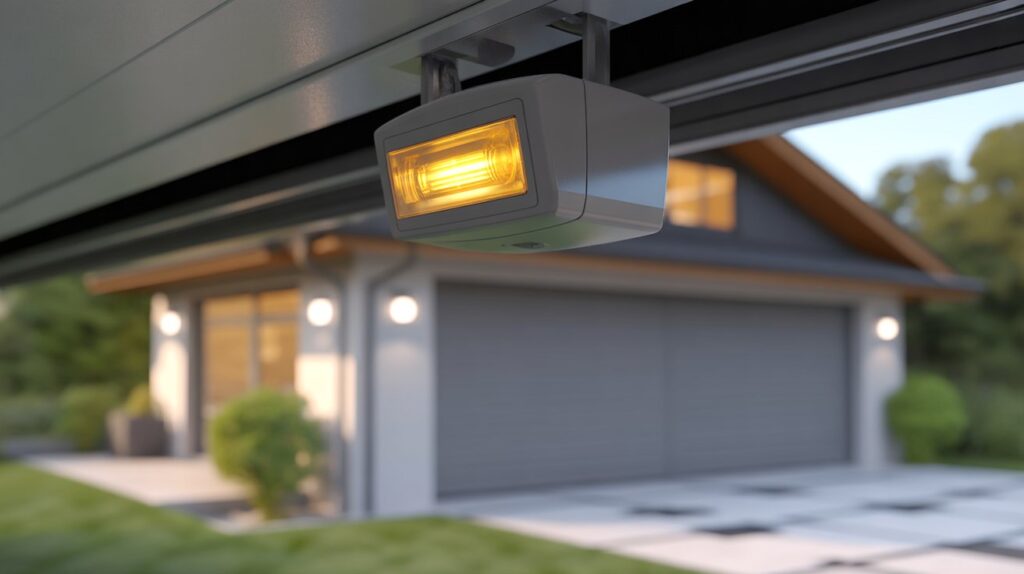
A yellow light on a garage door sensor is one of the most common things homeowners notice while checking their garage door — and it often looks more alarming than it is. On most Chamberlain, LiftMaster, and Craftsman systems, this amber light sits on the sending sensor and simply confirms it’s receiving power.
Still, the color alone doesn’t tell the whole story. Whether that yellow light means everything is fine — or points to alignment, wiring, or obstruction issues — depends on what the door itself is doing. This guide walks through what the yellow light actually indicates, how to read it alongside your door’s behavior, and the steps to troubleshoot it safely.
Table of Contents
Why the Yellow Light on Your Garage Door Sensor Matters
Most homeowners never think twice about their garage door sensors until the door starts acting up — hesitating, reversing, or refusing to close. That’s usually when the yellow light on the sensor gets noticed for the first time.
This light is part of a larger safety system, not a standalone warning. Garage door sensors exist to stop the door from closing on people, pets, or objects in its path, and each light color reflects a different piece of that system’s status. A steady yellow light generally confirms the sending sensor has power — but if the door itself isn’t behaving normally, the real cause is often elsewhere, such as sensor alignment or a blocked beam.
Knowing how to read the yellow light alongside the door’s actual behavior helps you catch real issues early, rather than assuming a working sensor is broken — or ignoring a genuine wiring or alignment problem.
What Is a Garage Door Sensor and How It Works
- A garage door sensor is a small safety device installed near the bottom of your garage door tracks, designed to prevent accidents and injuries.
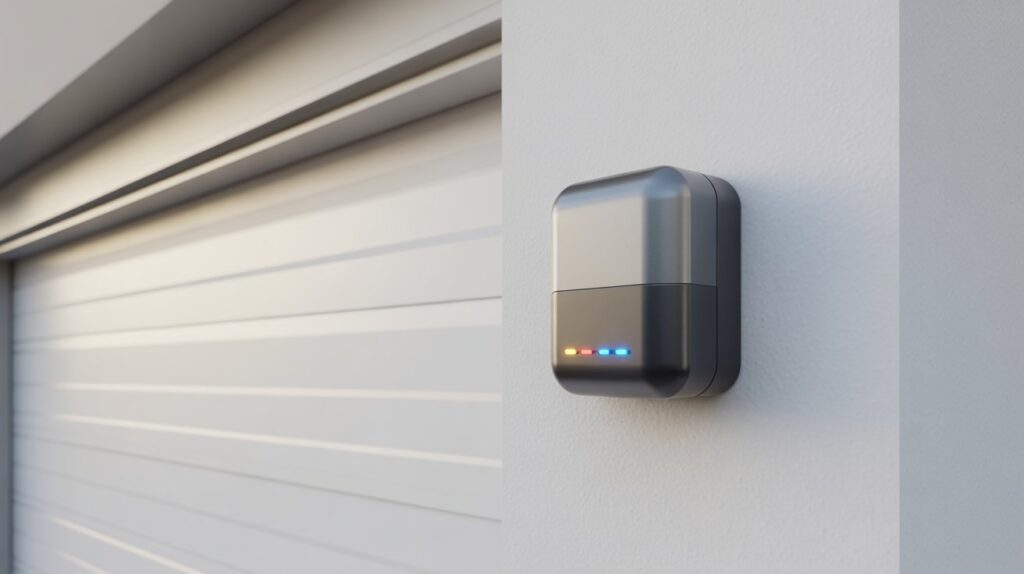
- These sensors work as a pair, sending an invisible beam across the garage door opening to detect any object in the way.
- When the beam is clear, the garage door closes normally, giving homeowners peace of mind.
- If something blocks the beam—like a bike, trash can, pet, or child—the door automatically stops or reverses.
- The garage door sensor yellow light usually appears on the sending sensor, showing that it has power and is functioning.
- This light helps you quickly check whether the system is active without needing tools or technical knowledge.
- Modern garage door sensors are a required safety feature in most U.S. homes, following federal safety standards.
- Understanding how the sensor works makes it easier to tell when the yellow light is normal and when it may signal an issue.
Understanding Garage Door Sensor Light Colors
Yellow Light Meaning
On Chamberlain, LiftMaster, and Craftsman systems, a steady yellow (or amber) light on the sending sensor simply confirms it has power — it’s not a warning by itself. Homeowners often notice it for the first time in low light, which can make it seem more serious than it is. As long as the light stays steady and the door closes smoothly, the sensor is working as intended.
Green Light Meaning
The receiving sensor on these same systems shows green when the beam is properly aligned and connected. A solid green light confirms the two sensors are communicating correctly. If it turns off or starts blinking, that usually points to an alignment or connection issue — not a power problem.
Red or Blinking Lights
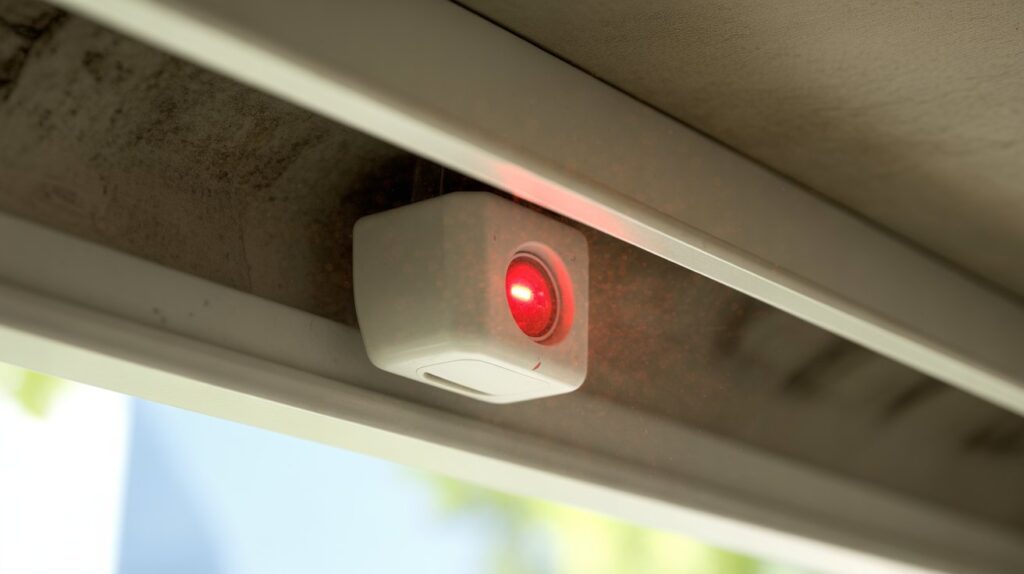
Not every brand follows the yellow/green pattern. Genie, Guardian, and some Marantec models use a solid red light on the receiving sensor as their normal indicator, while a blinking or flickering light — on any brand — usually means a blocked beam, dirty lens, loose wiring, or slight misalignment. Sunlight, dust, or a small object near the track can trigger the same symptoms. For a closer look at what a flashing sensor light specifically means, see garage door sensor flashing red.
What Does a Yellow Light on a Garage Door Sensor Mean?
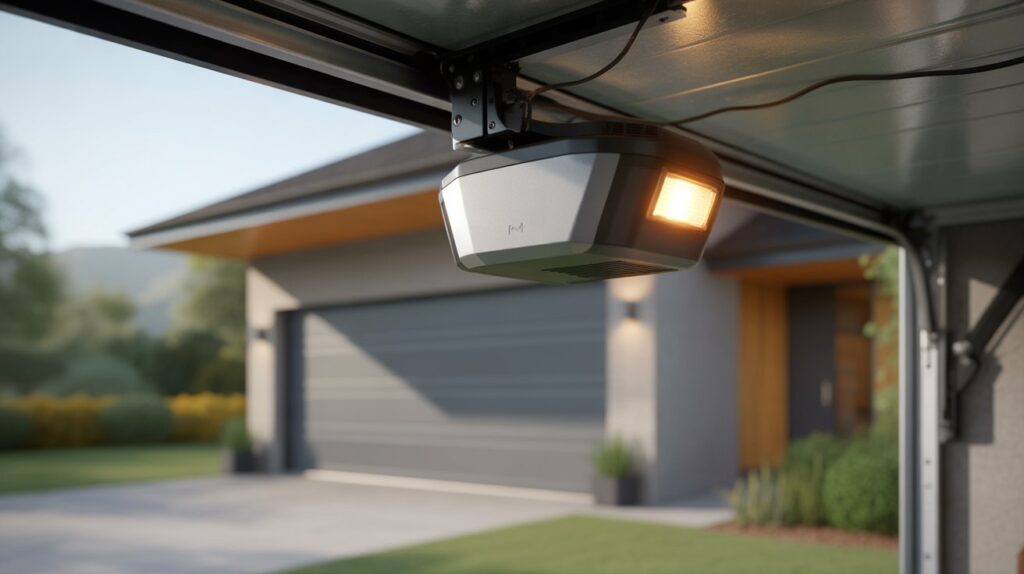
On Chamberlain, LiftMaster, and Craftsman openers, a yellow light means the sending sensor has power and is doing its basic job — nothing more. According to Chamberlain’s official support documentation, the amber LED always marks the sending sensor, while the green LED marks the receiving sensor. Seeing yellow is expected, not a fault.
In practice, this light draws attention when the door doesn’t close smoothly or stops halfway. The yellow light itself usually isn’t the problem — it just confirms power is reaching that sensor. If the door is misbehaving, the cause is typically alignment, an obstruction, or the receiving sensor, not the sending sensor’s yellow light.
What a yellow sensor light typically confirms:
- Power is reaching the sending sensor
- The safety system is active and monitoring the doorway
- The sending sensor is working as designed
- Any real problem likely lies elsewhere in the system
Once you know this, you can stop assuming a yellow light means something’s broken and instead focus on the actual culprits — alignment, dirty lenses, or the receiving sensor’s light.
Is a Yellow Light Normal or a Sign of a Problem?
For most homeowners, a steady yellow light on the garage door sensor is normal — not a problem. On Chamberlain, LiftMaster, and Craftsman systems, this amber light simply confirms the sending sensor has power, and it typically stays lit even when the door is closed and idle.
Real issues usually show up in the door’s behavior, not the yellow light itself. If the door refuses to close, reverses unexpectedly, or acts inconsistently, the cause is more often sensor alignment, a blocked beam, or the receiving sensor — not the sending sensor’s power supply.
Quick way to tell the difference:
- Steady yellow light + smooth door movement → system is working fine
- Yellow light blinks, turns off, or the door’s behavior changes → worth checking alignment, the lens, or the receiving sensor’s light
Watching for changes rather than the yellow light alone helps homeowners avoid unnecessary service calls.
Common Reasons You’re Seeing a Garage Door Sensor Yellow Light
Power Supply Issues
One common reason for a garage door sensor yellow light is a basic power connection. The yellow light often confirms that electricity is reaching the sending sensor, even if the garage door isn’t working perfectly. In some homes, loose plugs, minor power interruptions, or aging outlets can affect how the system behaves, making the light noticeable while the door acts unexpectedly.
Alignment Problems
Sensor alignment is another frequent cause behind garage door issues. Even though the garage door sensor yellow light may stay solid, the receiving sensor might be slightly out of position. Everyday situations—like bumping the sensor with a trash can or moving stored items—can shift it just enough to disrupt the safety beam and stop the door from closing.
Wiring or Connection Concerns
Over time, wires connected to the sensors can loosen or wear out, especially in garages exposed to temperature changes. While the yellow light shows the sensor has power, damaged or loose wiring can interrupt communication between the sensors. This is common in older garages or areas where cables are accidentally tugged or bent.
Environmental Factors (Dust, Sunlight, Moisture)
Environmental conditions play a bigger role than many homeowners realize. Dust on the sensor lens, direct sunlight hitting the receiver, or moisture from rain and humidity can interfere with the sensor beam. Even with a steady garage door sensor yellow light, these factors can cause the system to misread obstacles and affect normal operation.
How to Tell If the Yellow Sensor Is Working Correctly
Checking your garage door sensor yellow light doesn’t have to be complicated. With a few simple observations, homeowners can confirm that the sensor is functioning properly without needing technical expertise.
Step-by-step signs your yellow sensor is working:
- Steady yellow light: Indicates the sending sensor has power and is active.
- Door closes normally: If the garage door closes smoothly without reversing unexpectedly, the sensor system is operating correctly.
- No blinking or red lights: A steady yellow light paired with a solid green light on the receiving sensor confirms proper alignment and communication.
- Obstacle test: Gently place an object in the door’s path; if the door reverses safely, the sensor is doing its job.
- Clear lens check: Ensure the sensor lenses are free of dust, dirt, or cobwebs for accurate beam detection.
- Consistent performance: Observe the door over a few cycles; consistent behavior signals the system is reliable.
By following these simple checks, homeowners can quickly understand the status of their garage door sensor yellow light and take reassurance that their garage door is safe and functional.
Simple Troubleshooting Steps Homeowners Can Try Safely
Many issues involving a yellow light on your garage door sensor can be resolved easily with safe, straightforward steps. Homeowners don’t need technical skills or special tools to handle these minor issues, which makes it easy to restore normal operation quickly.
Practical troubleshooting tips:
- Check sensor alignment: Make sure the sending and receiving sensors face each other directly without any tilt or obstruction.
- Clean the sensor lenses: Wipe them gently with a soft, dry cloth to remove dust, dirt, or spider webs that may block the beam.
- Inspect wiring connections: Look for loose or damaged wires at both sensors; reconnect or secure them if needed.
- Remove nearby obstacles: Ensure objects, bikes, or trash cans aren’t blocking the sensor beam.
- Test the door manually: Press the wall button to see if the door closes fully; a proper response confirms sensor function.
- Check power supply: Verify the sensor is plugged in and the garage outlet is working; a steady yellow light usually confirms power is present.
- Observe environmental effects: Direct sunlight, moisture, or reflective surfaces can interfere; adjusting sensor placement or adding shades can help.
By following these steps, homeowners can often resolve minor issues indicated by a garage door sensor yellow light, avoid unnecessary service calls, and keep their garage door safe and reliable.
When a Yellow Light Is Not the Real Problem
Many homeowners assume a garage door sensor yellow light means the system is broken, but in most cases the light is simply confirming power — the actual issue sits elsewhere. Recognizing this distinction saves unnecessary troubleshooting and repair costs.
Situations where the yellow light isn’t the culprit:
- Blocked or dirty sensor lens — the beam gets interrupted and the door reverses or stops, even with a steady yellow light.
- Misaligned sensors — a slightly off-angle receiving sensor can stop the door from closing while the sending sensor’s yellow light stays normal.
- Environmental interference — sunlight, moisture, or reflective surfaces can disrupt the beam without affecting the yellow indicator.
- Wiring issues on the receiving side — loose or damaged cables there can trigger door problems while the sending sensor’s light looks fine.
For a closer look at how this plays out on specific opener models, see our guide to the LiftMaster garage door sensor yellow light. Once you know the yellow light usually isn’t the problem, you can focus troubleshooting on alignment, the lens, and wiring — where the real fix usually is.
When to Call a Professional Garage Door Technician
While many issues with a garage door sensor yellow light can be handled safely at home, there are times when calling a professional is the safest choice. Garage doors are heavy, complex systems, and attempting repairs without experience can lead to injury or further damage. Recognizing when expert help is needed ensures both your safety and the proper functioning of your garage door.
Homeowners should consider contacting a professional if the yellow light stays on but the door:
- Fails to close or reverses repeatedly despite alignment and cleaning checks.
- Shows inconsistent or blinking sensor lights that cannot be resolved with simple troubleshooting.
- Has damaged wiring, bent tracks, or mechanical issues that are beyond basic maintenance.
- Exhibits unusual noises or jerky movements indicating motor or spring problems.
A licensed garage door technician can quickly diagnose the cause, repair sensors safely, and restore reliable operation. For U.S. homeowners, this ensures peace of mind knowing that the garage door sensor yellow light is working correctly and the door remains a secure, safe entry point for your home.
How to Prevent Future Garage Door Sensor Issues
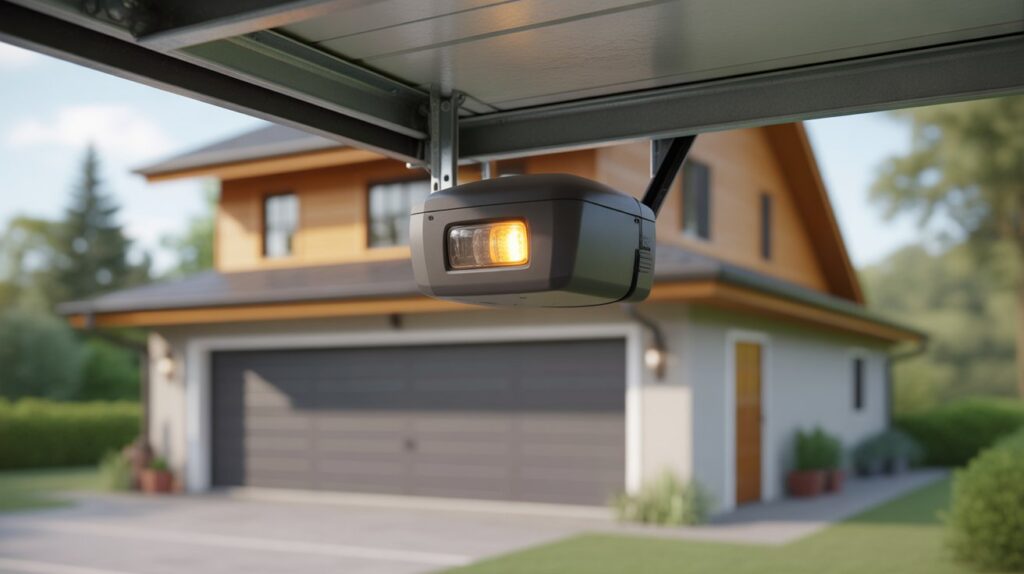
Regular maintenance keeps garage door sensors reliable and helps you avoid unnecessary repair calls down the line.
Tips for long-term sensor health:
- Clean the lenses monthly — wipe with a soft, dry cloth to remove dust, dirt, or cobwebs blocking the beam.
- Check alignment regularly — even small shifts can disrupt the beam; make sure both sensors face each other directly.
- Inspect wiring and connections — look for loose or frayed wires, especially after storms or heavy garage use.
- Keep the beam path clear — avoid reflective surfaces, direct sunlight, or standing water near the sensors.
- Test the door monthly — a few open-close cycles confirm smooth operation and proper sensor response.
- Schedule an annual professional inspection — a licensed technician can catch early wear before it becomes a bigger repair.
Staying on top of these checks keeps the sensor system — and the yellow light’s meaning — predictable, so you can spot a real issue the moment one shows up.
Conclusion
A garage door sensor’s yellow light is a simple power indicator, not a warning sign — on Chamberlain, LiftMaster, and Craftsman systems, it’s expected to stay on at all times. The real story is in how the door behaves: steady yellow plus smooth movement means the system is working; a blinking light or an inconsistent door points to alignment, wiring, or lens issues instead.
Knowing this distinction saves homeowners from chasing the wrong fix. If you’re troubleshooting a door that won’t close at all, our guide on both garage door sensors not lighting up covers what to check next.
FAQs
1. Is a yellow light on a garage door sensor normal?
Yes — on Chamberlain, LiftMaster, and Craftsman openers, the sending sensor is designed to stay yellow at all times.
2. Why is one sensor yellow and the other green?
That’s standard: the sending sensor glows yellow, and the receiving sensor glows green when properly aligned.
3. Can a yellow light still mean the sensor has a problem?
Rarely — a blinking or flickering yellow light usually points to a loose wire or power issue, not the steady glow itself.
4. Does the yellow light affect whether the door will close?
No — the receiving sensor’s green light and the beam alignment determine whether the door closes, not the yellow light.
5. Should I clean or adjust the sensor if it’s yellow?
Only if the door is misbehaving — cleaning the lens and checking alignment helps, but a steady yellow light alone needs no action.
Author Bio Box:
M. Bilal
M. Bilal holds a degree in Criminology and writes about home security, garage door systems, and safety devices for U.S. homeowners. He focuses on practical, accurate troubleshooting guidance based on manufacturer documentation and real-world testing standards.