
Introduction
Have you ever felt that sudden worry when leaving your home, wondering if everything inside is safe? You’re not alone — millions of homeowners in the USA face the same concern every day. The good news is that protecting your home doesn’t have to be stressful or complicated.
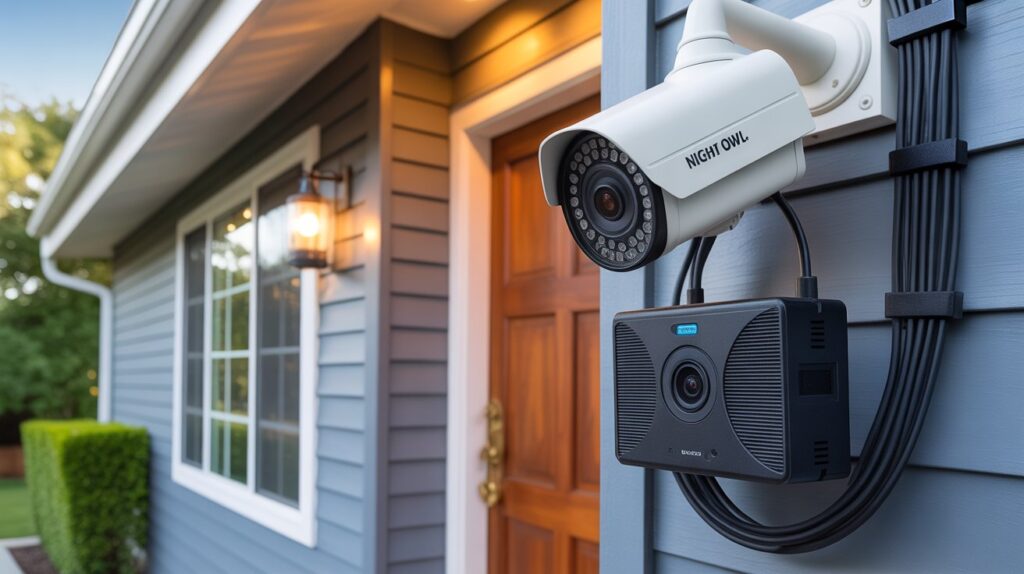
Night Owl wired security cameras offer a reliable solution, providing sharp HD video, night vision, and motion detection to monitor your property around the clock. In this guide, we’ll show you how to install Night Owl wired security cameras step by step, so you can secure your home confidently and efficiently. By the end, you’ll have a fully functional system that not only protects your family but also gives you peace of mind — no guessing, no worrying, just real security you can trust.
Table of Contents
How to Install Night Owl Wired Security Cameras – A Complete Step-by-Step Guide
Home security is more than just a precaution—it’s peace of mind for you and your family. In the United States, homeowners face increasing concerns about break-ins, property damage, and unexpected intrusions. Investing in a reliable security system can make all the difference between feeling vulnerable and staying safe.
Night Owl wired security cameras are a trusted solution for protecting your home. Known for their high-definition video quality, dependable wired connections, and advanced features like night vision and motion detection, these cameras offer consistent and professional-level security without the frustrations of signal interference that wireless cameras sometimes face.
If you’ve ever felt overwhelmed thinking about installing a security system, don’t worry. This guide will walk you through how to install Night Owl wired security cameras step by step, in a simple, beginner-friendly way. From planning camera placement to connecting cables and setting up your DVR system, we’ll cover everything you need to ensure your home is secure. By the end, you’ll have a fully functioning Night Owl system and the confidence to monitor your property like a pro.
Understanding Night Owl Wired Security Cameras
When it comes to protecting your home, understanding the tools you use is key. Night Owl wired security cameras are designed to offer reliable, professional-grade protection with features that make monitoring your property simple and effective.
Some standout features of Night Owl cameras include:
- HD Quality Video: Capture clear, sharp images of every corner of your home. This makes it easier to identify faces, license plates, and any unusual activity.
- Night Vision: With advanced infrared technology, these cameras monitor your property even in complete darkness, ensuring 24/7 security.
- Motion Detection: Receive instant alerts when movement is detected, helping you respond quickly to potential threats.
Beyond features, Night Owl wired cameras offer distinct advantages over wireless alternatives:
- Stable Connection: Wired cameras maintain uninterrupted recording without signal drops or interference.
- Long-Term Reliability: Unlike wireless systems, you don’t have to worry about network interruptions or bandwidth issues.
- Consistent Power Supply: Wired cameras ensure continuous operation without frequent battery replacements.
For homeowners in the USA, these benefits translate to peace of mind. Whether you’re monitoring a quiet suburban street or a busy urban home, the combination of HD clarity, night vision, and motion alerts keeps you informed and secure at all times. Investing in a Night Owl wired security system means choosing reliability, stability, and long-term safety.
Planning Your Camera Installation
Proper planning is the foundation of an effective security system. Before mounting your Night Owl wired cameras, taking a few strategic steps ensures maximum coverage and reliable monitoring.
Choosing the Best Camera Locations
To protect every corner of your home, focus on areas where security is most critical. Consider:
- Entrances: Front and back doors, side entrances, and garage doors.
- Driveways and Parking Areas: Monitor vehicles and approaching visitors.
- Backyard and Perimeter: Detect unusual activity around fences, sheds, or patios.
- High-Traffic Zones: Areas where valuables are stored or where family members frequently pass.
Electrical Outlets and Cable Planning
Night Owl wired cameras require thoughtful cable routing and access to power:
- Identify nearby outlets to connect your cameras without using excessive extension cords.
- Plan cable paths along walls, ceilings, or underground channels to avoid tripping hazards.
- Keep wires hidden where possible to prevent tampering.
Safety and Privacy Considerations
While securing your home, it’s important to respect legal boundaries:
- Avoid aiming cameras into neighbors’ yards or windows.
- Ensure cameras do not violate local surveillance laws.
- Double-check motion detection zones to prevent false alerts from public spaces.
By following these planning tips, your Night Owl wired security cameras will provide maximum coverage and effective protection, keeping your home safe without compromising safety or legality. Thoughtful placement combined with strategic wiring ensures your system works efficiently for years.
Gathering the Tools and Equipment You’ll Need
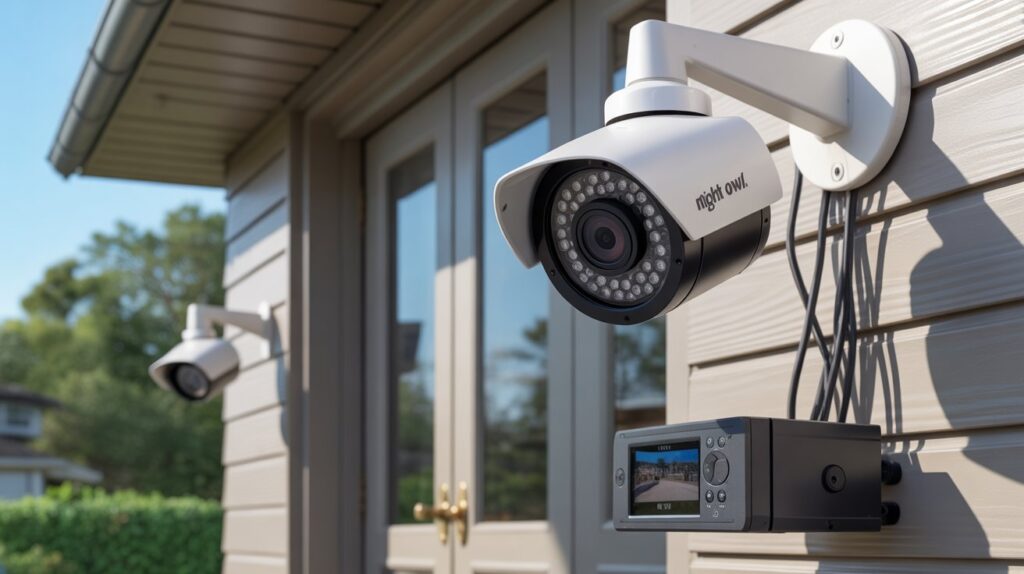
Before installing your Night Owl wired security cameras, having the right tools and equipment on hand is essential. Proper preparation saves time, reduces frustration, and ensures a smooth installation process.
Essential Tools for Installation
Make sure you have the following basic tools ready:
- Drill: For mounting cameras securely to walls or ceilings.
- Screws and Anchors: To hold brackets firmly in place.
- Cable Clips or Ties: To organize and secure wires neatly.
- Screwdriver: To attach cameras and connect cables.
- Ladder: For reaching high mounting points safely.
- Monitor or TV: To connect your DVR/NVR system and check live footage.
Night Owl Installation Kit Components
Most Night Owl wired camera systems come with an installation kit that includes:
- Camera brackets and screws
- Power adapters and cables
- DVR/NVR system with pre-installed software
- User manual with setup instructions
Having these components ready ensures a faster, hassle-free setup.
By gathering both essential tools and Night Owl accessories ahead of time, you can approach installation confidently. A well-prepared setup not only makes your job easier but also helps you achieve optimal performance and coverage for your home security system.
Step-by-Step Night Owl Wired Camera Installation
Installing your Night Owl wired security cameras may seem daunting at first, but following a structured approach ensures professional results and maximum home security. Here’s a simple step-by-step guide that even beginners can follow.
Step 1 – Mounting the Cameras
- Choose your planned camera locations carefully, focusing on entrances, driveways, and backyard zones.
- Use a drill to create holes for the brackets and secure them with screws and anchors.
- Attach the camera to the bracket and make sure it’s firmly fixed.
Expert Tip: Always double-check the mounting height and angle to avoid blind spots. A slightly higher position often prevents tampering and maximizes coverage.
Step 2 – Running the Cables Neatly and Safely
- Route your cables along walls, ceilings, or through conduits to keep them organized.
- Use cable clips or ties to secure wires and prevent tripping hazards.
- Avoid running wires near high-traffic areas or heat sources to prevent damage.
Expert Tip: Label each cable near the camera and DVR to simplify future troubleshooting.
Step 3 – Connecting Cameras to the DVR/NVR System
- Plug the video and power cables from each camera into the corresponding ports on the DVR/NVR.
- Ensure connections are tight and secure to prevent signal loss.
Expert Tip: Take a moment to test each connection before fully mounting the cameras. This prevents unnecessary disassembly later.
Step 4 – Powering the System and Checking Connections
- Connect the DVR/NVR to a reliable power source and turn on the system.
- Verify that each camera is displaying video on your monitor or TV.
- Check for any loose connections or cables that may need adjustment.
Expert Tip: Use a surge protector to safeguard your DVR/NVR system from power spikes.
Step 5 – Adjusting Camera Angles and Settings
- Fine-tune each camera’s viewing angle to cover key areas while minimizing blind spots.
- Adjust motion detection zones and recording settings according to your security needs.
- Test night vision functionality to ensure full coverage during low-light conditions.
Expert Tip: Walk around your property and check the camera views from different angles to make sure no critical areas are left unmonitored.
Following these steps guarantees a smooth and professional wired security camera setup. With careful mounting, clean cable management, and proper DVR connections, your Night Owl system will deliver reliable, round-the-clock protection for your home.
Setting Up the Night Owl Monitoring System
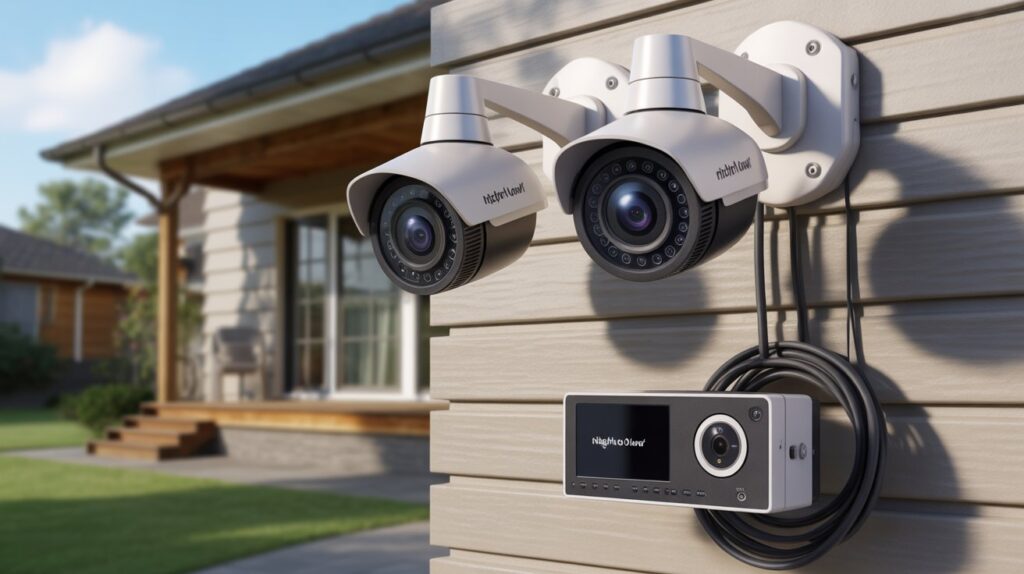
Once your Night Owl wired cameras are installed, setting up the monitoring system is the next critical step. Begin by connecting your DVR to a TV or monitor. This allows you to view live footage, review recordings, and access the camera settings with ease. Using a high-definition monitor ensures you don’t miss important details like faces, license plates, or unusual activity.
Next, configure your recording schedules and motion alerts. Night Owl systems let you tailor recording times and sensitivity levels to match your home’s routine. For example, you may want continuous recording in high-traffic areas while enabling motion-triggered alerts for less frequently used zones. This flexibility helps you capture relevant events without overwhelming your storage or notifications.
For ultimate convenience, set up the Night Owl mobile app for remote monitoring. This feature allows you to check live video, receive instant alerts, and review recordings directly from your smartphone or tablet, no matter where you are in the United States. Remote access ensures that even when you’re away from home, you can stay informed and respond quickly to any situation.
By properly configuring your DVR and mobile app, you ensure that your Night Owl wired security system works efficiently and provides reliable, 24/7 protection. This setup not only strengthens your home security but also offers peace of mind knowing that every corner of your property is under watchful eyes.
Testing and Troubleshooting
- Check Video Quality: Ensure all cameras are displaying clear, sharp images. Adjust focus or reposition cameras if footage appears blurry.
- Test Night Vision: Turn off the lights and verify that each camera captures the area effectively in low-light conditions.
- Verify Motion Detection: Walk through monitored areas to confirm that motion alerts are triggered correctly. Adjust sensitivity settings if needed.
- No Signal Issues:
- Check all cable connections to DVR/NVR ports.
- Confirm cameras are powered and securely plugged in.
- Check all cable connections to DVR/NVR ports.
- Blurry or Poor Image:
- Clean camera lenses and remove any dust or debris.
- Adjust focus or angle for optimal clarity.
- Clean camera lenses and remove any dust or debris.
- Power Problems:
- Ensure the power adapter is properly connected.
- Test outlets and consider using a surge protector for consistent power supply.
- Ensure the power adapter is properly connected.
- Remote Monitoring Troubles:
- Verify mobile app is linked to the DVR/NVR.
- Check Wi-Fi or cellular connection for stable remote access.
- Verify mobile app is linked to the DVR/NVR.
Following these troubleshooting steps ensures your Night Owl wired security cameras operate efficiently, providing reliable protection and peace of mind.
Maintaining Your Night Owl Security System
Keeping your Night Owl wired security cameras in top condition ensures continuous protection for your home. Regular maintenance prevents small issues from becoming major problems and helps your system operate at peak performance.
Essential Maintenance Tips
- Clean Lenses and Camera Housing: Dust, dirt, or spider webs can obscure the camera’s view. Gently wipe lenses and housings with a soft, dry cloth at least once a month.
- Update DVR/NVR Software: Night Owl frequently releases updates to improve performance and security. Check for firmware updates and install them promptly to keep your system running smoothly.
- Seasonal Checks: Inspect cameras and cables every few months, especially after storms or extreme weather. Make sure all connections are secure and that the system records properly.
- Test Functionality: Regularly verify video quality, motion detection, and alerts to ensure the system captures all important activity.
By following these simple maintenance steps, you can maintain security cameras effectively and enjoy reliable, long-term protection. A little routine care goes a long way in preserving your Night Owl system care and giving your family peace of mind.
Conclusion
Securing your home doesn’t have to be complicated. By understanding how to install Night Owl wired security cameras step by step, planning carefully, and maintaining your system, you take control of your family’s safety and your peace of mind. These cameras offer reliable protection, 24/7 monitoring, and the confidence that comes with knowing your home is watched over even when you’re away.
Take a moment to reflect — how would it feel to leave home knowing every entrance, driveway, and backyard corner is fully covered? With a properly installed Night Owl wired security system, that sense of security is within reach.
Remember: safety is not just about equipment; it’s about preparation, vigilance, and taking action today.Keep your home, family, and peace of mind fully protected.
For homeowners looking for reliable protection, the Ring Home Standard with Alarm Professional Monitoring provides 24/7 security and peace of mind. In addition, the Ring Wireless Home Security system offers flexible installation and advanced features to keep your home safe in 2026.
FAQs
Q1. How to install wired Night Owl cameras?
Follow a step-by-step process: mount cameras, run cables, connect to DVR, power up, and adjust angles.
Q2. Can I install wired security cameras myself?
Yes — with basic tools and careful planning, DIY installation is safe and effective.
Q3. How do you install a security camera step by step?
Mount the camera, route cables neatly, connect to DVR, test, and adjust for optimal coverage.
Q4. How do you install wired outdoor security cameras?
Place cameras in strategic outdoor locations, secure with screws, protect cables from weather, and connect to the DVR.
Q5. Do wired cameras need Wi-Fi to work?
No — wired cameras function through direct DVR connections, independent of Wi-Fi.
Q6. What is the best way to run wires for security cameras?
Use walls, ceilings, or conduits, secure with clips, and avoid high-traffic or exposed areas.


