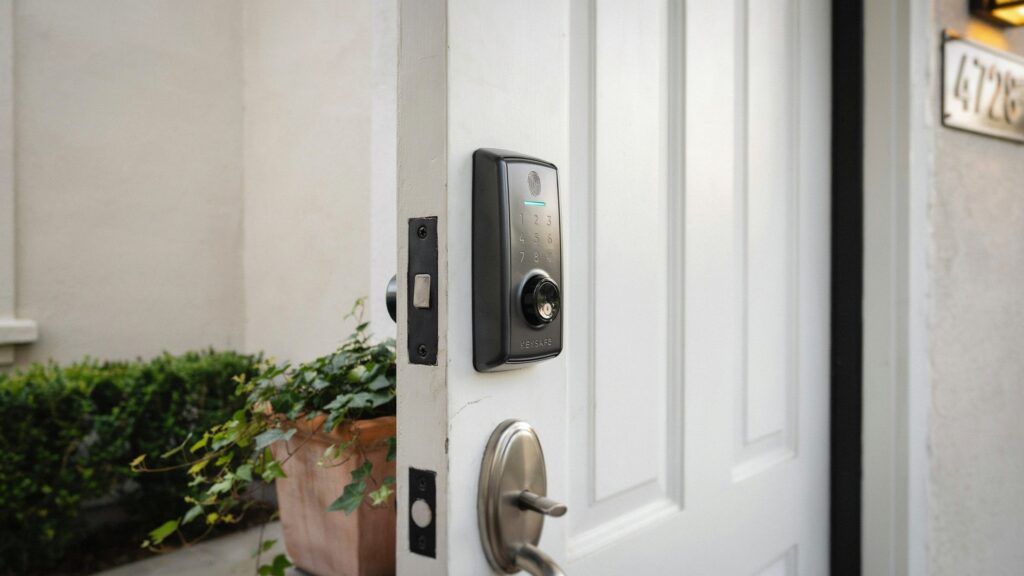
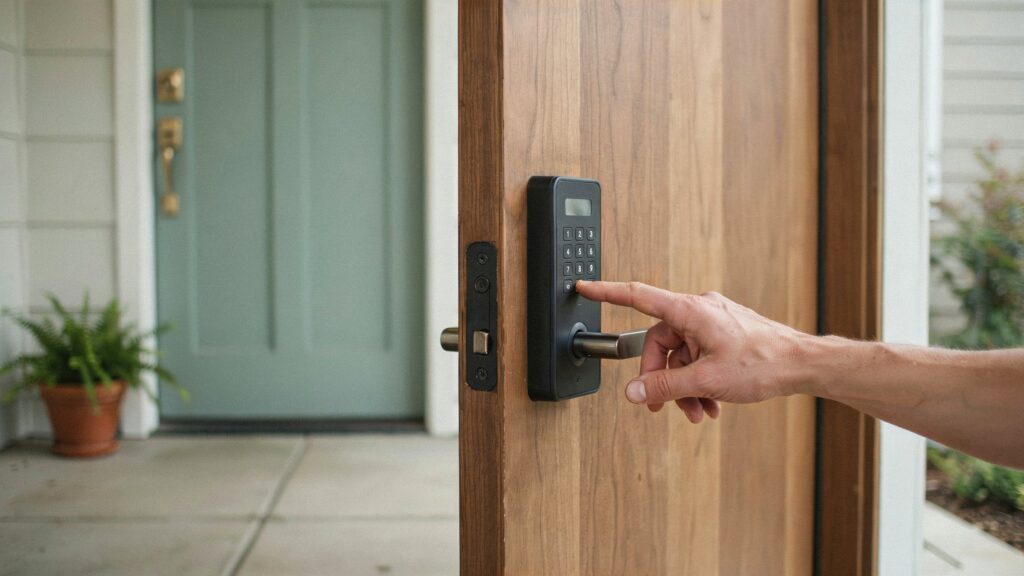
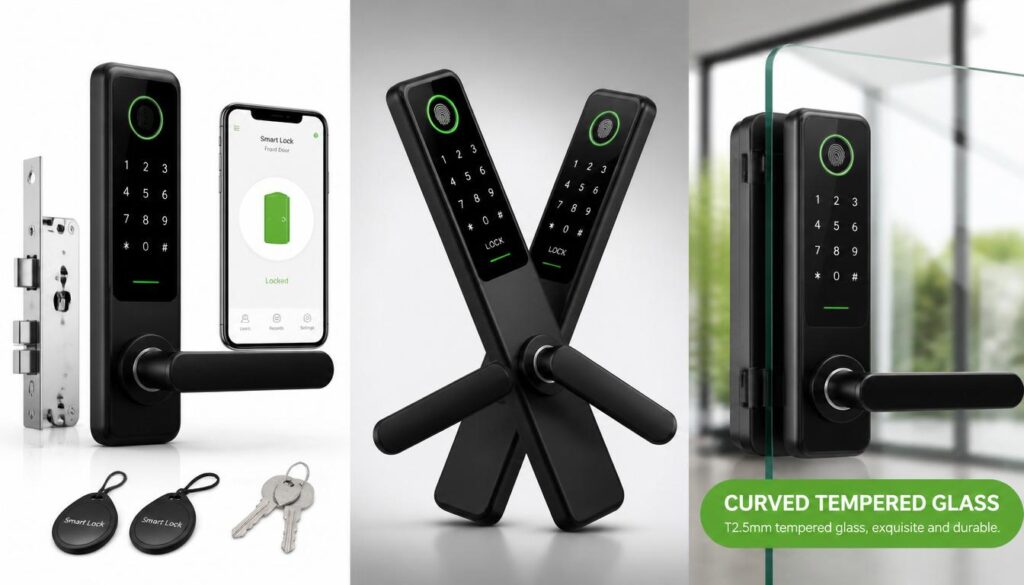
Changing the access code on a Schlage door lock helps you manage who can enter your home without replacing the entire lock. You may need to update a door lock code after moving into a new house, changing roommates, losing track of who has access, or sharing a temporary code with a visitor.
The process depends on your Schlage lock model. Traditional keypad locks use a programming code and physical buttons, while connected smart locks may let you manage access through the Schlage Home app or another compatible system.
This guide explains how to change a Schlage user code, update the programming code, remove an old entry code, and troubleshoot common problems.
Table of Contents
Understand the Different Schlage Lock Codes
Before changing anything, identify which code you want to update. Schlage keypad locks can use more than one type of code, and each serves a different purpose.
User Code
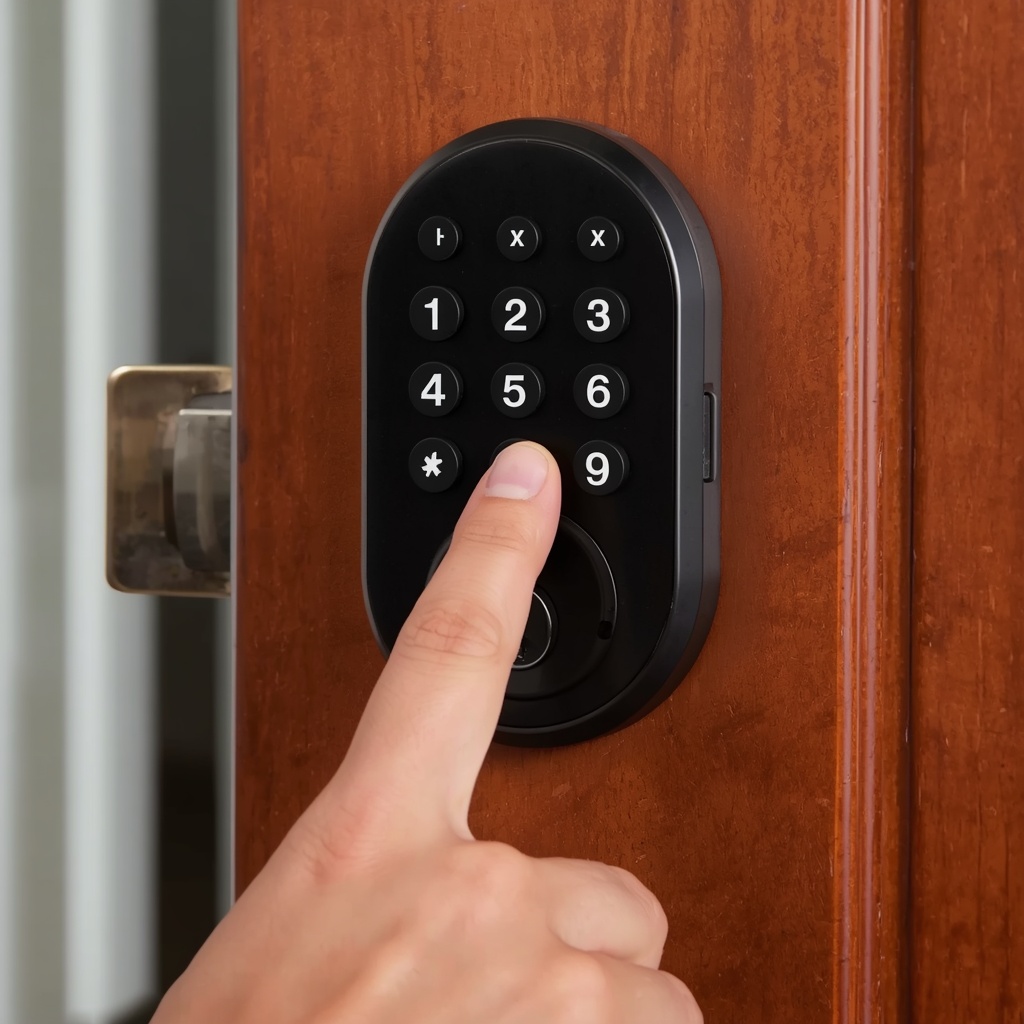
A user code is the number someone enters on the keypad to unlock the door. Depending on the model, you may be able to create several codes for family members, trusted visitors, or service providers.
Changing a user code usually means deleting an old entry code and adding a new one. Some models let you manage several users separately.
Programming Code
A programming code allows an authorized person to change the lock’s settings, including adding or deleting user codes. On many traditional Schlage keypad locks, this is a six-digit code.
The programming code is different from the code used to unlock the door. Changing one does not automatically change the other.
Smart Lock Access Code
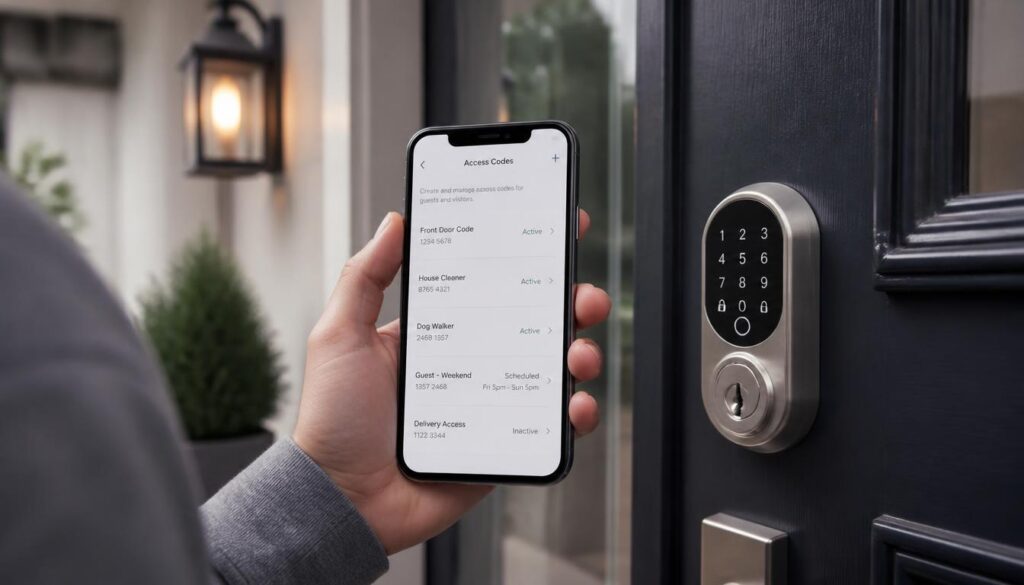
Connected Schlage smart locks may let you manage entry codes through a mobile app. Depending on the model, you can add new users, remove old codes, or set access schedules. If you’re comparing smart locks with conventional options, see our guide to smart locks vs. traditional locks.
Always check your lock’s model-specific instructions before changing its settings.
How to Change the Code on a Schlage Door Lock
On a Schlage BE365 keypad deadbolt, updating an entry code typically requires removing the existing code and registering a new one. Keep your current programming code handy, as it is generally needed to access these settings.
Step 1: Identify Your Schlage Lock Model
Look at the lock’s exterior keypad and interior assembly. Find the model number on the product label, packaging, installation paperwork, or user manual.
Common Schlage electronic lock families include:
- BE365 keypad deadbolt
- FE575 and FE595 keypad locks
- Schlage Encode and Encode Plus smart locks
- Schlage Connect and Schlage Sense smart locks
These products do not all use the same programming method. Identifying the model first helps you avoid entering the wrong button sequence.
Step 2: Locate Your Programming Code
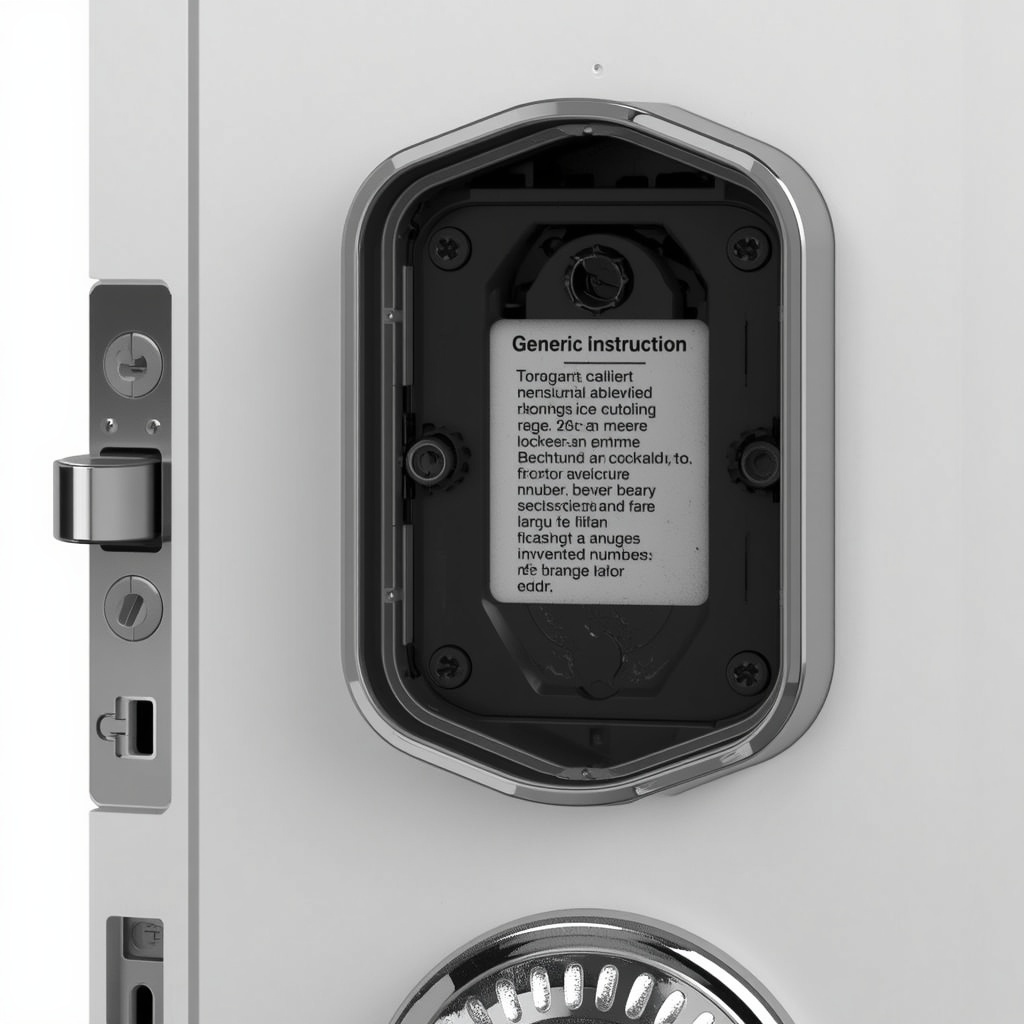
For many Schlage keypad locks, you can find the factory programming code in the paperwork that came with the lock or on a sticker inside the interior assembly, depending on the model.
Check the user manual before removing any part of the lock. If you need to inspect a label, follow the manufacturer’s instructions and make sure you can safely reassemble the unit.
If the programming code has already been changed, the original printed code may no longer work.
Step 3: Delete the Old User Code
On compatible Schlage keypad locks, such as the BE365, FE575, and FE595, removing an existing access code generally requires the current programming code.
- Enter your six-digit programming code.
- Press the Schlage button as directed by your model’s instructions.
- Press 2 to access the code deletion option.
- Enter the four-digit user code you want to remove.
- Enter the same code again to confirm.
Wait for the lock’s confirmation signals before proceeding. If an error appears, check the instructions and verify whether the code was removed successfully.
If you experience problems operating the lock, see our guide on how to open a door lock for related troubleshooting advice.
Important: These steps apply to the specified keypad models. Other Schlage smart locks may use different programming methods.
Step 4: Add a New User Code
After removing the old entry code, you can add a replacement on compatible models.
Follow this general sequence for the BE365, FE575, and FE595 keypad family:
- Enter the current six-digit programming code.
- Press the Schlage button.
- Press 1 to select the add-user-code function.
- Enter your new four-digit user code when prompted.
- Enter the same new code again to confirm it.
Wait for the lock’s confirmation signals. On the models covered by the guide, a green light and a long beep indicate successful programming when the beeper is enabled.
The new code must meet the model’s restrictions. For these keypad models, the first four digits of a user code must not match the first four digits of the programming code.
Choose a code that is easy for authorized household members to remember but difficult for other people to guess.
Step 5: Test the New Code
Before relying on the new code, check that the lock works properly.
- Keep the door open while testing.
- Enter the new user code on the keypad.
- Confirm that the lock operates as expected.
- If you deleted an old code, verify that it no longer grants access.
- Close the door only after confirming normal operation.
Testing with the door open helps prevent accidental lockouts if the programming process was unsuccessful.
How to Change the Programming Code on a Schlage Keypad Lock
To update the code that controls lock settings, follow the steps for changing the programming code, not the regular entry code.
For compatible BE365, FE575, and FE595 models, follow these steps:
- Enter the existing six-digit programming code.
- Press the Schlage button.
- Press 3 to select the programming-code change function.
- Enter your new six-digit programming code.
- Enter the new programming code again when prompted.
Wait for the lock’s confirmation signals. Make sure the first four digits of your new programming code do not match the first four digits of any existing user code, as required for compatible models.
Store the new programming code in a secure place so you can manage access settings later. Remember that changing this code does not change the numbers used to unlock the door. To understand the differences between electronic and conventional locking systems, see our guide to how smart locks work without Wi-Fi.
How to Change a Schlage Smart Lock Code Using the App
Some Schlage smart locks support access-code management through a mobile app. The available features and menu names vary by model and app version.
For a compatible connected lock, use this general process:
- Confirm that your lock is set up in the correct Schlage app or supported home-security system.
- Open the app and select your lock.
- Look for a section labelled access codes, users, or lock settings.
- Select the existing code or user you want to manage.
- Follow the available options to edit, remove, or add an access code.
- Save your changes and check the app for a confirmation message.
- Test the new code at the lock itself.
Some models or app versions may require you to delete an existing code and create a replacement instead of editing the code directly.
For example, Schlage Encode, Encode Plus, Connect, and Sense products have model-specific digital user guides. Do not assume that the button sequence used by a traditional BE365 keypad deadbolt will work on these connected locks.
If the lock is managed through a compatible third-party system, use that system’s instructions when applicable.
What to Do If You Forgot the Schlage Programming Code
Forgetting the programming code can prevent you from adding, deleting, or changing user codes. Start with the least disruptive options.
Check the Original Documentation
Look for the user guide, installation paperwork, or code record supplied with your lock. The original programming code may be printed in these materials.
Remember that the original code might not work if someone changed it previously.
Identify the Exact Model
Visit Schlage’s official programming guides and select your lock model. Read the instructions for forgotten codes and supported recovery options.
Consider a Factory Reset Only When Necessary
Some Schlage keypad models allow a factory reset if the programming code has been lost. However, resetting is not the same as changing a code.
On models that support this procedure, a factory reset can restore the original programming settings and erase existing user codes. You may then need to configure the lock again.
Before resetting anything, locate the required default codes and read the model-specific instructions. Otherwise, you could remove your existing access codes without having the information needed to program the lock again.
Connected locks may have additional setup or app-pairing requirements. Follow the instructions for your exact product rather than applying a reset procedure from another model.
Why Is My Schlage Door Lock Not Accepting the New Code?
If your new code does not work, check these common causes before trying a factory reset.
The Programming Code Is Incorrect
Traditional keypad locks require the current programming code to enter programming mode. If the code was changed previously, the original factory code may not work.
Check your records and the model-specific recovery instructions.
The New Code Was Entered Incorrectly
Many keypad locks ask you to enter a new code twice. If the two entries do not match, programming may fail.
Start again and enter the same digits carefully. Watch for the lock’s confirmation signals between steps.
The Code Does Not Meet the Lock’s Requirements
Some models restrict certain combinations. For example, the BE365, FE575, and FE595 programming guide specifies rules for the first four digits of user and programming codes.
Check your manual if the lock rejects a code that otherwise appears valid.
The Battery Is Weak
Low batteries can interfere with keypad response or electronic operation. If the keypad behaves inconsistently, check the battery status and replace the batteries according to the manufacturer’s instructions.
Avoid mixing old and new batteries or using a battery type that the manual does not recommend.
The Lock Is in a Different Operating Mode
Some Schlage locks have settings that affect whether stored access codes work. Vacation Mode, for example, may disable user codes on compatible models. Check your lock’s current settings and consult its manual before changing anything.
You Are Following Instructions for Another Model
Schlage locks do not all use the same programming steps. A procedure designed for a traditional keypad deadbolt may not work on a connected smart lock. Confirm your model number and follow the correct instructions. If the lock still does not respond, contact Schlage support or a qualified locksmith.
If the lock is physically stuck or the latch will not release, see our guide on what to do when a door latch is stuck closed for practical troubleshooting steps.
Tips for Choosing a Secure Door Lock Code
Changing your entry code is a good opportunity to review who has access to your home and make your lock settings more secure.
- Avoid predictable numbers. Don’t choose simple sequences such as 1234 or easily guessed repeated digits.
- Protect your programming code. Share it only with people who are authorized to manage the lock.
- Remove unused codes. Delete access codes assigned to former roommates, contractors, or visitors who no longer need entry.
- Assign separate codes when possible. Individual codes make it easier to manage access without sharing one number with everyone.
- Store codes safely. Avoid writing them on a note near the door or leaving them somewhere others can find.
- Test every change. Verify that the new code works and that deleted codes no longer unlock the door.
- Review access when circumstances change. Update codes if someone no longer needs entry or you suspect a code has been shared.
For broader guidance on creating and protecting authentication secrets, consult the NIST Digital Identity Guidelines. These guidelines explain why secret codes should be difficult for others to guess.
Following these practices helps you manage access and reduce the risk of accidental lockouts.
FAQs
Can I change a Schlage door lock code without the programming code?
Usually, you need the current programming code to manage user codes on traditional Schlage keypad locks. If you have forgotten it, check the official instructions for your exact model. Some models support a factory reset, but this can erase existing codes and settings.
Is the Schlage programming code the same as the user code?
No. A user code unlocks the door. The programming code allows an authorized person to manage user codes and supported lock settings. Changing one does not automatically change the other.
How many user codes can a Schlage lock store?
The number depends on the model. The BE365, FE575, and FE595 guide states that these keypad locks can store up to 19 user codes at a time. Other Schlage locks may have different limits.
Do I need to remove the lock from the door to change its code?
Usually, no. Compatible keypad locks can generally be programmed using the exterior keypad. You should only remove a component when the model-specific instructions require it, such as when inspecting a code label or carrying out an approved recovery procedure.
What should I do if my new code still does not work?
Check the programming sequence, verify that the code was entered twice correctly, inspect the battery condition, and confirm that you are following the correct instructions for your model. If the problem continues, consult the official manual or contact Schlage support.
Final Thoughts
Changing a Schlage door lock code is straightforward once you know which code you need to update and which model you own. Traditional keypad locks use specific button sequences to add or remove user codes and change the programming code, while connected smart locks may offer access management through an app.
Identify your lock, follow its official instructions, and test every change with the door open. If you have forgotten the programming code, review the supported recovery procedure before attempting a factory reset. This helps you maintain control over who can enter your home without creating unnecessary access problems.
About the Author — M Bilal
M Bilal holds a BS in Criminology and writes about home security, door locks, and practical safety measures. As a home security content specialist, he focuses on explaining security features, access control, and everyday safety practices in simple, easy-to-understand language. His goal is to help readers make informed decisions about protecting their homes and managing access securely.