Introduction
Ever walked back into a room, hours later, and found the light still on? You weren’t careless — you just got busy, and the switch slipped your mind. It happens to almost everyone, in almost every home.
That’s exactly the problem a vacancy sensor switch solves. Instead of relying on memory, it takes over the one step people forget most: turning the light off. You still control when it comes on, but once the room sits empty, the switch quietly handles the rest.
It’s a small fix, but for anyone tired of paying for light no one’s using, it makes a real difference.
Table of Contents
What Is a Vacancy Sensor Switch?
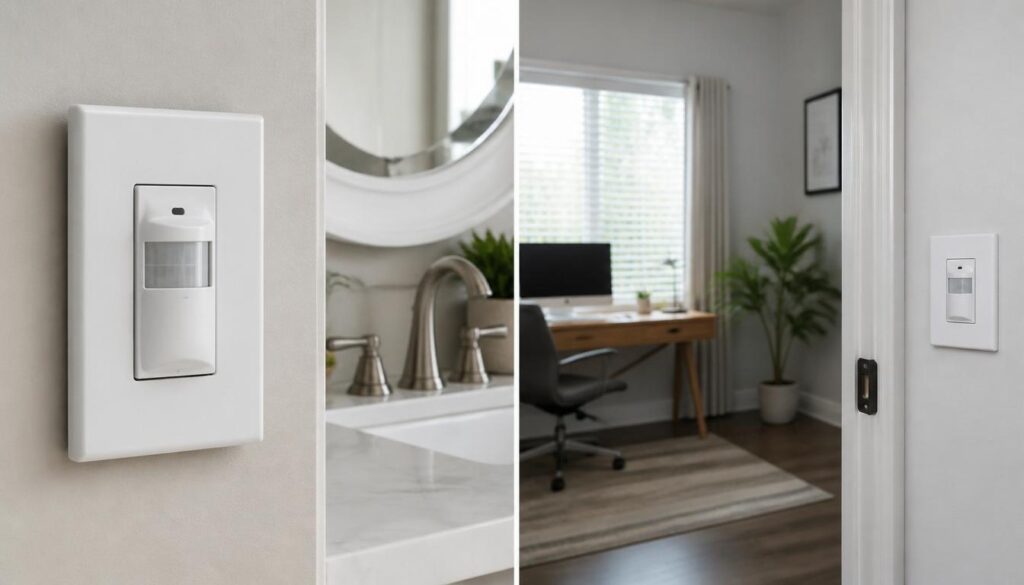
A vacancy sensor switch is a wall-mounted lighting control that you turn on manually, but it switches the lights off automatically once the room sits empty. Built-in motion detection tracks whether anyone is still present, so the light stays on only as long as movement is detected.
This matters most in moments people tend to forget — walking out of a laundry room with a full basket, or leaving a garage with both hands busy. A vacancy sensor switch handles that last step, cutting power the second it senses the room is no longer occupied.
How it detects motion:
- PIR (passive infrared) – Senses body heat and movement within its coverage zone
- Ultrasonic – Detects motion through sound wave reflections, even behind furniture or partitions
- Dual-tech sensors – Combine both methods for fewer false shutoffs
What makes it different from other smart switches:
- Requires manual-ON activation — it never guesses when to turn lights on
- Turns lights OFF automatically once no motion is detected for a set time (commonly 5–30 minutes)
- Removes the risk of forgetting to switch off lights, without changing how you enter a room
For homeowners across the U.S. looking to cut electricity waste without changing how they already move through their home, this manual-on, auto-off setup offers an easy, reliable solution.
How Does a Vacancy Sensor Switch Work?
- Detection technology: Most vacancy sensor switches use PIR (passive infrared), ultrasonic, or dual-tech sensors to sense movement in the room
- PIR sensors detect body heat and motion in a direct line of sight — reliable for open spaces like bedrooms or offices
- Ultrasonic sensors send out sound waves and read the reflection pattern, picking up motion even around corners, behind desks, or under counters
- Dual-tech sensors combine both methods, requiring confirmation from each before the light activates or shuts off — this cuts down on false triggers from pets, HVAC airflow, or shadows
- Timer settings control how long the light stays on after the last detected movement, typically adjustable from 5 to 30 minutes depending on the switch model
- A shorter timer suits high-traffic spots like hallways, while a longer timer works better for rooms like bathrooms where people sit still for stretches
- Sensitivity settings determine how much movement the sensor needs to register before resetting the timer — higher sensitivity catches small motions like a hand reaching for a towel, while lower sensitivity ignores minor background activity
- Getting the sensitivity and timer combination right is what keeps a vacancy sensor switch from either shutting off too soon or staying on longer than needed, giving homeowners consistent, hands-free control over every room
Vacancy Sensor vs Occupancy Sensor: What’s the Difference?
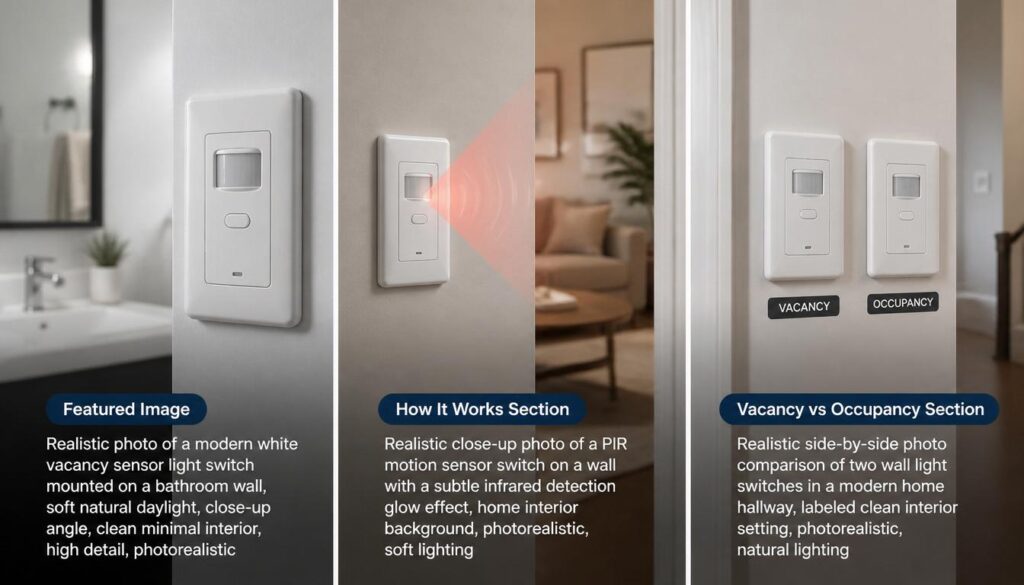
The core difference between a vacancy sensor switch and an occupancy sensor comes down to how the light turns on. A vacancy sensor requires manual-ON, automatic-OFF operation — you flip the switch to turn the light on, and the sensor only handles shutting it off once the room is empty. An occupancy sensor works the opposite way, using automatic-ON, automatic-OFF control, meaning the light turns on by itself the moment it detects motion.
This distinction matters more than it seems, especially for U.S. homeowners and building owners following energy codes like California’s Title 24. Many state energy standards require manual-ON control in specific rooms because automatic-ON lighting can waste energy when someone briefly walks through a space without needing the light — think of a hallway during daylight hours or a storage room someone passes by without stopping.
Manual-ON, Auto-OFF (Vacancy Sensor)
- Light only activates when a person manually flips the switch
- Automatically shuts off once no motion is detected for a set time
- Preferred in spaces where lighting isn’t always necessary, even when occupied — such as daylit offices or private bathrooms
- Often required by energy codes for specific room types to reduce unnecessary electricity use
Automatic-ON, Auto-OFF (Occupancy Sensor)
- Light turns on by itself the instant motion is detected
- Shuts off automatically once the room is vacated
- Works well in spaces where hands-free convenience matters most, like garages, warehouses, or high-traffic hallways
- Can lead to higher energy use in daylit areas since the light activates regardless of whether it’s actually needed
Choosing between the two isn’t just a matter of preference — it often depends on the room, the building’s energy code requirements, and how much control you want over when a light turns on. For anyone upgrading a home or commercial space in the U.S., understanding this difference is the first step toward picking a switch that’s both compliant and genuinely useful.
Where Vacancy Sensor Switches Work Best
A vacancy sensor switch performs best in rooms where you want control over when the light turns on, but don’t want to worry about turning it off. These spaces benefit most:
- Bathrooms – Lights stay off during brief visits in daylight, but never stay on by accident after you leave
- Closets – No need for automatic lighting every time you open the door; you switch it on only when needed
- Warehouses – Manual-on control prevents unnecessary lighting in sections that aren’t actively in use
- Offices – Works well in daylit spaces where automatic-on lighting would waste energy unnecessarily
- Storage rooms – Ideal for spaces visited briefly, where lights often get left on for hours
In each of these settings, the vacancy sensor switch strikes a balance many homeowners and building managers actually want: full control over activation, paired with reliable automatic shutoff.
Key Benefits of Using a Vacancy Sensor Switch
A vacancy sensor switch offers more than just convenience — it delivers measurable advantages for homeowners and building owners who want smarter control over their lighting.
Lower Energy Costs
- Lights only run when someone actually turns them on, cutting down on wasted electricity from lights left running in empty rooms
- Automatic shutoff means no more paying for lighting no one is using
Easier Energy Code Compliance
- Many U.S. energy codes, including California’s Title 24, require manual-ON control in certain spaces
- Installing a vacancy sensor switch helps homes and commercial buildings meet these requirements without extra guesswork
Fewer False Triggers
- Manual-ON operation removes the chance of lights switching on from minor movement, pets, or passing shadows
- Dual-tech sensor options add another layer of accuracy, reducing unnecessary activations
Better Control Compared to Occupancy Sensors
- Gives full control over when a light turns on, rather than relying entirely on automatic detection
- Ideal for spaces where lighting isn’t always needed even when the room is occupied, such as daylit offices or bathrooms
Together, these benefits make a vacancy sensor switch a practical, code-friendly upgrade for anyone looking to reduce energy waste while keeping full control over their space.
Conclusion
A vacancy sensor switch isn’t just another lighting upgrade — it’s a small change that quietly takes care of the moments you’re too busy to think about. That light you forgot to turn off, that room left glowing for hours, that tiny habit costing you more than it should — all of it gets handled, without you lifting a finger twice.
Every home has these small blind spots. The real question isn’t whether your lighting wastes energy — it’s whether you’re ready to fix it with something this simple.
Pause for a second and picture your own home. Which room could really use this?
FAQs
How does a vacancy sensor switch work?
It uses PIR, ultrasonic, or dual-tech detection to sense motion, keeping the light on until no movement is detected for a set time, then shutting it off automatically.
What is a vacancy sensor?
A vacancy sensor is a wall switch that requires manual-ON activation but turns lights off automatically once a room becomes empty.
What is the difference between vacancy sensor and occupancy sensor?
A vacancy sensor needs manual-ON, auto-OFF control, while an occupancy sensor turns lights on and off automatically without any manual input.
What is the purpose of an occupancy sensor?
It’s designed to detect when a room is in use and automatically turn lights on and off, reducing energy waste from forgotten switches.
How do I turn off the occupancy sensor?
Most models have a manual override switch or setting that lets you disable automatic detection and control the light directly.
How to tell if an occupancy sensor is bad?
Common signs include lights not turning on with motion, staying on constantly, or shutting off while the room is still occupied.
Where is the occupancy sensor located?
It’s typically mounted on the wall in place of a standard switch, or installed on the ceiling in larger commercial spaces.
What are the three common causes of sensor failure?
Dust or debris blocking the lens, incorrect sensitivity settings, and wiring or power issues are the most frequent causes.