Introduction
Have you ever driven away from home and suddenly wondered whether you left the garage door open? Understanding garage door sensor open or closed status can help you confirm whether your garage is secure without relying on guesswork.
Modern garage door systems use sensors, control panels, and smart features to monitor or indicate the door’s position. In this guide, we’ll explain how garage door sensors determine whether the door is open or closed, what the sensor lights mean, and what to check when the status does not appear correct.
Table of Contents
What a Garage Door Sensor Really Detects
Many homeowners think a garage door sensor has only one job: preventing the door from closing when something is in its path. While that is true for safety sensors, they are not the same as devices that monitor the door’s open or closed status.
There are two main types of sensors commonly associated with garage door systems, and understanding the difference makes it much easier to troubleshoot or monitor your garage.
1. Safety Beam Sensors
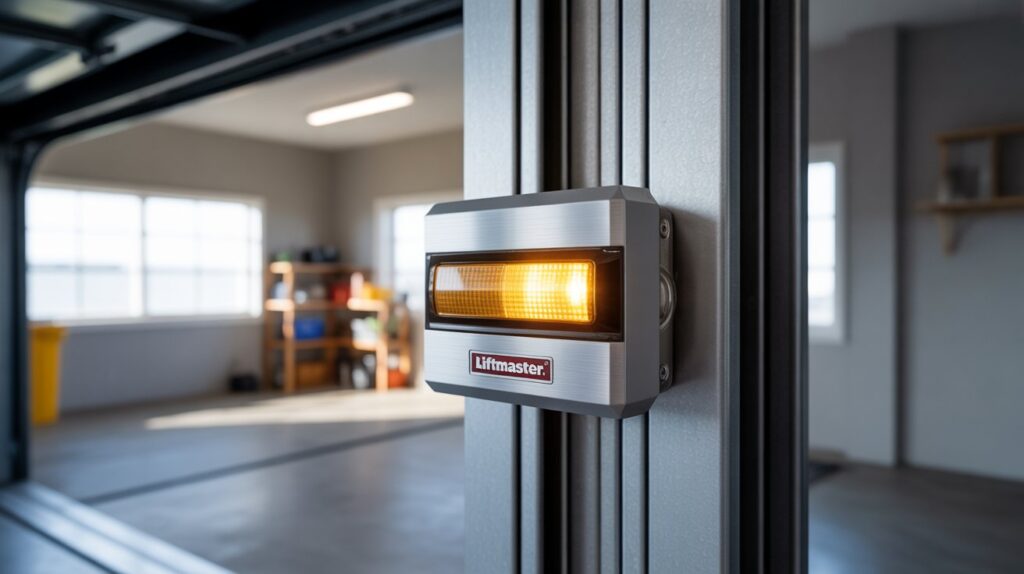
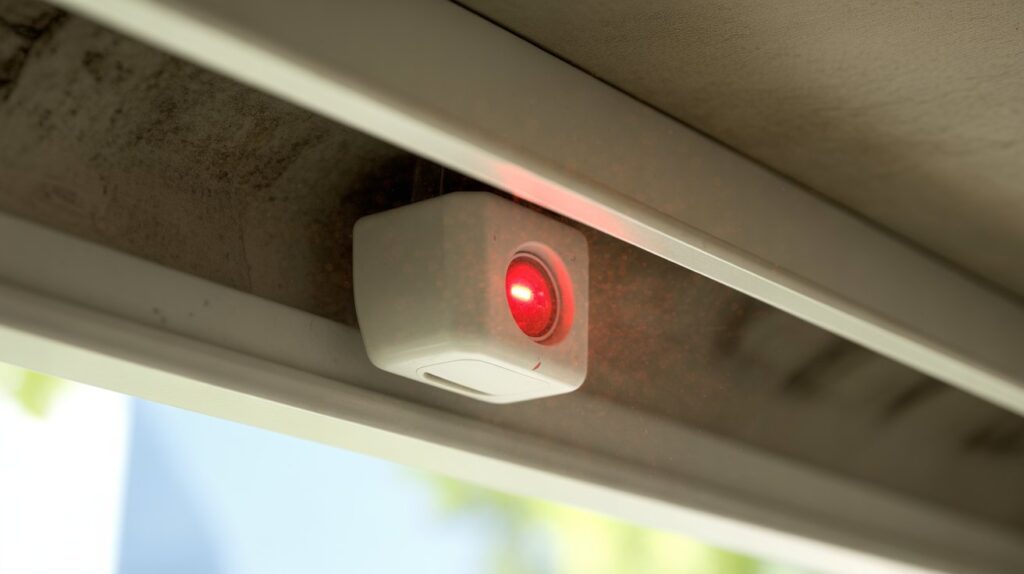
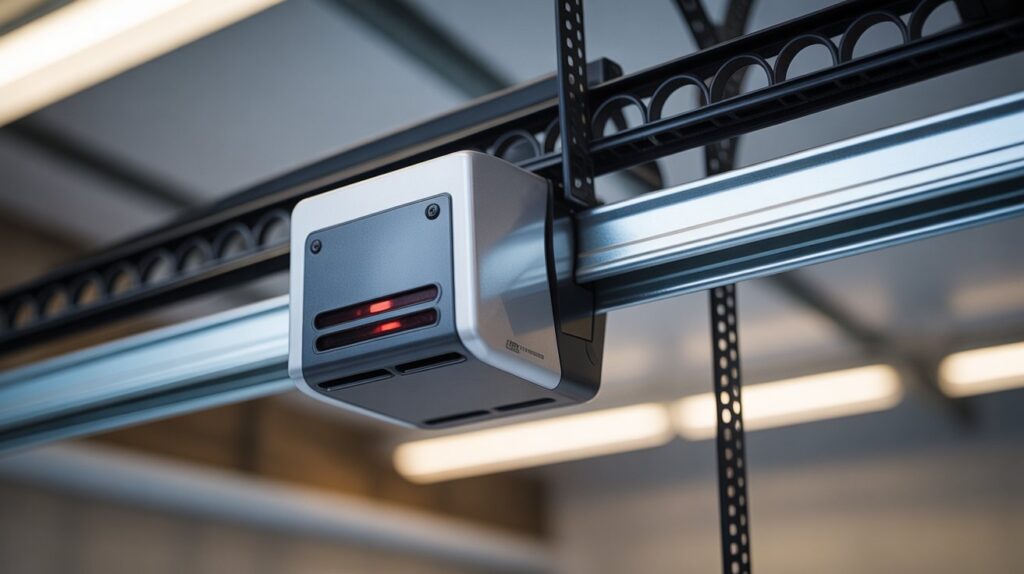
Safety beam sensors are usually installed near the bottom of the garage door tracks. They use an infrared beam that travels between two sensor units across the doorway.
- Detect objects or people that interrupt the beam
- Prevent the door from closing properly when the beam is blocked
- Primarily operate while the garage door is closing
- Are designed as a safety feature rather than a door-status monitor
2. Door Position or Status Sensors
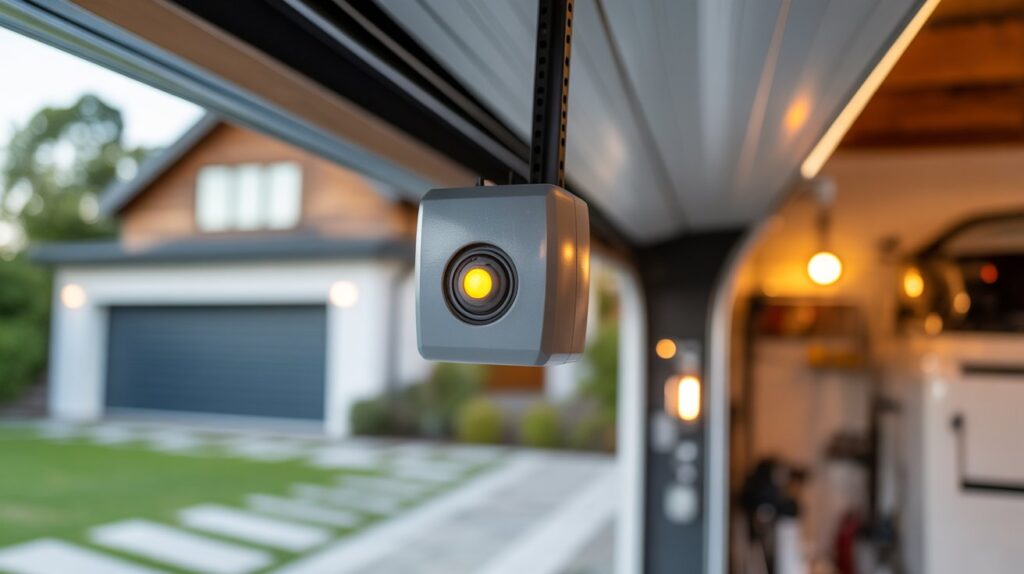
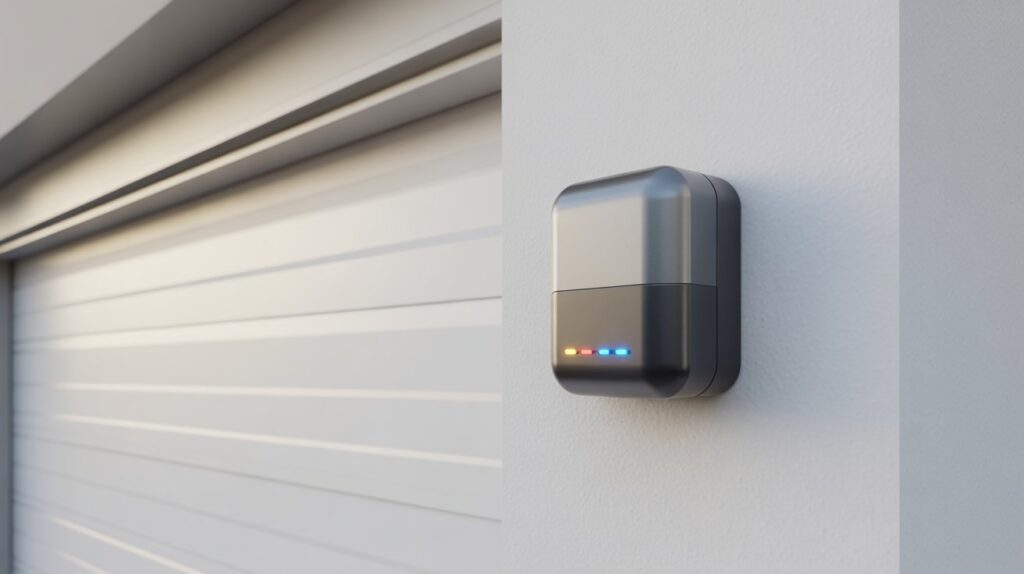
A garage door status sensor serves a different purpose. Instead of detecting an obstacle, it monitors the position of the garage door and can report whether it is open or closed.
Depending on the system, a status sensor may:
- Monitor whether the door is open or closed
- Send status information to a smartphone or smart home app
- Provide alerts when the door remains open
- Continue monitoring the door when it is fully open or closed
The two sensors are easy to confuse because they work as part of the same garage door system. However, a safety beam sensor is designed to help prevent accidents, while a door-position sensor provides information about the garage door’s current status.
If you’re also troubleshooting sensor-related problems, our guide on garage door sensor issues can help you understand common warning signs and what to check.
How Sensors Determine Open vs. Closed Status
Once you understand the difference between a safety sensor and a door-status sensor, the next question is how a system knows whether the garage door is open or closed. Different products use different detection methods, but the most common approaches include tilt detection, magnetic contact, and position monitoring.
Tilt-Based Detection
Tilt sensors are commonly used with garage doors because they can detect changes in the door’s position. A small sensor is attached to the door, and it monitors its orientation as the door moves.
- Detects changes in the door’s angle
- Uses the door’s position to determine its status
- Can send status information to a connected smart home system or app
Magnetic Contact Sensors
Magnetic contact sensors use two components: one attached to the garage door and another mounted on a nearby fixed surface. When the door is closed, the two components remain close together. When the door opens, they separate and the system can register a change in status.
- Uses a magnet and contact sensor
- Confirms the closed position when the two parts are aligned
- Detects separation when the door begins to open
Position and Smart Monitoring
Some smart garage door systems use additional position data or connected sensors to confirm whether the door has reached a particular position. Depending on the product, this information can be sent to a smartphone app and used for notifications or remote monitoring.
It’s important not to confuse these systems with the infrared safety sensors installed near the bottom of most garage door tracks. Those sensors are designed to detect obstructions in the door’s path rather than report whether the door is open or closed. If you’re having alignment problems with those safety sensors, see our guide on lining up garage door sensors for more information.
Understanding these different technologies makes it easier to choose the right garage door status sensor for your needs and troubleshoot inaccurate open-or-closed readings.
Types of Sensors Used for Open/Closed Detection
Different garage door systems use different technologies to determine whether the door is open or closed. Understanding these sensor types can help you identify what is installed in your garage and how each system monitors door position.
Tilt Sensors
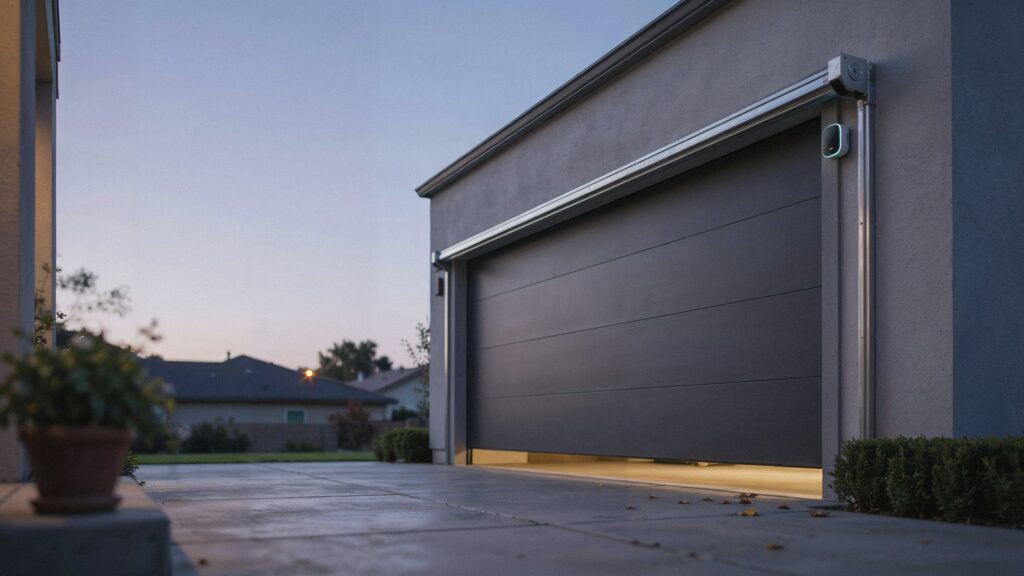
Tilt sensors attach directly to the garage door and detect changes in its angle as it moves. They are common in smart garage monitoring systems because they are compact, battery-powered, and can connect with compatible apps or smart home platforms.
Magnetic Contact Sensors
Magnetic contact sensors use two components installed on the door and its frame. When the door is closed, the two parts remain together. When the door opens, they separate and trigger a status change. This design is commonly used with home security systems and smart monitoring devices.
Photo-Eye or Infrared Sensors
Photo-eye sensors are primarily designed as a garage door safety system, rather than a dedicated open/closed status sensor. They use an infrared beam between two units near the bottom of the tracks to detect obstructions and help prevent the door from closing when the beam is interrupted.
If these safety sensors become misaligned, they may stop the door from closing properly. Our guide on lining up garage door sensors explains the alignment issue in more detail.
Quick Comparison
- Tilt sensors: Monitor the door’s angle and position
- Magnetic contact sensors: Detect when the door separates from its frame
- Photo-eye sensors: Provide safety-beam protection against obstructions
Knowing which type of sensor your garage uses makes it easier to understand how its open or closed status is detected and what to check when the reading seems incorrect.
Common Signs Your Sensor Isn’t Reading Status Correctly
A garage door status sensor should provide a clear indication of whether the door is open or closed. When the reading becomes inconsistent, several warning signs can help you identify a possible sensor, battery, mounting, or connectivity issue.
Blinking or Inconsistent Sensor Light
A blinking or flickering light can indicate a power, connection, alignment, or sensor-status issue, depending on the model. Check the manufacturer’s instructions before assuming the light pattern means the sensor is faulty.
Incorrect App Status
If a smart garage system shows the door as closed when it is actually open, or vice versa, the sensor may have shifted, lost communication, or failed to update correctly. Check the sensor position and the connection between the sensor, hub, and app.
Delayed Notifications
Notifications that arrive well after the door has moved can point to connectivity problems, weak batteries, or delayed communication between the sensor and its connected system. Check the network connection and sensor battery if applicable.
No Status Update
If the app or monitoring system does not update after several open-and-close cycles, the sensor may not be communicating properly. Restarting the system and checking the sensor’s power, mounting, and connection can help identify the problem.
Quick Warning Signs
- Flickering or unusual sensor lights
- App status does not match the actual door position
- Notifications arrive late
- No status update after opening or closing the door
- Sensor appears loose or incorrectly positioned
These signs do not always mean the sensor needs to be replaced. Checking the battery, mounting position, connections, and manufacturer’s troubleshooting steps can often help identify the cause before replacing the device.
Why Knowing Open/Closed Status Matters for Home Safety
It’s easy to treat a garage door sensor open or closed alert as a small convenience — a quick glance at your phone, nothing more. But once you step back and look at the bigger picture, this small piece of information actually protects far more than your peace of mind. It touches your security, your finances, and the safety of the people you care about most.
Start with the most obvious risk: unauthorized entry. For many U.S. homes, the garage door is a direct path into the house, often more accessible than the front door. An open garage left unnoticed for hours is an open invitation, whether it’s an opportunistic stranger or simply someone passing by who notices the gap. Knowing your door’s status the moment it changes gives you the chance to act before that window of opportunity turns into something worse.
Then there’s energy loss, something most homeowners never connect to their garage door at all. An open garage lets outside air pour straight into an attached home, working against your heating or cooling system every single hour the door stays up. Over a season, that’s not a small expense — it’s a steady drain that most people only notice when the utility bill arrives.
- Prevents unauthorized access through an unmonitored entry point
- Reduces energy waste from an open door left unnoticed
- Protects vehicles, tools, and stored belongings from exposure
- Keeps children and pets from wandering into a busy garage or street
- Offers genuine peace of mind during travel, work, or sleep
And perhaps the most personal reason of all comes down to family and peace of mind. Pets that slip outside through an open garage, toddlers who wander where they shouldn’t, or a family vehicle left exposed overnight — these are the moments that turn a forgotten door into a real source of worry. A reliable status sensor closes that gap, not by doing anything dramatic, but simply by telling you the truth the moment it matters most.
Simple Ways to Always Know Your Garage Door’s Status
Knowing whether your garage door is open or closed can help you avoid unnecessary worry, especially when leaving home or checking the garage from a distance. Fortunately, there are several simple ways to monitor the door without relying on a complicated setup.
1. Make a Manual Check
The simplest method is to look at the garage door before leaving. A quick visual check confirms its actual position and costs nothing. Building this into your daily routine can also help prevent accidental oversights.
2. Check Your Garage Door Opener
Some modern garage door openers include status indicators or connected features that let you monitor the door. Check your opener’s manual or manufacturer’s documentation to see whether your existing system provides this information.
3. Use Smart Garage Alerts
Connected garage systems can provide status updates or notifications when the door changes position. If your opener supports smart features, check the manufacturer’s documentation to see which monitoring and alert options are available.
For additional information about keeping a garage safe, the U.S. Fire Administration’s garage safety guidance covers important safety considerations for residential garages.
4. Build Status Checks Into Your Routine
A simple routine can make garage door monitoring easier:
- Check the door before leaving home
- Review the opener’s status indicator, if available
- Enable compatible notifications
- Check the door status when you’re away from home
- Investigate unexpected status changes instead of assuming they are correct
If you are considering a dedicated device for monitoring the door’s position, our guide to garage door tilt sensors explains how this type of sensor can be used for door-status monitoring.
The right approach depends on your existing garage opener and how much remote monitoring you need. Whether you use a simple visual check or connected alerts, having a consistent way to confirm the door’s position can make everyday garage monitoring easier.
Final Thoughts
Knowing whether your garage door is open or closed does not have to involve guesswork. Understanding how door-position sensors, smart monitoring systems, and safety sensors work can make it easier to check the garage and identify potential status issues.
If your system uses traditional safety sensors, proper alignment is also important for normal operation. Our guide on lining up garage door sensors explains common alignment problems and what to check when the sensors are not working correctly.
Whether you rely on a visual check, an opener indicator, or smart notifications, having a consistent way to monitor your garage door status can make everyday home security more convenient and give you greater confidence when you’re away from home.
FAQs
Is there a system that will warn me that I left my garage door open?
Yes — smart tilt or contact sensors connect to an app and send instant alerts the moment your garage door is left open.
Do both garage door sensors need to be on?
Yes, both safety sensors must have steady, aligned lights for the door to close properly.
How to tell if garage door sensors are working?
Check for solid, non-blinking lights on both units and confirm the door closes smoothly without reversing.
How do I reset my garage door sensors?
Unplug the opener for about 30 seconds, then plug it back in and realign the sensors before testing.
Will the garage door still work without sensors?
Most modern openers won’t close without functioning sensors, since they’re a required safety feature.
Does unplugging your garage door opener reset it?
Yes, a short power cycle often clears minor glitches and restores normal sensor communication.
What are common garage door sensor problems?
Misalignment, dirty lenses, loose wiring, and weak batteries are the most frequent causes of sensor failure.
About the Author
Muhammad Bilal Shahid is a criminology graduate and security-focused content writer at CrimTechHub. He researches home security technology, garage door sensors, security cameras, and practical safety solutions to create clear, useful guides for homeowners. His content focuses on practical information, responsible security practices, and easy-to-understand explanations.