Introduction
A garage door sensor blinking green is a small signal with a real purpose — it’s the system telling you it can’t confirm the path is clear. Ignore it long enough and you’re either dealing with a door that won’t close properly or one that stops working when you need it most.
Garage doors get used multiple times a day in most U.S. homes, so a blinking light is easy to write off as nothing. But that flicker usually points to something specific: a slight misalignment, dust on the lens, a loose wire, or sunlight hitting the sensor at the wrong angle. None of these are complicated to check, and most homeowners can fix the issue themselves in a few minutes.
This guide walks through exactly why the light blinks, how to fix it step by step, and when the problem is serious enough to call in a professional.
Table of Contents
When That Green Light Starts Blinking — What It’s Trying to Tell You
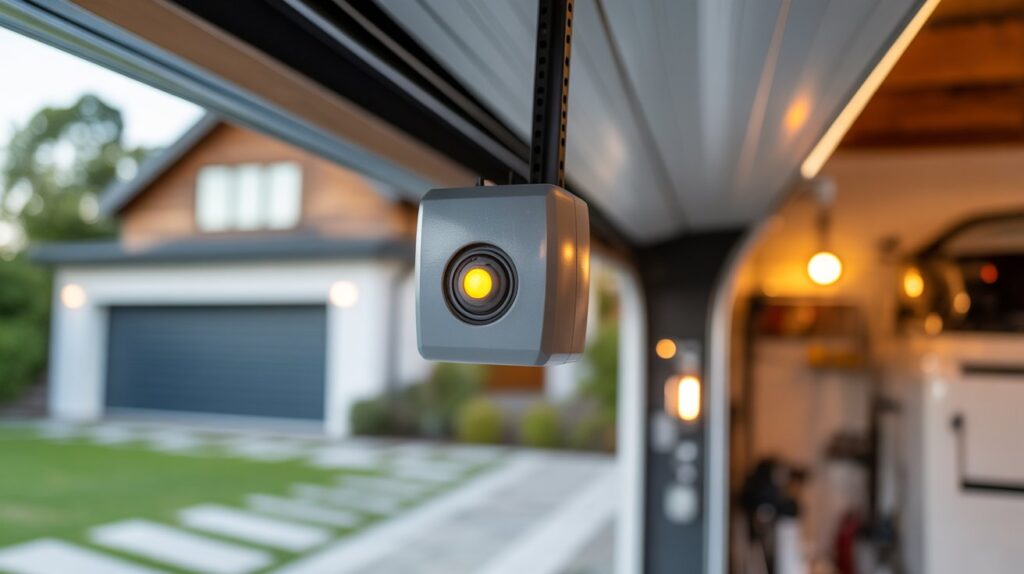
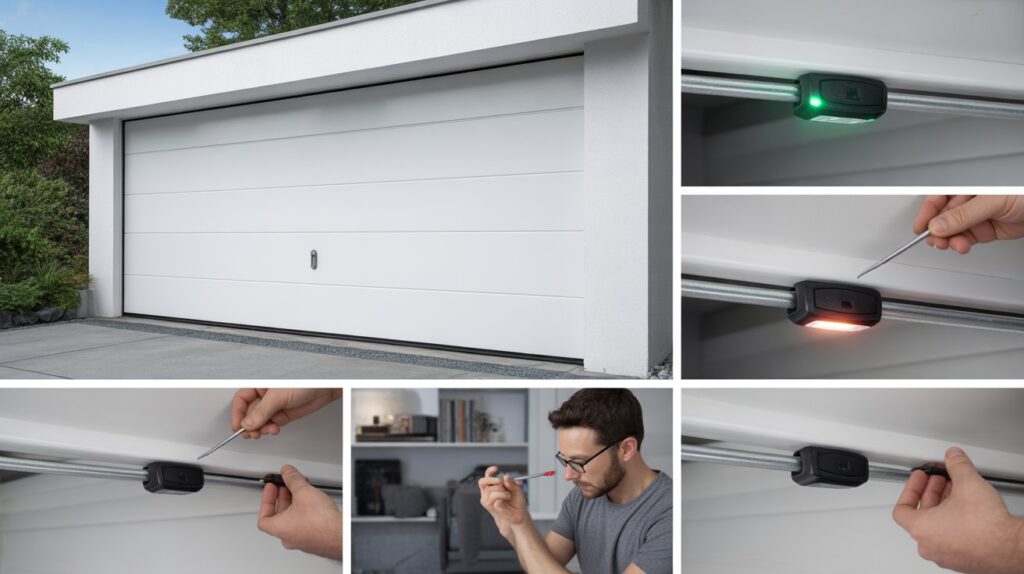
You press the remote like always, expecting the door to glide open — instead it hesitates, and you notice the sensor light flashing green instead of holding steady. That flicker isn’t random. It’s the sensor telling you it can’t fully confirm the beam between the two units is clear.
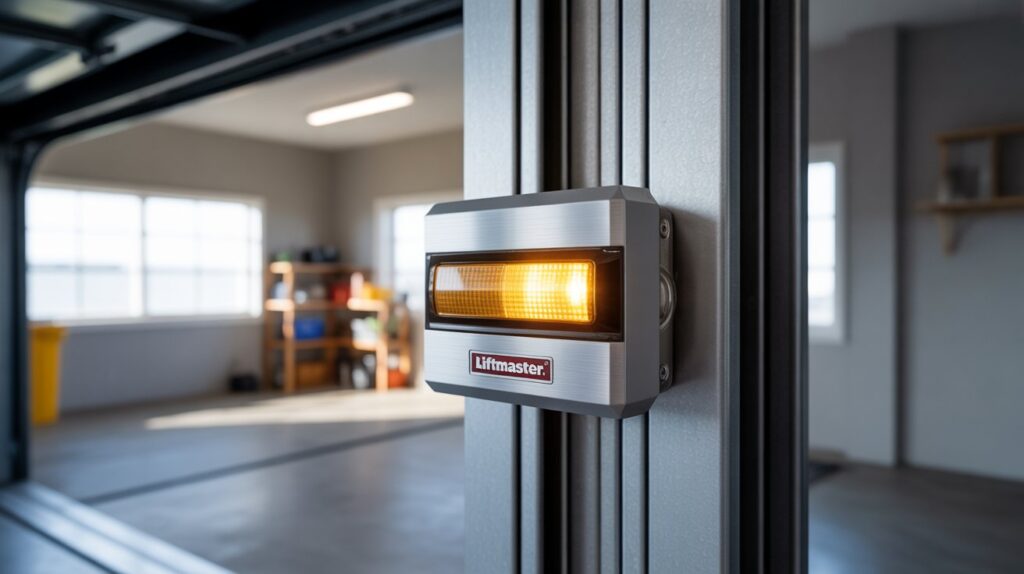
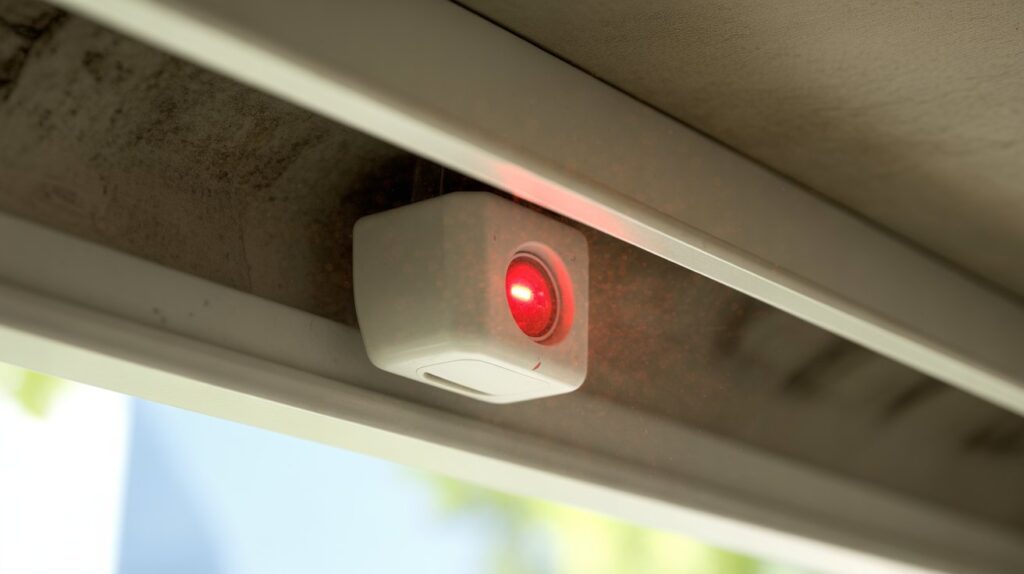
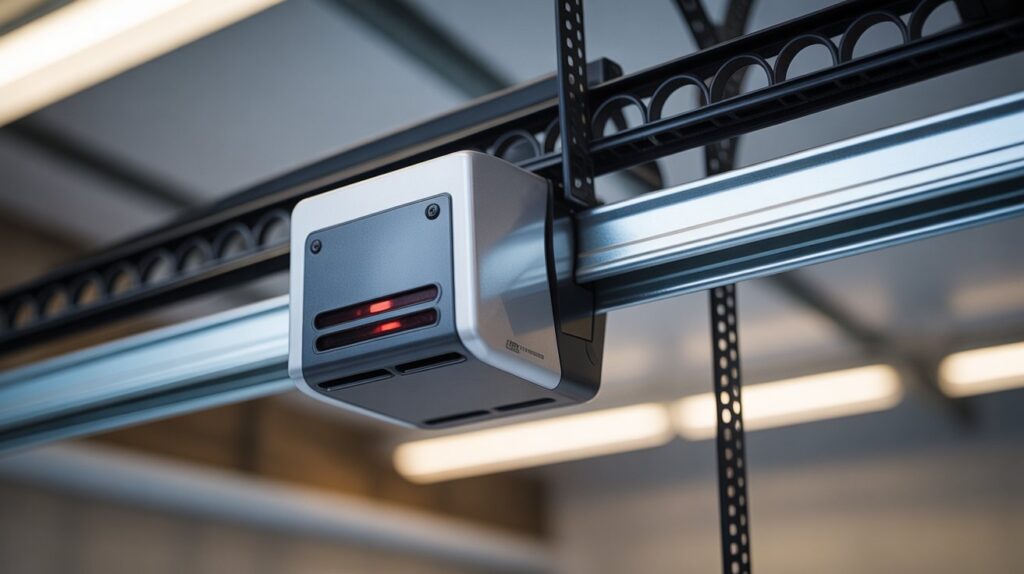
These safety sensors sit near the bottom of the door tracks in most U.S. garages, and their job is simple: stop the door from closing on a person, pet, or object in the way. When the light blinks instead of staying solid, the system is essentially holding back — it won’t trust the door to close until the signal is stable again.
The cause is usually minor: a slight nudge that shifted the sensor’s angle, a bit of dust on the lens, or a loose connection. But a blinking light shouldn’t be ignored for long, since it means the safety feature isn’t operating the way it’s designed to. If you’ve also seen other colors on your sensor, our guide on garage door sensor yellow light covers what those mean too.
How Garage Door Sensors Work (And Why That Light Matters)
- Garage door safety sensors sit near the bottom of the door tracks on both sides. Their job is straightforward: stop the door from closing if something — a person, pet, or object — is in its path.
- They work through an invisible infrared beam. One sensor sends the signal, the other receives it. As long as the beam stays unbroken, the system knows the path is clear and lets the door operate normally.
- The moment something blocks that beam, even briefly, the system reacts — the door stops, reverses, or won’t close at all. This is exactly when the sensor light starts blinking instead of holding steady.
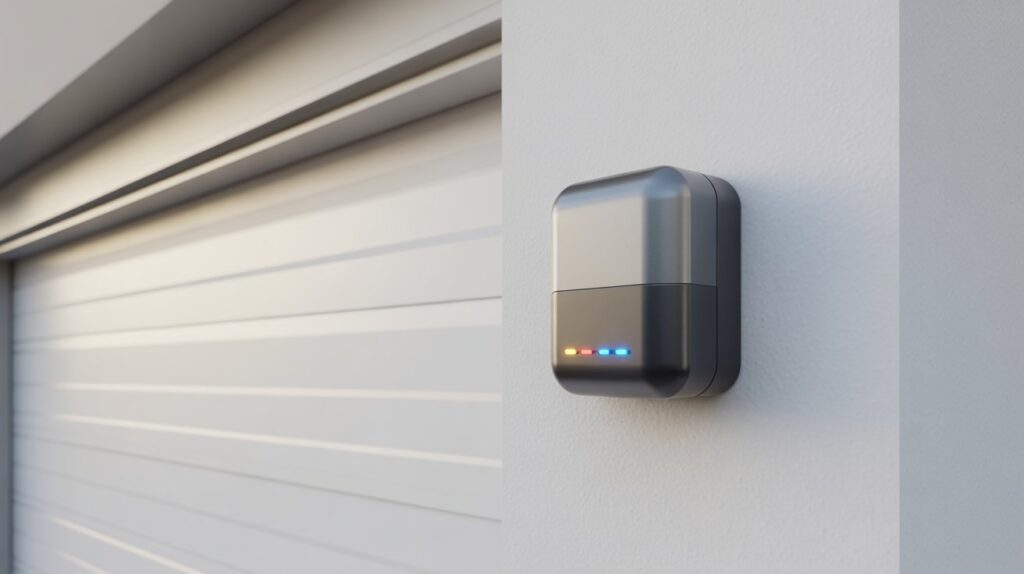
- A solid green light means both sensors are aligned and communicating properly.
- A blinking green light means something’s off — misalignment, a dirty lens, or a weak signal are the usual culprits. It’s the system flagging the issue before it turns into a bigger one.
- Think of it as a built-in safety checkpoint: before the door closes, the sensors double-check the path is clear. Once you understand what the blinking light is signaling, fixing it usually takes just a few minutes.
Common Reasons Behind a Blinking Green Light
Misaligned Sensors
- The most common cause in U.S. garages is sensors that have shifted slightly out of position — from everyday use, an accidental bump, or vibration when the door closes.
- Once the sensors aren’t facing each other exactly, the infrared beam breaks, and that’s when the light starts blinking instead of holding steady. A loose or worn mounting bracket is often behind this — our guide on garage door sensor brackets covers how to keep sensors from shifting in the first place.
Dirt, Dust, or Obstruction
- Garages naturally collect dust and debris over time, and even a thin layer on the lens is enough to weaken the signal.
- Spider webs, leaves, or grease on the sensor are common culprits — the system treats any obstruction as a potential safety issue, however small.
Wiring or Power Issues
- Loose wires, worn connections, or minor electrical faults can disrupt communication between the two sensors, especially in older homes or garages that see heavy daily use.
- Power fluctuations or damaged wiring often show up as an unstable blinking light rather than a steady one.
Sunlight Interference
- Direct sunlight hitting the sensor — common in early morning or late afternoon when the sun sits low — can confuse the infrared beam.
- The system reads the strong light as a false obstruction signal, which triggers blinking even though nothing is actually blocking the path.
Each of these causes is easy to identify once you know what to check for — and just as easy to fix.
Step-by-Step Fixes You Can Try at Home
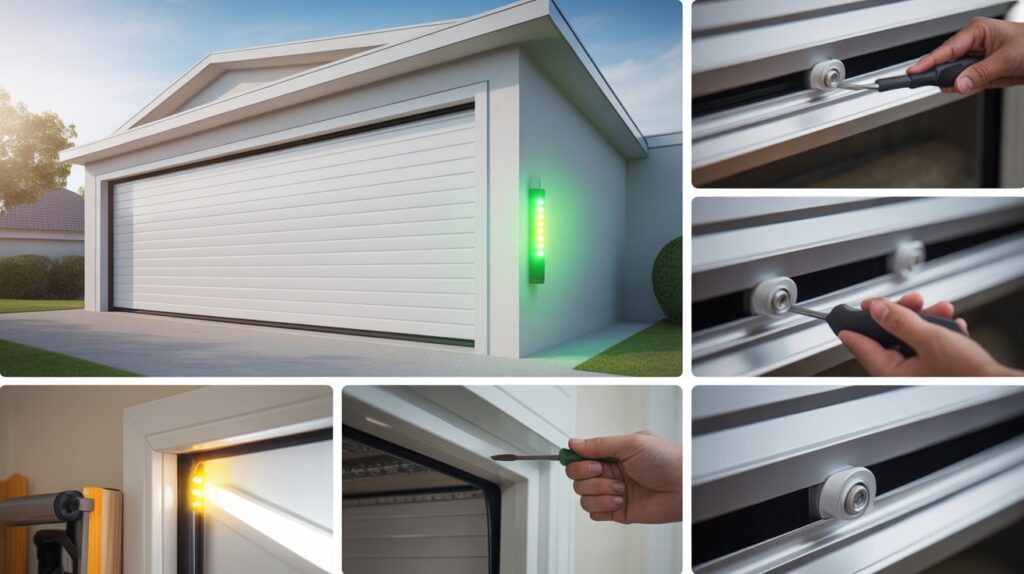
- Realign the sensors carefully — Reposition both sensors until they’re pointing directly at each other. Even a small shift is enough to break the beam. Once aligned properly, the light should hold steady instead of blinking.
- Clean the sensor lenses safely — Wipe off dust, dirt, or spider webs with a soft, dry cloth. Skip harsh cleaners — a clear lens is usually all it takes to stop the blinking.
- Check wiring and connections — Inspect the wires running to each sensor and make sure every connection is tight, with nothing loose or unplugged. Wear and tear on the wiring is a common cause in older setups.
- Make sure nothing is blocking the path — Check for tools, boxes, or debris near the door track. Even small items in the beam’s path can trigger the reaction.
- Test the system after adjustments — Close the door using the wall button or remote and watch the sensor lights. A steady light and a smooth close mean the issue is fixed.
- Repeat small adjustments if needed — If it’s still blinking, don’t rush it. Alignment and cleanliness solve most cases with a bit of patience. Genie’s official troubleshooting guide walks through the same reset process if you want a second reference.
When It’s Time to Call a Professional
If the light is still blinking after cleaning the lenses, realigning both sensors, and checking the wiring, the problem is likely past a DIY fix. Hidden wiring damage, a failing sensor unit, or an issue with the opener’s control board aren’t always visible from the outside, and poking around without the right tools can make things worse.
This isn’t just an inconvenience — it’s a safety feature not doing its job. These sensors exist specifically to stop the door from closing on a person, pet, or object, and in a busy household with kids and daily vehicle traffic, a malfunctioning sensor raises real risk of injury or damage.
A trained technician can pinpoint the actual cause quickly — whether it’s the sensor unit itself, the wiring, or the opener’s control board — and get the system back to working the way it’s supposed to.
Conclusion
A blinking green light on your garage door sensor is a small detail with a real message — the system is telling you something needs attention before it becomes a bigger problem. Most of the time, the fix is quick: realign the sensors, clean the lens, or check a loose wire.
A garage door sensor that’s actually working properly is part of what keeps a home running safely day to day, especially with kids, pets, and vehicles moving through that space regularly. Catching a blinking light early means you’re fixing a small issue instead of dealing with a bigger one later.
If your setup runs into other sensor issues down the line, our guide on garage door sensor brackets is a useful next read for keeping everything aligned long-term.
FAQs
Q1: Why is my garage door sensor light green but blinking instead of solid?
A blinking green light means the sensor can’t confirm a stable, unobstructed connection with its pair. It usually points to misalignment, a dirty lens, or a wiring issue rather than an actual obstruction.
Q2: Can I still close my garage door manually if the sensor is blinking?
Yes — holding down the wall control button overrides the safety sensor and lets the door close. This isn’t a permanent fix, though, since it bypasses the safety feature meant to stop the door on an obstruction.
Q3: How often should I clean and check my garage door sensors?
A quick check every few months is enough for most homes — wipe the lenses and confirm both lights are steady. Garages with more dust, pets, or heavy daily use benefit from checking a bit more often.
Q4: Does temperature affect garage door sensor performance?
Extreme heat or cold can occasionally affect wiring and connections over time, but it’s far less common than misalignment or sunlight interference as a cause of blinking.
Q5: Is a blinking sensor light covered under a garage door opener’s warranty?
It depends on the manufacturer and whether the issue traces back to a defective part versus normal wear, dirt, or misalignment. Checking the opener’s warranty terms or contacting the manufacturer directly is the best way to confirm.
About the Author
M Bilal holds a Bachelor’s degree in Criminology and writes about home security, surveillance technology, and burglar deterrence for CrimTechHub. His background shapes how he looks at everyday safety features like garage door sensors — less about the technical spec sheet, more about what actually keeps a household safe in daily use. He covers cameras, sensors, and access-control systems with a focus on practical fixes homeowners can handle themselves.