Introduction
Looking for wireless home security systems without monthly fees? These systems can help homeowners and renters monitor their property using wireless sensors, cameras, motion detection, and smartphone alerts without requiring a recurring monitoring subscription.
In this guide, you’ll learn how these systems work, key features to consider, their benefits and limitations, and how to choose the right setup for your home.
Table of Contents
Wireless Home Security Systems Without Monthly Fees: Are They Worth It?
For homeowners and renters who want to avoid recurring monitoring costs, wireless home security systems without monthly fees can be a flexible option. These systems allow you to monitor your property yourself using cameras, sensors, smartphone alerts, and a security app.
How Do These Systems Work?
Most no-monthly-fee systems rely on self-monitoring, allowing you to receive security alerts directly on your smartphone.
- Motion and door/window alerts
- Smartphone notifications
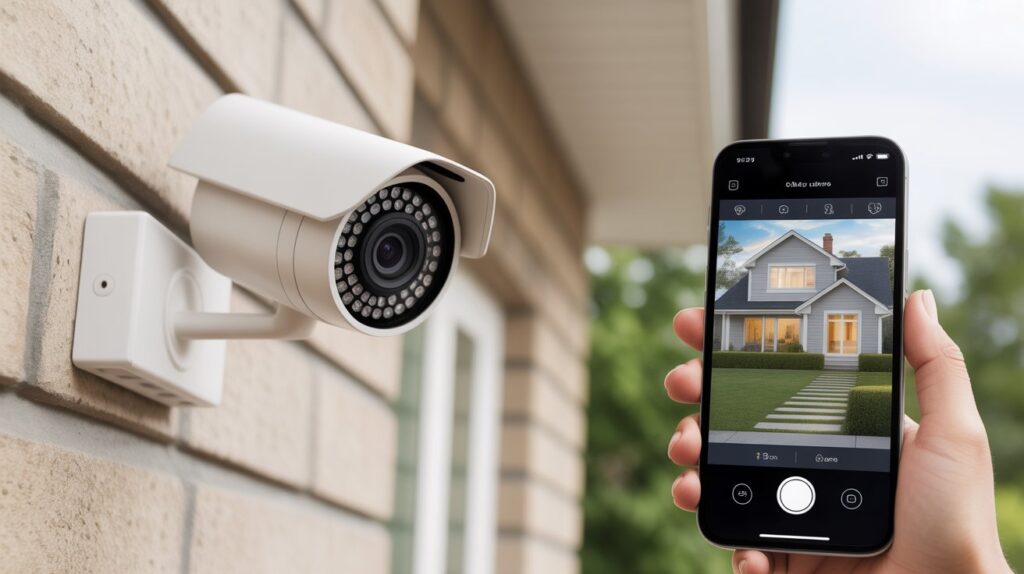
- Live camera access
- App-based security controls
- Local or cloud storage, depending on the system
For a better understanding of available camera options, see our guide to Home Security Cameras.
Who May Benefit From Them?
These systems may suit:
- Renters who need flexible security equipment
- Homeowners who want to avoid monthly monitoring fees
- People who prefer self-monitoring
- Households looking for a customizable security setup
What Should You Consider?
No-monthly-fee security does have limitations. With self-monitoring, you are generally responsible for responding to alerts and checking your system.
Consider:
- Your availability to respond to notifications
- Internet and power requirements
- Camera and sensor coverage
- Local storage versus cloud storage
- Whether professional monitoring is important to you
Are Wireless Security Systems Without Monthly Fees Worth It?
For people who prefer self-monitored home security, a wireless system without a monthly fee can be a practical choice. However, the right option depends on your home’s layout, security needs, budget, and willingness to monitor alerts yourself.
Before choosing a system, compare its cameras, sensors, app features, storage options, connectivity, and ongoing costs rather than focusing only on the absence of a monthly fee.
Why More Americans Are Choosing Security Systems Without Monthly Fees
Many U.S. homeowners and renters are exploring self-monitored home security as an alternative to traditional services that charge recurring monitoring fees. The appeal is often a combination of cost control, flexibility, and direct access to security alerts.
- Lower ongoing costs: Some households prefer a security setup that does not require a recurring professional monitoring subscription.
- More flexibility: Without a long-term monitoring contract, users can change, upgrade, or expand their equipment based on their needs.
- Direct smartphone alerts: App notifications can help homeowners stay informed about motion, door, window, or camera activity.
- Self-monitoring: Users can manage their own security system instead of relying entirely on a third-party monitoring center.
- Greater control over the setup: Wireless cameras and sensors can make it easier to customize coverage based on the home’s layout and security priorities.
- Privacy considerations: Some users prefer systems that offer local storage or greater control over how security footage and data are handled.
The right choice depends on factors such as budget, home size, internet reliability, camera coverage, storage options, and whether professional monitoring is needed.
What Is a Wireless Home Security System Without a Monthly Fee?
Simple Explanation for Beginners
A self-monitored home security system allows you to monitor your property without paying for ongoing professional monitoring. It can use wireless cameras, door and window sensors, motion detectors, alarms, and smartphone apps to keep you informed about activity around your home.
When a sensor detects unusual activity, you can receive an alert on your phone and decide how to respond. For additional information about protecting connected devices and home networks, see the CISA guide to securing your digital home.
How It Differs From Traditional Monitored Systems
Traditional security services may provide 24/7 professional monitoring for a recurring fee, while self-monitored systems place more responsibility on the homeowner.
- Self-monitoring: You receive alerts and decide how to respond.
- No recurring monitoring fee: The system can operate without a professional monitoring subscription, depending on its features.
- Wireless installation: Cameras and sensors can often be installed without extensive wiring.
- Smartphone control: Many systems allow users to manage settings and receive alerts through a mobile app.
- Storage options: Some setups support local storage, while others may offer optional cloud storage.
- User involvement: You are responsible for checking alerts and taking appropriate action.
A no-monthly-fee system can provide flexibility, but it does not offer the same service as professional emergency monitoring. Consider your home layout, security needs, internet connection, budget, and preferred level of monitoring before choosing a system.
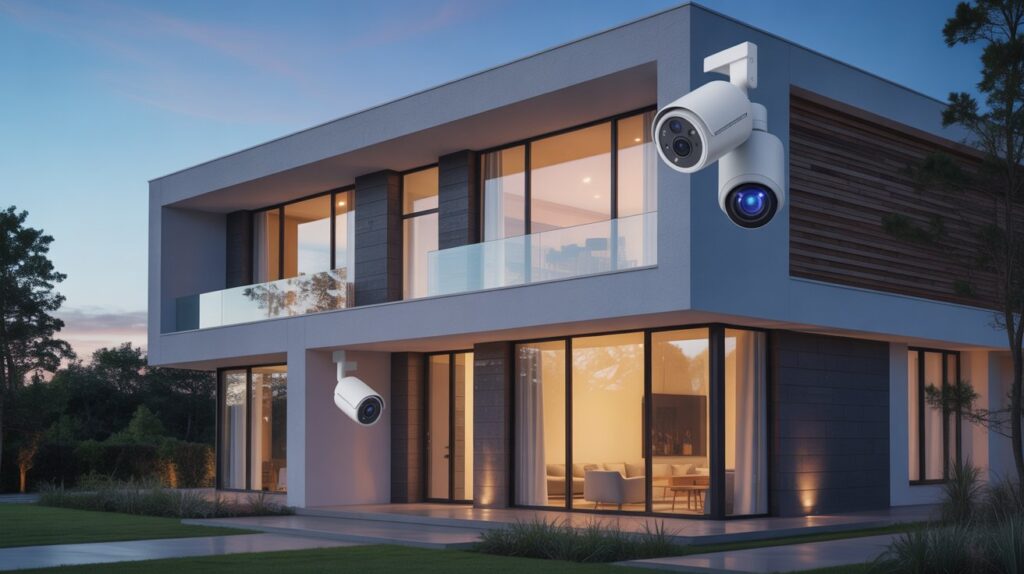
Key Benefits of Wireless Home Security Systems Without Monthly Fees
Self-monitored wireless security systems can appeal to homeowners and renters who want greater control over their security setup without committing to recurring professional monitoring costs. Their benefits often include flexible installation, smartphone access, and customizable security coverage.
Some key advantages include:
- No recurring monitoring fees: Depending on the system, you may be able to monitor your home without paying for a monthly professional monitoring plan.
- DIY installation: Wireless cameras, sensors, and alarms can often be installed without extensive wiring or professional installation.
- Greater control: Users can manage alerts, connected devices, and security settings through a smartphone app or local control system.
- Flexible setup: Wireless equipment can work well for apartments, rental properties, condos, and single-family homes where permanent wiring may not be practical.
- Customizable coverage: You can choose different combinations of cameras, motion sensors, door sensors, and other devices based on your home’s layout.
- Smartphone notifications: Many systems can send alerts when motion or other activity is detected, helping users stay informed while away from home.
Overall, wireless home security without recurring monitoring fees can provide flexibility and user control. However, features vary by system, so consider connectivity, storage, battery life, app functionality, and monitoring options before choosing a setup.
Limitations You Should Know Before Choosing a No-Fee System
- No professional monitoring, meaning you are responsible for responding to alerts and contacting authorities if needed.
- Self-response responsibility, which requires users to stay attentive and act quickly during emergencies.
- Internet reliability concerns, as some systems depend on a stable connection to send alerts and stream video, and outages may limit real-time access.
- Limited backup options, since many no-monthly-fee systems don’t include cellular backup for emergencies.
- Potential feature trade-offs, like fewer advanced automation or integration compared to subscription-based systems.
These points help U.S. homeowners and renters weigh the convenience and cost savings against the personal responsibility involved in self-monitored security.
Wireless Security Systems With vs. Without Monthly Fees
Choosing between a professionally monitored security system and a self-monitored setup depends on your budget, home security needs, and how much responsibility you want to handle yourself. Both options can provide security features, but their monitoring models and ongoing costs are different.
Key Differences
- With monthly fees: May include professional monitoring, emergency response services, cloud storage, and additional app-based features, depending on the provider.
- Without monthly fees: Typically relies on self-monitoring, smartphone alerts, local storage, and user-managed security devices.
Cost vs. Convenience
- Professional monitoring: Provides a monitoring service that can respond to certain alerts, but usually involves recurring subscription costs.
- Self-monitoring: Can reduce ongoing monitoring expenses, but you are responsible for checking notifications and deciding how to respond.
- Installation: Wireless equipment can offer flexible installation compared with systems that require extensive wiring.
Long-Term Considerations
The better setup depends on your individual circumstances rather than simply choosing the option with the lowest cost. Consider monthly fees, equipment costs, storage, internet requirements, smartphone access, professional monitoring, and the size of your property.
If you’re comparing different security camera options, see our Home Security Cameras guide for more information.
For homeowners and renters, understanding these differences can make it easier to choose a security setup that matches their budget, lifestyle, and preferred level of monitoring.
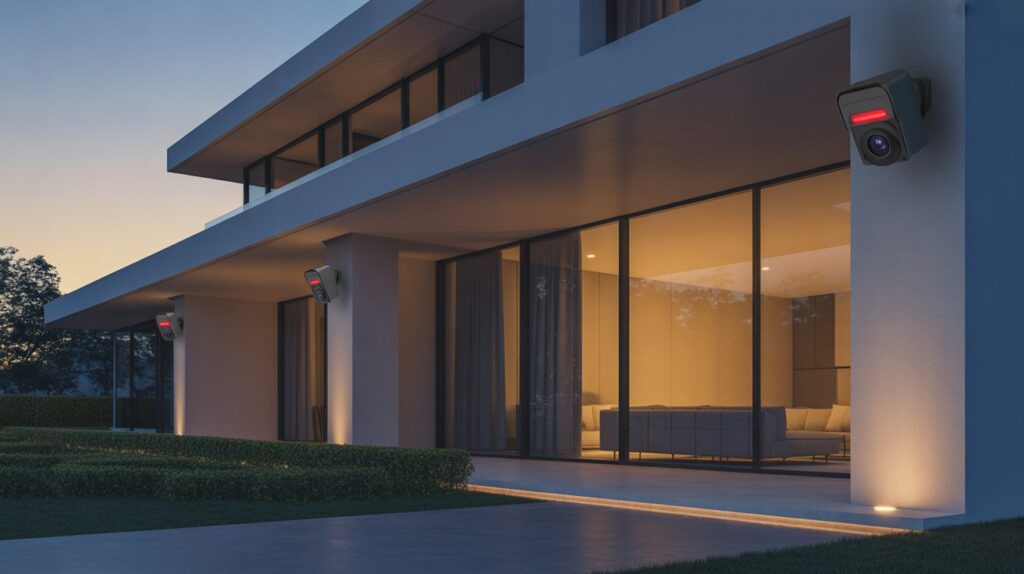
Legal, Privacy, and Data Ownership Considerations in the USA
When choosing a self-monitored wireless home security system, privacy and data security are important considerations alongside features and cost. Camera placement, audio recording, video storage, and access to security footage can all raise privacy concerns depending on where you live and how the system is used.
Understand Privacy and Recording Rules
U.S. privacy and recording laws can vary by state. Rules may be different for audio recording, video surveillance, shared spaces, and areas where people have a reasonable expectation of privacy. Before recording other people, check the laws that apply in your state.
Know Where Your Security Footage Is Stored
Not every wireless security system handles data in the same way. Depending on the equipment, recordings may be stored on a local memory device, home network, or cloud platform. Review the manufacturer’s privacy policy and storage settings to understand who may have access to your footage.
For additional guidance on protecting connected devices and home networks, see the CISA guide to securing your digital home.
Use Responsible Camera Placement
Position security cameras to monitor areas such as doors, driveways, entry points, and other parts of your property while avoiding unnecessary views into neighboring properties or private areas.
Good camera placement can improve security coverage while also helping reduce unnecessary privacy concerns.
Protect Your Security System
Use strong, unique passwords, enable available security features such as multi-factor authentication, keep firmware and mobile apps updated, and secure the Wi-Fi network connected to your devices.
Understanding privacy laws, recording rules, data storage, and cybersecurity practices can help homeowners and renters use wireless security technology more responsibly.
Common Myths About Wireless Home Security Systems Without Monthly Fees
- “They’re not secure” – Modern wireless home security systems without monthly fee use advanced sensors, cameras, and encryption, providing reliable protection comparable to monitored systems.
- “They don’t alert fast enough” – Self-monitored systems send instant mobile notifications, allowing homeowners to respond immediately, often within seconds of detection.
- “Only paid systems work” – Many no-subscription systems offer professional-grade features, including high-resolution cameras, motion detection, and smart app integration, making them just as effective as subscription-based alternatives.
- “Limited features compared to paid systems” – While some premium automation may be missing, these systems still cover all essential home security needs for most U.S. households.
- “Difficult to manage” – User-friendly apps and simple setup make wireless home security systems without monthly fee easy to operate for anyone, even beginners.
Conclusion
A wireless home security system without recurring monitoring fees can provide flexible, cost-conscious protection for homeowners and renters. With features like cameras, sensors, smartphone alerts, and self-monitoring, these systems give users greater control over their home security.
For more options, explore our Home Security Cameras guide.
FAQs
1. What is the best rated wireless security camera without a monthly fee?
The Arlo Pro 4 and Reolink Argus 3 are top-rated for reliability, HD quality, and self-monitoring without subscription fees.
2. Which wireless home security system is best?
Systems like SimpliSafe DIY, Ring Alarm (self-monitored), and Abode offer strong features without mandatory monthly fees.
3. Does ADT work without monthly fees?
ADT’s professional monitoring requires a monthly plan, so it doesn’t function fully without a subscription.
4. Can I use home security without service?
Yes, wireless systems with local storage and self-monitoring can operate fully without paid service plans.
5. What security system has no monthly fee?
Self-monitored systems like Reolink, Arlo, and SimpliSafe DIY allow full home protection with a one-time purchase.
6. Do wireless cameras record without Wi-Fi?
Some cameras with local storage or SD cards can record offline, but live alerts usually need internet.
About the Author
Muhammad Bilal Shahid is a criminology graduate and security-focused content writer specializing in home security, security cameras, crime prevention, and personal safety. He researches security technology and safety topics to provide clear, practical, and responsible information for homeowners and renters.
At CrimTechHub, he creates research-based content designed to help readers better understand modern security solutions and make informed decisions about protecting their homes.