Introduction
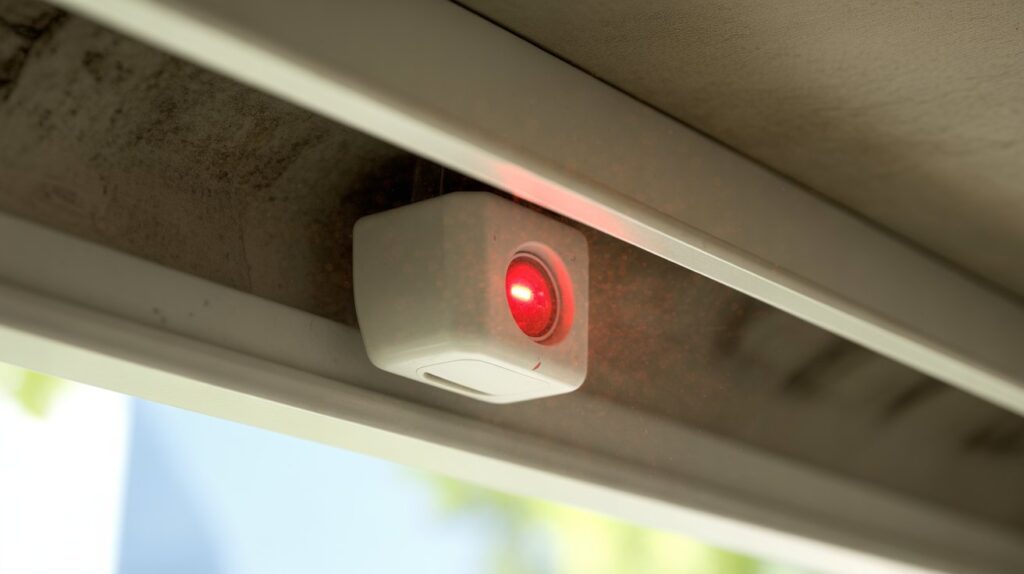
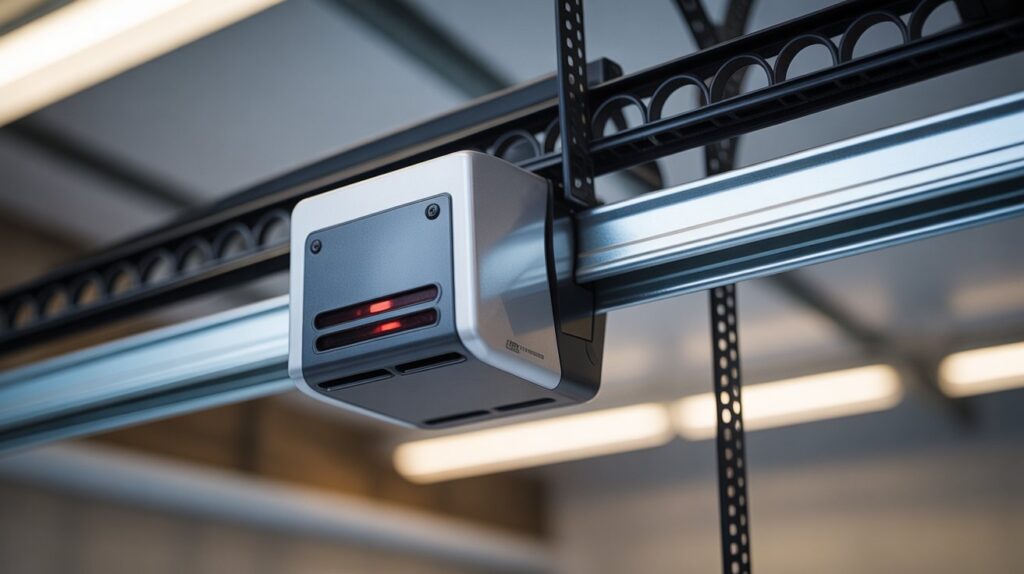
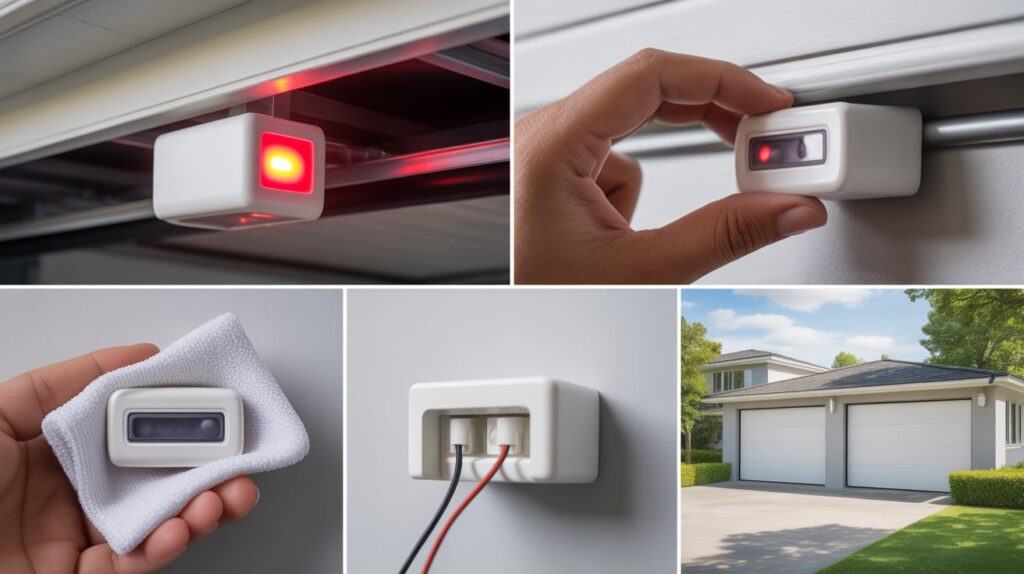
A solid red light on your garage door sensor means the safety system has detected a problem and is stopping the door from closing. In most cases, it’s caused by misaligned sensors, a dirty lens, or a loose wire—and you can usually fix it yourself in a few minutes.
This light isn’t random. Garage door sensors are a built-in safety feature, and when something interrupts their signal, the system won’t let the door close until it’s resolved. Below, you’ll find the exact causes behind this warning and step-by-step fixes so you can get your garage door working again safely.
Table of Contents
Why That Solid Red Light on Your Garage Door Sensor Shouldn’t Be Ignored
A steady red indicator light means your garage door’s safety system has detected an issue and is blocking the door from closing. In most modern U.S. homes, these sensors sit near the bottom of the door track and communicate with each other to confirm nothing is blocking the door’s path. When that communication breaks—due to misalignment, blockage, or a wiring fault—the system alerts you through the light rather than letting the door close unsafely.
The cause is often minor: dust on the lens or sensors that have shifted slightly out of alignment. But it can also signal a deeper problem, like damaged wiring or a failing sensor unit. Leaving it unchecked can lead to a door that won’t close at all, or a safety risk for anyone in its path.
Catching this early—before it turns into a bigger repair—is what saves you time and money down the line.
What a Solid Red Light on a Garage Door Sensor Actually Means
Garage door sensors sit near the bottom of your door tracks, facing each other. One sends an invisible beam, the other receives it—and as long as that beam stays clear, the door closes smoothly. If something breaks that connection, the system stops the door from closing rather than risk an accident.
Under normal conditions, one light stays green and the other red, confirming the sensors are aligned and communicating. When something’s off, that pattern changes: the lights may flicker, blink, or turn solid red.
A solid red light usually points to one of three issues:
- Power is reaching the sensor, but it isn’t functioning correctly
- The sensors are misaligned, so the beam isn’t connecting
- The signal is blocked or weak, often from dirt, objects, or interference
It’s a warning, not a failure—the system is telling you something needs attention before it turns into a bigger garage door problem.
Most Common Causes Behind a Solid Red Sensor Light
A solid red light usually points to one of five common issues. Once you know what to check, narrowing it down is quick:
- Misaligned sensors — Even a slight shift breaks the connection between the two units. This can happen from an accidental bump or normal wear over time, and if they’re not facing each other precisely, the beam can’t be detected.
- Dirt, dust, or obstructions — Garages collect dust and cobwebs fast. Even a thin layer of grime on the lens can block the signal enough to trigger the warning light.
- Loose or damaged wiring — Vibration and age can loosen wire connections. When the connection isn’t stable, the sensor may still receive power but fail to function correctly.
- Faulty or aging sensors — Like any electronic component, sensors wear out over time and may start sending incorrect signals or staying red even when nothing is actually wrong.
- Sunlight interference — Direct sunlight hitting the sensor lens, especially at certain times of day, can confuse the beam and mimic an obstruction. The CPSC’s garage door safety guidance notes that sensor beam interference is a recognized cause of automatic reversal or closing failures.
Once you identify which of these is happening, fixing the warning light is usually straightforward.
How to Fix a Solid Red Light on Garage Door Sensor (Step-by-Step)
If you’re dealing with a solid red light on garage door sensor, the fix is often simpler than it looks. Most homeowners across the U.S. can handle this with a few careful adjustments—no special tools or technical skills needed. Follow these steps one by one, and you’ll likely get your garage door working again without stress.
Check and Realign the Sensors
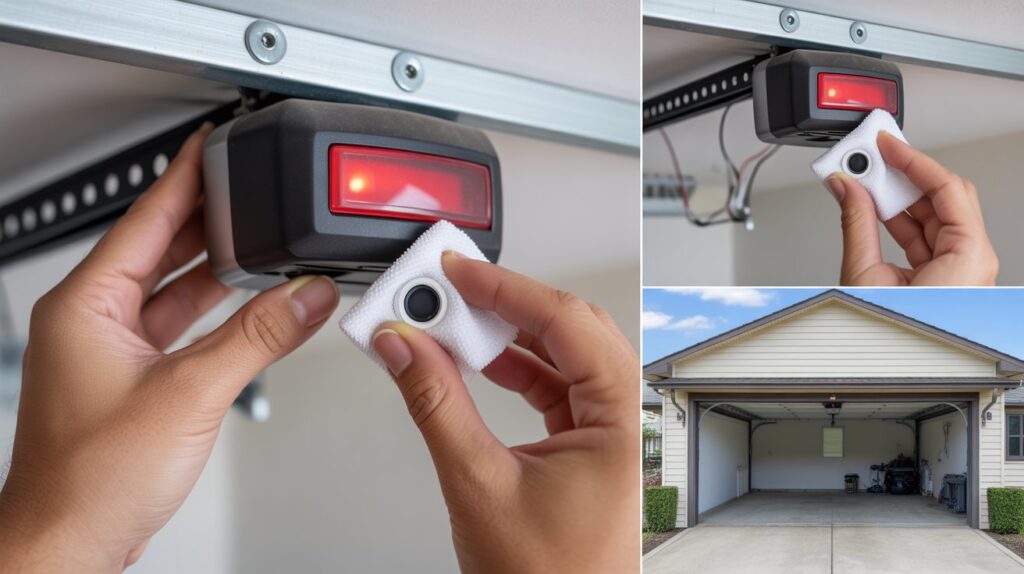
Start by looking at both sensors near the bottom of the garage door tracks. They should face each other directly at the same height. If one looks slightly off, gently adjust it until both are aligned. Even a small shift can break the connection, so take your time here. Once aligned, check if the light changes or stabilizes.
Clean the Sensor Lenses Properly
Next, inspect the sensor lenses. Dust, dirt, or even a thin layer of grime can block the signal. Use a soft, dry cloth to clean both lenses carefully. Avoid using harsh cleaners, as they can damage the surface. This simple step often fixes the issue faster than expected.
Inspect Wiring and Connections
If the light is still on, take a closer look at the wires connected to each sensor. Make sure nothing is loose, frayed, or disconnected. Garage vibrations over time can weaken these connections. If you notice any visible damage, it may need repair or replacement to restore proper function.
Test the System After Adjustments
Once everything looks good, test the garage door. Press the opener and watch how the system responds. If the sensors are working correctly, the door should close smoothly without hesitation. The warning light should also return to its normal state.
Fixing a sensor issue doesn’t have to feel overwhelming. In many cases, a few small adjustments are all it takes to clear that red light and restore peace of mind.
When It’s Time to Replace or Call a Professional
Sometimes, even after trying the basic fixes, the solid red light on garage door sensor just won’t go away. That’s usually a sign the issue is deeper than simple alignment or cleaning. Knowing when to stop troubleshooting and take the next step can save you time—and prevent bigger problems.
Here are clear signs the problem may not be DIY-fixable:
- The red light stays on after all adjustments
If you’ve cleaned, aligned, and checked everything but the light doesn’t change, the sensor itself may be failing. - Garage door behaves unpredictably
If the door starts reversing randomly or won’t close at all, it points to a sensor communication issue that needs expert attention. - Wiring looks damaged or worn out
Exposed, frayed, or broken wires are not just a performance issue—they can become a safety risk if ignored.
Safety should always come first. Garage door sensors are designed to prevent accidents, especially around children, pets, and vehicles. If your door is not reversing properly when something is in its path, it’s no longer safe to rely on. This is one situation where calling a professional is the right move, not a delay.
There are also times when replacing the sensors is simply the smarter option:
- Older sensors with repeated issues
- Visible physical damage to the units
- Inconsistent performance even after fixes
In many U.S. homes, replacing garage door sensors is a low-cost fix that restores full system reliability. If the solid red light keeps coming back even after troubleshooting, it’s often a sign that a new sensor set is the better long-term solution.
Final Thoughts: Don’t Ignore the Warning Signs
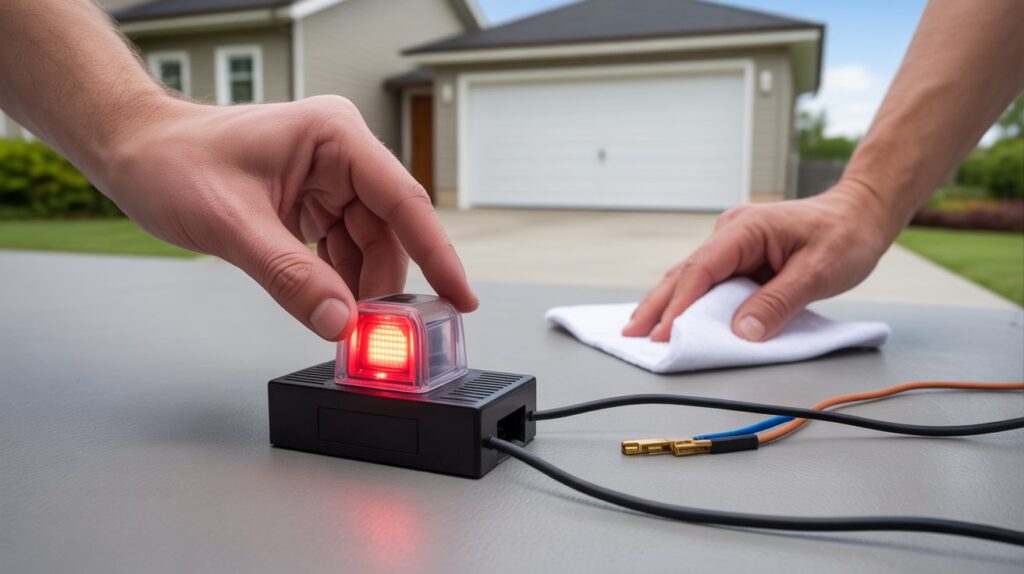
A solid red light on your garage door sensor is a small issue, but it’s your system’s way of flagging that something needs attention. Whether it’s a quick alignment fix or a sign of a failing component, catching it early keeps repair costs down and your home safe.
Garage door sensors exist to prevent accidents, so ignoring the warning can mean more than inconvenience—it can mean real safety risk. A few minutes spent checking, cleaning, or resetting your sensors is usually all it takes to fix the problem for good.
FAQs
1. How do I fix the red light on my garage door sensor?
Check alignment, clean the lenses, and inspect wiring; replacing a faulty sensor may be needed if the light persists.
2. How to reset sensor on garage door?
Power off the opener for 30 seconds, then turn it back on—this usually recalibrates the sensors.
3. Why is there a solid red light on my Genie garage door opener?
It often indicates misalignment, obstruction, or a wiring problem that prevents proper sensor communication.
4. What color should the lights be on my garage door sensors?
Typically, one light is green and the other red, showing power and signal; blinking or constant red signals an issue.
5. Do both garage sensor lights need to be green?
Not necessarily—what matters is the sensors communicate and the beam is clear.
About the Author
M. Bilal holds a BS in Criminology and writes about home security systems, garage door safety, and access control for CrimTechHub. His focus is on practical, homeowner-tested fixes for common garage door sensor issues, backed by manufacturer documentation and consumer safety resources like the CPSC.