Introduction
You’re standing outside your own front door, arms full of groceries, pressing the remote again and again — and nothing happens. For a second, you wonder if you’re locked out of your own home.
That moment of frustration almost always traces back to one overlooked detail: the remote control door lock receiver location. Most homeowners assume a dead remote or a faulty lock is to blame, but the real issue usually has nothing to do with broken hardware. It’s about where the receiver sits, how far the signal has to travel, and what might be blocking it along the way.
Once you understand what’s really happening, the confusion clears up right away. This guide covers where receivers are commonly installed, the early warning signs of poor placement, and how to solve it permanently — so standing at your own door guessing becomes a thing of the past.
Table of Contents
What Is a Remote Control Door Lock Receiver (And Why Location Matters)
A remote control door lock receiver is the small electronic component that “listens” for the signal sent by your remote, key fob, or smartphone app. When you press the button to lock or unlock your door, the remote doesn’t talk directly to the deadbolt. It sends a radio signal, and the receiver picks up that signal and tells the lock motor what to do. Without a properly positioned receiver, your remote is basically shouting into an empty room.
This is exactly why remote control door lock receiver location plays such a big role in how well your smart lock performs. Most homeowners assume that if a lock isn’t responding, the remote itself is broken or the battery is dead. In reality, the receiver’s placement inside or near the door often has more influence over performance than the remote ever does.
Think of it like a Wi-Fi router. A weak signal in one corner of the house usually isn’t a router problem — it’s a distance and obstruction problem. The same logic applies to your door lock receiver. A few common placement issues can quietly ruin performance:
- Too deep inside a metal door – signals get blocked before they even leave the lock body
- Too far from where you typically stand – range drops faster than most people expect
- Too close to other electronics – routers, microwaves, or nearby wiring can cause interference
- Behind thick frames or extra layers – every additional barrier weakens the connection
When any of these issues are present, you’ll usually notice delayed locking, missed commands, or a remote that only works if you’re standing right next to the door.
Manufacturers position receivers carefully during the design stage, but real-world installation conditions — door thickness, frame material, nearby wiring — can change how that receiver actually performs once it’s mounted in your home. Understanding where your receiver sits, and why that spot was chosen, gives you the foundation to troubleshoot problems instead of guessing. It also helps you make smarter decisions if you’re installing a new lock or repositioning an existing one for better range and reliability.
Typical Receiver Locations on Most Door Lock Systems
Not every remote control door lock receiver location looks the same, because manufacturers design their systems differently depending on the lock type, brand, and build. Once you know where to look, finding yours becomes a lot easier instead of feeling like a guessing game.
Here are the most common places you’ll find the receiver on residential door lock systems:
- Inside the lock body – Many compact smart locks build the receiver directly into the main lock housing on the interior side of the door. This keeps wiring simple but means the surrounding metal can sometimes weaken the signal.
- Behind the interior panel – Some locks hide the receiver module behind the inside cover plate, which protects it from weather and tampering but can also add an extra layer between the receiver and your remote.
- Near the deadbolt mechanism – On certain models, the receiver sits close to the bolt itself, since it needs a short, direct connection to trigger the locking motor instantly.
- As a separate module near the door frame – Higher-end or commercial-grade systems sometimes mount the receiver as its own unit, positioned near the frame rather than inside the lock. This setup often gives a stronger, more reliable range.
Knowing your specific setup matters more than people realize. A renter who just wants their key fob to work doesn’t need to think about this — until the day it stops responding and they’re standing outside in the cold, pressing the button over and over. That frustration usually traces back to one of these four placements, not a defective remote.
Checking your installation manual or the lock’s product page is the fastest way to confirm which category your system falls into. Once you know the general location, troubleshooting range or response issues becomes far more straightforward.
Signs Your Receiver Location Is Causing Problems
Sometimes the clues are obvious. Other times, they creep up slowly until you finally realize your lock hasn’t worked right in weeks. Either way, a poor remote control door lock receiver location almost always shows up through a specific pattern of symptoms — not a sudden, total failure.
Watch for these common warning signs:
- Delayed response – You press the button, wait a second or two longer than usual, and the lock finally clicks. This lag often means the signal is struggling to reach the receiver clearly.
- No response at all – The remote does nothing, even with a fresh battery. If the remote itself works fine on other doors or from a closer distance, the receiver’s position is likely the real issue.
- Intermittent locking or unlocking – It works one day and fails the next, with no clear pattern. This inconsistency usually points to signal interference caused by nearby electronics, weather changes, or even seasonal humidity affecting the door material.
- Short range – You have to stand right next to the door, almost touching it, before the remote finally connects. A properly placed receiver should respond from a normal walking distance, not just point-blank range.
Picture this: you’re carrying groceries, fumbling for your phone to unlock the door, and nothing happens until you’re standing directly against it. That’s not a coincidence — it’s a clear signal that something about the receiver’s placement is limiting its range or reliability.
These symptoms matter because they help you separate a placement problem from a hardware problem. If your remote works perfectly close up but fails from a few feet away, you’re likely dealing with location and interference, not a broken lock.Spotting this difference early stops you from swapping out parts that were perfectly fine all along.
How to Find the Exact Receiver Location on Your Lock
Once you suspect that your remote control door lock receiver location is the source of the problem, the next step is simple: confirm it. You don’t need to be an electrician to do this. A little patience and the right order of steps will usually get you there in under fifteen minutes.
Start with the manual. This is the part most people skip, but it’s also the fastest shortcut available. Most manufacturers include a diagram showing exactly where the receiver sits inside the lock assembly. If you’ve misplaced the printed copy, a quick search using your model number on the brand’s official support page will pull up a digital version almost every time.
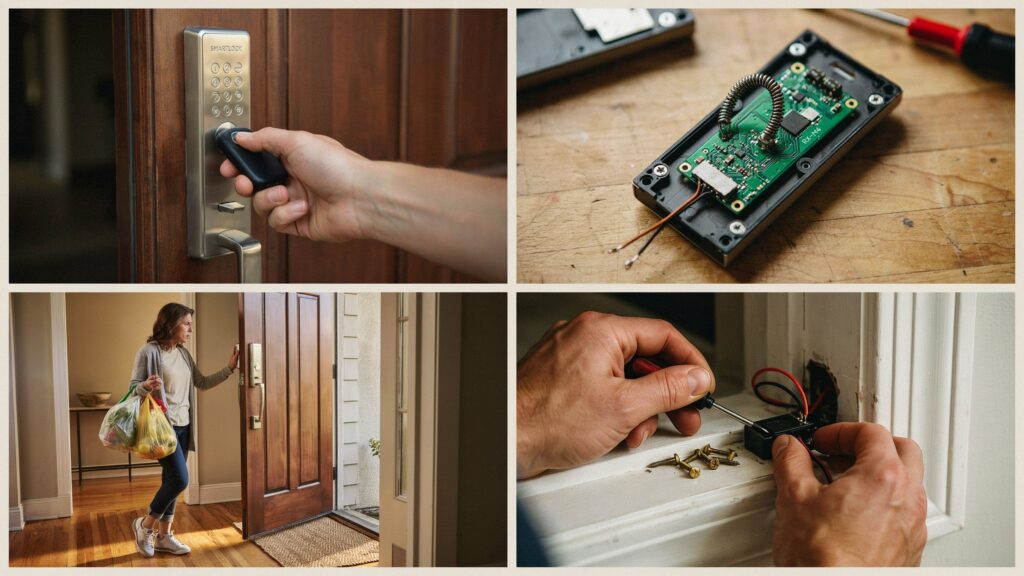
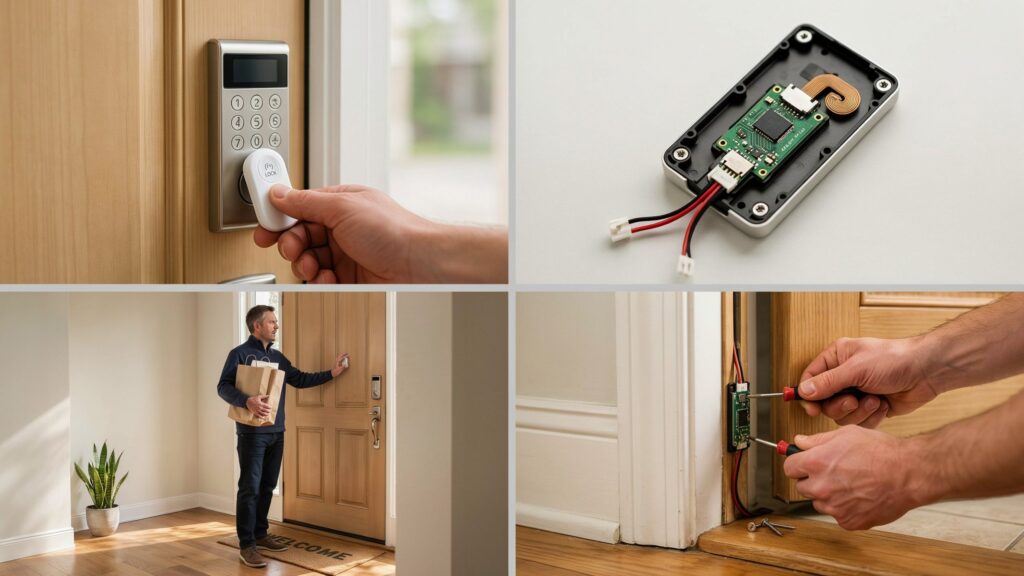
Open the interior panel. If the manual doesn’t give you a clear answer, the next move is to remove the interior cover plate of your lock. Most residential locks attach this panel with two or four small screws. Once it’s off, look for a small circuit board or module — that’s typically your receiver. Handle it gently, since static or moisture can affect sensitive electronics.
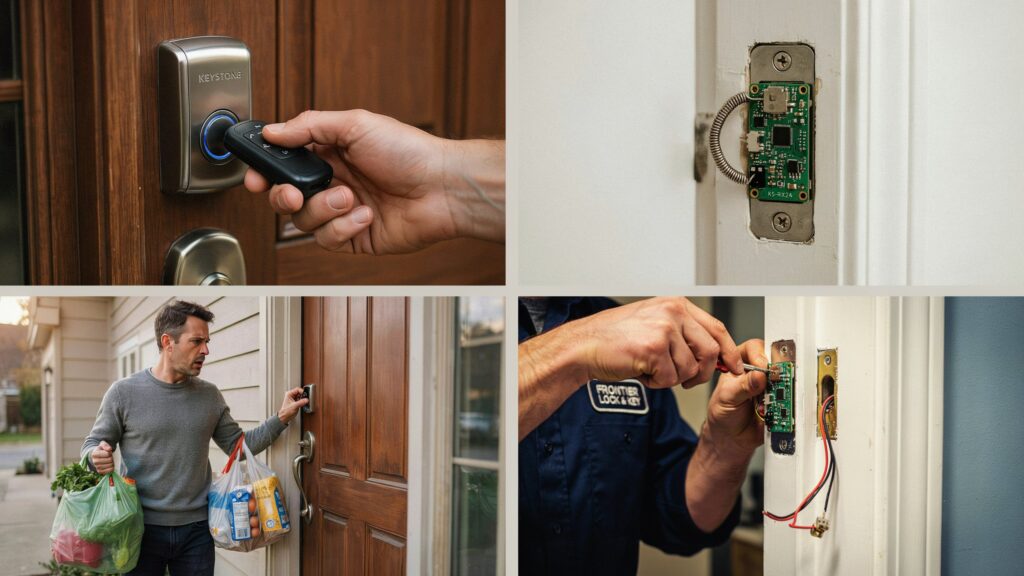
Identify the module visually. The receiver usually looks like a compact rectangular board with a short antenna wire or coil attached. It’s smaller than most people expect, often no bigger than a matchbox, tucked close to the motor that drives the deadbolt.
A few brand-specific notes can save you extra guesswork:
- Schlage locks generally place the receiver inside the interior assembly, close to the keypad wiring.
- Kwikset models often integrate it directly into the main circuit board behind the interior faceplate.
- August smart locks typically house the receiver within the retrofit unit that clips onto your existing deadbolt.
- Yale locks usually position it near the motor housing, just behind the interior cover.
If you’re still unsure after checking these spots, contacting the manufacturer’s support line with your model number is a reliable next step. They can usually confirm the exact location within minutes, since they have access to detailed schematics that aren’t always included in consumer manuals.
Best Practices for Optimal Receiver Placement During Installation
If you’re installing a new lock or repositioning an existing one, getting the remote control door lock receiver location right from the start saves you months of frustration later. A little extra care during installation goes a long way toward consistent, reliable performance.
Keep these best practices in mind:
- Maintain distance from metal doors and frames – Metal naturally blocks and reflects radio signals. Whenever possible, position the receiver a few inches away from solid metal surfaces, or choose a lock model designed with shielding that compensates for metal interference.
- Avoid placing it near other electronics – Wi-Fi routers, smart hubs, baby monitors, and even microwaves can create signal interference. Keep the receiver at least a few feet away from these devices to reduce the chance of dropped or delayed commands.
- Mount at an appropriate height – Most receivers perform best when installed at a height that matches typical hand-to-door distance, usually around waist to chest level. This keeps the signal path short and direct between your remote and the receiver.
- Pay attention to antenna orientation – If your receiver has an external antenna or wire, make sure it isn’t bent, coiled tightly, or pressed against metal. A straight, unobstructed antenna picks up signals far more reliably than one that’s been squeezed into a tight space.
Think of it the same way you’d think about parking a car for the best Wi-Fi signal at home — small adjustments in position make a noticeable difference in how strong and stable the connection feels. The same principle applies here. A receiver mounted thoughtfully during installation will almost always outperform one that was placed without any consideration for distance or interference.
Taking these extra few minutes during setup is far easier than troubleshooting a stubborn lock months down the road. It’s a simple way to protect your investment and make sure your remote control door lock receiver location works in your favor, not against you.
Common Mistakes That Weaken Receiver Signal
Even after you’ve identified your remote control door lock receiver location, a few small mistakes can quietly undo all that effort. Most of these issues are easy to fix once you know what to look for, but they’re surprisingly easy to overlook.
Here are the most common culprits behind a weak or unreliable signal:
- Metal interference – Steel doors, metal frames, and even metal house numbers near the lock can block or scatter radio signals before they ever reach the receiver. This is one of the most overlooked issues, since most homeowners never think to question their door’s material.
- Low battery in the remote or lock – A battery doesn’t have to be completely dead to cause problems. As it weakens, the signal strength it sends out drops too, which often shows up as delayed response or short range long before the remote stops working entirely.
- Standing too far from the remote’s effective range – Every remote has a realistic operating distance, and pushing past that limit, even by a few extra feet, can cause the receiver to miss the signal altogether.
- Thick walls or dense door materials – Solid wood doors, reinforced security doors, or extra-thick frames can absorb more signal than expected, especially if the receiver sits deep inside the lock body.
- Nearby electronic interference – Wi-Fi routers, smart home hubs, and even kitchen microwaves operate on frequencies that can overlap with your lock’s signal, creating brief disruptions at the worst possible moments.
It’s a frustrating moment when you’re standing at your own front door, key fob in hand, wondering why something that worked yesterday suddenly doesn’t work today. More often than not, the answer isn’t a broken lock — it’s one of these everyday interference issues quietly working against your receiver.
Once you recognize these patterns, troubleshooting becomes far less stressful. Instead of assuming the worst, you can methodically rule out batteries, distance, and interference, and usually land on the real cause within minutes.
Conclusion
A door that won’t lock or unlock on command feels like a big problem, but it rarely is. As you’ve seen, the answer almost always comes back to one thing: the remote control door lock receiver location.Once the receiver’s position and the source of interference become clear, the confusion ends. Rather than blaming the equipment, you start having confidence in your own troubleshooting skills.
Home security shouldn’t feel like a daily battle with your own front door. A little knowledge about receiver placement gives you back control and one less thing to worry about.
Now take a moment to think — the next time your remote lock hesitates, will you reach for a replacement part, or remember that the real answer might just be location?
FAQs
Where is the keyless entry receiver located?
It’s usually built into the lock body on the interior side of the door, near the deadbolt motor.
What does a remote control door lock receiver do?
It picks up the signal from your remote and tells the lock motor to lock or unlock the door.
Where is the receiver located?
Most receivers sit inside the lock housing, though some models place it as a separate module near the door frame.
Where is the keyless entry sensor located?
It’s typically mounted behind the interior panel, close to the keypad or lock cylinder.
Which part is the transmitter in a keyless entry system?
The transmitter is your remote, key fob, or smartphone app that sends the signal.
Where is the door sensor located?
It’s usually attached to the door frame, aligned with a matching sensor on the door itself.
What does a door sensor look like?
It’s a small rectangular or square device, often magnetic, mounted discreetly on the door or frame.
Where is the door lock actuator located?
It sits inside the lock assembly, directly connected to the bolt mechanism it moves.