
Introduction
Have you ever returned to your Minecraft base only to find creepers wreaking havoc or chests mysteriously empty? That sinking feeling of losing hours of hard work is something every player wants to avoid. Learning how to use security cameras in Minecraft can change the way you protect your builds, giving you eyes on every corner of your world without constant worry.
Whether you’re managing a survival base, overseeing redstone farms, or playing on a multiplayer server, security cameras provide peace of mind and smarter control over your environment. Just like real-life surveillance helps protect what matters, in-game cameras let you focus on exploring, mining, and creating—while knowing your world is safe.
By the end of this guide, you’ll know how to set up, place, and use cameras like a pro, turning your Minecraft world into a secure, well-monitored space that reflects both your creativity and strategic thinking.
Table of Contents
How to Use Security Cameras in Minecraft: Why Players Want Better In-Game Security
Anyone who has spent real time building a base in Minecraft knows the feeling. You log back into your world, excited to continue, only to find broken doors, missing chests, or creeper damage you didn’t see coming. Hours of mining, crafting, and designing can disappear in minutes. That frustration is exactly why so many players search for how to use security cameras in Minecraft—they want peace of mind, even in a blocky world.
As Minecraft worlds grow more complex, so do the risks. Survival bases get larger, redstone farms become more valuable, and multiplayer servers introduce real threats like griefing and theft. Players don’t just want walls and iron doors anymore. They want visibility. Using Minecraft security camera mods gives players a way to monitor entrances, watch valuable areas, and stay one step ahead of danger without being everywhere at once.
There’s also a strong real-life logic behind this. Just like home security cameras help people protect what they care about, in-game surveillance helps protect the time and effort players invest in their worlds. Whether it’s keeping an eye on a mob farm, checking if someone is sneaking near your base, or simply watching for nighttime threats, security cameras in Minecraft add control and awareness that basic defenses can’t offer.
At its core, learning how to use security cameras in Minecraft isn’t about paranoia—it’s about playing smarter. It’s about protecting your builds, enjoying the game without constant worry, and feeling confident that your world is safe, even when you’re busy exploring, mining, or logged off.
Understanding Security Cameras in Minecraft (Vanilla vs Mods Explained)
- Minecraft does not include real security cameras in vanilla gameplay, which often surprises new players searching for how to use security cameras in Minecraft without extra tools.
- In vanilla Minecraft, players rely on basic security methods like walls, lighting, iron doors, redstone traps, and observer blocks, but these options cannot provide live visual monitoring.
- To use actual security cameras in Minecraft, players must install trusted Minecraft security camera mods, which add camera blocks, monitors, and viewing systems.
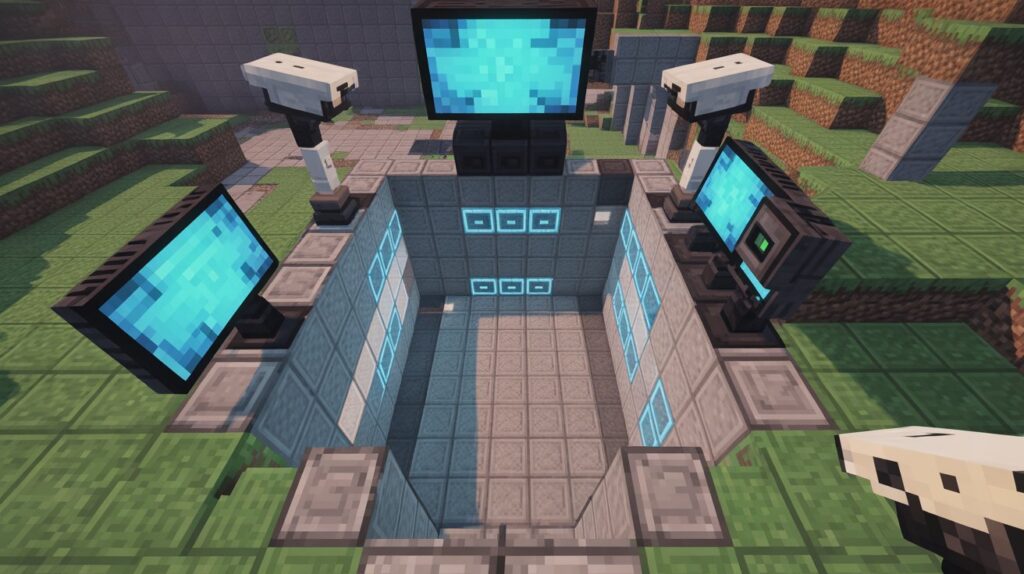
- These camera mods allow players to see different areas of their base remotely, similar to real-life home security systems, making base protection more practical and immersive.
- Mods work by giving players in-game surveillance tools that let them watch entrances, storage rooms, farms, or spawn points without physically being there.
- For USA-based multiplayer servers, camera mods are popular because they help reduce griefing, track suspicious activity, and protect shared builds more effectively.
- Understanding the difference between vanilla defenses and mod-based cameras builds trust and clarity, helping players choose the right, fair, and server-approved way to monitor their Minecraft world.
- Once players understand this distinction, learning how to use security cameras in Minecraft becomes simpler, smarter, and far more effective for long-term gameplay.
What You Need Before Using Security Cameras in Minecraft
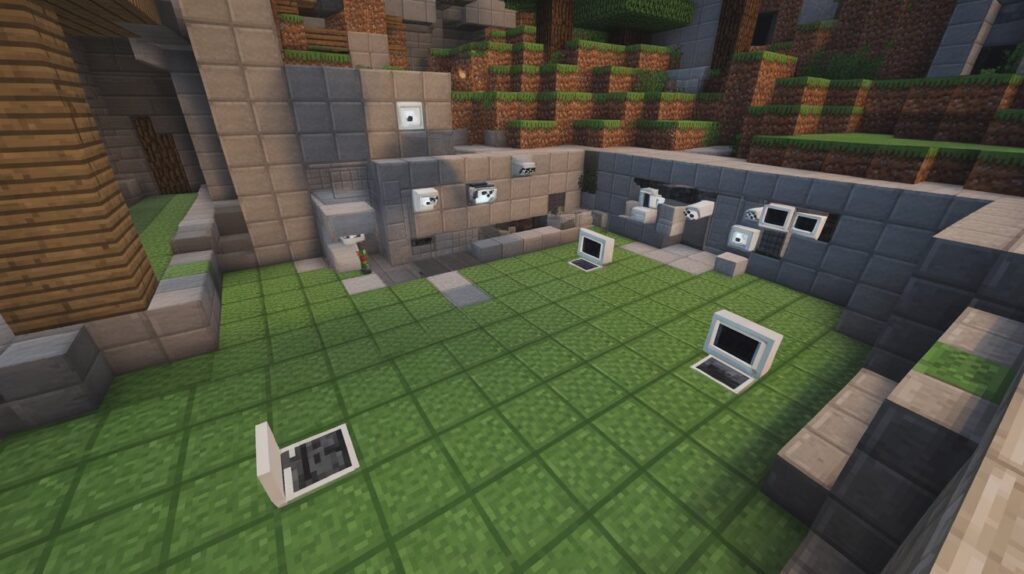
Before learning how to use security cameras in Minecraft, it’s important to have the right basics in place. Minecraft does not support camera systems by default, so a little preparation helps avoid confusion and setup issues later. Once these basics are clear, the entire process feels smooth and beginner-friendly, even for first-time mod users.
Here’s what you need to get started:
- A compatible version of Minecraft (Java Edition), since most Minecraft security camera mods are designed for Java and offer better stability and features.
- A trusted security camera mod, downloaded from a reliable source, to ensure safe installation and proper gameplay.
- A mod loader like Forge or Fabric, which allows Minecraft to run camera mods correctly.
- A basic understanding of mod installation, similar to adding any other Minecraft mod, with no advanced technical skills required.
Once installed, the setup feels very natural. Just like setting up a real-life security camera system, you’re simply adding tools that help you see what’s happening when you’re not nearby. Players in the USA often use these mods to protect large survival bases, shared servers, or creative builds where time and effort really matter.
Having the right version, mod, and setup in place makes learning how to use security cameras in Minecraft easier, safer, and more enjoyable. With these essentials ready, you can focus on smart base protection instead of troubleshooting technical problems.
How to Install a Security Camera Mod in Minecraft (Step-by-Step Overview)
Installing a security camera mod in Minecraft doesn’t have to feel complicated. With a clear, step-by-step approach, even beginners can add in-game surveillance quickly and safely. This section shows how to get started without technical overload, so you can focus on learning how to use security cameras in Minecraft effectively.
Step-by-Step Installation Guide
- Step 1: Backup Your World – Before installing any mod, create a backup of your Minecraft worlds. This ensures your builds stay safe in case something goes wrong.
- Step 2: Download a Trusted Mod – Choose a well-reviewed Minecraft security camera mod compatible with your version. Reliable sources keep your game safe from malware.
- Step 3: Install a Mod Loader – Most camera mods require Forge or Fabric. Download and install the correct mod loader for your Minecraft version.
- Step 4: Add the Mod File – Move the downloaded mod file (.jar) into the Minecraft mods folder. This folder is created automatically by Forge or Fabric.
- Step 5: Launch Minecraft – Start Minecraft using the mod loader profile. If installed correctly, the mod will load, and you can access camera items in-game.
- Step 6: Test the Mod – Place a camera block and connect it to a monitor or interface in your base to ensure everything works. Adjust placement as needed for better coverage.
By following these steps, players in the USA can set up their cameras quickly and start monitoring their bases like a pro. Proper installation is the first key to mastering how to use security cameras in Minecraft, giving you control, visibility, and peace of mind in your gameplay.
How to Craft or Access Security Cameras in Minecraft
Understanding how to use security cameras in Minecraft starts with knowing how to craft or access them in-game. Since cameras are added through mods, the process is straightforward once you know the steps. Players can quickly get their cameras working to monitor their bases, farms, or storage areas.
Key points for crafting or accessing security cameras:
- Check the Mod Instructions – Each camera mod may have unique crafting recipes or access methods. Always read the mod’s documentation for accurate instructions.
- Crafting with Resources – Many mods allow players to craft cameras using common in-game materials like iron, redstone, and glass, making them easy to obtain even in survival mode.
- Accessing Pre-Made Cameras – Some mods include camera items in creative mode inventories, which is ideal for testing or building large bases.
- Combine with Monitors or Displays – Cameras often require a monitor block to view footage. Crafting monitors usually involves similar materials, often including wood planks and redstone circuits.
- Placement Check – Once crafted, place the camera in a strategic location to maximize coverage. Ensure line of sight to the area you want to monitor.
- Testing Functionality – After placing cameras, connect them to a monitor or control interface to confirm they are working. Adjust angles or placement if needed.
By following these simple steps, USA players can quickly get their in-game security systems running. Knowing how to use security cameras in Minecraft effectively ensures your builds are safer, giving you confidence to explore, mine, and create without constant worry.
How to Place Security Cameras in Minecraft for Maximum Coverage
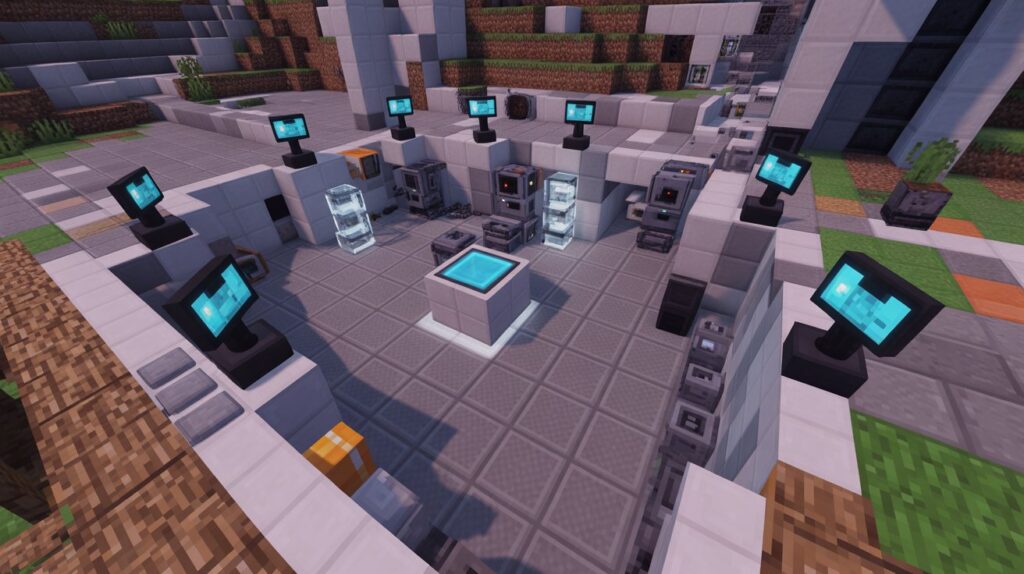
Proper placement is key when learning how to use security cameras in Minecraft. Even the best camera mod won’t help if your cameras aren’t positioned strategically. Thoughtful placement ensures you can monitor entrances, farms, storage areas, and other critical spots effectively.
Practical tips for maximum coverage:
- Cover Base Entrances First – Place cameras near doors, gates, or tunnels to spot mobs or intruders before they enter your base.
- Monitor Valuable Areas – Farms, treasure rooms, and redstone contraptions are high-priority zones. Cameras here help protect resources and time invested.
- Use Height for Wider Views – Elevate cameras on walls or towers to expand the visible area. Higher placement reduces blind spots.
- Corner and Angle Placement – Placing cameras in corners or at angles helps capture more space in one view, similar to real-life security logic.
- Overlap Coverage – If possible, let camera views overlap slightly to ensure nothing goes unnoticed.
- Test and Adjust – After placement, check each camera through its monitor. Adjust positions if areas are blocked or unclear.
By following these placement strategies, players in the USA can maximize in-game surveillance without overloading their base with too many cameras. Smart placement not only protects your builds but also makes monitoring your world easier, helping you play more confidently and enjoy Minecraft to the fullest.
How to View Security Camera Footage in Minecraft
Once your cameras are installed and placed, the next step in learning how to use security cameras in Minecraft is understanding how to view the footage. A camera is only useful if you can see what it’s capturing, and most Minecraft security mods make this process intuitive for both beginners and advanced players.
Viewing Footage Made Simple
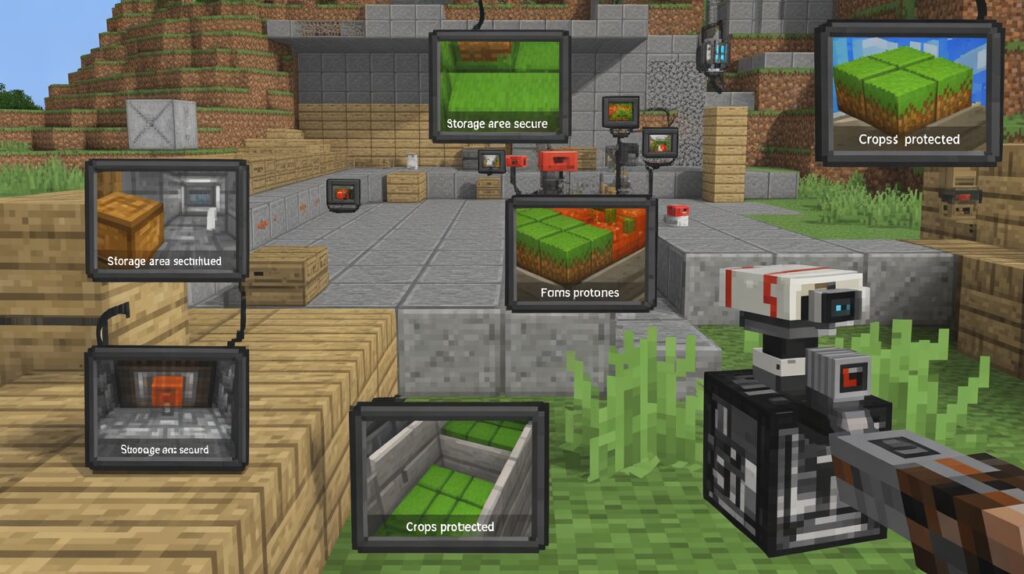
- Use Monitors or Screens – Connect cameras to in-game monitors or display blocks. These act like real-life TV screens, showing live footage of the area you want to monitor.
- Switch Between Cameras – Most mods allow players to switch views easily. You can cycle through multiple cameras to keep an eye on all critical zones.
- Remote Access Concept – Some mods support remote viewing, letting you check camera feeds from another location in your base. This is especially useful for large builds or multiplayer servers.
- Test Angles and Coverage – After connecting cameras, review each feed to ensure no blind spots exist. Adjust camera positions if necessary for full coverage.
- Combine with Alerts – Certain mods allow alerts or notifications when movement is detected, giving players real-time awareness even when they’re not watching the monitors constantly.
By mastering these viewing techniques, USA players can monitor their builds efficiently and respond to threats quickly. Understanding how to use security cameras in Minecraft effectively transforms your base into a safer, smarter, and more controlled environment, enhancing both gameplay and peace of mind.
Best Ways to Use Security Cameras in Minecraft Survival Mode
Using security cameras in Minecraft Survival Mode adds real value to your gameplay. Beyond simply watching your base, they give players the ability to plan, protect, and react like experienced builders. Understanding how to use security cameras in Minecraft in survival mode helps you save time, avoid unnecessary risks, and enjoy your world with confidence.
Top strategies for survival mode:
- Monitor Mob Farms – Keep an eye on automatic farms or mob spawners to ensure they run efficiently and safely without constantly checking in person.
- Protect Valuable Storage – Place cameras near chest rooms or hidden storage to watch for accidental destruction, creeper damage, or multiplayer interference.
- Oversee Base Entrances – Track all doors, tunnels, and gates to prevent mobs or hostile players from sneaking in.
- Coordinate Redstone Machines – If you have complex redstone builds, cameras allow you to troubleshoot remotely, spotting issues without physically inspecting every mechanism.
- Remote Surveillance While Exploring – Cameras let you leave your base temporarily for mining or exploration, while still monitoring your property, mimicking real-life security logic.
By applying these strategies, USA players can maximize both practical and fun aspects of security cameras in survival mode. It’s not just about safety; it’s about gaining a smarter, more controlled way to play, making every hour spent in Minecraft productive and worry-free.
Common Mistakes Players Make When Using Security Cameras in Minecraft
Even experienced players can run into pitfalls when learning how to use security cameras in Minecraft. Recognizing these common mistakes early can save time, reduce frustration, and help your base remain safe and efficient.
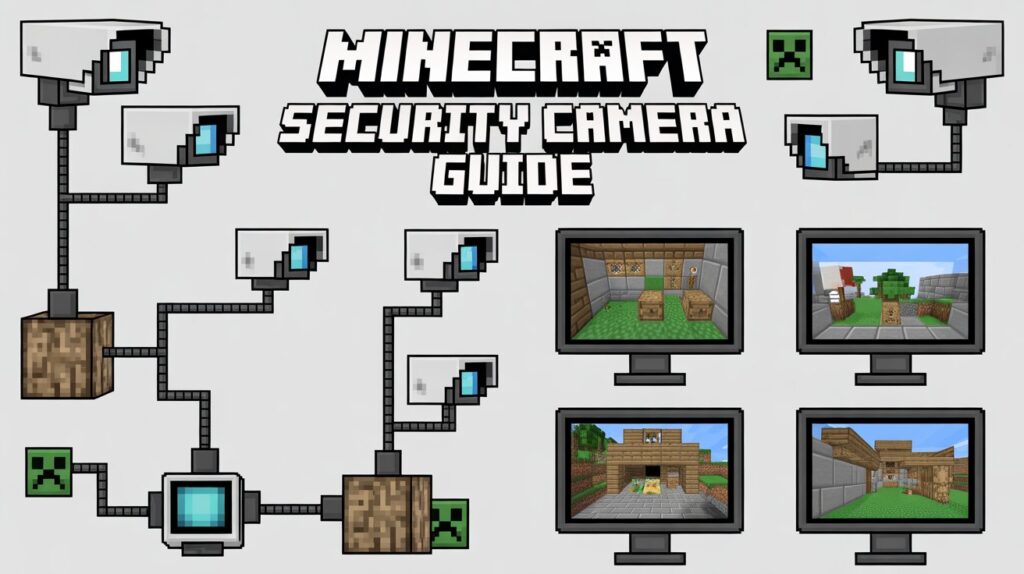
One frequent error is placing too few cameras, which leaves blind spots and limits surveillance. Conversely, some players overload their base with cameras, which can clutter the environment and make management confusing. Another common mistake is ignoring camera angles or line of sight. If a camera isn’t positioned correctly, it won’t capture the areas you intended, leaving critical spots unmonitored.
Players also sometimes forget to connect cameras to monitors or test them after installation. Without proper testing, you may assume your base is secure when, in reality, your cameras aren’t functioning as expected. Additionally, relying solely on cameras for security without combining them with other defenses—like walls, traps, or lighting—can give a false sense of protection.
By understanding these pitfalls, USA players can adopt smarter strategies and avoid wasted effort. Learning from mistakes is part of mastering how to use security cameras in Minecraft, allowing you to build a base that is both secure and efficiently monitored.
Are Security Cameras in Minecraft Safe and Fair to Use on Servers?
Using security cameras in Minecraft can raise questions about fairness, especially on multiplayer servers. Understanding how to use security cameras in Minecraft responsibly ensures you protect your builds without breaking server rules or disrupting other players’ experiences.
Key considerations for safe and fair use:
- Check Server Rules First – Some servers may prohibit mods that give extra surveillance or unfair advantages. Always confirm before installing camera mods.
- Respect Multiplayer Etiquette – Avoid placing cameras in other players’ areas without permission. Monitoring only your own builds keeps gameplay fair and cooperative.
- Avoid Exploiting Cameras – Using cameras to gain an unfair advantage, like spying on competitors’ resources or traps, is generally discouraged and can lead to bans.
- Use Cameras for Safety, Not Power – Focus on protecting your base from mobs, griefers, or accidental damage rather than controlling other players.
- Stay Updated on Mod Versions – Outdated camera mods can cause glitches or crashes on servers. Using supported versions ensures stability for everyone.
When applied thoughtfully, security cameras are both safe and fair, enhancing gameplay without breaking trust. For USA players on survival or creative servers, knowing how to use security cameras in Minecraft responsibly balances protection, enjoyment, and community respect.
Advanced Tips to Use Security Cameras in Minecraft Like a Pro
Once you’ve mastered the basics, there are several advanced strategies that make how to use security cameras in Minecraft even more effective. These tips let experienced players optimize coverage, reduce blind spots, and create smarter bases without overwhelming beginners.
Pro-level strategies:
- Integrate with Redstone Systems – Connect cameras to redstone circuits to trigger alarms, lights, or automatic doors when movement is detected. This adds an extra layer of in-game security.
- Use Multi-Camera Networks – Set up multiple cameras in a grid or overlapping pattern to monitor large areas seamlessly. This helps cover every corner of complex builds.
- Create Hidden Camera Feeds – Some mods allow you to hide monitors or control interfaces, keeping your security system discreet from other players.
- Remote Base Management – Position cameras in multiple locations so you can check farms, storage rooms, and entry points from a single central hub.
- Test Night and Day Coverage – Certain areas may look safe during the day but are vulnerable at night. Use cameras to monitor lighting levels and mob activity.
- Experiment with Angles – Adjust camera angles for optimal coverage, similar to real-world surveillance planning. Slight tweaks can eliminate blind spots entirely.
Applying these advanced tips allows USA players to play smarter, protect their builds efficiently, and feel fully in control of their Minecraft worlds. Mastering these techniques enhances both survival and creative gameplay while keeping the focus on safe, responsible, and effective use of security cameras in Minecraft.
Final Thoughts
Learning how to use security cameras in Minecraft is more than just installing mods or placing blocks. It’s about taking control of your world, protecting the time and effort you invest, and feeling confident that your creations are safe. From survival bases to creative builds, cameras give you awareness, security, and peace of mind—just like a real-life security system would.
By understanding placement, monitoring techniques, and server etiquette, players can enjoy smarter gameplay without stress. Each camera you set up represents careful planning, foresight, and a commitment to protecting what matters most in your Minecraft world.
Now take a moment to think—how can applying these strategies make your Minecraft adventures safer, smarter, and more enjoyable?
Play wisely, protect creatively, and watch your world thrive.
FAQs
How to use security cameras in Minecraft
Install a camera mod, place the cameras in key areas, and view the feeds on connected monitors to monitor your base.
How to use security cameras in Minecraft SecurityCraft?
Place SecurityCraft cameras, link them to monitors, and switch views to watch entrances, farms, and storage safely.
How to put security cameras in Minecraft?
Select a camera from your inventory or mod, place it on walls or ceilings, and ensure it has line of sight to the area you want to watch.
How to use a camera monitor in Minecraft?
Right-click or interact with the monitor block to cycle through camera feeds and check multiple areas from a single screen.
What is F3 + H in Minecraft?
Pressing F3 + H shows tool durability, allowing you to track how much life your weapons, tools, or armor have left.
How to make a spy scope in Minecraft?
Craft a spy scope using mod-specific items or recipes, then equip it to zoom in and view distant areas like a telescope.


