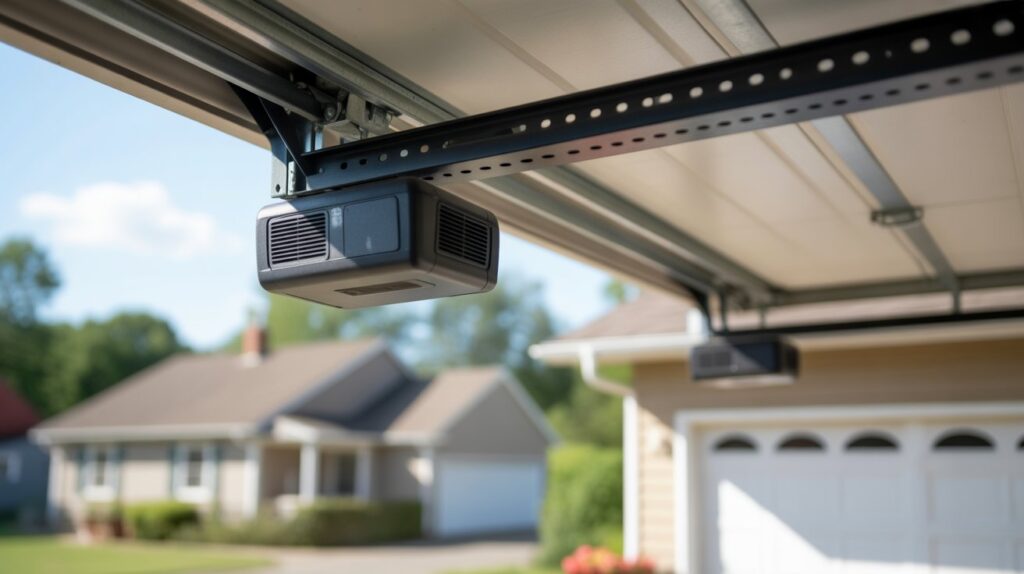
Introduction
Have you ever wanted to open your garage door from your car but couldn’t find the handheld remote? Learning how to program garage door to car without remote may be possible if your vehicle and garage door opener are compatible. Many cars with built-in HomeLink buttons can connect directly to an opener using its learn button. This guide explains the setup process, rolling-code synchronization, common programming problems, and alternatives if your equipment does not support direct pairing.
Table of Contents
What to Know Before Programming Your Car to a Garage Door Opener
Before starting, make sure your car has built-in garage door controls that work with your opener. Check the opener’s brand and model, find the programming button on the motor unit, and confirm whether the system requires an extra step for rolling-code synchronization. These details will help you choose the correct setup method and avoid unnecessary programming attempts.
Check Your Car’s Built-In Garage Door Opener
Many vehicles have built-in garage door control buttons on the overhead console, near the rearview mirror, or on the sun visor. HomeLink is a common system that lets drivers control compatible garage doors using buttons inside the vehicle.
Check your owner’s manual to confirm whether your car supports HomeLink or another vehicle garage door transmitter. If your vehicle does not have built-in controls, you may need a compatible aftermarket system instead.
Identify Your Garage Door Opener
Start by identifying your garage door opener’s make and model, as the setup process can differ between units. Even openers from the same manufacturer may have different pairing steps.
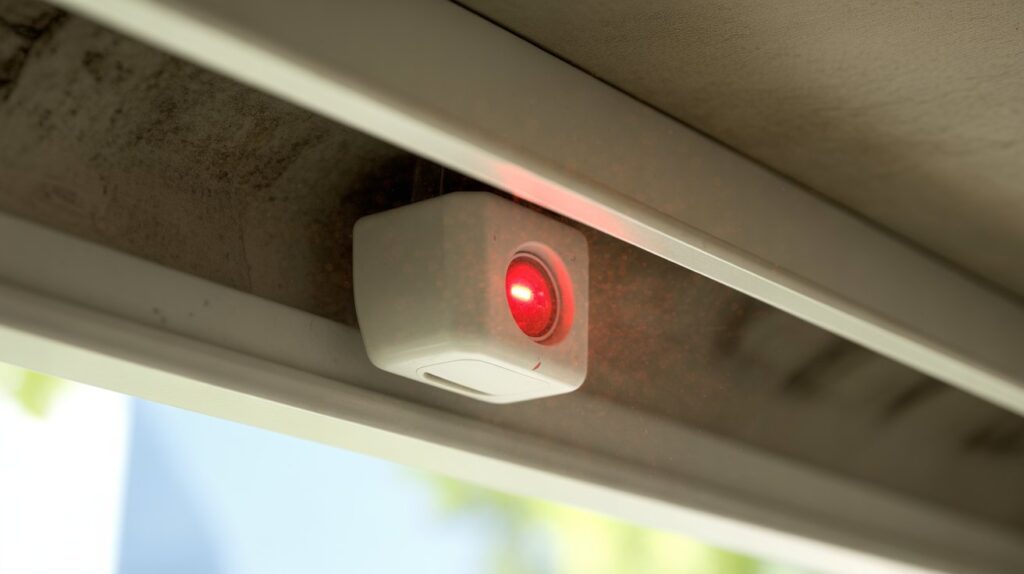
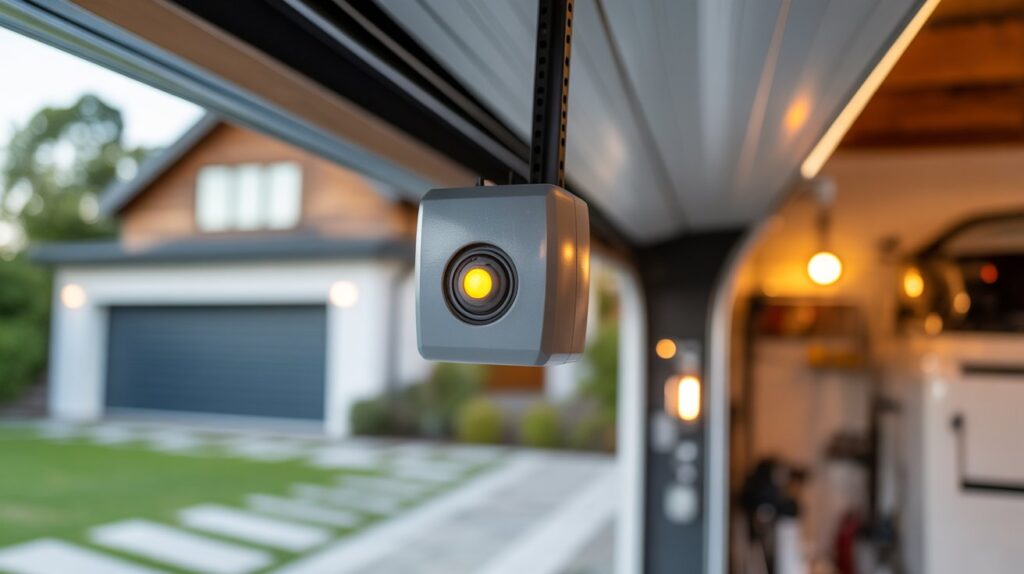
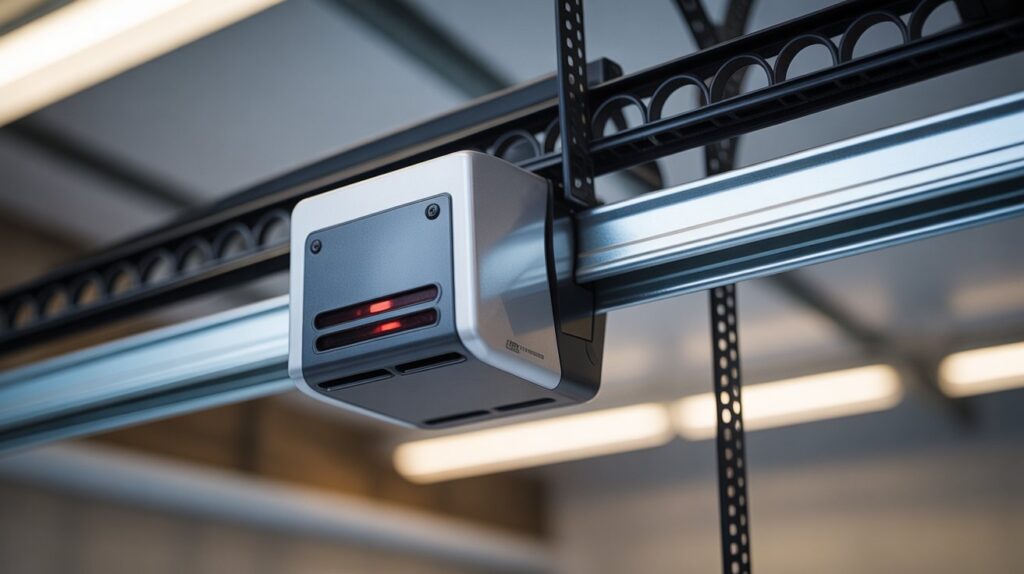
Next, inspect the motor housing attached to the garage ceiling. Look for a small programming button, often positioned beside a hanging antenna wire or beneath the light cover. Its exact position and color depend on the opener, so check the manufacturer’s manual if you cannot find it. If you need a separate transmitter, review our guide to Guardian garage door opener remotes to understand why checking compatibility matters before choosing one.
Understand Rolling Code Technology
Some garage door openers use rolling code technology, which changes the access code each time the system operates. These openers may require an additional step to synchronize the car’s built-in controls with the motor unit.
Older systems may use fixed codes and follow a different process. Checking your opener’s manual helps you choose the correct garage door opener programming instructions before you begin.
Prepare for Safe Programming
Before setting up your car’s built-in garage door controls, take a few basic safety steps:
- Park your vehicle inside the garage or within the recommended range of the opener, with the vehicle secured.
- Make sure the garage door area is clear of people, pets, and objects.
- Keep the garage door opener manual available.
- Check that the opener’s safety sensors are working correctly.
- Avoid touching electrical terminals or removing motor-unit covers.
Many vehicles with HomeLink can connect to a compatible garage door opener without using a handheld remote. However, the process depends on the equipment you own. Certain models need an additional device, such as a HomeLink compatibility bridge, or a different pairing method. Check your vehicle and opener manuals first to determine which setup options are supported.
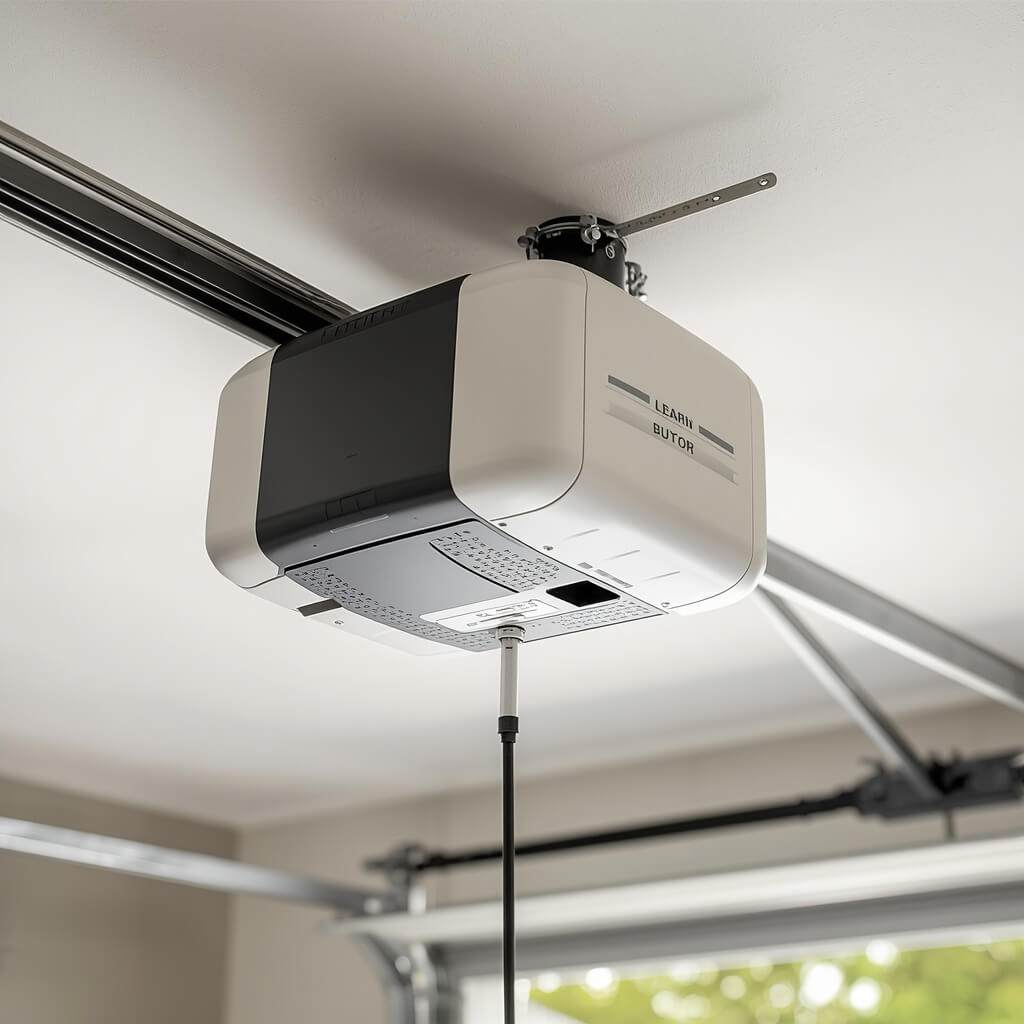
How to Find the Learn Button on Your Garage Door Opener
Look for a small programming button on the garage door motor attached to the ceiling. This control is often used to pair compatible devices with the opener, including your car’s built-in transmitter. Its position varies by model, so check the manufacturer’s manual if you cannot locate it.
Check the Garage Door Opener Motor Unit
From a safe position on the ground, examine the garage door motor housing for a small setup control. It may be marked with a programming label and positioned along an edge of the unit or behind its light cover.
On some LiftMaster and Chamberlain models, this control sits close to the antenna wire. Because designs vary, consult the manual for your specific opener rather than guessing which button to press.
Identify the Button Color and Label
The learn button may be yellow, purple, red, orange, or another color, depending on the opener. On some models, the color helps identify the radio frequency or programming system, but it should not be used as the only way to determine compatibility.
Before continuing with HomeLink garage door programming, note these details:
- Brand and model: Check the label on the motor unit.
- Button color: Record it to help identify the programming procedure.
- Code technology: Determine whether the opener uses rolling code technology.
- Manual instructions: Confirm the correct pairing process for your model.
Avoid Pressing the Learn Button Too Early
Wait until you have read the setup instructions and are ready to pair your vehicle before using the learn button. Depending on the opener, holding it for too long may remove existing remote controls or keypads from memory. Keep your vehicle ready because the pairing period may be limited.
What If You Cannot Find the Learn Button?
If you cannot locate the programming control, check the manual for your opener’s exact model. Some older units use different setup procedures, and direct pairing may not be available on every system.
If the opener is older or you are unsure about its features, identify the model before choosing a programming method. You can also review our guide to LiftMaster garage door sensor alignment for related information about garage door components and their operation. Remember that safety sensors are different from the learn button and do not program your car.
How to Program a Garage Door to Your Car Without a Remote
Some vehicles can be paired with a compatible garage door opener using the controls built into the car, so a separate remote may not be necessary. Typically, you’ll need to put the motor unit into pairing mode and follow the setup sequence for your vehicle. Since instructions differ across models, check both manufacturers’ guidance before you begin.
Step 1: Check HomeLink Compatibility
Start by checking whether your vehicle includes HomeLink or another factory-installed garage door control system. Your car’s owner’s manual should explain where the controls are located and how to set them up.
Then identify the make and model of your garage door opener. Although many LiftMaster and Chamberlain units work with in-car transmitters, support varies with the model, manufacturing year, and wireless frequency. Verify compatibility before attempting to pair the devices.
Step 2: Locate the Learn Button
Find the garage door opener motor unit mounted to the ceiling. Look for a button labeled Learn or Program, often near the antenna wire or beneath a light cover.
Keep your vehicle parked safely and make sure the garage door area is clear. Do not press the learn button until you are ready to follow the manufacturer’s programming instructions.
Step 3: Activate the Opener’s Learn Mode
Follow the opener’s manual to activate its learn mode. On many compatible models, a brief press of the learn button starts a limited programming window.
Avoid holding the button unless the manual specifically instructs you to do so. On some models, holding it too long can erase stored remote controls or keypad codes.
Step 4: Program the Buttons Inside Your Car
Sit in the driver’s seat and follow your vehicle’s HomeLink programming instructions. Depending on the system, you may need to press and hold a selected vehicle button until its indicator light changes or flashes.
When direct-to-opener programming is supported, the car and garage door motor communicate during this process without a handheld remote. Follow the specific timing and indicator-light instructions for your equipment rather than relying on a universal sequence.
Step 5: Test the Connection
After pairing the system, stand where you have a clear view of the garage door and press the newly programmed button inside your car. Watch to confirm that the opener responds correctly and the door moves as expected.
If nothing happens, avoid repeating the same steps without checking the instructions. Your opener may need an additional synchronization step or a different setup procedure, particularly if it uses rolling-code security.
What If Direct Programming Does Not Work?
Some garage door openers cannot connect directly to a vehicle’s built-in controls. Depending on the equipment, you may need a HomeLink compatibility bridge, a compatible replacement remote, or another manufacturer-approved solution.
If you are researching how to program garage door to car without remote, remember that the key is confirming compatibility before trying different button combinations. This approach makes setup easier while reducing the risk of disrupting access devices that are already paired with your garage door opener.
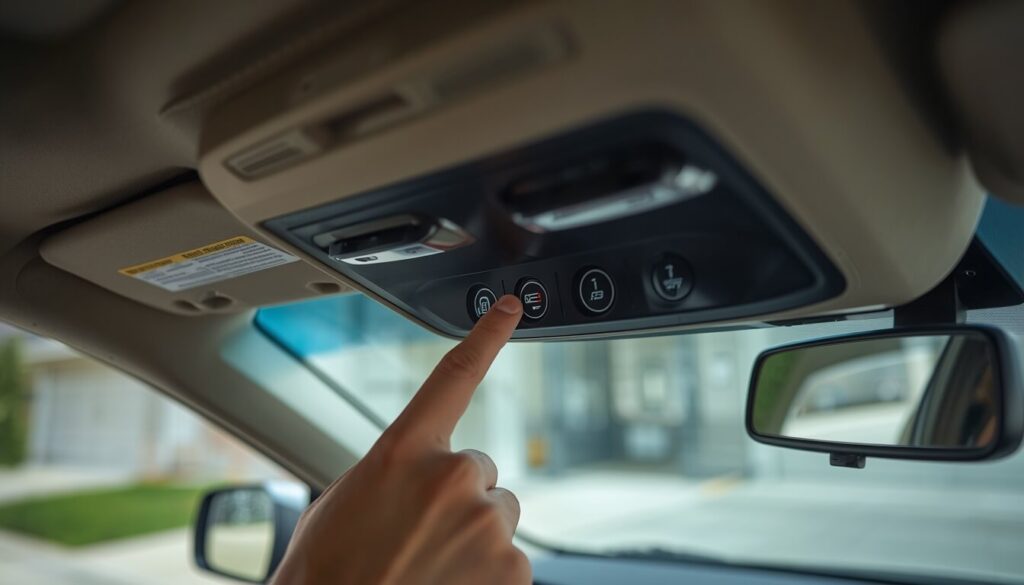
How to Program HomeLink Directly to a Garage Door Opener
Some HomeLink-equipped vehicles can pair with a supported garage door opener without needing a separate remote. First, make sure both systems work together, then use the setup steps provided in your vehicle and opener manuals to complete the connection.
Steps for Direct-to-Opener Programming
1. Park your car safely. Keep the vehicle stationary and make sure the garage door area is clear of people, pets, and objects.
2. Locate the in-car controls. Check your vehicle’s overhead console, rearview mirror, or sun visor for the factory-installed buttons used to operate a garage door opener.
3. Locate the learn button. Check the garage door opener motor unit for a button labeled Learn or Program. Its location varies by model.
4. Check the programming instructions. Confirm that your opener supports direct-to-opener programming. Some systems require a compatibility bridge or a different setup method.
5. Activate learn mode. If the manual directs you to do so, briefly press the learn button. The opener may provide a limited time to complete pairing.
6. Program the HomeLink button. Follow your vehicle’s instructions to select and program a button. Watch the HomeLink indicator light for the specified change or flashing pattern.
7. Complete any additional pairing steps. A rolling code garage door opener may require another step to synchronize the vehicle transmitter with the motor unit.
8. Verify the pairing. From a safe spot with a clear view of the garage entrance, press the assigned button in your car. Check that the opener responds and the door operates correctly.
Important: Button sequences vary by vehicle and garage door opener. Do not assume that every LiftMaster or Chamberlain model uses the same procedure. If pairing fails, check the manufacturer’s instructions before repeating the process.
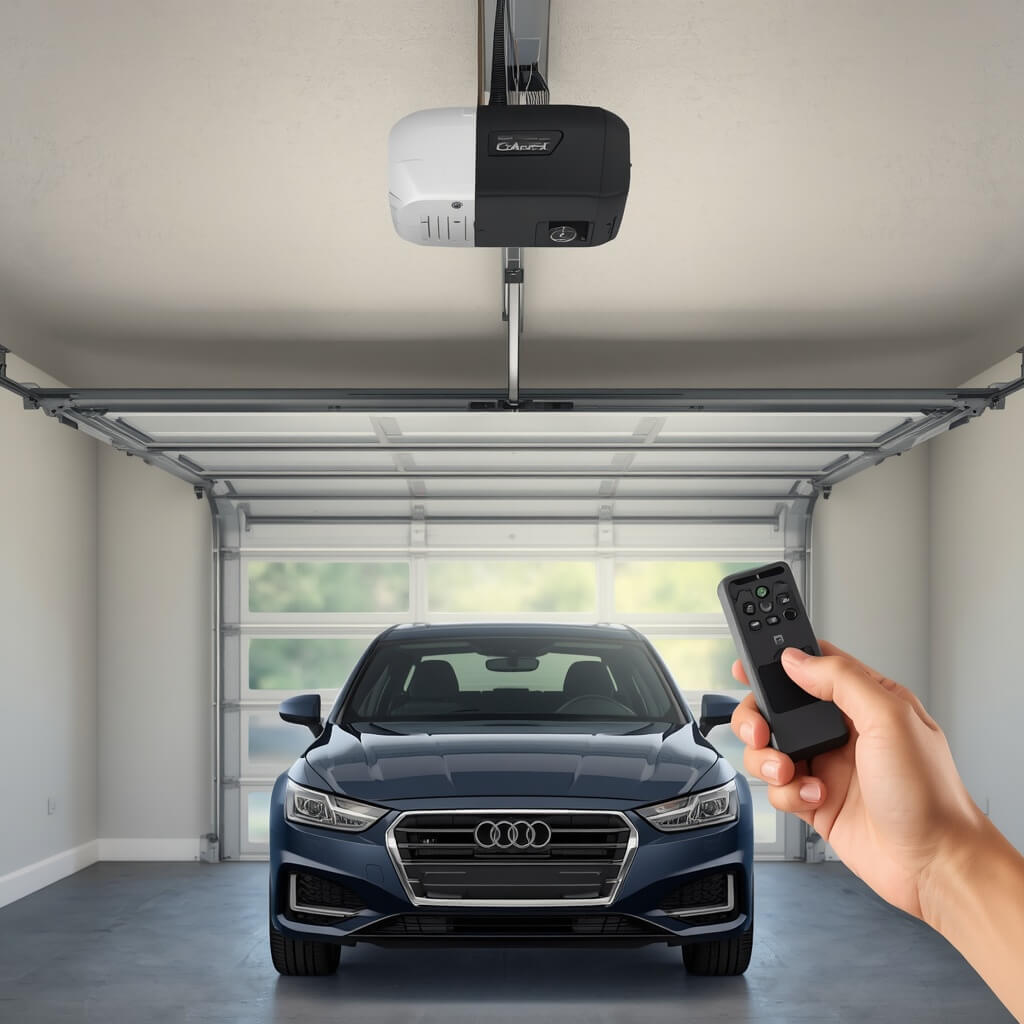
How to Program HomeLink With a Rolling Code Garage Door Opener
To program HomeLink with a rolling code garage door opener, you usually need to activate the opener’s learn mode and then complete the pairing steps inside your vehicle. Rolling code technology changes the access code after each use, so some systems require an extra synchronization step.
Step 1: Check Your Garage Door Opener
Look at the label on your garage door opener motor unit to identify its brand and model. Many LiftMaster and Chamberlain openers use rolling code technology, but the exact programming process varies by model.
Check your vehicle’s manual to confirm that its built-in HomeLink system supports your opener.
Step 2: Activate the Learn Button
- Park your vehicle safely and make sure the garage door area is clear.
- Locate the learn button on the motor unit, often near the antenna wire or beneath a light cover.
- Follow the opener’s manual to activate learn mode.
- Complete the next step within the time allowed by your opener.
Avoid holding the learn button unless the manufacturer’s instructions specifically require it, as some models can erase stored access devices when the button is held too long.
If you are considering upgrading your garage access system, see our guide to smart garage door openers with cameras for options that combine garage control with video monitoring.
Step 3: Program the HomeLink Button
Use your vehicle’s HomeLink setup procedure to link the selected in-car button with the garage door opener. Pay attention to the indicator light, as its behavior can help you identify whether the system is ready or the pairing process is complete.
Depending on the equipment, direct pairing may be supported, or you may need a compatible handheld transmitter or HomeLink bridge to establish the connection.
Step 4: Complete Rolling Code Synchronization
If your opener requires a second pairing step, return to the learn button and follow the manufacturer’s instructions to finish synchronization. The timing and button sequence differ between models, so avoid using instructions intended for another opener.
For example, if your garage door opener enters learn mode for only a short period, delaying the vehicle setup may cause the pairing attempt to fail.
Step 5: Test the Garage Door
Choose a position with a clear view of the garage entrance and make sure no people or belongings are in the door’s path. Press the assigned HomeLink button and watch whether the opener activates as expected.
If the door stays still, review the vehicle’s setup guide, check the indicator light, and verify that the opener supports your car’s system before repeating the procedure.
Important: Some rolling-code openers need an additional pairing step or approved accessory to connect with a vehicle. Check the instructions for your exact model to see whether direct pairing is supported or another method is necessary.
How to Test Your Car’s Built-In Garage Door Opener
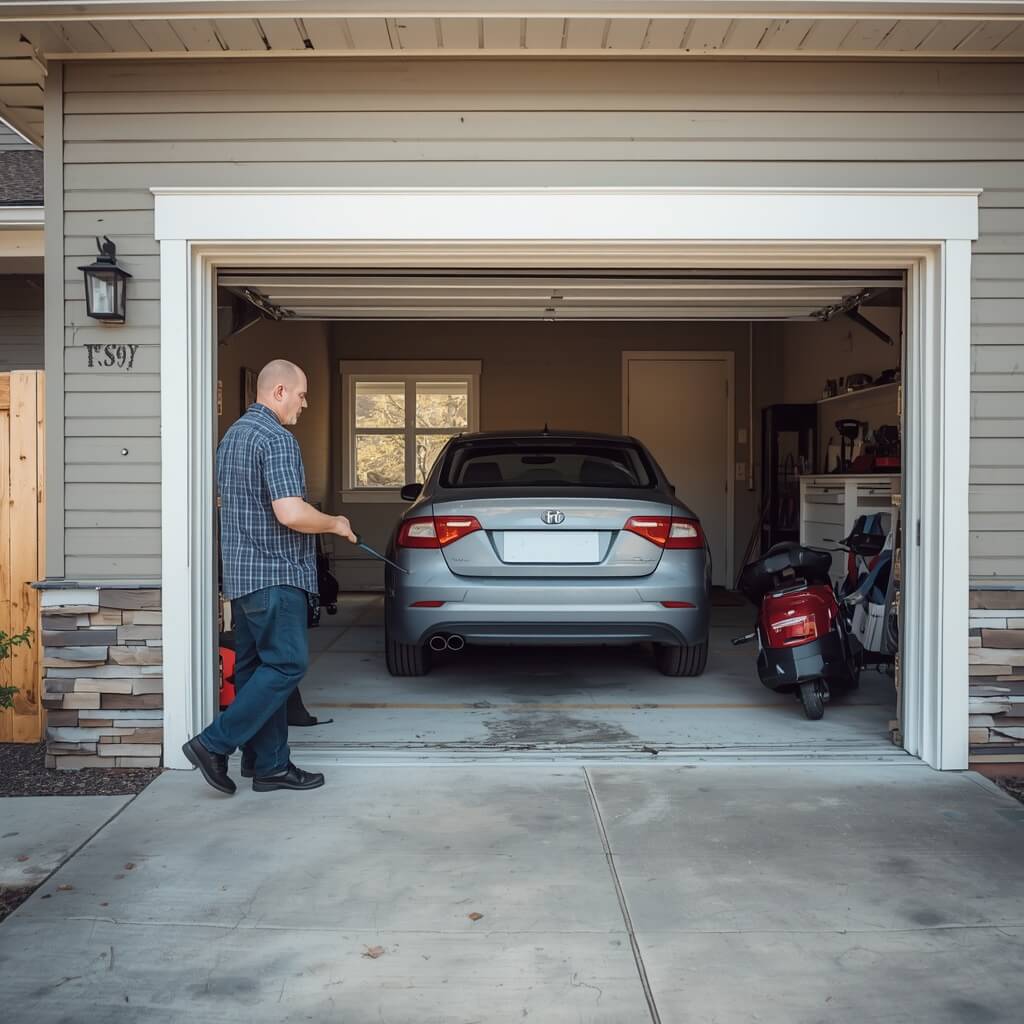
After programming HomeLink, test your car’s built-in garage door opener to confirm that it communicates with the garage door motor correctly. A successful test means the door responds to the programmed vehicle button without needing a handheld remote.
Test the Button From a Safe Position
Park where you have a clear view of the entire garage door. Keep children, pets, and vehicles away from the door’s path before testing.
Activate the assigned HomeLink control and check whether the garage door responds. If it opens or closes as expected, the programming likely worked. Test the button again after the door has completed its movement to confirm that the connection remains reliable.
Check the HomeLink Indicator Light
The light on your vehicle’s HomeLink system provides clues about its programming status. Depending on the model, the light may stay on or flash in a specific pattern to show progress or signal that another step is needed. Refer to your vehicle’s manual to interpret these signals correctly.
If the light reacts but the garage door remains still, the pairing may be incomplete. Openers that use rolling-code security may need a separate synchronization procedure before the connection works.
What If the Garage Door Does Not Respond?
If the door fails to move, check that you programmed the correct vehicle button and followed the instructions for your opener’s model. Confirm that the opener has power and that its wall control operates normally.
For example, if the wall-mounted control opens the door but the HomeLink button does not, the issue may involve programming, compatibility, or the vehicle transmitter rather than the door motor itself. If the door also has trouble closing, our guide to one garage door sensor not lighting up can help you identify possible sensor-related problems.
When troubleshooting a failed connection, remember that testing is part of the setup process, not just a final check. If the connection still fails, review the manufacturer’s HomeLink programming instructions and confirm whether your opener requires a compatibility bridge or another approved method.
Why Your Car Won’t Connect to the Garage Door Opener
Your car may fail to connect to a garage door opener because of compatibility issues, an incorrect programming sequence, or an unfinished pairing process. Before replacing any equipment, check the HomeLink settings, the opener’s learn button, and the instructions for both devices.
Incompatible Garage Door Opener
Not every garage door opener works with every built-in vehicle transmitter. Older openers may use a different radio frequency or coding system than your car’s HomeLink system supports.
Check your vehicle’s compatibility guide and the garage door opener model number. Some systems require a HomeLink compatibility bridge to connect older equipment with newer vehicle controls.
Incorrect Programming Steps
HomeLink programming instructions vary by vehicle and garage door opener. Pressing the wrong button or missing the opener’s pairing window can prevent synchronization.
- Confirm that you are following instructions for your exact model.
- Check the HomeLink indicator light during programming.
- Activate the learn button only as directed in the opener’s manual.
Rolling Code Synchronization Problems
A rolling code garage door opener changes its access code after each use. Some models require an extra step after you program the vehicle button.
If the indicator light changes but the garage door does not respond, check whether the manufacturer requires you to activate learn mode again to complete synchronization.
Garage Door Opener or Power Issues
A garage door opener cannot pair or operate correctly if its motor unit has no power or is experiencing a fault. Check whether the wall-mounted control works and whether the opener’s lights respond normally.
For example, if the wall control opens the garage door but your car does not, the problem may be related to programming or compatibility rather than the motor itself.
How to Narrow Down the Problem
Start by checking the opener’s model, the vehicle’s HomeLink instructions, and the indicator-light behavior. If these checks do not resolve the issue, consult the manufacturer’s troubleshooting guide before resetting the system.
Understanding these common problems can help when learning how to program a garage door to a car without a remote. The correct method depends on the equipment, and some systems need a compatible remote or bridge to complete setup.
How to Fix HomeLink Programming Problems
If HomeLink will not connect to your garage door opener, review the setup instructions, device compatibility, and indicator light before trying again. Common causes include an incorrect programming sequence, an expired pairing window, or an additional synchronization step.
Start by confirming the make and model of your vehicle and garage door opener. HomeLink setup procedures vary across vehicles, so follow the instructions for your specific model instead of repeatedly trying different button combinations.
Next, locate the garage door opener’s learn button and follow the manufacturer’s directions. Some openers remain in pairing mode for only a limited time, so you may need to restart the process if the window closes before you finish programming the car’s built-in controls. Avoid holding the learn button unless the manual specifically instructs you to do so, because certain models may erase existing access devices.
Pay attention to the HomeLink indicator light during setup. Its behavior can help you determine whether the system has learned the signal or needs another step. Openers that use rolling-code technology may require additional synchronization after the initial programming stage.
If the process still fails, verify that your opener is compatible with the vehicle’s transmitter. Some older systems require an approved compatibility device. Also, check that the opener has power and that the wall-mounted control works. This can help you distinguish a pairing issue from a possible opener fault.
For model-specific guidance, consult the official HomeLink programming and troubleshooting support. It explains common programming difficulties, compatibility considerations, indicator-light behavior, and rolling-code setup.
When setting up a vehicle without a handheld remote, follow the instructions for your exact equipment and test the door from a safe position afterward. If the system remains unresponsive, contact the vehicle or opener manufacturer before resetting the unit or replacing parts.
What to Do If Your Car and Garage Door Opener Are Incompatible
If your car’s built-in HomeLink system is incompatible with your garage door opener, check whether an approved compatibility bridge or another supported control method can connect the two devices. The right solution depends on the vehicle’s transmitter, the opener’s model, and the radio technology each system uses.
Start by checking the HomeLink compatibility guide and your garage door opener’s manual. Older openers may use a frequency or coding system that your vehicle does not support directly. Confirming the model numbers can help you avoid buying an unnecessary replacement remote or accessory.
A HomeLink compatibility bridge may solve the problem when an older garage door opener cannot communicate directly with a newer vehicle. The bridge acts as an intermediary between compatible systems, but it must support your specific opener and HomeLink version. Check the manufacturer’s compatibility information before purchasing one.
Another option is to use a compatible universal garage door remote or the opener manufacturer’s approved replacement remote. However, these devices do not always make direct HomeLink programming possible without additional steps. If your opener uses rolling code technology, follow the required pairing and synchronization instructions.
You can also consider a wall-mounted garage door keypad or a compatible smart garage door controller. A keypad provides access through a PIN, while a smart controller may let you operate and monitor the door through a phone app. Check the device’s compatibility and security features before installation.
If you are trying to learn how to program a garage door to a car without a remote, remember that not every system supports direct-to-opener programming. Confirm compatibility first, choose a manufacturer-approved solution, and test the setup safely before relying on it for daily access.
Alternative Ways to Open Your Garage Door Without a Remote
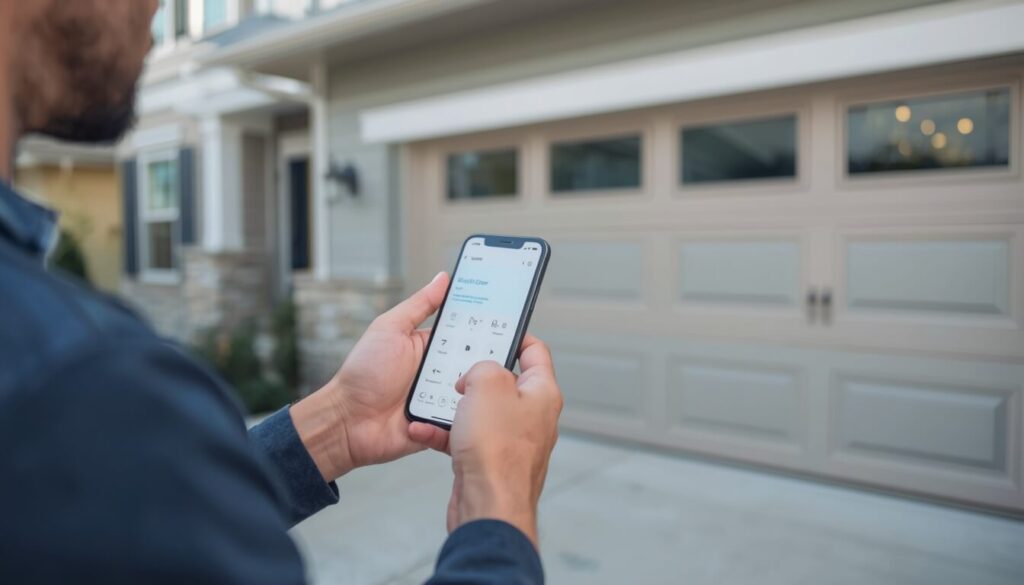
If you cannot use a handheld garage door remote, you can open your garage door with a wall-mounted control, a wireless keypad, or a compatible smart garage door controller. The best option depends on your opener model, available equipment, and whether you need access from inside or outside the garage.
1. Use the Wall-Mounted Garage Door Control
Most automatic garage door openers have a wall-mounted control inside the garage. Pressing its button operates the door without needing a handheld remote or HomeLink programming.
If the wall control does not work, check whether the opener has power and consult the manufacturer’s troubleshooting instructions.
2. Install a Garage Door Keypad
A compatible wireless garage door keypad lets you enter a PIN to open the door from outside. This can be useful when you arrive home without your remote or want to give a family member access.
Before purchasing a keypad, confirm that it supports your garage door opener’s brand and model. Choose a strong PIN and change any default code according to the manufacturer’s instructions. If you want to explore app-based access and video monitoring as another option, see our guide to smart garage door openers with cameras.
3. Use a Smart Garage Door Controller
A compatible smart garage door controller can let you open or close the door through a smartphone app. Depending on the system, it may also provide door-status alerts and remote access when you are away from home.
Check compatibility with your opener and Wi-Fi network before installation. Use a strong account password and enable additional security features when available.
4. Get a Compatible Replacement Remote
If your original remote is lost or damaged, a replacement may be the simplest option. Choose a remote that supports your opener’s frequency and coding system, including rolling code technology when required.
A replacement remote may also help with HomeLink programming if your vehicle’s instructions require an existing transmitter. However, not every vehicle or opener needs one.
5. Consider HomeLink or a Compatibility Bridge
If your car has built-in HomeLink controls, you may be able to operate the door directly from the vehicle after programming. If the systems are incompatible, a supported HomeLink compatibility bridge may provide a solution.
Check the vehicle and opener manuals before buying additional equipment.
Which option should you choose?
- For access inside the garage: Use the wall-mounted control.
- For access outside without a remote: Consider a compatible keypad.
- For smartphone access: Choose a compatible smart garage door controller.
- For vehicle-based access: Check HomeLink compatibility first.
- For a lost or damaged remote: Buy a replacement approved for your opener.
If your goal is to program your car without a handheld remote, check the opener’s compatibility and direct-to-opener programming instructions before choosing another access method. Never attempt to bypass the opener’s safety or security features.
Conclusion
Programming your car to operate a garage door without a handheld remote depends on compatibility, the correct setup method, and following the manufacturer’s instructions. If direct programming does not work, a compatible bridge or alternative access method may help. Before buying new equipment, check what your existing system supports. A reliable garage door setup starts with understanding your equipment, not guessing at the steps.
FAQs
1. How can I program my garage door to my car?
Check whether your car has a built-in HomeLink system. Follow your vehicle’s programming instructions and, if required, press the garage door opener’s learn button to pair the systems.
2. How do I reset my garage door opener if I lost the remote?
You usually don’t need to reset the entire opener. Use the learn button to erase lost remotes if your model supports this, then program replacement remotes and keypads. Check the manufacturer’s instructions first.
3. Can I use my phone as a garage door remote?
Yes. You can use a compatible smart garage door controller or a manufacturer-supported app. Check compatibility with your opener and set up secure access.
4. How do I program a LiftMaster garage door opener to my car without a remote?
If your car supports HomeLink, press the learn button on your LiftMaster opener, then follow your vehicle’s pairing instructions. Rolling-code models may require an additional synchronization step.
5. Can I program my garage door to my car without a remote?
Yes, many compatible systems support direct programming through the opener’s learn button. However, some vehicles or older openers may require a compatible remote or HomeLink bridge.
About the Author
M Bilal is a BS-qualified criminologist and home security enthusiast who writes about home protection, garage door security, and modern safety technology. His goal is to make security information easier to understand through practical guidance, clear explanations, and research-based content that helps readers make informed decisions.