Introduction
Homeowners across the U.S. are moving beyond simple door locks and turning to a home security system with cameras for real-time visibility into what’s happening at home. Whether it’s checking on a package delivery or seeing who’s at the door, camera systems give homeowners direct control over their property’s safety.
This guide breaks down the real costs, hidden charges, and practical buying tips, so you can choose a system that fits your home and budget with confidence.
Table of Contents
What a Home Security System With Cameras Includes
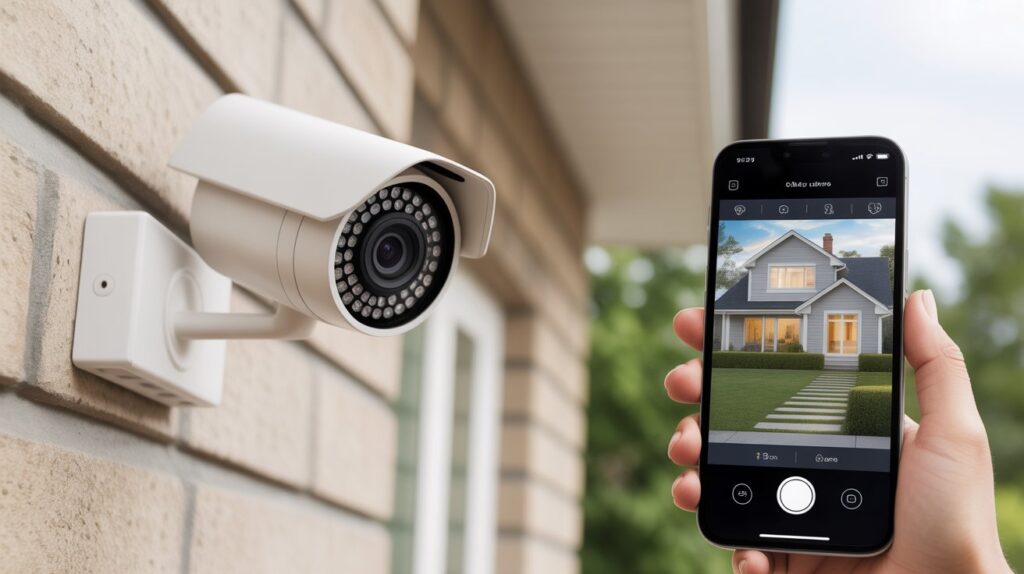
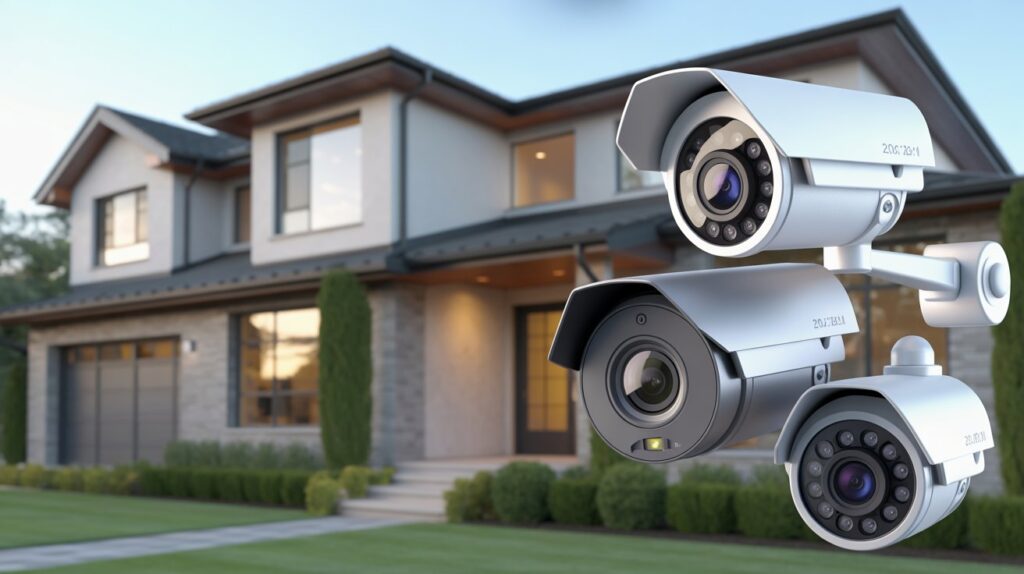
- Security cameras are the core of the system, covering both indoor and outdoor areas. Indoor cameras monitor common living spaces, while outdoor units cover doors, driveways, and backyards for full visual coverage of the property.
- Motion and entry sensors work alongside the cameras to detect movement or door and window activity. When something unusual happens, these sensors trigger instant alerts, making a home security system with cameras more responsive for everyday protection.
- A control panel or mobile app functions as the system’s control center, letting homeowners arm, disarm, and view live footage from anywhere. Most modern systems, including options like the Ring Alarm setup, are built for beginners with simple, intuitive controls.
- Monitoring basics determine how alerts are handled once activity is detected. Some systems only notify the homeowner directly, while others connect to professional monitoring services that can contact emergency responders when needed.
- Power and connectivity components keep the system running reliably, using Wi-Fi, backup batteries, or wired connections so it stays active even during short outages or internet disruptions.
Average Cost of a Home Security System With Cameras in the USA
For most homeowners, understanding home security system with cameras pricing starts with knowing the general range of options available. Costs in the U.S. vary based on how simple or advanced the setup is, but there’s usually an option for every budget.
- Starter systems typically include one or two cameras with basic sensors—ideal for apartments or small homes on a tighter budget.
- Mid-range systems offer multiple cameras, better video quality, and smarter alerts for homeowners wanting more coverage.
- Advanced or full-home setups are built for larger homes needing outdoor coverage, smart integrations, and stronger monitoring features.
Beyond the upfront investment, it’s worth separating one-time costs from ongoing expenses. Equipment and installation are usually paid once, while optional monitoring plans may add a recurring fee. Some homeowners choose self-monitoring to keep costs down, while others opt for professional monitoring for extra reassurance. Understanding this difference helps you plan long-term and pick a system that protects your home without stretching your budget.
Factors That Increase or Decrease the Total Cost
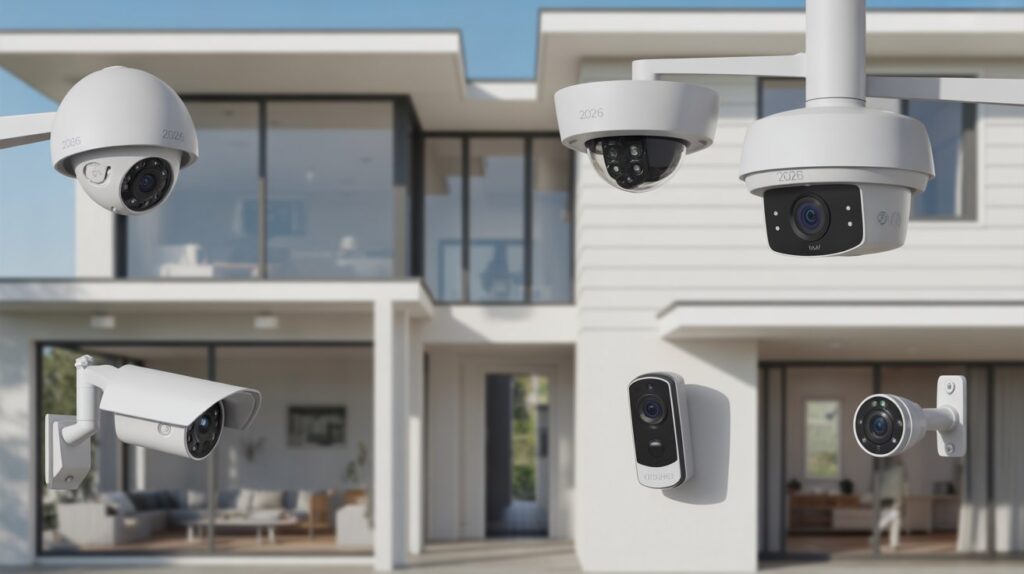
The total cost of a home security system with cameras can vary widely because every home has different needs. What you choose for coverage, features, and setup style directly affects how much you spend over time.
- Home size: Bigger homes need more cameras and sensors, while smaller spaces require fewer devices, lowering overall cost.
- Number of cameras: More cameras mean better coverage of entry points, but also increase total setup and maintenance needs.
- Wired vs. wireless systems: Wired systems offer stable performance but may cost more to install, while wireless systems are easier to set up but may need battery upkeep.
- Smart integration features: Connecting cameras to your home Wi-Fi network adds convenience, but it also means the network itself needs to be secured, and unused remote-management features should be disabled to avoid creating weak points, according to FTC consumer guidance. FTC Consumer Advice
In short, your final cost depends on how much coverage and control you want. Choosing the right balance helps you stay secure without paying for features you don’t really need.
Hidden Costs Most People Don’t Think About
Cloud Storage: More Than Just a Backup
Many home security systems with cameras offer cloud storage to save recorded footage. While convenient, this usually comes with a monthly or yearly subscription fee. Storing high-resolution video for several days or weeks can add up over time, impacting the long-term cost more than most homeowners initially expect.
Replacement Parts: Keeping Your System Running
Cameras, sensors, and batteries wear out over time. Indoor and outdoor cameras may need replacement due to weather exposure, accidental damage, or simple aging. Budgeting for occasional replacement parts ensures your home security system with cameras stays reliable without surprises.
System Upgrades Over Time: Staying Current
Technology evolves quickly. New features like advanced motion detection, AI-based alerts, or improved video quality may call for upgrading devices or software. While optional, these upgrades can add to overall spending if you want your system to stay current and perform at its best.
Being aware of these hidden costs helps U.S. homeowners plan realistically for a home security system with cameras, avoiding unexpected expenses down the line.
How Much Does a Smart Home Security System Cost Long-Term?
When thinking about a home security system with cameras, it’s important to look beyond the initial setup and understand the long-term commitment. Over the years, costs can change due to monitoring services, storage plans, maintenance, and possible upgrades, so a short-term view doesn’t always give the full picture.
1-Year Cost View
In the first year, expenses usually include equipment and basic setup along with optional monitoring services.
- Basic systems often come with a simple one-time setup and little to no monthly fees if self-monitored
- Mid-level systems may include professional monitoring and cloud storage subscriptions
- Overall cost depends on the number of cameras, features, and service level chosen
5-Year Cost View
Over a longer period, ongoing services and upgrades become more noticeable in the total investment.
- Monthly monitoring plans and cloud storage can add steady long-term expenses
- Some parts like batteries or cameras may need replacement or upgrades over time
- Advanced systems with smart integrations tend to require more consistent service support
Budget vs Premium Choice
The right system depends on your home size, lifestyle, and security needs.
- Budget setups are suitable for basic monitoring and smaller living spaces
- Premium systems offer stronger coverage, smarter alerts, and better long-term reliability
- More advanced systems are ideal for families wanting full-time peace of mind
In the end, the true value of a home security system with cameras is not just in the purchase—it’s in the long-term safety, reliability, and confidence it brings to your home every day.
Are Home Security Systems With Cameras Worth the Price?
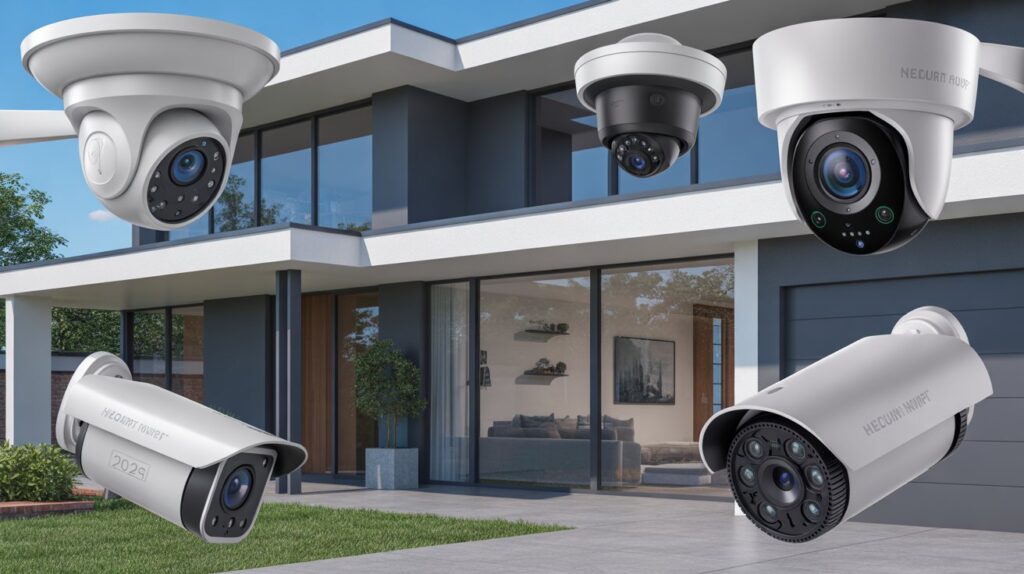
Investing in a home security system with cameras goes beyond the price tag—it’s about the confidence of knowing your home, family, and belongings are protected around the clock. For many U.S. homeowners, this sense of safety makes the upfront and ongoing costs feel worthwhile, especially when weighed against the stress and consequences of a potential break-in.
Beyond that reassurance, these systems offer practical benefits too. Visible cameras can deter would-be intruders, reducing the likelihood of theft or vandalism. Many insurance companies recognize this added protection and may offer discounts on homeowner policies, effectively lowering long-term costs. When you factor in safety, crime prevention, and potential savings, a well-planned home security system with cameras often delivers strong value—making it more than a purchase, and more of an investment in your home’s protection.
How to Choose the Right System for Your Budget
Choosing the right home security system with cameras doesn’t have to be overwhelming. By focusing on your needs and budget, you can get reliable protection without overpaying for unnecessary features. Here are practical tips for cost-conscious buyers in the U.S.:
- Identify your must-have features: Prioritize cameras for entrances, main living areas, and high-risk zones. Extra bells and whistles, like advanced AI detection or voice assistant integration, may not be essential for basic security.
- Compare DIY vs professional monitoring: DIY setups reduce monthly costs, while professional monitoring adds convenience.Select the option that fits your daily routine and personal needs.
- Set a realistic budget: Determine how much you’re willing to spend upfront and monthly. This helps narrow down options and avoids impulse upgrades that inflate costs.
- Check compatibility and expandability: Make sure the system can grow with your needs, but avoid paying for devices you don’t plan to use.
- Read reviews and warranty details: Reliable systems with good customer support and warranties save money in the long run by reducing repair or replacement costs.
By following these tips, homeowners can choose a home security system with cameras that balances cost, effectiveness, and reliability—ensuring smart spending without compromising safety.
Conclusion
Choosing a home security system with cameras isn’t just about spending money—it’s about creating a safer, more secure space for your family and everything you value. Every feature, from live monitoring to recording, adds an extra layer of protection and control over your property.
No matter your budget or system type, the real goal stays the same: staying confident that your home is being watched, even when you’re not there. For more ways to strengthen your home’s protection, check out our guide on home security systems that actually keep your property safe.
FAQs
What factors affect the cost of a home security system with cameras?
Cost depends on the number of cameras, monitoring type, and whether the system is wired or wireless.
Do I need a monthly subscription for a home security system with cameras?
Not always—many systems offer local storage, but cloud storage and professional monitoring usually require a subscription.
Are DIY home security systems cheaper than professionally installed ones?
Yes, DIY systems typically cost less upfront since they skip professional installation fees.
Can adding cameras lower my home insurance costs?
Many insurers offer discounts for homes with monitored security cameras, though policies vary by provider.
Is professional monitoring worth the extra cost?
It depends on your needs—professional monitoring adds emergency response but increases the long-term expense compared to self-monitoring.
About the Author
M Bilal holds a degree in Criminology and has spent the past year researching and writing about home security systems, surveillance cameras, and property protection for CrimTechHub. His background in criminology shapes how he evaluates security products—looking closely at real-world crime prevention value, not just specs. He regularly tests and compares camera systems, sensors, and smart home devices to help U.S. homeowners make informed decisions about protecting their property.