Introduction
If you’re considering a wired security camera system for your home, understanding how wired security cameras work can help you choose the right setup for your property. Wired cameras use physical cables to transmit video and, depending on the system, provide power to the camera.
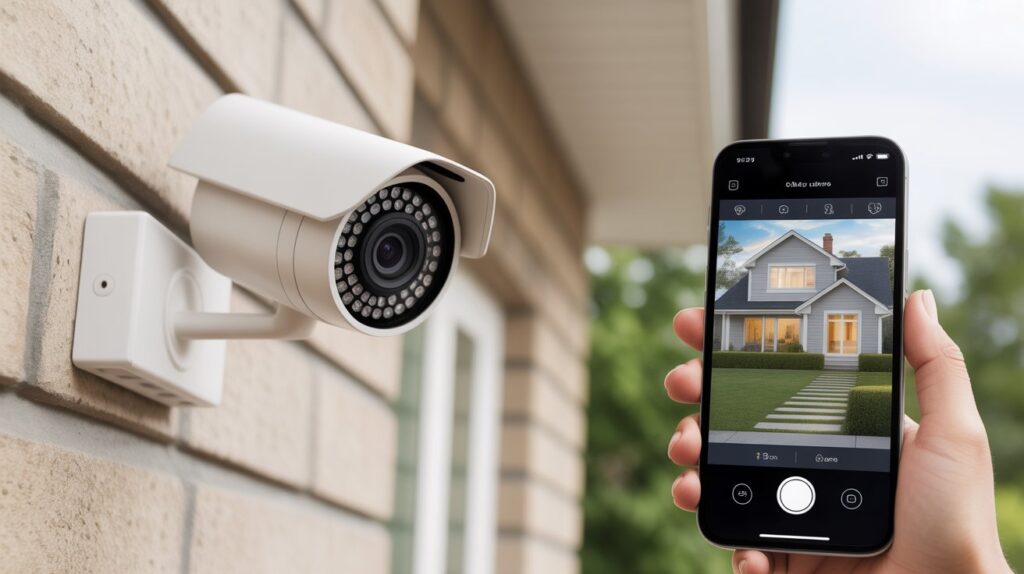
Unlike many wireless camera systems, wired setups can connect directly to a DVR, NVR, or PoE network system for video recording and management. Depending on the equipment and configuration, they can support features such as local recording, remote viewing, motion detection, and continuous recording.
In this guide, we’ll explain how wired security cameras work, the different types of wired camera systems, how they connect to power and recording devices, and what to consider before installing one.
Table of Contents
Why Wired Security Cameras Still Matter in a Wireless World
Wireless security cameras have become increasingly popular, but wired systems remain a practical option for many homeowners. Understanding how wired security cameras work helps explain why physical connections are still widely used in residential security systems.
Wired cameras transmit video through a physical connection to a recording device, network, or other compatible equipment. Depending on the system, they may use coaxial cables, Ethernet cables, DVRs, NVRs, or PoE technology. Some setups can also support continuous recording when properly configured with compatible equipment and sufficient storage.
One advantage of a wired setup is that the camera does not depend on a wireless connection between the camera and the recording system. This can be useful in areas where Wi-Fi coverage is limited or where homeowners prefer local video recording.
For example, a wired camera system can be used to monitor driveways, entrances, garages, backyards, and other important areas around a property. However, the exact capabilities depend on the camera, recorder, network setup, and installation.
Why Many Homeowners Choose Wired Cameras
- Physical video connection between the camera and compatible equipment
- No routine battery charging for permanently powered cameras
- Local recording options through compatible DVR or NVR systems
- PoE support on compatible IP cameras for combined power and data transmission
- Suitable for continuous recording when the system and storage are configured for it
Wired security cameras can be a practical choice for homeowners who want a dedicated surveillance setup with local recording and consistent connectivity. If you’re comparing wired and wireless options, you can also read our guide on how wired security cameras work to understand the technology and setup in more detail.
What Are Wired Security Cameras? (Simple Explanation for Beginners)
Wired security cameras are surveillance cameras that use physical cables to transmit video, provide power, or both, depending on the type of system. These cameras can connect to equipment such as a DVR, NVR, or PoE network system for recording and video management.
When people ask how do wired security cameras work, the basic process is straightforward: the camera captures video, sends the video signal through a cable, and the connected recording or network equipment processes and stores the footage.
Different wired systems use different connection methods. Traditional CCTV cameras commonly use coaxial cables and connect to a DVR, while IP security cameras may use Ethernet cables and connect to an NVR or PoE switch. With PoE technology, a compatible Ethernet cable can carry both power and data.
Most permanently installed wired cameras receive power through a wired connection, so they generally do not require routine battery charging. However, the exact power method depends on the camera and system design.
Wired security cameras are commonly used for homes and small businesses where homeowners or property managers want a dedicated surveillance setup. Depending on the equipment and configuration, a wired system can support local recording, remote viewing, motion detection, and continuous recording.
For beginners, the main concept is simple: a wired camera uses a physical connection to communicate with the rest of the security system, while the recording and storage method depends on the equipment being used.
Key Parts of a Wired Security Camera Setup
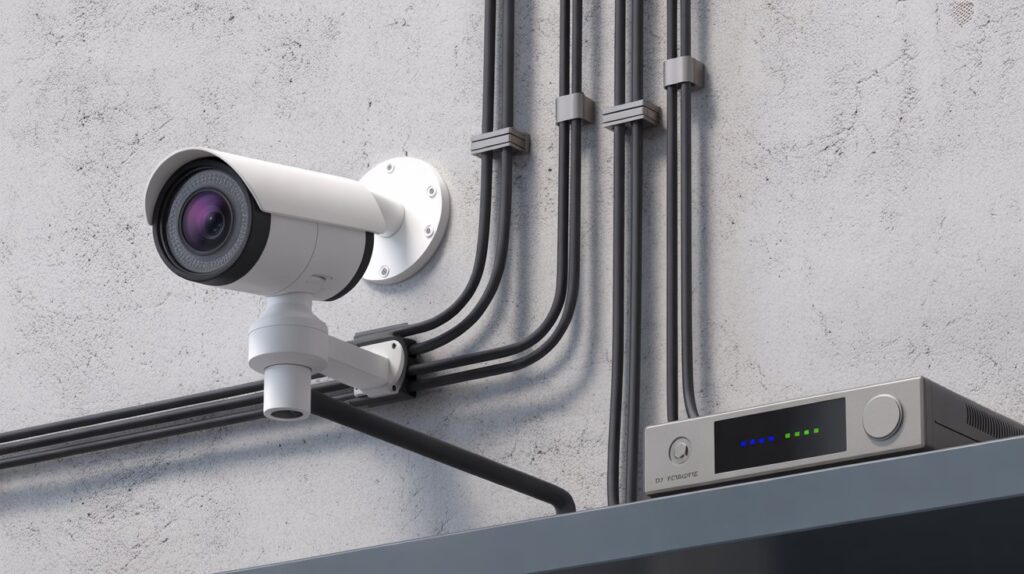
A wired security camera system can include several components that work together to capture, transmit, record, and manage video. The exact setup depends on whether you’re using traditional CCTV cameras, IP cameras, or a PoE security camera system.
Camera Unit
The camera is the part of the system that captures video from areas such as entrances, driveways, garages, or backyards. Depending on the model, it may include features such as night vision, motion detection, high-resolution video, and wide-angle coverage.
Understanding the camera’s role is the first step in learning how wired security cameras work because the camera converts what it sees into a video signal that can be transmitted to compatible equipment.
Power Connection
Wired cameras need a power source to operate. The method depends on the type of camera.
Traditional CCTV cameras may use a separate power connection, while compatible PoE (Power over Ethernet) cameras can receive power through the same Ethernet cable used to transmit data.
This means a PoE setup can reduce the number of separate cables needed between the camera and networking equipment.
Video or Network Cable
The cable carries video data between the camera and the recording or network equipment.
Traditional CCTV systems commonly use coaxial cable, while IP security cameras typically use Ethernet cables. With a PoE setup, an Ethernet cable can carry both power and data between compatible devices.
The type of cable and connection used depends on the camera and recording system. For a deeper explanation, see our guide on how wired security cameras work.
DVR or NVR
A DVR (Digital Video Recorder) is commonly used with traditional analog CCTV cameras to process and store video footage. An NVR (Network Video Recorder) is generally used with IP cameras and manages video received over a network connection.
Depending on the system, a DVR or NVR can provide features such as local video storage, playback, camera management, and remote viewing when the system is connected to the internet.
Together, the camera, power connection, cables, and recording equipment form the main components of a wired security camera system.
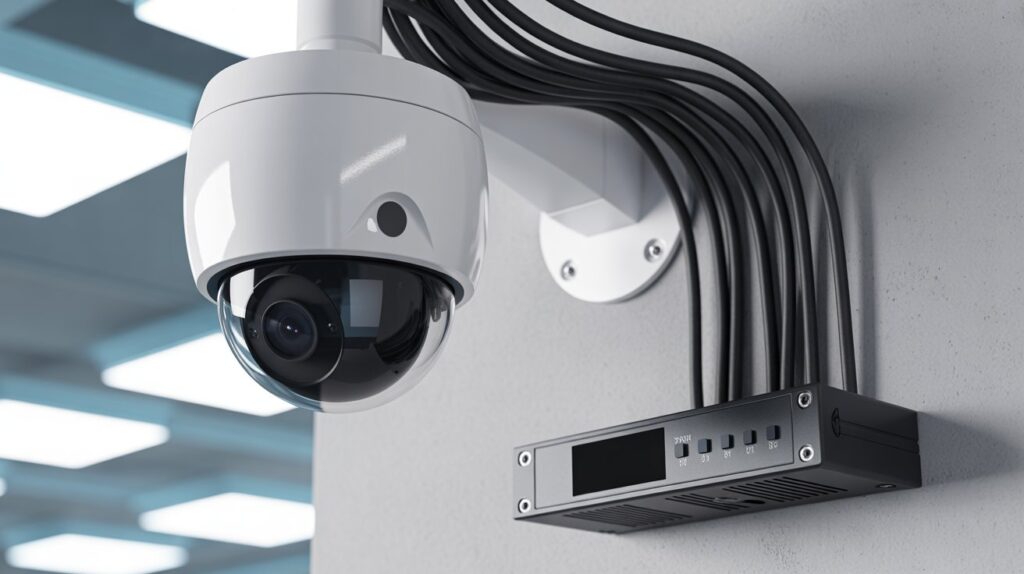
Power Supply: How Wired Cameras Stay Running 24/7
One of the biggest reasons wired systems are so dependable is how they stay powered. To understand how do wired security cameras work, it helps to know that most wired cameras are connected directly to a power source. This constant supply allows them to record day and night without worrying about batteries running out or needing frequent attention.
Some wired security cameras use a traditional power cable, while others rely on Power over Ethernet (PoE). With PoE, a single cable provides both power and data, which keeps the setup clean and efficient. Either way, the goal is the same: uninterrupted operation. For many homeowners in the USA, this always-on power means fewer gaps in footage and greater confidence that their security system is working when it matters most.
Where the Footage Is Stored and How You Access It
After a wired security camera captures video, the footage needs to be processed and stored so it can be reviewed later. Depending on the system, recordings may be saved locally using a DVR (Digital Video Recorder) or NVR (Network Video Recorder).
A DVR is commonly used with traditional analog CCTV cameras, while an NVR is typically used with IP security cameras. Both can store video locally on a connected hard drive or other compatible storage.
One advantage of local recording is that the cameras can continue saving footage during an internet outage, provided the cameras, recorder, and power supply are still operating. However, features such as remote viewing, cloud storage, and mobile alerts may require an active internet connection.
Understanding how video is transmitted and stored is an important part of learning how wired security cameras work and how different security camera systems handl
Accessing the footage is simple and flexible:
- Local viewing: Check recordings directly on a connected monitor or TV.
- Remote access: Many DVR/NVR systems allow remote viewing through a secure app or web browser, giving homeowners peace of mind while away.
- Easy backup: Important clips can be exported to external drives or cloud storage for long-term safety.
- Continuous recording: Wired systems ensure footage is saved 24/7 without interruption, providing reliable protection for your home or business.
This combination of secure storage and easy access is a major reason wired security cameras remain a trusted choice for homeowners who want both convenience and reliability.
Internet Connection: Do Wired Security Cameras Need Wi-Fi?
One common question about wired security cameras is whether they need Wi-Fi or an internet connection to work. In many setups, Wi-Fi is not required for local video recording because the camera can send footage through a physical cable to a compatible DVR, NVR, or other recording equipment.
However, the exact requirements depend on the type of camera and how the system is configured. A wired camera may continue recording locally during an internet outage if the camera, recorder, and power supply are still operating. Features that depend on an internet connection, such as remote viewing, cloud storage, or certain mobile alerts, may not work while the internet is unavailable.
How Internet Connectivity Works With Wired Cameras
- Local recording: A compatible DVR or NVR can store video locally without requiring an active internet connection.
- Remote viewing: Viewing live or recorded footage from a phone or computer while away from home generally requires internet connectivity.
- Cloud features: Cloud-based storage and other online services require an internet connection to upload and access footage.
- Wi-Fi: A wired camera does not necessarily need Wi-Fi for its camera-to-recorder connection, although some systems may use Wi-Fi or a wired network for specific features.
- Internet outage: Local recording may continue during an internet outage if the camera and recording equipment have power and are configured for local storage.
For additional information about protecting connected home security cameras and securing remote access, see the Federal Trade Commission’s guidance on securing home security cameras.
Understanding the difference between Wi-Fi, internet access, and wired camera connections makes it easier to understand how wired security camera systems operate and which features remain available when the internet is unavailable.
Wired vs Wireless Security Cameras: Key Working Differences
When homeowners ask how wired security cameras work compared with wireless models, the main difference is how the cameras receive power and transmit video. Wired systems use physical connections, while wireless cameras typically rely on wireless communication for video transmission and may use different power options.
Understanding these differences can help homeowners compare installation, connectivity, recording, power requirements, and remote access when deciding which type of security camera system fits their property.
- Connection type: Wired cameras transmit video through physical cables; wireless cameras send data over Wi-Fi or radio signals.
- Power supply: Wired cameras usually get constant power from cables, whereas wireless cameras rely on batteries or nearby power sources.
- Signal reliability: Wired connections are stable and rarely drop, while wireless systems can be affected by distance, walls, or network issues.
- Recording consistency: Wired cameras continuously record to DVR/NVR without interruption; wireless cameras may lose footage if Wi-Fi fails.
- Installation flexibility: Wireless cameras are easier to move or install temporarily, while wired systems need proper cable routing and setup.
- Remote access: Both can offer remote viewing, but wired systems often require internet for remote access, while wireless cameras depend on Wi-Fi at all times.
This comparison explains how each system operates and shows how wired security cameras can provide consistent video connectivity and support continuous recording when properly installed and configured with compatible equipment and sufficient storage.
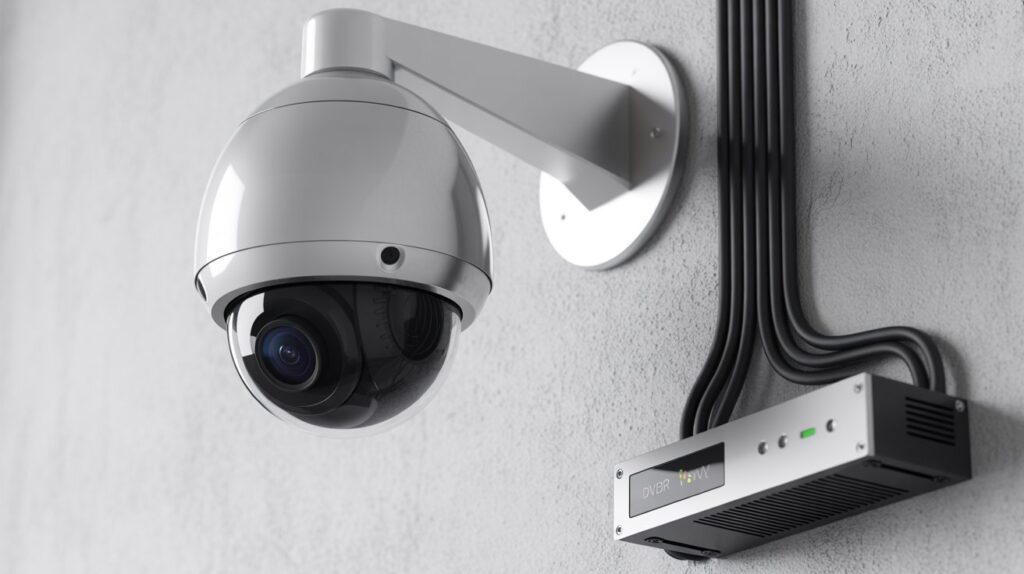
Advantages of Wired Security Cameras Based on How They Work
Understanding how wired security cameras work helps explain why they remain a practical option for many homeowners. Because these systems use physical connections for power, video, or network communication, they can offer several advantages depending on the camera type and installation.
Stable Wired Connection
A wired security camera connects to compatible recording or network equipment through a physical cable. This avoids relying on a wireless connection between the camera and recorder, which can be useful in areas with limited Wi-Fi coverage.
- Physical connection for video or data transmission
- Fewer wireless connectivity concerns
- Suitable for permanent security camera installations
Reduced Dependence on Wireless Signals
Wired camera systems do not require a wireless connection between the camera and recording equipment in the same way many Wi-Fi cameras do. This can reduce issues related to wireless range, signal interference, or weak Wi-Fi coverage.
However, internet connectivity may still be required for features such as remote viewing, cloud storage, and certain mobile alerts.
Support for Continuous Recording
Many wired security camera systems can support 24/7 continuous recording when the camera, recorder, power supply, and storage are configured for continuous recording.
Because permanently installed cameras can receive power through a wired connection, they generally do not require routine battery charging.
- Continuous recording when supported by the system
- No routine battery charging for permanently powered cameras
- Local recording through compatible DVR or NVR equipment
Suitable for Permanent Security Installations
Wired cameras can be useful for homeowners who want a fixed surveillance setup for areas such as driveways, entrances, garages, backyards, and other parts of a property.
The installation process can require more planning because cables may need to be routed through walls, ceilings, or other areas. For a detailed explanation of the technology and connections involved, see our guide on how wired security cameras work.
Overall, wired security cameras can provide a practical solution for homeowners who want physical camera connections, local recording options, and a permanently installed surveillance system.
Limitations You Should Know Before Choosing Wired Cameras
While wired security cameras offer several advantages, they also have limitations that homeowners should consider before installation. Understanding how wired security cameras work means looking at both their benefits and potential drawbacks, including installation requirements, cable management, power dependence, and system maintenance.
Knowing these trade-offs can help homeowners set realistic expectations and choose a security camera setup that fits their property and monitoring needs.
- Installation complexity: Wired systems require careful cable routing and professional setup in some cases, which can be more time-consuming than plugging in a wireless camera.
- Less flexibility: Once installed, moving wired cameras is not as simple as repositioning a wireless model.
- Initial cost: High-quality wired systems can be more expensive upfront due to cables, DVR/NVR units, and installation, even though they offer long-term reliability.
- Visible cables: Depending on your home layout, cables may be noticeable unless properly concealed, which may affect aesthetics for some homeowners.
Despite these limitations, wired cameras remain a dependable choice for homeowners across the USA who prioritize uninterrupted recording, stable connections, and long-term home security. Being aware of these considerations ensures you make an informed, confident decision.
Conclusion
Understanding how wired security cameras work can help homeowners make more informed decisions when comparing different surveillance options. Wired systems use physical connections for power, video transmission, or network communication, depending on the camera and setup.
They can support features such as local recording, remote viewing, motion detection, and continuous recording when compatible equipment and proper configuration are used. However, installation requirements, cable routing, power availability, storage capacity, and internet access for remote features should also be considered.
Before choosing a system, think about your property’s layout, the areas you want to monitor, recording requirements, and whether a wired setup fits your installation needs. Comparing these factors can help you choose a security camera system that is practical for your home and long-term monitoring needs.
FAQs
What are the disadvantages of wired cameras?
Wired cameras can be harder to install, less flexible to move, and may require visible cabling.
Do wired security cameras need internet?
No, wired cameras record locally and don’t require internet to function.
Do wired cameras record all the time?
Yes, most wired cameras provide continuous 24/7 recording when powered.
Do wired security cameras need power?
Yes, they require a constant power source via cables or Power over Ethernet (PoE).
How can I tell if someone is jamming my security camera?
Sudden signal loss, black screens, or missed alerts may indicate interference or jamming.
Is there a security camera that works without internet?
Yes, wired CCTV cameras and some standalone systems record entirely offline.
About the Author
Muhammad Bilal Shahid is a Criminology graduate and security-focused writer with an interest in home security, crime prevention, and security technology. Through CrimTechHub, he researches and explains practical security topics to help homeowners better understand modern security systems and safety solutions.
Expertise: Criminology • Home Security • Security Cameras • Crime Prevention