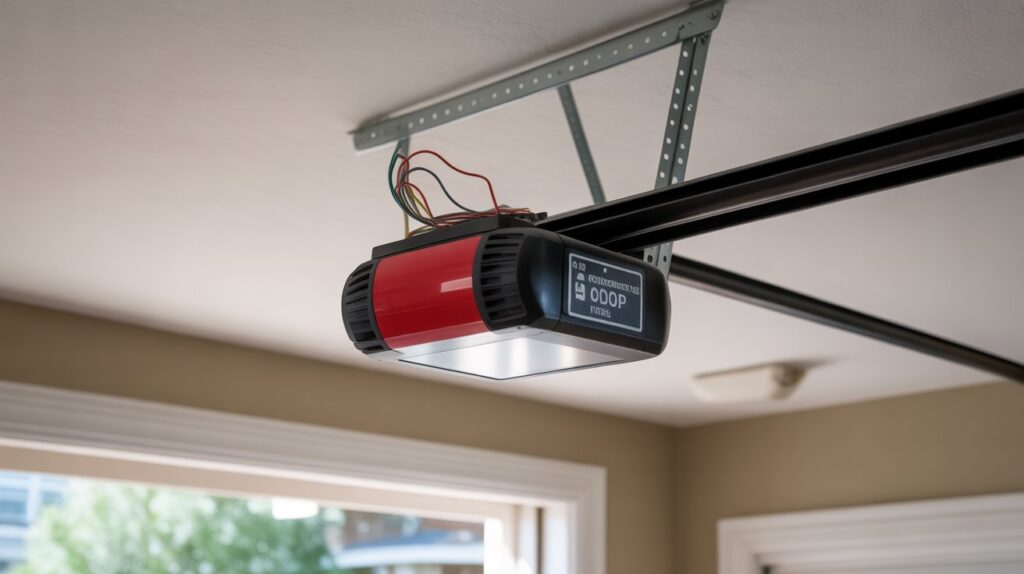
Introduction
Have you ever pressed your garage door remote, watched the door start to close — and then suddenly stop for no clear reason? It’s frustrating, especially when you’re in a hurry or trying to secure your home at night. For many homeowners across the United States, the problem often traces back to something surprisingly simple: the wiring.
Understanding a garage door sensor wiring schematic can completely change the way you approach these issues. Instead of guessing or replacing expensive parts, you can follow a clear wiring diagram to see how the safety sensors, low-voltage wires, and opener logic board are meant to work together.
Your garage door is one of the largest moving systems in your home. When its safety sensors aren’t wired correctly, it’s not just inconvenient — it can compromise protection for your family, pets, and property. In this guide, you’ll learn how the wiring really works, why small connection errors cause big problems, and how to read a schematic with confidence.
Table of Contents
Why Your Garage Door Won’t Close — The Hidden Wiring Problem
You press the wall button. The garage door starts to move… then suddenly stops. The lights blink. Maybe it reverses for no clear reason. If you’re like most U.S. homeowners, that moment is pure frustration — especially when you’re late for work or trying to secure your home at night.
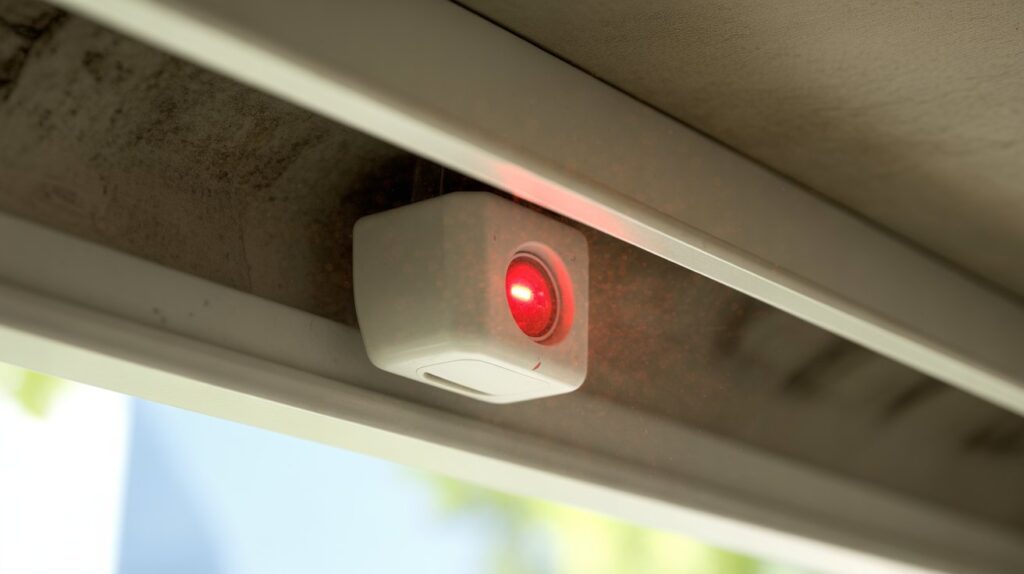
In many cases, the issue isn’t the opener motor. It’s not the remote. It’s the garage door safety sensors — and more specifically, the wiring behind them. A small problem in the low-voltage wires can interrupt the infrared beam system, making your opener think something is blocking the door. When that happens, the system refuses to close as a safety precaution.
In American homes, these sensors are not optional extras. They are federally required safety devices designed to protect children, pets, vehicles, and property. If the wiring is loose, reversed, or damaged, the door simply won’t function properly. That blinking light you see on the sensor? It’s often a signal that the electrical connection isn’t correct.
This is where a garage door sensor wiring schematic becomes incredibly valuable. Instead of guessing, replacing parts blindly, or calling for unnecessary service, a wiring diagram shows you exactly how the sensors connect to the opener terminals. It helps you trace wire paths, confirm polarity, and spot common issues like:
- Loose terminal screws
- Reversed white and striped wires
- Damaged or pinched low-voltage cables
- Incorrect splicing during past repairs
Understanding the wiring layout gives you clarity. It turns confusion into logic.
By the end of this guide, you’ll clearly understand how sensor wiring works — and why a simple wiring correction can often restore your garage door to safe, smooth operation.
Understanding the Basics of a Garage Door Sensor Wiring Schematic
Before you try to fix anything, it helps to understand what a garage door sensor wiring schematic actually shows. Simply put, it’s a clear diagram that explains how the safety sensors connect to your garage door opener. It maps out the wire paths, terminal connections, and electrical flow between the sensors and the opener’s control board.
Think of it like a road map for your garage door system. Instead of guessing where each wire goes, the schematic shows you exactly how everything is supposed to be connected.
Key Components in a Garage Door Sensor Wiring Schematic
A typical residential setup in the United States includes four main parts:
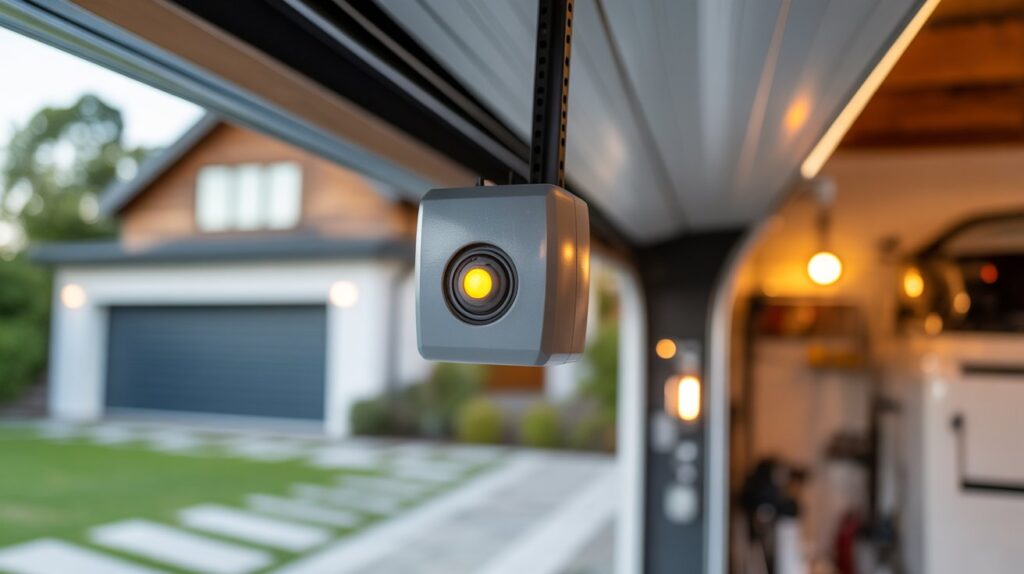
- Sending sensor (infrared transmitter) – This sensor sends an invisible infrared beam across the bottom of your garage door opening.
- Receiving sensor – This unit sits directly opposite the transmitter and detects the beam. If the beam is blocked, the door won’t close.
- Low-voltage wires – These thin wires carry the signal from both sensors back to the opener. They are usually white or white with a stripe.
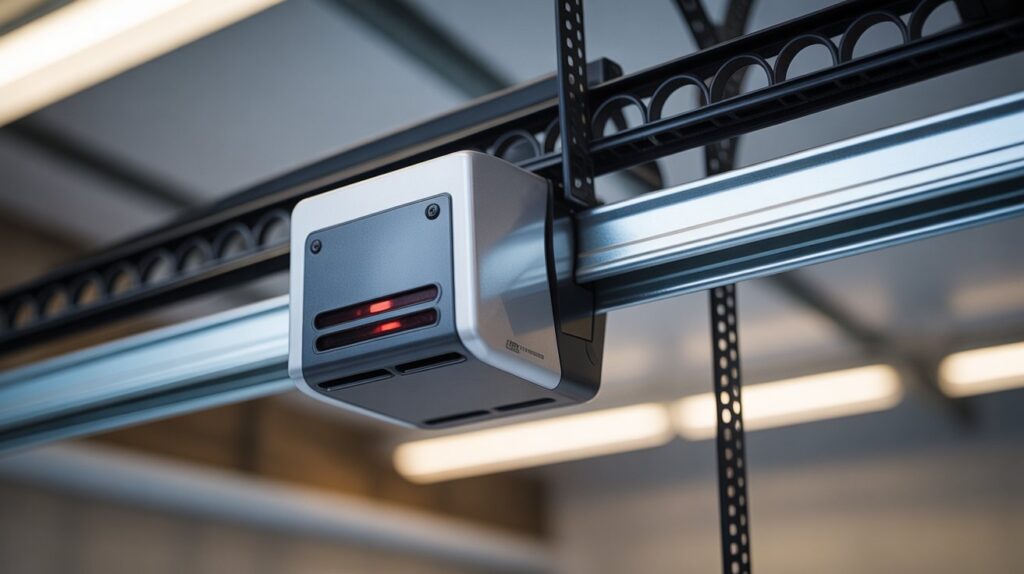
- Garage door opener logic board – This is the “brain” inside the opener that reads the sensor signal and decides whether the door can safely close.
When you look at a garage door sensor wiring schematic, you’ll see how both sensors connect to specific terminals on the opener. Most systems use a simple two-wire setup per sensor, making the layout easier than many homeowners expect.
Differences Between Major U.S. Brands
While the basic concept is the same, wiring diagrams can vary slightly between popular American brands like Chamberlain, LiftMaster, and Genie.
Some brands use color-coded terminals. Others group sensor wires into specific labeled ports. The placement may look different, but the function remains the same: transmitter and receiver must both connect correctly to the logic board.
This is why checking the correct schematic for your exact model matters. Using the wrong diagram can lead to confusion and wiring mistakes.
Why Polarity and Terminal Placement Matter
Even though these are low-voltage connections, correct polarity is critical. If the white wire and striped wire are reversed, the sensors may blink, stay off, or prevent the door from closing. The opener reads wiring errors as safety risks.
Proper terminal placement ensures:
- A stable infrared beam connection
- No false obstruction signals
- Smooth, reliable garage door operation
- Compliance with U.S. safety standards
The good news? Once you understand how the garage door sensor wiring schematic works, the system feels much less intimidating. It’s not complicated electronics — it’s simply organized connections that need to match the diagram.
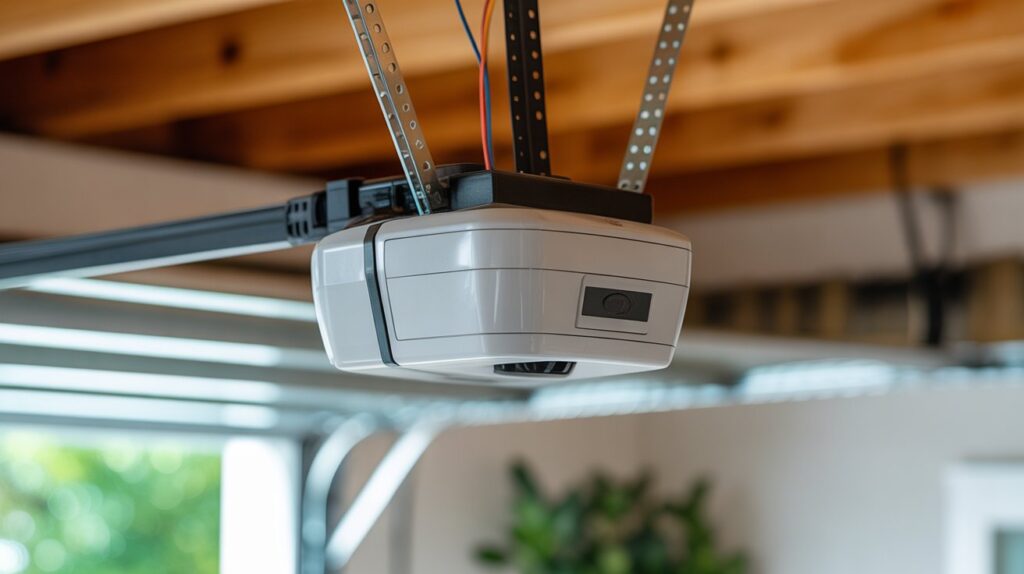
Step-by-Step Breakdown of Garage Door Sensor Wiring Connections
Understanding the garage door sensor wiring schematic becomes much easier when you break it down step by step. Most residential homes in the United States use a simple, low-voltage two-wire system. There’s nothing overly technical about it — it’s just about making the right connections in the right place.
Standard Two-Wire Setup (Most U.S. Homes)
In a typical setup, each safety sensor has two wires running back to the garage door opener. These wires are usually:
- Solid white wire
- White wire with a black stripe (sometimes red or another stripe color depending on brand)
Both the sending sensor (transmitter) and the receiving sensor connect to specific terminals on the opener’s logic board. Most openers have clearly labeled ports for sensor wires.
Here’s how it generally works:
- The white wires from both sensors connect to the white terminal.
- The striped wires connect to the gray or colored terminal.
- The opener reads the signal from both sensors before allowing the door to close.
In most American garages, the wiring runs along the wall, across the ceiling, and into the opener housing. The layout is clean and direct — sensors mounted near the floor on each side, wires neatly stapled along framing, and both lines meeting at the motor unit.
When connected properly, the indicator lights on both sensors remain solid, confirming alignment and correct wiring.
Common Wiring Mistakes That Cause Problems
Even small wiring errors can prevent your garage door from closing. This is where frustration usually begins.
The most common issues include:
- Reversed wires – Swapping the white and striped wires at the terminal can cause blinking lights or a non-responsive system.
- Loose terminals – A slightly loose screw can interrupt the low-voltage signal.
- Damaged low-voltage cable – Staples driven too tight or wires pinched behind drywall can break the connection.
- Incorrect splicing – Twisted wires without proper connectors often lead to unstable signals.
These problems are more common than most homeowners realize. The good news is that a garage door sensor wiring schematic removes the guesswork. It shows exactly:
- Which wire goes to which terminal
- The correct polarity layout
- How both sensors should tie into the opener
- The proper wiring path for a safe connection
Instead of randomly adjusting wires or replacing parts, you can follow the schematic like a blueprint. It gives you confidence, saves money on unnecessary repairs, and ensures your garage door safety system works exactly as designed.
When wiring is correct, the system is simple, stable, and reliable — just the way it should be in any American home.
How to Read a Garage Door Sensor Wiring Schematic Like a Pro
A garage door sensor wiring schematic may look technical at first glance, but once you understand the basics, it becomes surprisingly simple. You don’t need to be an electrician. You just need to know what you’re looking at and follow the layout step by step.
The key is to approach the wiring diagram calmly and logically — the same way a technician would.
Understanding Symbols in Wiring Diagrams
Most wiring schematics use small symbols to represent components. In garage door systems, you’ll typically see:
- Small box icons for the sending and receiving sensors
- Lines representing low-voltage wires
- Terminal labels showing where wires connect on the opener
- A larger box symbol for the garage door opener logic board
These symbols are standardized across most U.S. residential systems. Once you recognize them, the diagram reads more like a map than a technical drawing.
Identifying Sensor Terminals
Every opener has designated terminals for safety sensors. These are usually labeled clearly inside the motor housing.
When reviewing a garage door sensor wiring schematic, focus on:
- The white terminal (common wire connection)
- The colored or striped terminal (signal wire connection)
- Clear markings for “sensor” or “photo eye” ports
Matching the wire color to the correct terminal is critical. Even a simple reversal can cause blinking lights or a door that won’t close.
Following Wire Paths Correctly
A common mistake homeowners make is tracing wires physically without comparing them to the schematic. Instead, follow the diagram first:
- Start at the sending sensor
- Trace the line back to the opener terminal
- Repeat for the receiving sensor
- Confirm both wires meet the correct ports
This prevents guesswork and avoids unnecessary rewiring. In real-world troubleshooting, most sensor issues are found by carefully tracing wire paths against the schematic.
Using Manufacturer Manuals Safely
Always use the wiring diagram specific to your opener model. Brands like Chamberlain, LiftMaster, and Genie provide model-specific manuals that include accurate wiring layouts.
Using the correct manual ensures:
- Proper terminal identification
- Correct polarity alignment
- Compatibility with your safety sensor system
Avoid relying on generic diagrams that may not match your unit.
Safety Best Practices Before You Begin
Before inspecting or adjusting any wiring:
- Disconnect power to the garage door opener first
- Avoid touching exposed wires while the unit is powered
- Use proper wire connectors if splicing is required
- Secure low-voltage wires neatly along walls to prevent damage
Even though sensor wiring is low voltage, safety should always come first.
From years of real-world troubleshooting experience, most garage door sensor problems are not complex failures — they’re simple wiring errors. When you understand how to read a garage door sensor wiring schematic, you gain confidence. You stop guessing. And you fix the issue the right way, safely and efficiently.
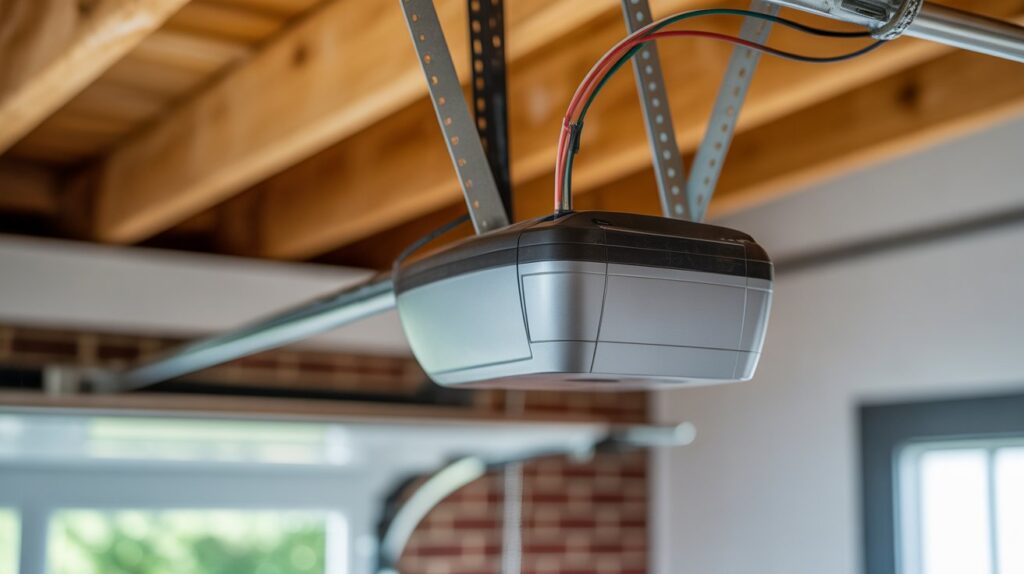
When to Repair, Rewire, or Call a Professional
Understanding a garage door sensor wiring schematic gives you confidence — but it also helps you know your limits. Some wiring issues are simple and safe to fix. Others require professional attention. The key is recognizing the difference.
Signs the Wiring Needs Replacement
Over time, low-voltage wiring can wear out, especially in busy American households where garages are used daily. You may need to repair or replace wiring if you notice:
- Frayed or exposed sensor wires
- Corrosion at the terminals
- Intermittent blinking sensor lights
- The garage door reversing randomly
- Visible staple damage along the wire path
If the wiring looks brittle, pinched, or repeatedly fails after tightening connections, replacement is often the safer long-term solution.
When Troubleshooting Is Safe to DIY
Many garage door sensor problems are minor and can be handled by homeowners. It’s generally safe to troubleshoot when:
- The issue involves loose terminal screws
- Wires appear reversed at the opener
- Sensor alignment needs adjustment
- You are simply matching connections to the garage door sensor wiring schematic
Always disconnect power before touching any wiring. Because safety sensors operate on low voltage, basic inspection and reconnection are typically safe when done carefully.
If you can clearly identify the problem using the wiring diagram and fix it without cutting or rerouting cables, DIY repair is reasonable.
Situations That Require a Certified Technician
Sometimes, hiring a certified technician is the safest and most effective option.You should contact a certified garage door technician if:
- The logic board appears damaged
- Wiring inside the opener housing is burnt or melted
- The system continues failing after correct rewiring
- You suspect electrical shorts behind walls
- The opener is under manufacturer warranty
Professionals have testing tools to measure voltage and continuity — something most homeowners don’t keep in their garage.
Why Proper Wiring Protects Your Family and Property
Garage door safety sensors are not just convenience features. They are federally required safety devices in the United States designed to prevent injury and damage.
Correct wiring ensures:
- The infrared safety beam functions properly
- The door stops if a child, pet, or object is detected
- Your vehicle and belongings remain protected
- Your opener operates within safety compliance standards
A properly followed garage door sensor wiring schematic isn’t just about fixing a blinking light. It’s about making sure your garage door closes safely every time.
When in doubt, choose safety over speed. A secure garage door system protects what matters most — your family and your home.
Final Thoughts
At first, a garage door sensor wiring schematic may seem like just another technical diagram. But in reality, it represents something much bigger — safety, reliability, and peace of mind for your home. When you understand how your garage door safety sensors connect and function, you’re no longer guessing. You’re making informed decisions that protect your family and property.
Most garage door problems don’t start with major mechanical failure. They start with something small — a loose terminal, reversed low-voltage wires, or a damaged connection. By learning how to read the wiring layout correctly, you take control of the situation instead of reacting to it.
A properly wired sensor system ensures the infrared beam works exactly as designed. It prevents accidents. It protects children and pets. It keeps your home secure at night.
Now take a moment to think — how does this apply to your life? Sometimes, the smallest connections make the biggest difference.
FAQs
What wire for garage door sensor?
Use low-voltage two-conductor wires, typically 18–22 gauge, for reliable sensor connections.
How are garage door safety sensors wired?
Sensors connect via a two-wire setup to designated terminals on the garage door opener’s logic board.
How to check wiring on garage door sensors?
Inspect for loose, damaged, or reversed wires and test continuity with the power off.
What is the color code for sensor cable?
Most use a solid white wire and a white wire with a black stripe for proper polarity.
What color is L1, L2, L3 3 phase?
Standard 3-phase colors are L1 – black, L2 – red, L3 – blue in the U.S. electrical system.
Why is one garage door sensor yellow and the other green?
The colors indicate the sending (transmitter) and receiving sensor for easy installation and alignment.
What are common garage door sensor problems?
Misaligned sensors, loose wires, damaged cables, or reversed polarity are the most frequent issues.
What voltage should garage door sensors have?
Most sensors operate on 12–24 volts DC, low-voltage safe for DIY inspection.
How can I reset my garage door sensors?
Disconnect power for a few seconds, realign sensors, and reconnect to restore normal function.