Introduction
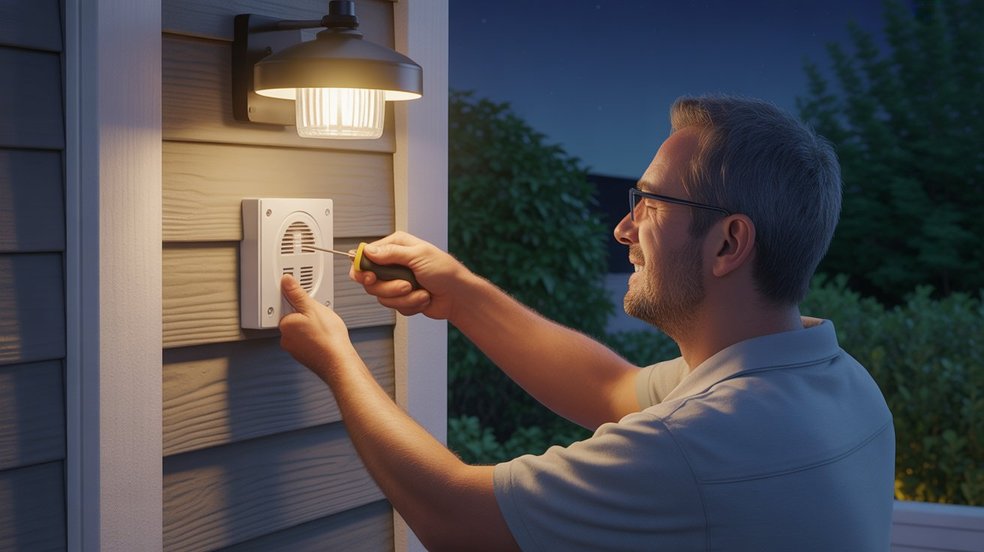
A motion sensor light without a switch turns itself on the moment it detects movement — no wall switch, no extra wiring, no guesswork. That’s the appeal for homeowners tired of fumbling for a switch with their hands full of groceries in the dark.
This guide breaks down exactly how to wire one directly into your existing circuit: the tools you need, what each wire does, and the step-by-step connection process. Whether you’re upgrading a driveway, garage, or backyard fixture, you’ll have it wired, tested, and working safely by the end.
Table of Contents
Why Wire a Motion Sensor Light Without a Switch?
A wall switch adds nothing to a motion sensor light — the sensor itself decides when the light turns on and off. For a garage, backyard, driveway, or front porch, that’s exactly what you want: the light activates automatically the moment you show up and shuts off once you leave.
This direct-wired setup triggers instantly on motion — whether that’s you pulling into the driveway at midnight or someone walking near your front door at 2 AM. There’s no switch to hunt for, and no light left running all night wasting electricity.
The main benefits:
- Security — Instant activation keeps your property lit and visible the moment movement is detected, which pairs well with a full outdoor security lighting and camera setup.
- Convenience — Hands full? The light handles itself, no switch required.
- Energy savings — It only runs when triggered, which lowers electricity use over time.
Skipping the switch also means a cleaner install — fewer parts, less wall work, and a setup built for outdoor and utility spaces. It’s a straightforward DIY job once you know the steps, no advanced electrical experience needed.
What You Need Before You Start
Before you wire a motion sensor light without a switch, take five minutes to gather everything. Starting without the right tools is how small jobs turn into big headaches.
Here’s what you’ll need:
Tools:
- Flathead and Phillips screwdriver
- Wire stripper
- Voltage tester (non-contact type — don’t skip this)
- Needle-nose pliers
- Electrical tape
Materials:
- Motion sensor light fixture
- Wire nuts (usually included with the fixture)
- Mounting hardware (also included)
Safety first:
- Turn off the circuit breaker before touching any wires — not just the wall switch
- Use rubber-grip tools when possible
- Keep a flashlight handy since you’ll be working with the power off
One thing many DIYers overlook is the voltage tester. Even after flipping the breaker, always test the wires before touching them. It’s a $10 tool that could save your life — worth every penny.
Also check your motion sensor light fixture before starting. Most outdoor motion sensor lights sold at Home Depot, Lowe’s, or Amazon come with black, white, and green wires. Make sure yours matches a standard 120V household wiring setup, which is typical in the US.
Once everything is laid out in front of you, the job feels much less intimidating — and goes a lot faster.
Understanding the Wires — Black, White, and Green Explained
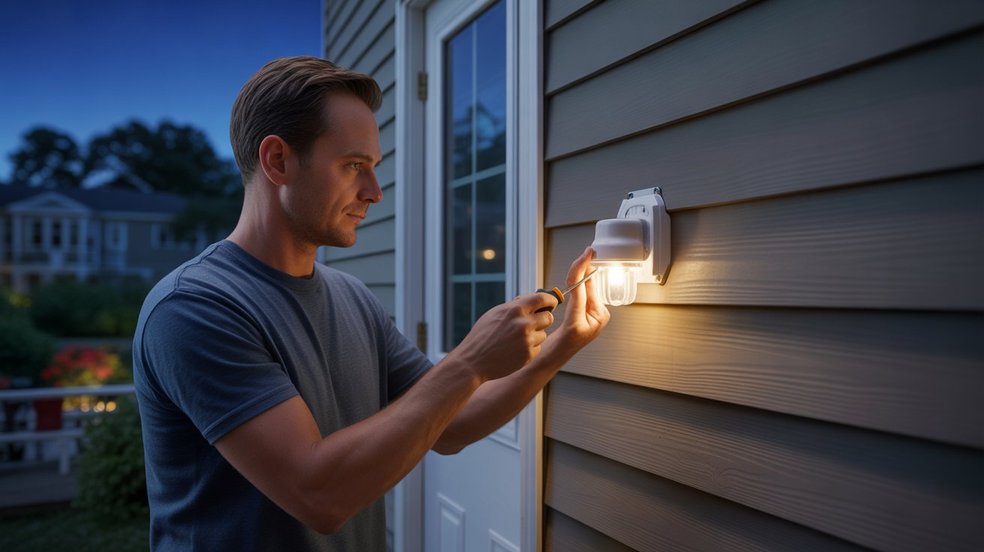
If wires confuse you, you’re not alone. Most homeowners freeze up the moment they open a junction box and see three different colored wires staring back at them. But once you understand what each wire does, the whole job makes sense.
Here’s a simple breakdown for standard US residential wiring:
- Black wire — Hot wire. This carries the live electrical current from your breaker panel to the fixture. It’s the one that can shock you if the power is on. Always handle with respect.
- White wire — Neutral wire. This completes the electrical circuit and carries current back. It works alongside the black wire to keep everything balanced.
- Green wire (or bare copper) — Ground wire. This is your safety wire. It doesn’t carry regular current — it only activates if something goes wrong, directing excess electricity safely into the ground and protecting you from shock.
Your motion sensor light fixture will have these same three wires coming out of it. When you wire a motion sensor light without a switch, you’re simply connecting these fixture wires directly to the matching house wires — black to black, white to white, green to ground.
No switch in the middle. No extra wiring. Just a clean, direct connection.
One important note — some motion sensor fixtures also have a red wire. In a no-switch setup, the red wire connects to the black house wire along with the fixture’s black wire. If your fixture has one, the included instruction sheet will confirm this.
Understanding your wires before you start is what separates a confident DIY job from a dangerous guessing game.
How to Wire a Motion Sensor Light Without a Switch — Step by Step
Follow these steps in order to get your motion sensor light hardwired, tested, and working — no wall switch required.
Step 1: Turn Off the Power
Switch off the circuit at your breaker panel that powers the installation area. Then confirm the power is off using a non-contact voltage tester at the junction box — never rely on the wall switch alone. The Electrical Safety Foundation International recommends always verifying a circuit is de-energized with a tester before touching any wires, even after shutting off the breaker.
Step 2: Remove the Old Fixture (If Replacing One)
Unscrew the existing fixture and pull it away from the wall or ceiling. Leave the house wires inside the box as they are for now.
Step 3: Prepare the Wires
If the wire ends are worn or nicked, strip about ¾ inch of fresh copper on each one. Clean wire ends make for a reliable connection.
Step 4: Mount the Fixture Bracket
Attach the mounting bracket from your motion sensor light kit to the electrical box, giving the fixture a solid base before wiring begins.
Connecting the Wires
- Connect black to black (house hot to fixture hot) with a wire nut, twisted clockwise until snug.
- Connect white to white (house neutral to fixture neutral) the same way.
- Connect the green fixture wire to the bare copper ground wire, and to the ground screw if your box has one.
Tug each wire nut to confirm it’s secure, then wrap connections in electrical tape — especially for outdoor fixtures exposed to moisture. Fold the wires into the box, seat the fixture flush against the wall, and secure it with the mounting screws.
Setting the Sensor Sensitivity and Timer
Before restoring power, set the dials on the sensor head:
- SENS (Sensitivity): Start at medium; adjust after testing so it isn’t triggered by passing cars.
- TIME: One to five minutes works well for most driveways and entries.
- LUX/LIGHT: Set to “dusk to dawn” for automatic nighttime-only operation.
Restore power, walk in front of the sensor to test, and fine-tune the dials until the range and timer suit your space. The light is now fully wired and working — no switch needed.
Common Mistakes to Avoid
Even a straightforward job like wiring a motion sensor light without a switch can go wrong fast if you skip the basics. These are the mistakes that show up most often — and cost the most time to fix.
1. Not turning off the breaker Flipping the wall switch is not enough. The house wires inside the junction box are still live unless the breaker is off. This is the number one safety mistake — and the most dangerous one. Always kill power at the panel and verify with a voltage tester before touching anything.
2. Loose wire connections A wire nut that isn’t twisted tight enough will cause flickering, tripped breakers, or complete failure. After connecting each wire, tug it firmly. If it pulls out easily, reconnect it. A loose connection inside a junction box is also a fire hazard — don’t rush this step.
3. Skipping the ground wire Some people ignore the green or bare copper ground wire thinking it doesn’t matter. It does. The ground wire is your protection if the fixture ever shorts out. Always connect it — especially on outdoor motion sensor lights exposed to rain and humidity.
4. Wrong sensor placement or angle Your light works perfectly but never triggers — or triggers constantly for no reason. This usually comes down to sensor positioning. PIR motion sensors detect heat and movement across their field of view, not directly in front. Aim the sensor head slightly downward and away from heat sources like AC vents or direct sunlight.
5. Ignoring the fixture’s IP rating If you’re installing outdoors, make sure your motion sensor light is rated for outdoor use — look for IP65 or higher on the packaging. Using an indoor-rated fixture outside exposes it to moisture damage and creates a real safety risk over time.
6. Over-tightening the mounting screws It sounds minor but cracking the fixture base or stripping the electrical box threads means starting over. Snug is enough — you don’t need to over-torque plastic or aluminum housings.
Avoiding these mistakes doesn’t require years of experience. It just requires slowing down, following the steps, and not cutting corners on safety.
Final Thoughts
Wiring a motion sensor light without a switch doesn’t require an electrician or a permit — it’s one of the most beginner-friendly electrical upgrades a homeowner can do. The wires are simple, the steps are logical, and the result is immediate: one afternoon of work, and your home is safer and more efficient than it was that morning.
The real value shows up every night after that — a driveway that lights up the moment you pull in, a backyard that stays dark until it needs to be bright, a front entry that stays watched even when you’re away. If you want to take it further, pairing your new fixture with a full outdoor motion-sensor camera setup covers both lighting and surveillance in one system.
FAQs
Does a motion sensor light need a switch?
No, it doesn’t. A motion sensor light works perfectly when hardwired directly — it detects movement and switches itself on and off automatically.
How to wire a motion sensor to an existing light?
Turn off the breaker, then connect the sensor’s wires between the house wires and the existing fixture — black to black, white to white, ground to ground. The sensor acts as the controller.
How is a motion sensor light wired?
It connects directly to your home’s black (hot), white (neutral), and green or bare copper (ground) wires — no switch required in between.
How to wire a PIR sensor with an override switch?
Connect the PIR sensor directly into your circuit, then run a bypass switch alongside the sensor output. That way, you can manually override the automatic setting and keep the light running as long as you need it.
How to trick a motion sensor light?
Move slowly or stay completely still — PIR sensors detect heat movement, so minimal motion can avoid triggering them. Not recommended for security lights though.
How to hardwire a sensor light?
Cut power at the breaker, run your cable to the junction box, connect black to black, white to white, and ground to ground, then secure the fixture. Restore power and test.
About the Author
M. Bilal holds a Bachelor’s degree in Criminology and writes about home security systems, motion sensors, and practical home-safety upgrades at CrimTechHub. His background in criminology shapes the security-first angle behind guides like this one — helping homeowners understand not just how a device works, but why it matters for protecting a property. For technical electrical work beyond basic fixture wiring, always confirm local code requirements or consult a licensed electrician.