
Introduction
Have you ever worried about leaving your home unattended, even for just a few hours? That feeling of unease is what drives countless homeowners across the U.S. to consider a home security system with cameras. In today’s world, protecting your family and valuables isn’t just a luxury—it’s a necessity.
Whether it’s preventing break-ins, monitoring deliveries, or simply enjoying peace of mind, knowing your home is watched over can transform how safe and secure you feel every day. In this guide, we’ll break down the real costs, hidden fees, and practical tips so you can make a confident choice without overspending. By the end, you’ll understand exactly what goes into a home security system with cameras and how to find the setup that fits your lifestyle and budget.
Table of Contents
The Real Cost of Feeling Safe at Home
Feeling safe at home isn’t about gadgets—it’s about protecting the people and things that matter most. For many homeowners in the U.S., that sense of security becomes real the moment they consider cameras watching over their front door, driveway, or backyard. Whether it’s late-night deliveries, kids coming home from school, or simply sleeping better at night, a home security system with cameras offers peace of mind that’s hard to put a price on.
That’s exactly why the first question most people ask is how much is a home security system with cameras. Safety is essential, but it still has to fit within a real household budget. Homeowners want to know what they’re paying for, what’s truly necessary, and whether the cost actually matches the protection promised. It’s not about buying the most expensive system—it’s about making a smart, informed decision.
With rising concerns around package theft, break-ins, and property damage, cameras have become a practical solution rather than a luxury. Still, costs can vary widely depending on features, monitoring options, and setup. Understanding the real cost upfront helps families avoid surprises and choose a system that delivers both security and long-term value—without unnecessary stress or overspending.
What a Home Security System With Cameras Includes
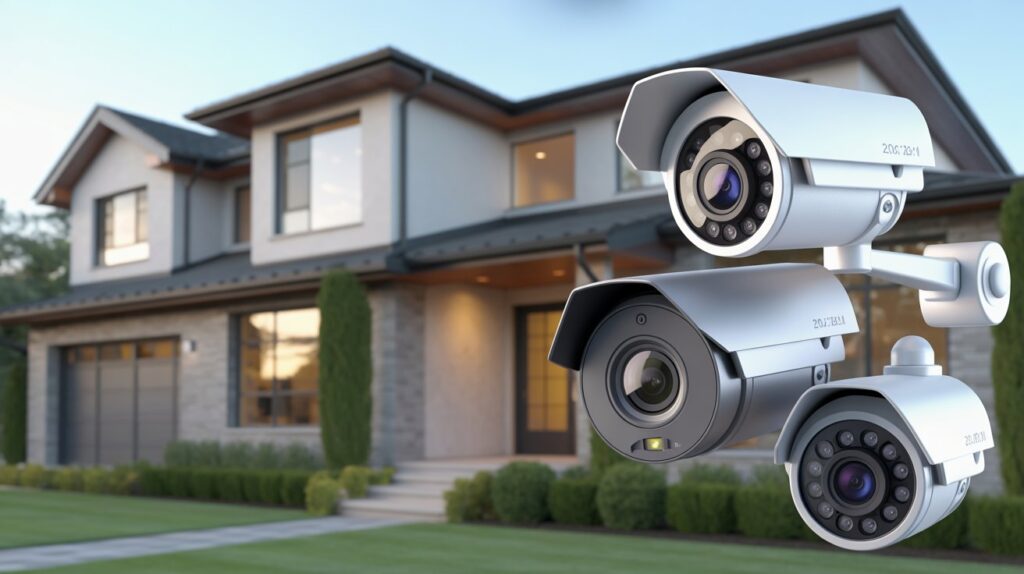
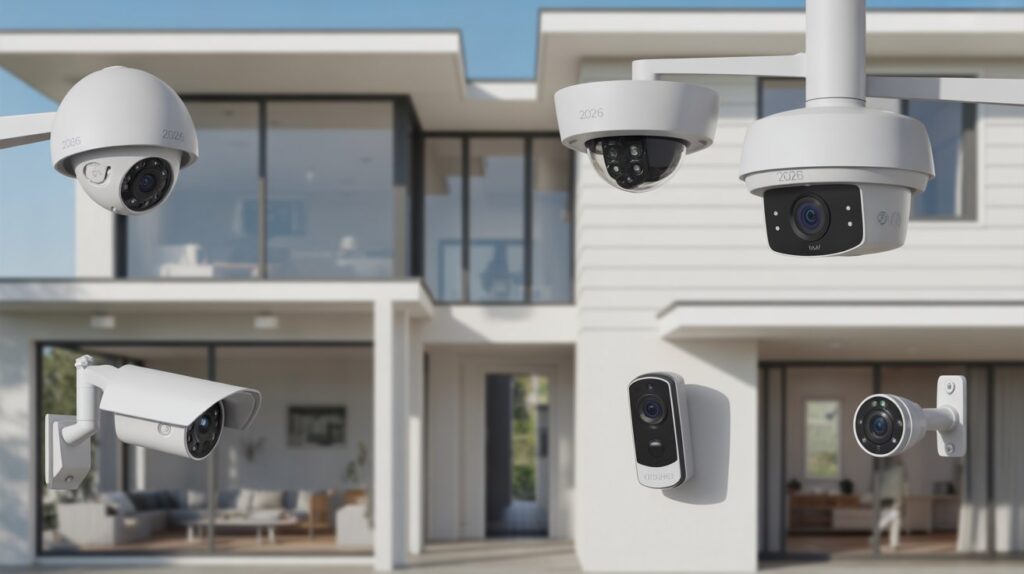
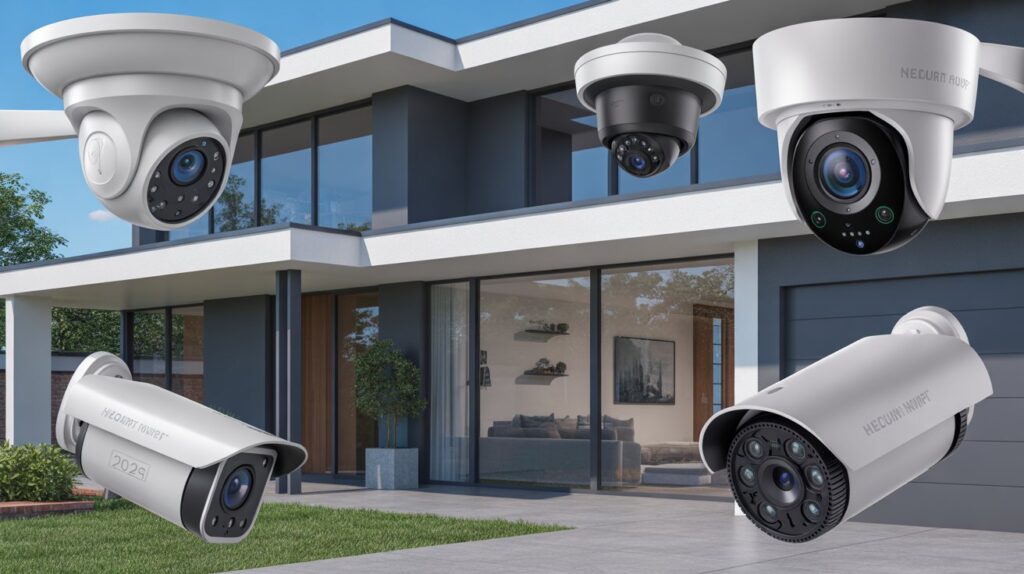
- Security cameras are the core of the system, helping you see what’s happening inside and outside your home. These may include indoor cameras for common areas and outdoor cameras for doors, driveways, or backyards, giving homeowners visual proof and peace of mind.
- Motion and entry sensors work alongside cameras to detect movement or door and window activity. When something unusual happens, these sensors trigger alerts, making a home security system with cameras more responsive and reliable for everyday protection.
- A control panel or mobile app acts as the system’s brain, allowing you to arm, disarm, and check live footage easily. Most modern systems are designed for beginners, with simple screens and apps that don’t require technical knowledge.
- Monitoring basics determine how alerts are handled when activity is detected. Some systems notify only you, while others connect to professional monitoring services that can contact emergency responders, adding an extra layer of security and confidence.
- Power and connectivity components keep everything running smoothly, using Wi-Fi, backup batteries, or wired connections. These behind-the-scenes elements ensure your system stays active even during short outages or internet disruptions.
Average Cost of a Home Security System With Cameras in the USA
For most homeowners, understanding how much is a home security system with cameras starts with knowing the average price range. In the U.S., costs vary based on how simple or advanced the setup is, but there’s usually an option for every budget.
- Starter systems often cost between $150 and $400, typically including one or two cameras and basic sensors—ideal for apartments or small homes.
- Mid-range systems usually fall in the $400 to $800 range and offer multiple cameras, better video quality, and smarter alerts.
- Advanced or full-home setups can range from $800 to $2,000+, designed for larger homes that need outdoor coverage, smart integrations, and stronger monitoring features.
Beyond the upfront price, it’s important to separate one-time costs from ongoing expenses. Equipment and installation are usually paid once, while optional monitoring plans may add a monthly fee. Some homeowners prefer self-monitoring to keep costs low, while others choose professional monitoring for added peace of mind. Knowing this difference helps you plan long-term and choose a system that protects your home without stretching your budget.
Upfront Equipment Costs: What You Pay First
When homeowners ask how much is a home security system with cameras, the biggest upfront expense is usually the equipment itself. These are one-time costs you pay before the system is active, and they depend on how many areas of your home you want to protect. Understanding these basics helps you avoid overbuying while still covering the most important spaces.
Indoor cameras are often the most affordable starting point. They are commonly placed in living rooms, hallways, or near entry points to keep an eye on daily activity. In the U.S., indoor cameras typically cost less than outdoor models, making them a popular choice for first-time buyers or renters who want simple, reliable coverage without a large investment.
Outdoor cameras usually cost more because they’re built to handle weather, night vision, and wider viewing angles. These cameras protect high-risk areas like front doors, garages, and backyards, where incidents are more likely to happen. While they add to the initial cost, many homeowners feel the extra expense is worth it for stronger protection and clear footage when it matters most.
Most systems also require a smart hub and basic accessories to connect everything smoothly. The hub allows cameras and sensors to communicate through one central system, often controlled by a mobile app. Additional accessories like mounting kits, extra sensors, or backup batteries can slightly raise the upfront price, but they improve reliability and ease of use. Together, these equipment costs form the foundation of a home security system with cameras, setting the stage for long-term safety and peace of mind.
Installation Costs: DIY vs Professional Setup
DIY Installation: Lower Cost, More Control
Many homeowners choose DIY installation to reduce the overall answer to how much is a home security system with cameras. Most modern systems are designed to be user-friendly, with wireless cameras, peel-and-stick mounts, and step-by-step mobile app guidance. This option can save hundreds of dollars because there are no labor fees, making it especially appealing for apartments, small homes, or tech-comfortable users. The tradeoff is time and responsibility—you handle placement, setup, and troubleshooting yourself.
Professional Installation: Higher Cost, Added Confidence
Professional installation adds to the total cost, but it also delivers convenience and peace of mind. A trained technician installs cameras in optimal locations, ensures clean wiring if needed, and confirms the system works correctly from day one. For larger homes or complex layouts, many U.S. homeowners find this service worth the price because it reduces errors and long-term issues. While it raises the upfront expense, professional setup often means better coverage, fewer blind spots, and a smoother experience overall.
Monthly Monitoring Fees: Are They Mandatory?
When people ask how much is a home security system with cameras, monthly monitoring fees often cause the most confusion. The simple truth is that these fees are not always mandatory. Many modern systems give homeowners the choice between professional monitoring and self-monitoring, allowing flexibility based on budget and comfort level.
- Self-monitored systems send alerts directly to your phone when motion or activity is detected. There’s usually no monthly cost, making this option popular for homeowners who want basic protection and prefer to handle alerts themselves.
- Professionally monitored systems connect your cameras and sensors to a monitoring center that responds 24/7. If something serious happens, trained agents can contact emergency services on your behalf, adding an extra layer of security.
Subscriptions can significantly affect the long-term cost of a system. While monitoring plans typically add a monthly fee, they may also include cloud video storage, advanced alerts, and system health checks. Over time, these recurring costs can exceed the initial equipment price, which is why it’s important to decide whether ongoing monitoring fits your lifestyle and budget. Choosing the right option helps balance safety, convenience, and total cost without unnecessary spending.
Factors That Increase or Decrease the Total Cost
The total answer to how much is a home security system with cameras isn’t fixed—it depends on several practical factors that directly affect both upfront and long-term expenses. Understanding these can help homeowners plan a system that fits their needs without overspending.
- Home size: Larger homes require more cameras and sensors to cover all entrances, hallways, and outdoor areas. Smaller apartments or condos often need fewer devices, which reduces both equipment and installation costs.
- Number of cameras: Every additional camera adds to the upfront expense, but it also increases coverage and peace of mind. Homeowners should focus on high-risk areas first, like front doors, driveways, and common living spaces.
- Wired vs. wireless systems: Wired setups often cost more initially due to labor and cabling but can offer stable connections and fewer signal interruptions. Wireless systems are easier to install and flexible but may require more frequent battery replacements or stronger Wi-Fi, affecting long-term cost.
- Smart home integration: Connecting your cameras to smart hubs, voice assistants, or other home automation features can increase both equipment and subscription costs. While these features improve convenience and control, they aren’t essential for basic security, so homeowners can decide whether the added functionality justifies the price.
By considering these factors, U.S. homeowners can make informed decisions, balancing coverage, convenience, and total cost while ensuring their home security system with cameras truly meets their needs.
Hidden Costs Most People Don’t Think About
Cloud Storage: More Than Just a Backup
Many home security systems with cameras offer cloud storage to save recorded footage. While convenient, this often comes with a monthly or yearly subscription fee. Depending on the plan, storing high-resolution video for several days or weeks can add up, impacting the long-term cost more than most homeowners initially expect.
Replacement Parts: Keeping Your System Running
Cameras, sensors, and batteries wear out over time. Indoor and outdoor cameras may need replacement due to weather damage, accidental knocks, or simple aging. Budgeting for occasional replacement parts ensures your home security system with cameras remains reliable without surprises.
System Upgrades Over Time: Staying Current
Technology evolves quickly. New features like advanced motion detection, AI-based alerts, or improved video quality may require upgrading devices or software. While optional, these upgrades can add to overall spending if you want your system to stay up-to-date and maintain peak performance.
Being aware of these hidden costs helps U.S. homeowners plan realistically for a home security system with cameras, ensuring protection, convenience, and peace of mind without unexpected expenses.
How Much Does a Smart Home Security System Cost Long-Term?
When considering how much is a home security system with cameras, it’s important to look beyond upfront costs and evaluate the long-term financial commitment. Over time, recurring fees, maintenance, and upgrades can add up, so comparing 1-year and 5-year costs gives a clearer picture.
- 1-year cost: For a basic setup with a couple of cameras and self-monitoring, homeowners might spend $200–$500 upfront, with minimal or no monthly fees. Mid-range systems with professional monitoring typically cost $500–$1,000 upfront plus $15–$50 per month, totaling around $680–$1,600 for the first year.
- 5-year cost: Over five years, expenses grow due to monitoring subscriptions, cloud storage, and potential replacement parts. A budget system may total $500–$1,200, while a premium setup with multiple cameras, smart home integration, and professional monitoring can reach $2,500–$4,000.
Choosing between a budget and a premium system depends on your priorities. Budget-friendly options provide basic security and work well for smaller homes or apartments. Premium systems offer wider coverage, advanced features, and better reliability, making them ideal for larger homes or families seeking complete peace of mind. Evaluating long-term costs ensures homeowners invest wisely while maintaining continuous protection.
Are Home Security Systems With Cameras Worth the Price?
Investing in a home security system with cameras goes beyond numbers—it’s about peace of mind. Knowing that your home, family, and belongings are protected 24/7 offers emotional comfort that money alone can’t buy. For many U.S. homeowners, this sense of safety makes the upfront and ongoing costs feel worthwhile, especially when weighed against the stress and consequences of a potential break-in.
Beyond peace of mind, these systems also provide practical benefits. Visible cameras can deter crime, reducing the likelihood of theft or vandalism. Many insurance companies recognize this protection and may offer discounts on homeowner policies, effectively lowering long-term costs. When factoring in safety, crime prevention, and potential savings, a well-planned home security system with cameras often delivers strong value, making it more than just a purchase—it’s an investment in security and confidence for your home.
How to Choose the Right System for Your Budget
Choosing the right home security system with cameras doesn’t have to be overwhelming. By focusing on your needs and budget, you can get reliable protection without overpaying for unnecessary features. Here are practical tips for cost-conscious buyers in the U.S.:
- Identify your must-have features: Prioritize cameras for entrances, main living areas, and high-risk zones. Extra bells and whistles, like advanced AI detection or voice assistant integration, may not be essential for basic security.
- Compare DIY vs professional monitoring: DIY setups reduce monthly costs, while professional monitoring adds convenience.Select the option that fits your daily routine and personal needs.
- Set a realistic budget: Determine how much you’re willing to spend upfront and monthly. This helps narrow down options and avoids impulse upgrades that inflate costs.
- Check compatibility and expandability: Make sure the system can grow with your needs, but avoid paying for devices you don’t plan to use.
- Read reviews and warranty details: Reliable systems with good customer support and warranties save money in the long run by reducing repair or replacement costs.
By following these tips, homeowners can select a home security system with cameras that balances cost, effectiveness, and peace of mind, ensuring smart spending without compromising safety.
Conclusion
Investing in a home security system with cameras is more than a financial decision—it’s a commitment to protecting what matters most: your family, your home, and your peace of mind. From upfront equipment to long-term monitoring, every cost is an investment in safety, confidence, and reassurance.
While budgets, system types, and features may vary, the ultimate goal is simple: feel secure every day, knowing your home is watched over.
Now take a moment to think—how does this apply to your life? Could a well-chosen home security system with cameras give you the peace of mind you deserve? Remember, safety is priceless, and making the right choice today can protect your tomorrow.
FAQs
What is the average cost for a home security system?
Most U.S. homeowners spend between $200 and $2,000 depending on system size and features.
Which CCTV camera brand is best in Pakistan?
Popular and reliable brands include Dahua, Hikvision, and CP Plus for home and business security.
How much do security cameras usually cost?
Individual cameras range from $30 for basic models to $300+ for high-end or smart cameras.
Do CCTV cameras work at night?
Yes, most modern CCTV cameras have infrared or night vision to capture clear footage in darkness.
Is Wi-Fi compulsory for CCTV?
No, cameras can be wired or locally stored, Wi-Fi is only needed for remote access or cloud features.
Can security cameras work without internet?
Yes, many cameras record locally to SD cards or DVR/NVR systems without needing internet connectivity.


