
Introduction
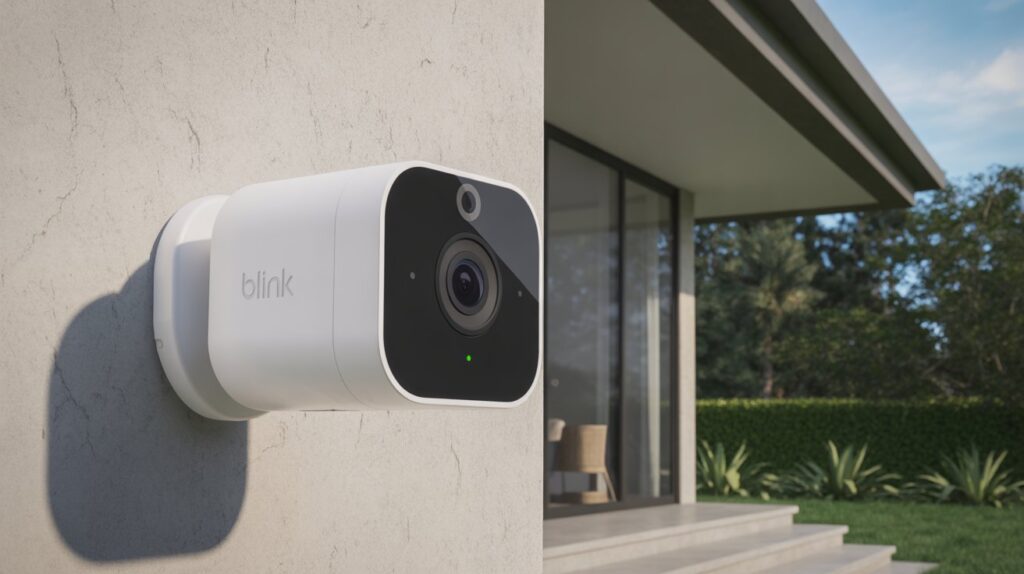
Have you ever worried about leaving your home unattended, even for a short while? The fear of missing an unexpected event — a delivery, a visitor, or worse — can linger in the back of your mind. That’s where the Blink Outdoor 4 Wireless Smart Security Camera System comes in. Designed for simplicity and reliability, it gives you real-time monitoring, peace of mind, and control over your home security, all from your smartphone.
In this guide, we’ll walk you through everything you need to know — from setup essentials to advanced customization — so your Blink Outdoor 4 system works perfectly, protecting what matters most. By the end, you’ll feel confident, informed, and ready to secure your home efficiently.
Table of Contents
Why Proper Blink Outdoor 4 Setup Matters for Home Security
A security camera is only as good as its setup. The Blink Outdoor 4 Wireless Smart Security Camera System is designed to keep your home safe, but without a proper setup, you risk missing important alerts or leaving blind spots around your property. Imagine coming home to unexpected damage or an uninvited visitor — a well-configured system ensures that you receive timely notifications, giving you the power to act fast.
Proper setup is more than just connecting the camera to Wi-Fi. It ensures:
- Comprehensive coverage — every corner of your yard or entrance is monitored.
- Reliable motion detection — false alarms are minimized while real threats are never missed.
- Peace of mind while away — you can travel, work, or run errands knowing your home is being watched.
From my experience helping homeowners, those who follow the setup instructions carefully report fewer technical issues and stronger security performance. Taking the time to set up your Blink Outdoor 4 correctly not only protects your property but also builds confidence in your home security system.
A proper setup transforms your Blink cameras from simple devices into a trustworthy, proactive security solution that truly works for your everyday life.
What Is the Blink Outdoor 4 Wireless Smart Security Camera System?
The Blink Outdoor 4 Wireless Smart Security Camera System is a modern, reliable, and user-friendly solution designed to keep your home safe without complicated wiring or setups. Its combination of wireless convenience, smart alerts, and durable design makes it an ideal choice for anyone looking to enhance their home security quickly and effectively.
Key Features of Blink Outdoor 4
- Wireless Design – Install cameras anywhere without the need for messy cables. Perfect for renters or homeowners who want flexibility.
- Durable and Weather-Resistant – Built to withstand rain, heat, and cold, ensuring consistent performance year-round.
- Smart Motion Detection – Alerts you instantly on your phone when movement is detected.
- HD Video Recording – Clear footage helps identify visitors, packages, or potential intruders.
- Long Battery Life – Reduces the need for frequent maintenance, giving you continuous monitoring.
Who Should Use Blink Outdoor 4
The Blink Outdoor 4 system is designed for a wide range of users:
- Homeowners who want full coverage around their property.
- Renters who need a portable, wireless solution without permanent installation.
- Families who want to keep an eye on entrances, backyards, and driveways.
- Anyone looking for peace of mind, whether at home or away, without complicated tech.
By combining easy setup, smart features, and reliable performance, the Blink Outdoor 4 system provides practical security solutions that fit seamlessly into daily life. It’s not just a camera system — it’s a proactive tool to protect your home and loved ones.
What You Need Before Starting the Blink Outdoor 4 Setup
Before diving into the Blink Outdoor 4 Wireless Smart Security Camera System setup, preparation is key. Having everything ready in advance not only saves time but also ensures a smooth installation process. Skipping these steps can lead to frustration, missed connections, or improperly placed cameras, which may compromise your home security.
Essential Items for a Successful Setup
To get started, make sure you have:
- A stable internet connection – Blink cameras rely on Wi-Fi to send alerts and stream footage in real time.
- The Blink app installed on your smartphone – Available on both iOS and Android for easy control and monitoring.
- Sync Module – This device connects your cameras to the app and ensures proper communication with the system.
- Fully charged or new batteries for cameras – Ensures uninterrupted performance during and after setup.
- Basic tools (screwdriver, screws, or mounting tape) – Needed for installing cameras in the right positions.
Camera Placement Basics
Choosing the right spots for your cameras is just as important as the hardware itself:
- Place cameras near entrances, driveways, and backyard access points for maximum coverage.
- Avoid areas with direct sunlight or reflective surfaces to reduce false alerts.
- Ensure the camera has a clear line of sight to detect motion without obstruction.
By preparing these essentials beforehand, you’re setting yourself up for success with the Blink Outdoor 4 setup. It builds confidence, avoids common mistakes, and ensures that your cameras operate efficiently from the very start. Taking a few minutes to plan placement and gather items can save hours of troubleshooting later, giving you peace of mind and reliable home security.
Step-by-Step Blink Outdoor 4 Wireless Smart Security Camera System Setup
- Create a Blink Account
- Download the Blink app on your iOS or Android device.
- Sign up using your email and set a strong password.
- Verify your account through the confirmation email.
- Download the Blink app on your iOS or Android device.
- Connect the Sync Module
- Plug in the Sync Module near your Wi-Fi router.
- Open the Blink app and follow instructions to pair the module.
- Ensure the module shows a solid green light indicating a successful connection.
- Plug in the Sync Module near your Wi-Fi router.
- Pair the Blink Outdoor 4 Camera
- Insert batteries into your camera and place it near the Sync Module.
- Use the Blink app to scan the QR code on the camera to start pairing.
- Confirm the camera connects to the module and appears in your app dashboard.
- Insert batteries into your camera and place it near the Sync Module.
- Initial Testing and Confirmation
- Walk slowly in front of the camera to ensure the motion detection works properly.
- Check notifications on your smartphone to confirm alerts are received.
- Adjust camera angles if needed to cover all critical areas.
- Ensure video streams clearly in the app and motion zones are set correctly.
- Walk slowly in front of the camera to ensure the motion detection works properly.
Best Placement Tips for Maximum Security Coverage
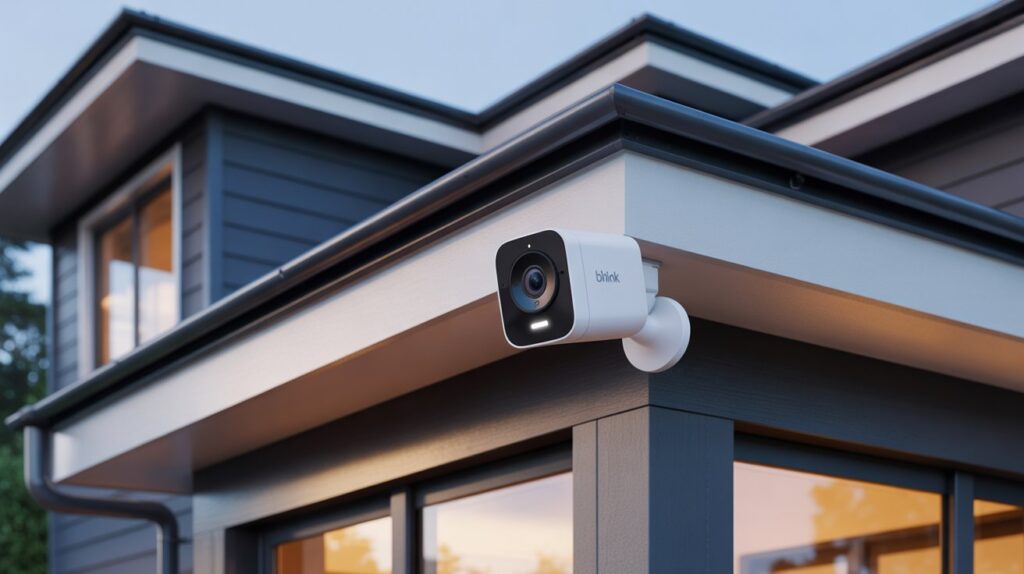
Placing your Blink Outdoor 4 Wireless Smart Security Camera System correctly is crucial for capturing every important angle and minimizing false alerts. Proper placement not only improves security but also ensures your cameras perform reliably in all conditions.
Where to Install Outdoor Cameras
- Position cameras near main entrances, driveways, and backyard access points for comprehensive coverage.
- Use elevated spots to prevent tampering and to capture a wider field of view.
- Avoid placing cameras behind objects or inside covered areas that may block motion detection.
Avoiding False Alerts
- Keep cameras away from trees, bushes, or areas with frequent movement of pets.
- Avoid direct sunlight on the lens to prevent glare that can trigger false alerts.
- Adjust motion detection sensitivity in the Blink app to match your property’s environment.
Weather and Angle Considerations
- Blink Outdoor 4 cameras are weather-resistant, but avoid placing them under heavy foliage that collects rain or snow.
- Slightly tilt cameras downward to reduce wind or rain interference while maintaining a clear view.
- Ensure the camera’s angle covers key areas like entrances and pathways without blind spots.
By carefully choosing locations, adjusting angles, and setting motion sensitivity correctly, your Blink Outdoor 4 system will provide reliable, real-time monitoring, giving you peace of mind and stronger home security. Proper placement ensures you get the most value from your investment while avoiding unnecessary notifications or blind spots.
How to Customize Motion Detection and Alerts After Setup
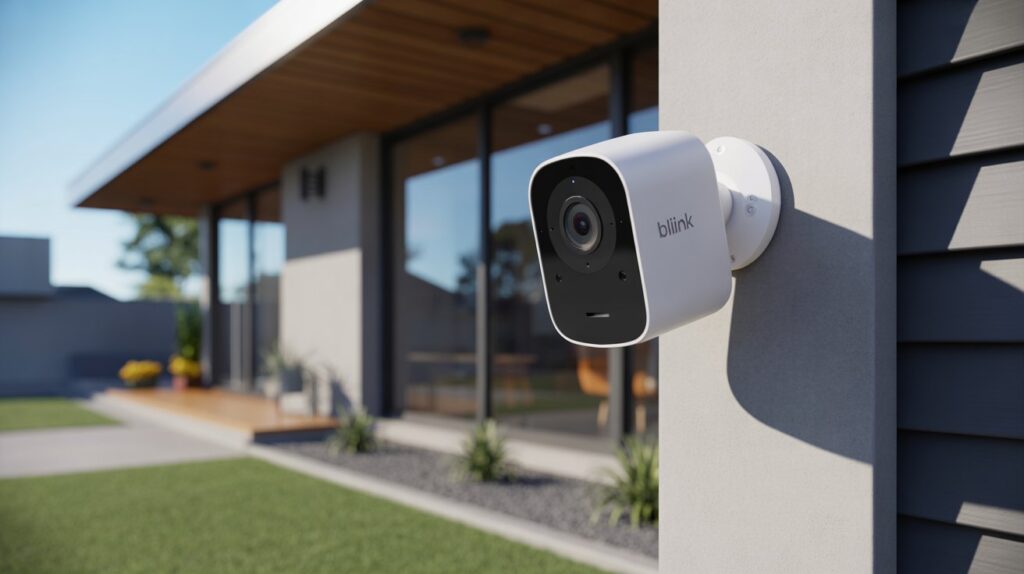
Once your Blink Outdoor 4 Wireless Smart Security Camera System is set up, customizing motion detection and notifications ensures you get the most accurate alerts and feel in control of your home security. Small adjustments can prevent unnecessary notifications while keeping you informed about real events.
Motion Sensitivity Basics
- Adjust the motion sensitivity in the Blink app to match your environment.
- High sensitivity is ideal for areas where security is critical, while lower sensitivity works well for spots prone to frequent movement like sidewalks or tree branches.
- Correct sensitivity prevents false alerts while ensuring you never miss an important event.
Activity Zones
- Define precise zones within the camera’s view to monitor motion effectively.
- Focus on entrances, driveways, or patios to ensure only critical zones trigger alerts.
- Ignoring irrelevant areas reduces unnecessary notifications and saves battery life.
Notification Control
- Choose how and when you receive alerts on your smartphone.
- Options include push notifications, email alerts, or both for redundancy.
- Scheduling notifications for specific times helps avoid disruptions during regular household activity.
By properly customizing motion detection, activity zones, and notifications, your Blink Outdoor 4 system becomes smarter, more efficient, and fully tailored to your home. This gives you confidence and peace of mind, knowing that your cameras are watching the right areas and only alerting you when it truly matters.
Common Blink Outdoor 4 Setup Problems and How to Fix Them
Even with a Blink Outdoor 4 Wireless Smart Security Camera System, occasional setup issues can occur. Understanding common problems and how to resolve them quickly ensures your home remains secure without unnecessary stress.
Wi-Fi Connection Issues
- Ensure your Wi-Fi signal is strong near the Sync Module and cameras.
- Move the router closer if the signal is weak, or use a Wi-Fi extender for larger properties.
- Restart the Blink app and router if devices fail to connect.
Sync Module Not Responding
- Check the power connection and ensure the module is properly plugged in.
- Press the reset button on the Sync Module if it fails to pair with cameras.
- Verify the Blink app shows the module as online before proceeding with camera setup.
Camera Not Detecting Motion
- Adjust the motion sensitivity in the Blink app to match environmental conditions.
- Ensure the camera lens is clean and unobstructed.
- Check camera placement to avoid areas with constant motion from pets, trees, or street traffic.
By addressing these issues step by step, users can quickly regain full functionality of their Blink Outdoor 4 system. Proper troubleshooting not only resolves technical problems but also reinforces trust and confidence in the system’s reliability.
Conclusion
Setting up your Blink Outdoor 4 Wireless Smart Security Camera System properly transforms it from just a gadget into a trusted guardian for your home and loved ones. Each step, from careful placement to customizing motion alerts, ensures you are in control, confident, and truly protected.
Investing a little time in setup today means peace of mind tomorrow — knowing that your home is watched over, your family is safer, and your property is secure.
Now take a moment to think — how does this simple setup enhance your sense of safety and daily life?
With the right setup, your Blink Outdoor 4 system isn’t just a camera — it’s a reliable partner in keeping what matters most safe.
“If you’re exploring personal safety options, it’s important to understand the law—this clear guide on Are Tasers Legal in Arizona? pairs perfectly with our Best Walking Stick Stun Gun guide to help you stay safe while staying compliant.”
FAQs
Q1: How do I setup my Blink wireless camera?
- Download the Blink app, create an account, connect the Sync Module, and pair your camera following the in-app instructions.
Q2: How to install Blink 4 camera mount?
- Use the included screws or mounting tape to secure the mount on a wall or flat surface, then attach the camera securely.
Q3: Does Blink Outdoor 4 connect to Wi-Fi?
- Yes, it connects via Wi-Fi through the Sync Module, enabling real-time alerts and live video streaming on your smartphone.
Q4: How to open Blink Outdoor 4 camera?
- Press the latch on the back of the camera to open the battery compartment for installation or replacement.
Q5: How long does a Blink battery last?
- Batteries typically last up to 2 years depending on usage and motion detection frequency.


