Introduction
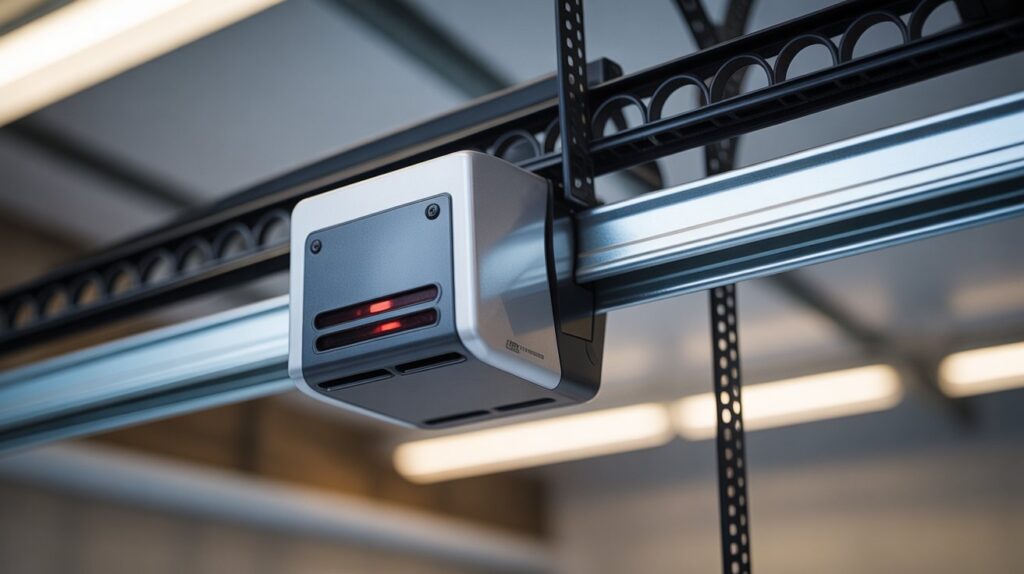
When no lights are on garage door sensors, the garage door may refuse to close properly. This can happen when the sensors lose power, become misaligned, have damaged wiring, or develop another connection problem.
Although the lack of sensor lights can be confusing, the cause is often simple to identify. In this guide, we’ll explain the common reasons garage door sensors have no lights and the practical steps you can take to troubleshoot the problem.
Table of Contents
When Your Garage Door Sensors Go Completely Dark
You press the remote, but your garage door doesn’t move. No closing, no beep, and no obvious warning. Then you notice the problem: no lights on garage door sensors. Both sensor lights are completely dark, leaving you wondering whether the sensors, wiring, or garage door opener has failed.
When both garage door sensor lights are off, the problem may be more than simple sensor alignment. A loss of power, loose connection, damaged sensor wire, or faulty safety sensor can prevent the system from working properly. Chamberlain’s troubleshooting guidance specifically identifies disconnected sensors, broken or shorted wiring, and faulty sensors as possible causes when both LEDs are not lit.
This can be frustrating because garage door safety sensors are designed to prevent the door from closing when the safety circuit is not working correctly. If the sensors are completely dark, your garage door may refuse to close normally, leaving the opening unsecured.
The good news is that no lights on garage door sensors doesn’t automatically mean you need to replace them. In many cases, you can narrow down the problem by checking the garage door opener’s power, inspecting the sensor wiring and terminal connections, and then testing the sensors themselves.
If you’re also improving your home’s overall protection, you can explore more home security and safety solutions on CrimTechHub.
In this guide, we’ll walk through the most common reasons your garage door sensors have no lights and the practical steps you can take to identify the problem.
What It Means When There Are No Lights on Garage Door Sensors
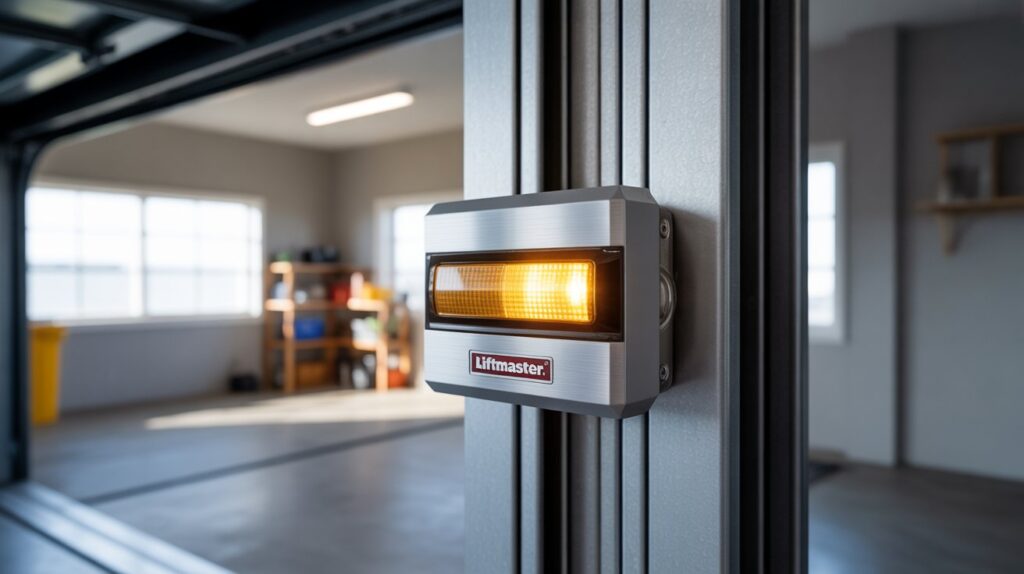
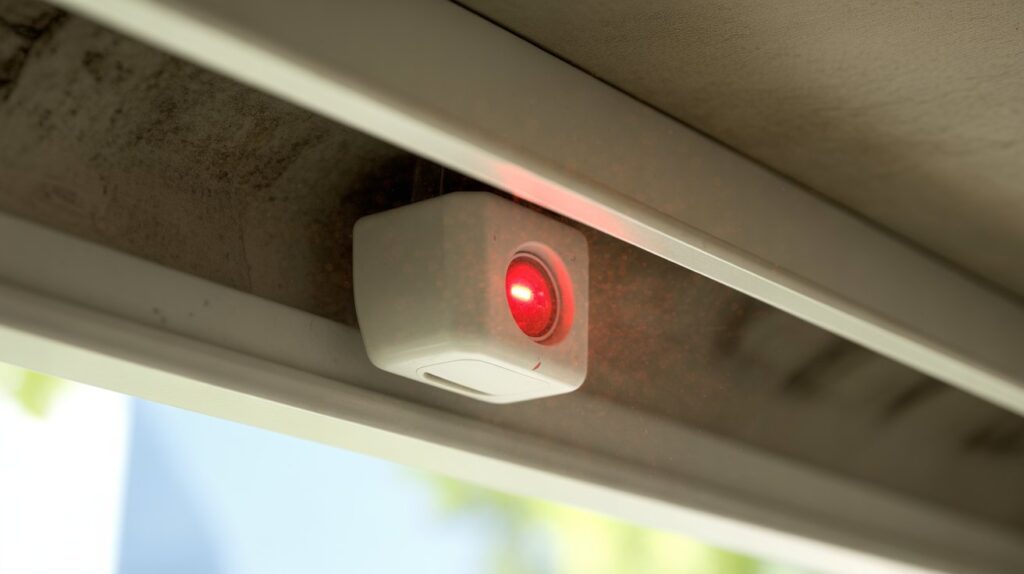
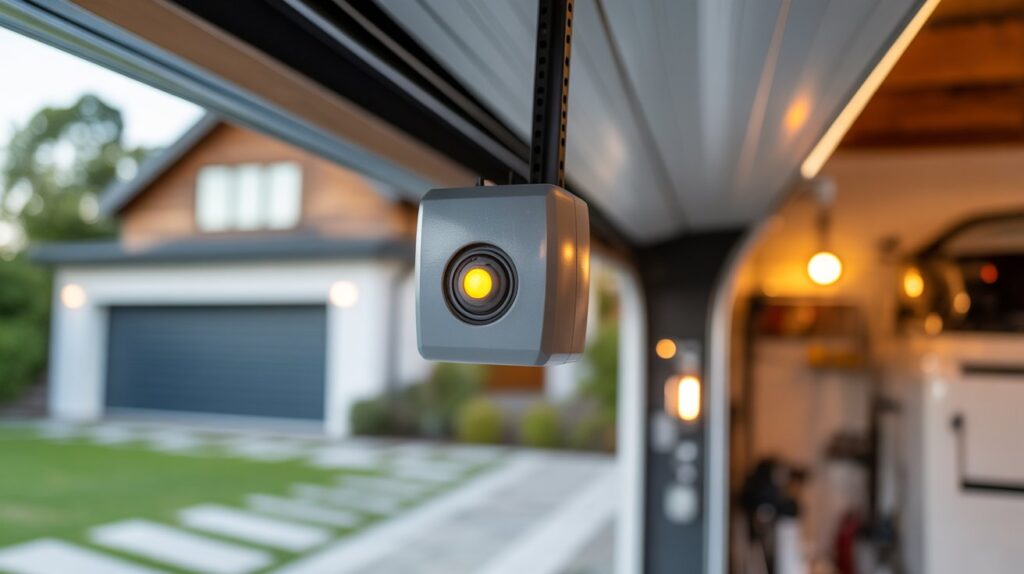
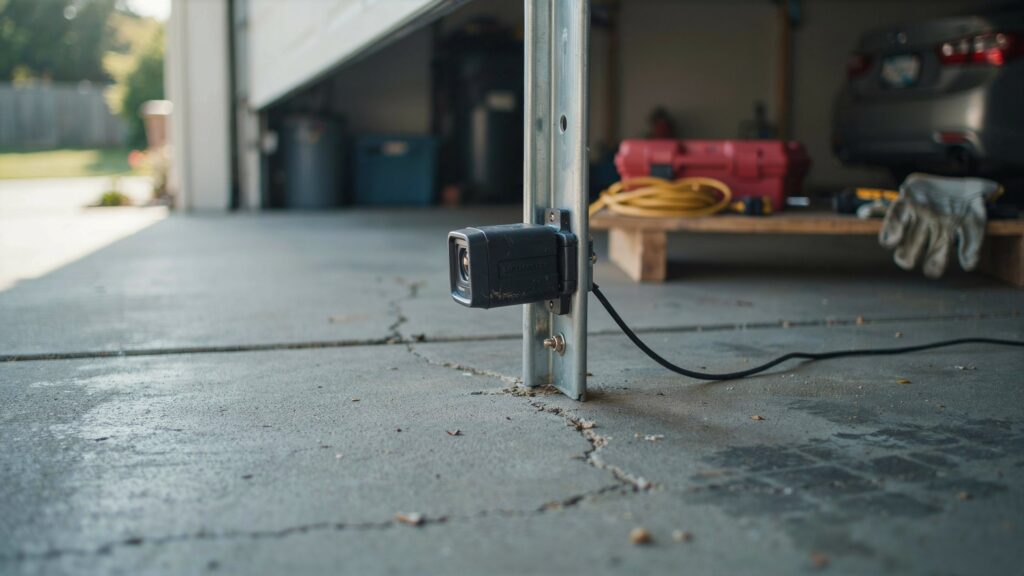
Garage door sensors work in pairs, sitting low on each side of the track. One sends an invisible beam, the other receives it. When that beam connects, the sensors light up to confirm the path is clear and the door is safe to close.
A blinking light or a single color change tells you something specific:
- Blinking light — alignment is slightly off
- One steady, one off — the beam is blocked or interrupted
- No lights on garage door sensors at all — there’s no power reaching the system
That last one is different from the rest. The sensors aren’t confused or out of position — they’re simply not getting electricity. There’s nothing for them to send or receive because the connection isn’t even on.
This distinction matters because it changes where you look for the fix. Alignment problems are about positioning two sensors that already have power. A complete loss of light points somewhere else entirely — the power source, the wiring, or the sensor unit itself.
Common Reasons Garage Door Sensors Lose Power
If there are no lights on garage door sensors, the problem is usually related to the sensor connection, wiring, or power reaching the safety sensor system. Before replacing any parts, check the most common causes first.
Here are the main issues that can leave both garage door sensor lights completely off:
- Disconnected garage door opener — A loose power connection can prevent the opener and safety sensors from working properly.
- Tripped circuit breaker — An electrical fault or power surge can interrupt power to the garage door opener.
- Damaged sensor wiring — Pinched, cut, chewed, or broken low-voltage wires can stop the sensors from receiving power or communicating with the opener.
- Loose sensor connections — A wire that is not securely connected at the sensor or opener can cause both LEDs to remain off.
- Faulty safety sensor — If the wiring and connections are working correctly but the LEDs remain dark, one or both sensors may have failed.
According to Chamberlain’s official troubleshooting guide, when both safety sensor LEDs are not lit, possible causes include disconnected sensors, broken or shorted wiring, or a faulty sensor.
What This Usually Means
When both garage door sensor lights are off, don’t assume you need to replace the sensors immediately. Start by checking the opener’s power, sensor wiring, and connections. These simple checks can help identify whether the problem is with the wiring or the sensors themselves.
If the opener has power but the sensor LEDs remain completely dark after the wiring and connections have been checked, the safety sensors may require further testing or replacement.
How to Fix No Lights on Garage Door Sensors: Step-by-Step
If there are no lights on garage door sensors, don’t replace the sensors immediately. In many cases, the problem can be traced to the opener’s power supply, wiring, or electrical connection. Follow these troubleshooting steps in order to find the cause.
1. Check the Garage Door Opener’s Power
Start with the simplest possibility. Make sure the garage door opener is firmly plugged into the wall outlet and that the power cord is not loose or visibly damaged.
If the opener has no power, the safety sensors may not receive power either. Check whether the opener’s lights, display, or other indicators are working before moving on to the sensors.
2. Inspect the Garage Door Sensor Wiring
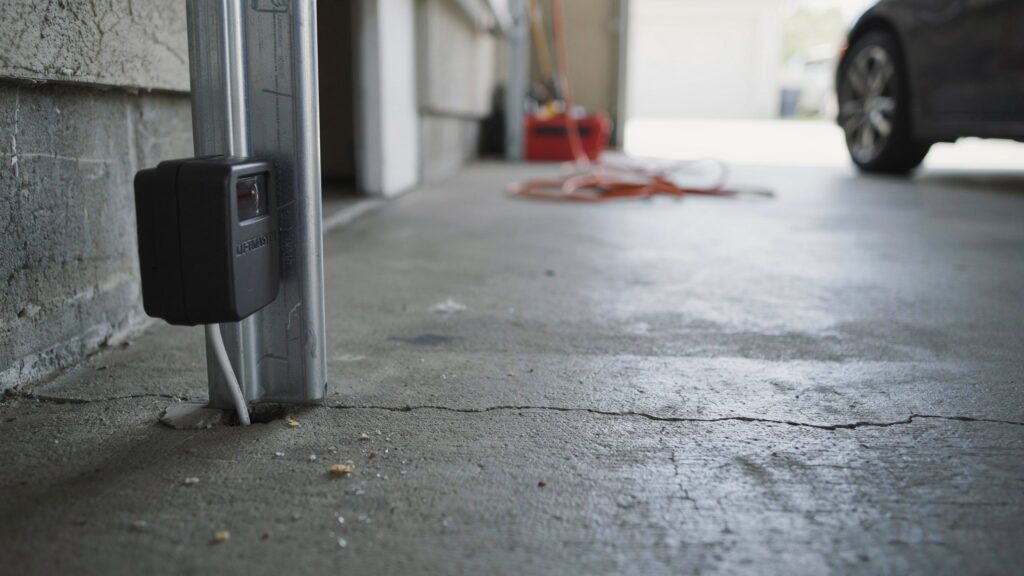
Check the low-voltage wires running from each safety sensor toward the garage door opener. Look for frayed, cut, pinched, loose, or chewed wires.
Pay particular attention to the points where the wires connect to the sensors and the opener. A damaged or disconnected wire can prevent power or the sensor signal from reaching the opener.
3. Test the Wall Outlet
If the garage door opener appears completely dead, test the same electrical outlet with a small device, such as a phone charger or lamp.
If the device does not work, the outlet may not be supplying power. Check the appropriate breaker or GFCI protection if applicable. If you suspect an electrical problem that you cannot safely identify, contact a qualified electrician rather than working on the wiring yourself.
4. Restart the Garage Door Opener
Once you’ve confirmed that the opener has power, try restarting it. Disconnect the opener from power for about 30 seconds, then reconnect it and allow the system to start up again.
This can help clear a temporary electronic issue. However, if the sensor lights remain off after the opener is powered back on, continue troubleshooting rather than repeatedly resetting the unit.
5. Check Both Sensor Lights
After restoring power and checking the wiring, look at both garage door safety sensors. Depending on the opener and sensor model, the LEDs should normally illuminate when the sensors are receiving power.
If both sensor lights are still completely dark even though the opener has confirmed power and the wiring appears intact, the sensors or their connections may require further testing or replacement.
For more practical information about protecting your home with modern security technology, explore the home security and safety resources on CrimTechHub.
Don’t Replace the Sensors Too Quickly
A completely dark sensor does not always mean the sensor itself has failed. Checking the power source, outlet, wiring, and connections first can help you identify the actual cause and avoid replacing a working component unnecessarily.
How to Prevent This From Happening Again
Once your sensors are back online, a little upkeep keeps no lights on garage door sensors from becoming a repeat problem.
Check Wiring Every Few Months
Low-voltage wires can loosen or fray over time, especially if they run near storage areas or get bumped often. A quick visual check every few months catches problems before they cut power completely.
Keep Sensors Protected from Impact
Sensors sit close to the floor, right where bikes, trash cans, and car tires pass by. Even a light bump can shift a sensor or damage its wiring. Keeping a clear path around them goes a long way.
Watch for Moisture Exposure
Garage sensors aren’t built to handle standing water or constant dampness. Wipe away moisture after storms and make sure wiring connections stay dry, especially in garages prone to flooding or humidity.
Test the System Occasionally
A quick monthly check, opening and closing the door while watching both sensor lights, helps you catch power issues early instead of discovering them at the worst possible moment.
A few minutes of attention now means one less surprise later, and a garage door system you can actually rely on.
Final Thoughts
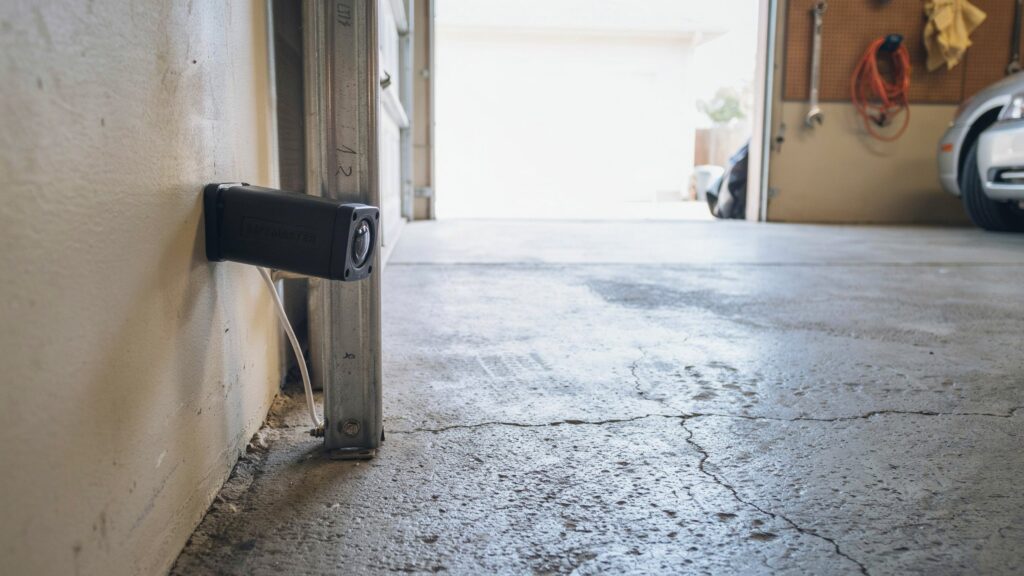
When there are no lights on garage door sensors, don’t panic. Check the opener’s power, outlet, wiring, and sensor connections first. If both lights remain off, the sensors may need further testing or replacement.
For another helpful troubleshooting guide, see How to Fix Garage Door Sensors That Won’t Turn Green.
A few basic checks can often help you find the problem and get your garage door sensors working again.
FAQs
Why are my garage door sensors not lighting up?
It usually means the sensors aren’t getting power, often due to an unplugged opener, tripped breaker, or damaged wiring.
Are both garage door sensors supposed to have a light?
Yes, each sensor should show a steady light when powered and properly aligned.
What if there are no lights on my Chamberlain garage door sensors?
Check the opener’s power source and wiring first, since Chamberlain sensors follow the same power-based troubleshooting as other major brands.
How do I reset a garage door sensor?
Unplug the opener for about 30 seconds, then plug it back in to let the sensors reconnect.
Will the garage door still work without sensors?
Yes, unplugging and replugging clears minor glitches and often restores sensor power.
About the Author
Muhammad Bilal Shahid is a criminologist and security-focused content writer with a background in crime prevention, personal safety, and modern home security technology. He researches practical security issues to create clear, useful guides that homeowners can understand and apply.
At CrimTechHub, he focuses on home security, garage safety, security cameras, and practical technologies that can help people better protect their homes and families.