
Introduction
Have you ever tuned into a live stream and felt like something was missing? Maybe the camera stayed fixed, missing key moments, or the action felt flat and lifeless. That’s where a pan tilt zoom camera for live streaming can make all the difference. With the ability to pan, tilt, and zoom in real time, PTZ cameras turn ordinary broadcasts into engaging, dynamic experiences that truly capture the moment.
Whether you’re streaming a church service, a classroom lecture, or a live event, the right camera setup can transform how your audience connects with your content. In this guide, we’ll explore everything you need to know about PTZ cameras—how they work, their key features, and why they’re ideal for creating professional-quality live streams in the USA. By the end, you’ll see why adding smooth camera movement isn’t just a technical upgrade—it’s a way to make every broadcast more engaging, memorable, and impactful.
Table of Contents
Why Camera Movement Matters in Live Streaming
Live streaming is no longer just about being “on air.” It’s about keeping people watching. Whether it’s a church service, a podcast, a classroom session, or a live event, viewers expect a smooth and engaging visual experience. A fixed, unmoving camera often feels dull after a few minutes, no matter how good the content is. This is where camera movement quietly changes everything.
Think about watching a live stream where the speaker moves, the audience reacts, or the scene shifts—but the camera stays stuck in one position. It breaks the connection. Viewers miss details, energy drops, and attention starts to fade. A pan tilt zoom camera for live streaming solves this problem by allowing the camera to move naturally, follow the action, and highlight what actually matters in the moment.
Instead of cutting between multiple cameras or relying on manual adjustments, PTZ cameras bring flexibility and control into a single setup. Smooth panning, gentle tilting, and precise zooming create a dynamic viewing experience that feels professional and intentional. For live streamers in the USA who want higher-quality production without overwhelming complexity, camera movement isn’t a luxury anymore—it’s a key part of keeping audiences engaged and coming back.
What Is a Pan Tilt Zoom (PTZ) Camera?
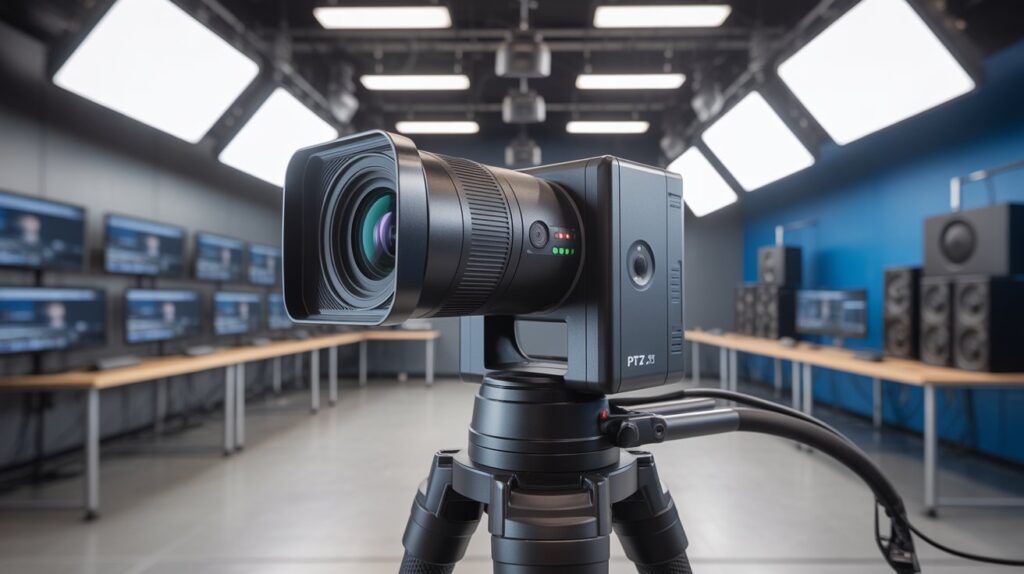
A pan tilt zoom (PTZ) camera for live streaming is a smart video camera that can move and adjust its view without being touched. Instead of staying fixed in one position, it can rotate left and right (pan), move up and down (tilt), and zoom in or out to focus on details. This movement is controlled remotely using a controller, software, or even a mobile app, making it ideal for live streaming setups where flexibility matters.
What makes a PTZ camera different from a regular streaming camera is how naturally it follows the action. In a live church service, for example, the camera can smoothly shift from the speaker to the audience. In a podcast or online class, it can zoom in for close-ups or pull back for a wider view—without stopping the stream. This creates a more engaging and professional viewing experience for audiences across the USA.
At its core, a PTZ camera is designed to simplify live production while improving video quality. Instead of using multiple cameras or constantly adjusting angles by hand, one PTZ camera can handle multiple views in real time. Key functions include:
- Pan – moves the camera side to side to follow motion
- Tilt – adjusts the camera up or down for better framing
- Zoom – brings distant subjects closer without moving the camera
For beginners and professionals alike, a pan tilt zoom camera for live streaming offers an easy way to produce clean, dynamic, and viewer-friendly live content without unnecessary complexity.
How PTZ Cameras Work for Live Streaming
- A pan tilt zoom camera for live streaming works by allowing remote control of camera movement during a live broadcast, so you can adjust the view without touching the camera or interrupting the stream.
- Pan lets the camera rotate smoothly from left to right, which is useful for following a speaker, showing the audience, or covering different areas of a room in real time.
- Tilt moves the camera up or down, helping keep the subject properly framed when someone stands, sits, or moves across the stage.
- Zoom allows you to move from a wide shot to a close-up instantly, making it easier to highlight facial expressions, products, or important moments without moving the camera itself.
- Presets save specific camera positions, so with one click you can switch between views—such as the host, guest, or wide room shot—during a live stream.
- Remote control and software integration make PTZ cameras easy to manage through hardware controllers, streaming software, or apps, which is especially helpful for churches, events, and studios across the USA running small production teams.
- Together, these features create a smooth, professional workflow that keeps live streams visually engaging while reducing the need for multiple cameras or extra operators.
Why PTZ Cameras Are Ideal for Live Streaming Setups
A pan tilt zoom camera for live streaming gives creators the freedom to control their visuals without disrupting the broadcast. Instead of locking the viewer into one fixed angle, PTZ cameras allow smooth movement that feels natural and intentional. This flexibility is especially valuable in live environments like churches, classrooms, podcasts, or events, where action and focus change constantly.
One of the biggest advantages is control. With remote operation and preset positions, a single operator can manage multiple camera angles from one spot. This makes live streaming setups simpler, more efficient, and less stressful—especially for small teams or solo streamers in the USA who want reliable results without extra equipment.
Key benefits that make PTZ cameras ideal for live streaming include:
- Flexible coverage that adapts to movement and changing scenes
- Precise control through remotes or software, even during a live broadcast
- Professional-looking output that builds trust and keeps viewers engaged
- Reduced setup complexity, replacing the need for multiple cameras
Overall, PTZ cameras help live streams feel polished and credible without adding technical burden. When viewers see smooth transitions and well-framed shots, they stay focused on the message—not the camera—which is exactly what a strong live streaming setup should achieve.
PTZ Camera vs Static Camera: What’s the Real Difference?
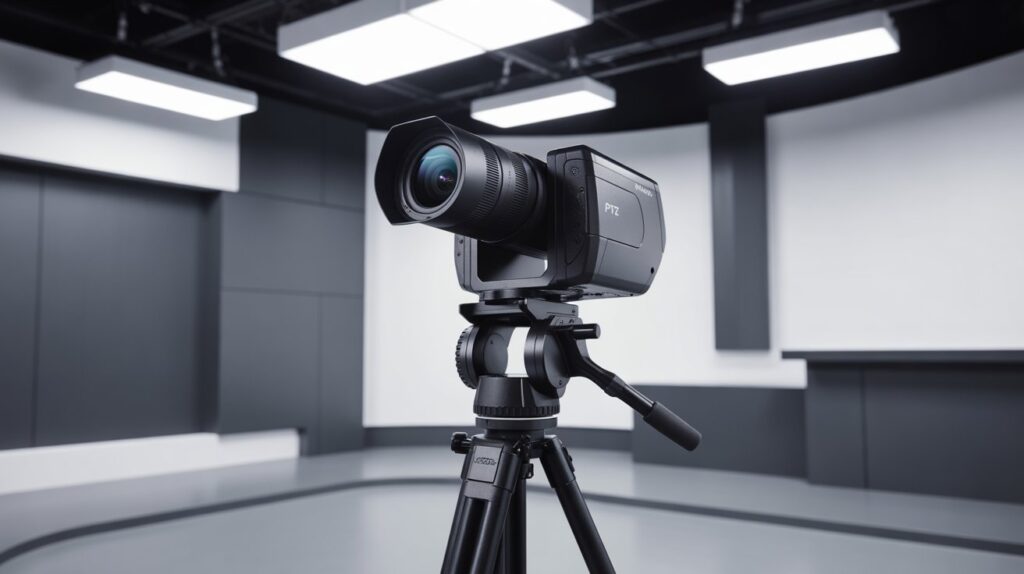
Choosing between a static camera and a pan tilt zoom camera for live streaming often comes down to how much control and flexibility you need during a live broadcast. While both can capture video, the experience they deliver to viewers is very different. Understanding this difference helps streamers make smarter, more confident decisions.
Static Cameras: Simple but Limited
Static cameras stay fixed in one position. They are easy to set up and work well when the subject never moves. However, in real-life live streaming—such as church services, panel discussions, or live events—people shift, scenes change, and moments happen unexpectedly. A static camera can miss these moments, making the stream feel flat and less engaging.
PTZ Cameras: Flexible and Viewer-Focused
A PTZ camera adapts in real time. With remote pan, tilt, and zoom controls, it can follow movement, switch angles, and highlight important details without stopping the stream. This flexibility creates a smoother, more professional viewing experience and keeps audiences in the USA more connected to what’s happening on screen.
Which Option Delivers More Value?
For basic, unmoving setups, a static camera may be enough. But for growing channels, organizations, or creators who care about presentation quality, a pan tilt zoom camera for live streaming offers more long-term value. It reduces limitations, improves production quality, and helps live streams feel intentional rather than accidental.
Key Features to Look for in a PTZ Camera for Live Streaming
Choosing the right pan tilt zoom camera for live streaming means focusing on features that directly impact video quality, control, and reliability. Not all PTZ cameras are built the same, and understanding these core features helps you avoid overpaying—or underperforming—in real-world live streaming setups across the USA.
Video Resolution & Frame Rate
Clear, smooth video is the foundation of any successful live stream. Higher resolution and stable frame rates make motion look natural and keep viewers visually engaged.
- Look for at least 1080p resolution for clean, professional-quality streams
- Higher frame rates (30fps or 60fps) help reduce motion blur during movement
- Better video clarity builds trust and keeps audiences watching longer
Optical vs Digital Zoom
Zoom quality matters more than most beginners expect. The type of zoom directly affects how sharp your live stream looks when focusing on details.
- Optical zoom uses the camera lens and maintains image quality
- Digital zoom crops the image and can reduce sharpness
- For live events, churches, or classrooms, optical zoom delivers more reliable results
Control Options (Remote, Software, App)
Easy control is what makes a PTZ camera truly powerful during a live broadcast. Flexible control options reduce stress and improve workflow.
- Remote controllers offer quick, precise camera movement
- Software control integrates smoothly with streaming platforms like OBS
- Mobile or desktop apps allow simple adjustments from anywhere in the room
When these features work together, a pan tilt zoom camera for live streaming becomes more than just a camera—it becomes a dependable production tool that delivers consistent, professional results without unnecessary complexity.
Common Use Cases of PTZ Cameras in Live Streaming
A pan tilt zoom camera for live streaming is incredibly versatile and fits a wide range of applications where dynamic, professional video is needed. In the USA, live streaming has become a key part of how organizations, creators, and educators connect with audiences, and PTZ cameras make it easier to deliver high-quality, engaging content.
Churches often use PTZ cameras to broadcast services, capturing both the speaker and the congregation without multiple camera operators. At live events, they can follow performers or speakers smoothly, giving viewers at home a front-row experience. In education, classrooms and lecture halls benefit from PTZ cameras that can zoom in on instructors, whiteboards, or student interactions, enhancing online learning. Podcasters and content creators rely on PTZ cameras to switch between hosts and guests effortlessly, maintaining visual interest. Conferences and corporate presentations use these cameras to highlight different speakers and audience reactions seamlessly, improving overall production value.
In all these cases, a pan tilt zoom camera for live streaming brings professional-level flexibility, allowing small teams or solo streamers to produce visually dynamic content without the complexity of multiple fixed cameras. This makes PTZ cameras a trusted choice for anyone serious about delivering high-quality live video in real time.
Internet, Software, and Streaming Platform Compatibility
- A pan tilt zoom camera for live streaming works best with a stable internet connection to ensure smooth, uninterrupted broadcasts.
- OBS Studio is a popular free software that allows PTZ cameras to integrate easily, providing scene switching, overlays, and multiple camera control.
- YouTube Live supports PTZ cameras directly through streaming software or capture devices, making it simple for creators to broadcast professional-quality content.
- Facebook Live allows seamless integration with PTZ cameras, perfect for businesses, churches, and event organizers reaching large audiences.
- Zoom and other video conferencing platforms can use PTZ cameras via USB or IP connections, enabling flexible framing and professional presentation in meetings or online classes.
- Bandwidth basics: For high-definition live streaming, at least 5 Mbps upload speed is recommended, while 10 Mbps or higher ensures smooth 1080p or 4K streams without buffering.
- Compatibility across software and platforms makes PTZ cameras a reliable choice for USA-based streamers who want versatile, professional live streaming setups without technical headaches.
Are PTZ Cameras Easy to Use for Beginners?
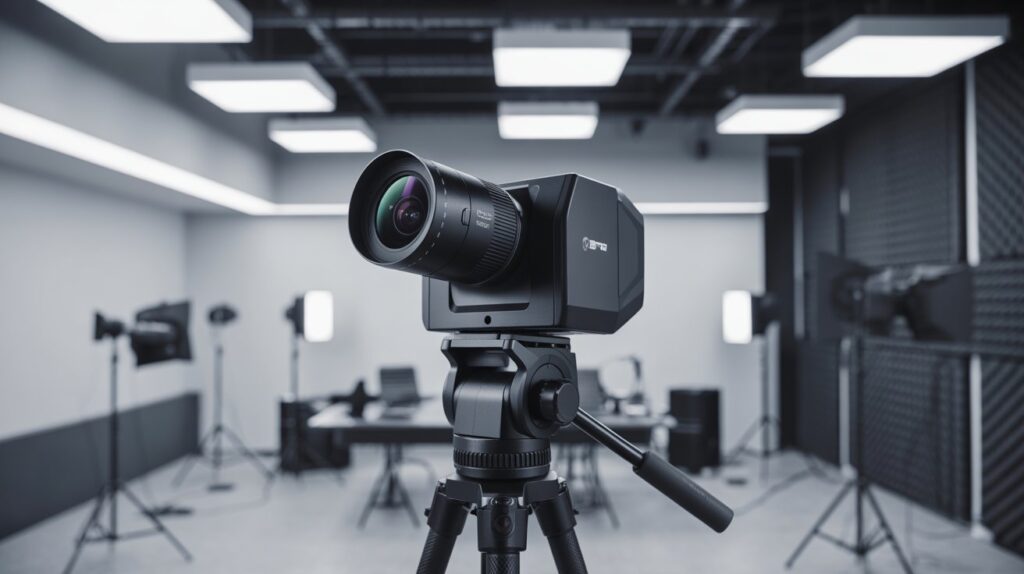
- Plug-and-play setup: Many PTZ cameras are designed to work out of the box with minimal wiring or configuration, making them accessible even for beginners.
- Intuitive remote control: Most PTZ cameras come with simple controllers or apps that allow you to pan, tilt, and zoom effortlessly without prior experience.
- Preset positions: Beginners can save specific camera angles and switch between them instantly, reducing the learning curve during live streams.
- Software integration: PTZ cameras easily connect with popular streaming platforms like OBS, YouTube Live, Zoom, and Facebook Live, making operation straightforward.
- Learning resources: Manufacturers and online communities provide tutorials, guides, and support, helping new users gain confidence quickly.
- Scalable for growth: Beginners can start with basic functions and gradually explore advanced features like automation, tracking, or multi-camera setups without being overwhelmed.
A pan tilt zoom camera for live streaming is therefore beginner-friendly while still offering professional flexibility, giving USA-based streamers the confidence to produce high-quality, dynamic live content from day one.
Pros and Cons of Using a PTZ Camera for Live Streaming
A pan tilt zoom camera for live streaming offers a unique blend of flexibility, control, and professional-quality video. However, like any technology, it has advantages and limitations. Understanding these helps creators make informed decisions and set realistic expectations for live streaming setups in the USA.
Pros
- Dynamic camera movement: Pan, tilt, and zoom allow smooth transitions and professional-looking shots.
- Space and cost efficiency: One PTZ camera can replace multiple static cameras in a small setup.
- Remote control: Adjust angles and zoom without physically touching the camera during a live stream.
- Preset positions: Quickly switch between saved views for consistent production quality.
- Versatile applications: Works well for churches, conferences, podcasts, classrooms, and live events.
Cons
- Higher initial cost: PTZ cameras are more expensive than basic static cameras.
- Learning curve: Beginners may need time to master remote control or software integration.
- Dependent on internet and software: Poor connectivity or incompatible streaming software can affect performance.
- Mechanical maintenance: Moving parts may require occasional care to ensure smooth operation.
Overall, the pros of a PTZ camera for live streaming often outweigh the cons, especially for creators who prioritize professional-quality video, flexibility, and engaging viewer experiences. When used correctly, these cameras can elevate a live stream from ordinary to highly polished and visually dynamic.
Who Should Use a PTZ Camera — And Who Shouldn’t?
A pan tilt zoom camera for live streaming isn’t for everyone, but for the right users, it can transform the quality and professionalism of a live broadcast. Understanding who benefits most—and who may not need one—helps viewers make smarter choices.
Who Should Use a PTZ Camera
- Churches and religious organizations: Capture speakers, choirs, and congregation seamlessly without multiple cameras.
- Event organizers: Perfect for conferences, concerts, and workshops where movement and dynamic shots are essential.
- Educators and online instructors: Zoom in on whiteboards, instructors, and students for interactive online classes.
- Podcasters and content creators: Switch between hosts, guests, or products for a polished, professional look.
- Small production teams: One PTZ camera can replace multiple static cameras, saving space and reducing complexity.
Who Might Not Need a PTZ Camera
- Casual streamers: If your content is stationary, like a single talking-head vlog, a simple static camera may suffice.
- Tight budget setups: PTZ cameras have a higher upfront cost, which may not be necessary for hobby-level streaming.
- Limited technical support: Beginners who are uncomfortable with basic setup and software may prefer simpler alternatives.
In short, a PTZ camera for live streaming is ideal for anyone who wants flexibility, professional quality, and dynamic video. If your live stream is simple, static, or on a strict budget, you might not need all the advanced features—but for growing creators and professional setups in the USA, a PTZ camera is a game-changer.
Conclusion
A pan tilt zoom camera for live streaming is more than just a tool—it’s a bridge between you and your audience. By bringing flexibility, control, and professional-quality video to your broadcasts, it turns ordinary live streams into engaging, dynamic experiences that capture attention and keep viewers connected. Whether you’re streaming a church service, a podcast, an online class, or a live event, a PTZ camera empowers you to tell your story the way it deserves to be seen.
Now take a moment to think—how could adding smooth movement, precise zoom, and dynamic framing elevate the way your audience experiences your content? With the right setup, every live stream has the potential to inspire, inform, and leave a lasting impression.
FAQs
Are PTZ cameras good for live streaming?
Yes, PTZ cameras are excellent for live streaming because they offer smooth movement, zoom, and flexible angles.
Which type of camera is best for live streaming?
PTZ cameras and high-quality DSLR or mirrorless cameras are ideal for professional live streaming setups.
Which type of camera can Pan, Tilt, and Zoom?
PTZ cameras are specifically designed to pan, tilt, and zoom remotely for dynamic video coverage.
What is the disadvantage of a PTZ camera?
PTZ cameras can be expensive and may require some learning to operate effectively.
What is the maximum range of a PTZ camera?
Depending on the model, PTZ cameras can pan/tilt up to 360° and zoom optical ranges from 10x to 30x or more.
Which is better, CCTV or IP camera?
IP cameras are generally better for live streaming and remote access, while CCTV is more for local recording and security.
Can IP cameras work without internet?
Yes, IP cameras can record locally on SD cards or NVRs without an internet connection.
How long do IP cameras last?
With proper care, IP cameras typically last 5–10 years.
Which company is best for IP cameras?
Top brands include Hikvision, Axis, Dahua, and Reolink, known for reliability and performance.


