Introduction
You set a strong password on your smart lock, then someone smashes the window next to it and walks right in. That exact mix-up is why so many homeowners still ask: what is not a physical security measure for your home?
This guide shows you which tools actually stop or slow an intruder, which ones only support that job, and a simple way to tell the two apart.
Table of Contents
What Actually Counts as a Physical Security Measure
A physical security measure is any solid, touchable item that stands between an intruder and your home. Think locks, barriers, or devices built to stop, slow, or deter unauthorized entry. If it does not physically block or detect someone trying to get in, it does not belong in this category—no matter how useful it is for overall safety.
Common Physical Security Measures Found in US Homes
Most American homes already use some of these:
- Deadbolt locks and reinforced door frames
- Window security film or security bars
- Motion-activated lighting around the perimeter
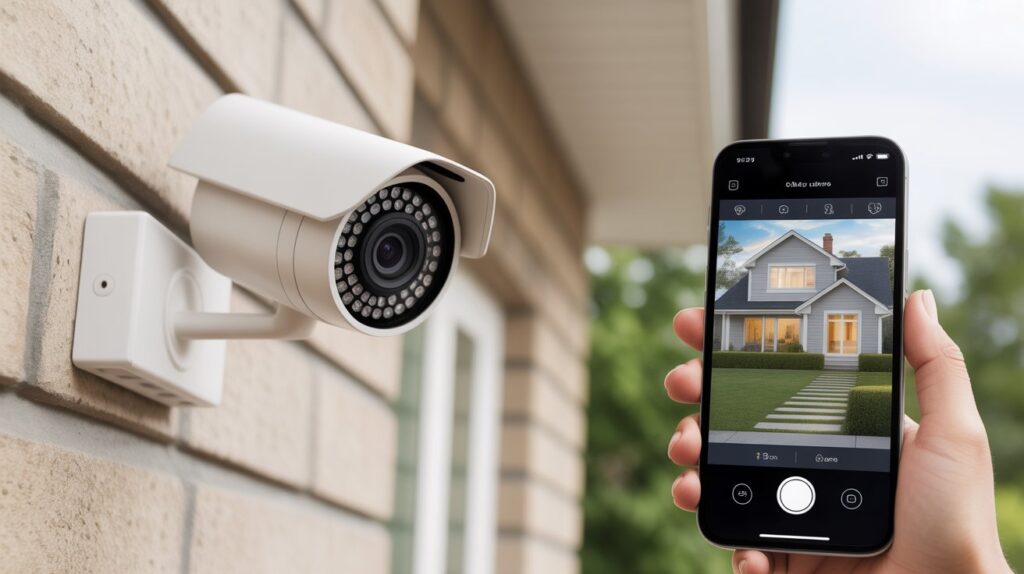
- Security cameras at entry points
- Alarm systems with door and window sensors
- Fencing and gated entry points
Homes without visible deterrents such as cameras or alarm signs get broken into at roughly three times the rate of homes that show them. Physical measures create real, visible resistance for anyone checking out a property.
The key difference is simple: these measures work on the environment itself. A deadbolt does not ask for a password—it just stays locked without the right key. A motion sensor light does not check credentials—it simply turns on and removes the cover of darkness. They operate without relying on apps, habits, or digital systems. That is what makes them physical.
This is also why many homeowners pair stronger locks with motion lighting once they start upgrading entry points. It creates layered defense at the spots most often targeted.
Confusion often starts when a device has a screen or app attached, such as a smart lock or camera controlled from a phone. The hardware itself—the bolt, the lens, the sensor—is still physical. The login used to access it is not. That distinction becomes clear in the next section.
Passwords and Digital Logins Aren’t Physical Security
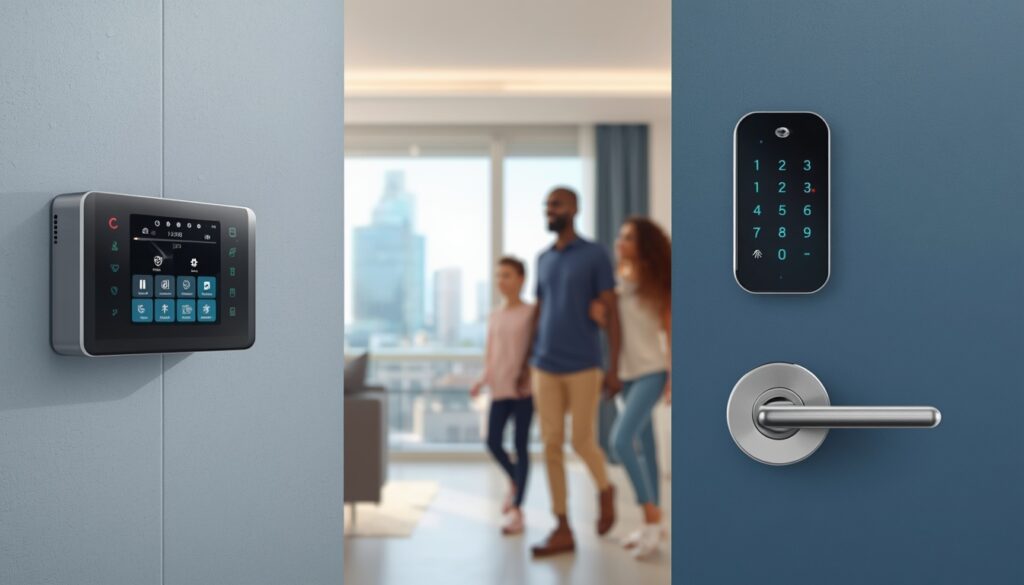
A password, PIN, or fingerprint login is not a physical security measure for your home. It is digital access control that protects information and settings, not the building itself. This is one of the most common points of confusion for homeowners who add smart locks or cameras.
Why Digital Access Controls Get Mistaken for Physical Security
Passwords feel like real security because they show up in daily life. You enter a code to arm an alarm, use a fingerprint to open a camera app, or unlock a smart lock from your phone. It works and feels protective. Yet a password only decides who can reach a system digitally. It does nothing to stop someone from forcing a door or breaking a window.
Picture this: an intruder smashes the glass next to your front door and reaches in to turn the lock by hand. The smart lock’s password suddenly means nothing. The bolt itself may be strong, but the digital login sitting on top of it was never meant to resist physical force. That is why passwords and logins fall outside physical security.
Common examples include:
- Passwords and PINs for alarm systems or smart locks
- Biometric logins such as fingerprint or facial recognition
- Two-factor authentication for security camera apps
- Account credentials for cloud video storage
These tools still matter. Data breaches and unauthorized remote access to smart home devices keep rising as more households connect their security systems. Protecting the digital layer is just as important as protecting the front door. Many people who install a new camera therefore review basic cybersecurity steps at the same time.
The difference is straightforward: a password protects data and remote access, while a lock protects the door. Strengthening one does not automatically strengthen the other.
Cybersecurity Habits Protect Your Data, Not Your Front Door
Cybersecurity habits such as strong Wi-Fi passwords, updated router firmware, or staying off public networks are not a physical security measure for your home. They protect your network and connected devices from digital threats, not your doors and windows from physical entry. This is a separate layer, even though people often group it under “home security.”
Why This Distinction Matters for Smart Homes
The confusion is easy to understand once you see how many homes now rely on connected devices. Wi-Fi cameras, smart doorbells, and app-controlled alarm panels all need a secure home network. If that network is compromised, someone could view your camera feed, turn off alerts, or reach stored footage. The same breach does nothing to open a locked door or strengthen a window. The two systems solve different problems.
A clear example: a homeowner has a solid deadbolt and reinforced door frame, yet the router still uses the default password it shipped with. The front door is physically secure, but the entire smart camera network sitting on that router is open to anyone who looks up the default login. Strong physical security does not fix weak network habits, and the reverse is also true.
Everyday cybersecurity habits in this category include:
- Changing default router and device passwords
- Keeping firmware and app software updated
- Using a separate network for smart home devices
- Avoiding shared or public Wi-Fi for camera access
- Enabling encryption on home network settings
None of these steps touch a lock, sensor, or door frame. They simply keep the digital side of a smart home from becoming the weak point. Anyone installing a new camera or video doorbell benefits from checking basic network and privacy practices at the same time.
The bottom line is clear: physical security stops someone from walking through the door, while cybersecurity stops someone from walking through the network. A well-protected home needs both working on their own, not one replacing the other.
Hiding a Spare Key Isn’t Security — It’s a Risk
Leaving a spare key outside feels practical, yet it is one of the easiest ways homeowners give intruders free access.
Most people hide keys in the same predictable places: under a doormat, inside a fake rock, above the door frame, or in a mailbox. Burglars already know these spots because they are used so often across the US.
A lock is only as strong as the access it protects. Even a high-security deadbolt becomes useless if the key sits a few feet away and is simple to find.
Burglary data shows that unlocked or easily reached entry points, including hidden keys, play a role in a large share of residential break-ins. Intruders look for the fastest path with the least effort.
A common situation: a family leaves a key under a planter for a dog walker or relative, then forgets about it for months. The access point stays open for anyone who notices it.
Safer options keep the convenience without the same risk:
- Smart lock keypads that use unique access codes
- Lockboxes fixed securely to a solid structure
- Giving a trusted neighbor a spare key instead of hiding one outdoors
Many people who stop using a hidden key move to a keypad or app-based lock as the longer-term solution.
The larger point is simple: convenience and security often pull in opposite directions. A hidden key is a clear case of choosing convenience at the expense of real protection.
Neighborhood Watch and Community Vigilance Fall Outside Physical Security
Neighborhood watch programs and simply looking out for one another are not a physical security measure for your home. They are a form of social and community-based protection that works alongside physical measures, not in place of them.
These programs rely on people rather than hardware. Neighbors notice unfamiliar cars, report suspicious activity, or keep an eye on a house while a family is away.
The difference is clear: a locked door stops physical entry on its own. A watchful neighbor only helps if someone happens to be paying attention at the right moment.
Community-based crime prevention has reduced burglary rates in many US neighborhoods. It works mainly as a deterrent and early-warning system, not as a barrier.
A typical situation: someone leaves for a two-week vacation and asks a neighbor to handle the mail and watch the property. That vigilance is useful, yet it does nothing to strengthen the locks or windows themselves.
Many neighborhoods now pair watch programs with shared camera footage or smart doorbell alerts for faster response.
The real value of neighborhood watch lies in awareness and response time. Physical security measures remain the layer that actually stops or slows an intruder at the point of entry.
Insurance Policies and Emergency Plans Are Administrative, Not Physical
Homeowners insurance and emergency response plans are not a physical security measure for your home. They are administrative safeguards that handle recovery and response after an incident, not prevention at the point of entry.
Why Insurance and Plans Fall Outside Physical Security
Insurance covers financial loss once a break-in, fire, or damage has already occurred. It does not stop the event from happening in the first place.
Emergency plans—such as knowing which number to call or having an evacuation route ready—help a household react quickly. They do not reinforce a single door or window.
The distinction is straightforward: prevention versus recovery. A security camera or deadbolt works before an incident. Insurance and response plans work after one.
A common situation: a homeowner carries a solid policy that covers theft and property damage, yet still experiences a break-in because the actual entry points, such as an old sliding door lock, were never upgraded.
How Insurance Can Encourage Physical Upgrades
Many renters and homeowners insurance policies offer lower premiums when verified security systems are in place. This often pushes people to add physical measures like deadbolts or monitored alarms. In that way, administrative requirements and physical security begin to work together.
Understanding what insurers reward also helps homeowners decide which physical upgrades are worth prioritizing first, especially when comparing overall home security system costs.
The clearest separation remains: physical security measures reduce the chance of an incident. Insurance and emergency planning reduce the damage once an incident has already taken place
A Simple Test to Classify Any Home Security Measure Yourself
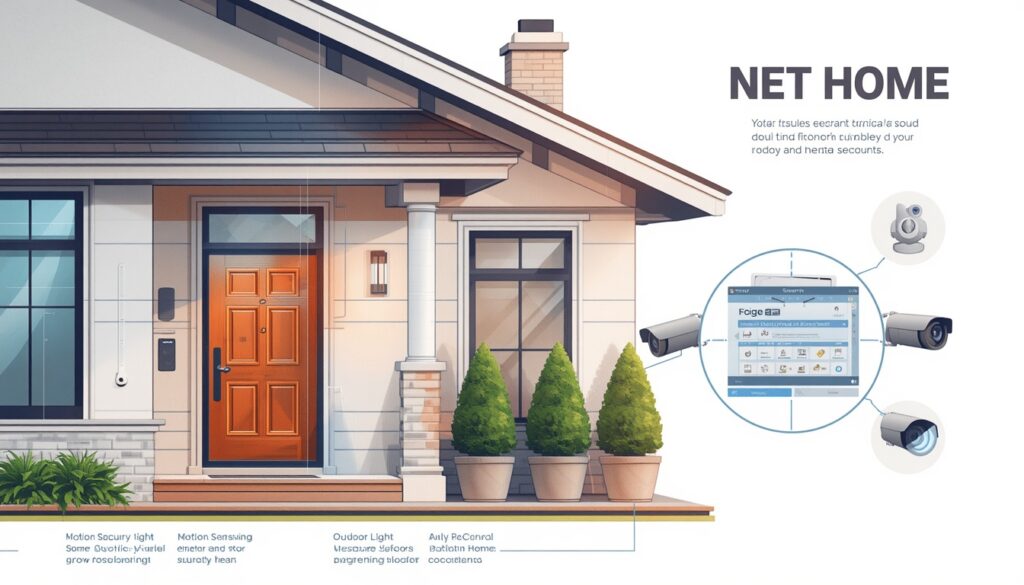
You can classify any home security measure in seconds by asking one question: does this physically stop, slow down, or detect someone trying to get in — or does it manage information, behavior, or recovery instead? If it’s the first, it’s physical. If it’s the second, it isn’t.
The Two-Question Touch Test
- Can you physically touch it, and does it directly block entry? A deadbolt, a window bar, or a camera mounted at the door all pass this test.
- Would it still work if the power, app, or internet went down? A mechanical lock still locks. A password-protected app-based system often doesn’t, since it depends on connectivity.
Answering yes to both marks something as genuine physical security. Answering no to either one, like with a router password or an insurance policy, puts it outside that category.
Running the Test on Common Examples
Here’s how this plays out with everyday items homeowners often misclassify:
- Smart lock hardware: Yes to both — it’s a physical bolt that works independently of the app.
- App login for that same lock: No — it manages access digitally, not the bolt itself.
- Motion-sensor floodlight: Yes to both — it’s a physical deterrent triggered by movement.
- Neighborhood group chat alerting neighbors: No — it’s communication, not a barrier.
A practical scenario shows why this matters: a homeowner in the US assumes their video doorbell is enough because it “sees” everything, but the doorbell only records and alerts — it doesn’t stop a door from being kicked in. Running it through the two-question test immediately shows it belongs in a supporting role, not as a standalone physical barrier.
This test becomes especially useful for anyone comparing DIY vs professionally installed security systems, since it helps identify which parts of a setup are doing the physical work and which parts still need a lock, sensor, or barrier to back them up.
Once you can sort any device or habit into the right category, building a complete, layered home security plan becomes far easier, since you can see exactly where the real gaps are.
Why Combining Both Categories Builds Stronger Home Protection
A single strong lock will not protect a home if that is the only step taken. Real protection comes from combining physical security measures with non-physical layers such as cybersecurity, community awareness, and administrative planning—not from adding more hardware alone.
Each layer covers what the others miss. A deadbolt stops someone at the door. It means little if the camera feed sits on a network still using the default router password. An alarm alerts you the moment something is wrong. Insurance covers the damage after it has already happened. None of these replace the others.
Consider a homeowner in Texas with a high-quality lock and a full camera system. The physical side looks solid. Yet the Wi-Fi still runs on its factory password, and there is no clear plan for what to do if the alarm actually sounds. On paper the house appears secure. In practice two important layers remain open.
This is where the earlier classification test becomes useful. Once you can tell what is physical and what is not, the next steps become clearer: a stronger lock in one place, an updated password in another, a short conversation about what happens if the alarm triggers. That approach works better than simply adding more devices and hoping they add up.
The homes that stay safest are rarely the ones with the most expensive gear. They are the ones where someone checked what is actually covered and what is still left open. For more on aligning physical and digital security, see the CISA guide on cybersecurity and physical security convergence.
Final Takeaway
Knowing what counts as physical security—and what does not—is the difference between real protection and a false sense of safety. A deadbolt stops an intruder at the door. A password, a neighbor’s watchful eye, or an insurance policy all play useful roles, but none of them perform that same job.
The strongest homes do not rely on one layer pretending to cover for the others. They stack every layer correctly, with each one doing exactly what it is designed to do.
Walk through your own home with this in mind. Which layer is actually missing—and which one have you been treating as something it is not?
FAQs
What’s the difference between physical and non-physical security measures?
Physical measures directly block or detect entry—locks, cameras, and sensors. Non-physical measures such as passwords or insurance manage access, data, or recovery instead.
Is a security camera a physical security measure?
Yes. The camera hardware itself is physical. The app login used to view its footage is digital access control and is not physical security.
Why isn’t a strong Wi-Fi password considered physical security?
It protects your network and connected devices from digital threats. It does nothing to stop someone from forcing a door or window.
Does homeowners insurance count as a physical security measure?
No. Insurance covers financial loss after a break-in. It does not prevent or block the entry itself.
Is hiding a spare key a physical security measure?
No. It is a common security risk. Predictable hiding spots often make it easier for an intruder to gain access than to force entry.
What are the 4 D’s of physical security?
Deter, Detect, Delay, and Deny. These are the four core functions every genuine physical security measure is designed to perform.
About the Author
M Bilal writes and researches every guide on CrimTechHub through a criminology lens. He completed his BS in Criminology and applies that foundation to practical, everyday security advice.
Topics such as the difference between physical and non-physical security measures sit at the center of his work. He focuses on understanding which tools actually stop an intruder and which ones only manage risk after the fact.
Instead of treating security as a shopping list, he breaks each layer down to its real function. This helps homeowners build protection based on how break-ins actually happen, not just what looks impressive on a product sheet.