Introduction
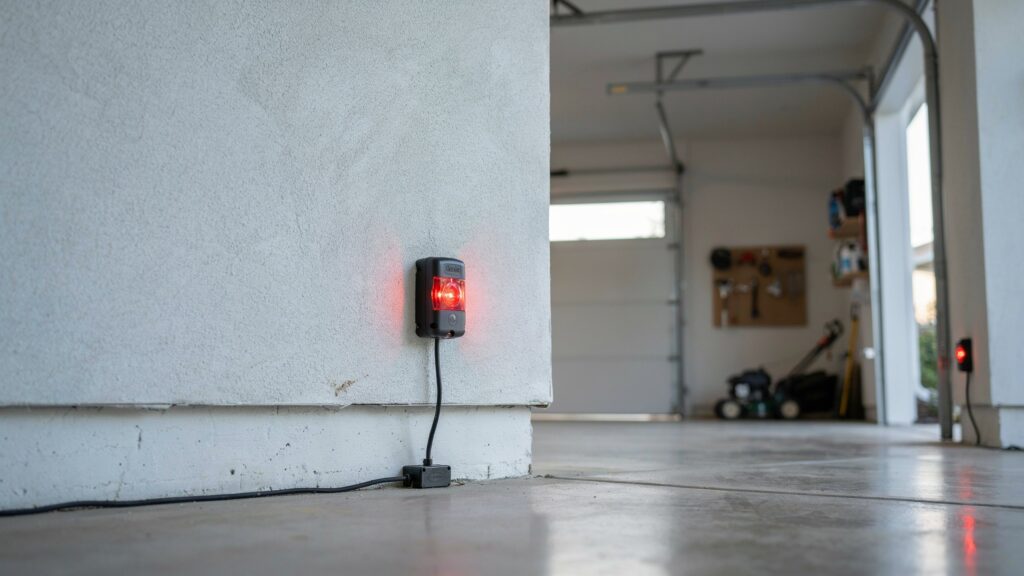
A Genie garage door sensor blinking red 2 times means the sensor has detected a specific fault — usually misalignment, a dirty lens, or a wiring issue — and stopped the door from closing as a safety measure.
This blink pattern is one of the most common issues Genie garage door owners run into, and it’s rarely serious. Once you know what the two-blink code points to, most fixes take only a few minutes with no tools or technician required.
Below, we’ll walk through exactly what causes this specific blink count and the fastest way to get your door closing normally again.
Table of Contents
Why Your Genie Sensor Is Blinking Red — And Why You Shouldn’t Ignore It
When your Genie garage door sensor blinks red twice, the door won’t move — and that’s not a malfunction, it’s the system doing exactly what it’s designed to do.
Genie garage door openers use a safety sensor system that communicates through blink codes. Two red blinks means the sensor has detected a fault and is deliberately stopping the door from closing until it’s resolved.
This matters because these sensors exist to prevent a heavy door from closing on a person, child, or pet. When they malfunction, you’re left with either a door that won’t close at all, or a safety system that isn’t functioning the way it should.
For most homeowners, the garage is the main entry point to the home, so a sensor issue affects your daily routine and your home’s security at the same time. If you’ve also dealt with sensors that won’t light up at all rather than blinking, the causes often overlap — see our guide on garage door sensors not lighting up for that specific case.
The good news: a Genie sensor blinking red 2 times is one of the more fixable problems you’ll run into. In most cases, no technician is needed — just an understanding of what the signal means, which is what the rest of this guide covers.
What Does 2 Red Blinks Actually Mean on a Genie Garage Door Sensor?
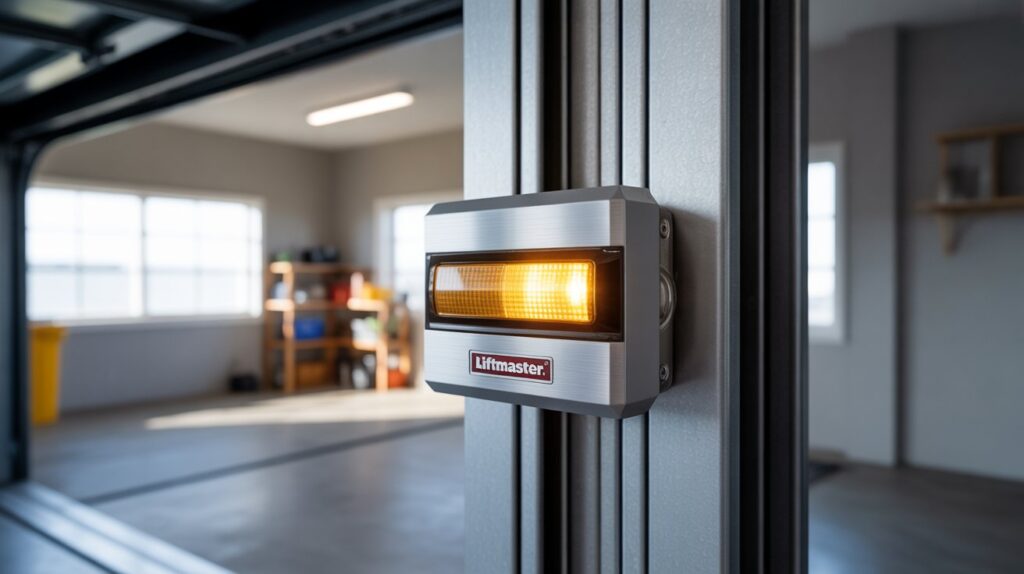
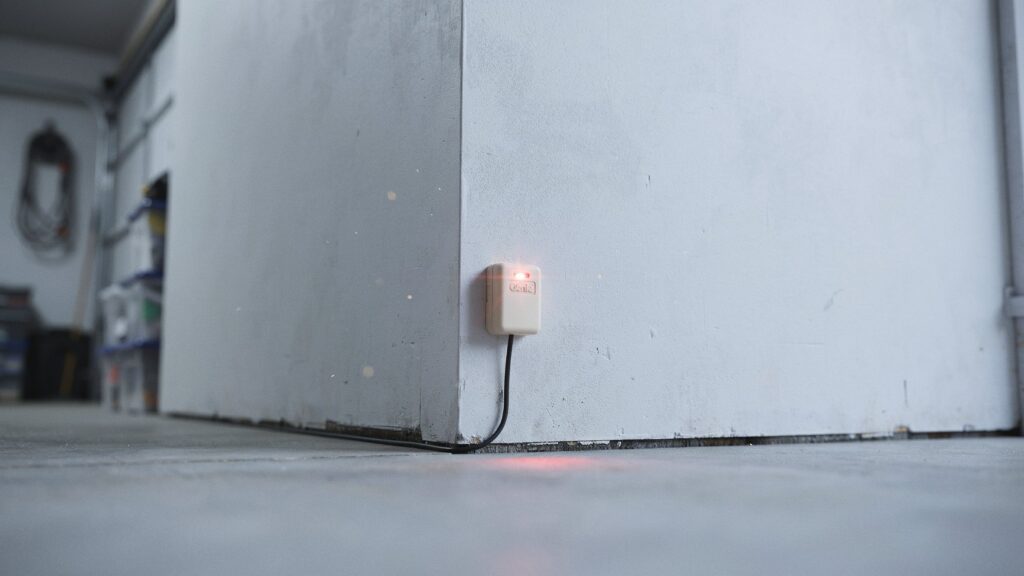
Genie garage door openers communicate problems through blink patterns, and 2 red blinks has one specific meaning: the safety sensors aren’t communicating properly with the opener.
The sensors work as a pair — one sends an invisible infrared beam across the garage floor, and the other receives it. As long as that beam stays connected, the door operates normally. The moment it breaks, the opener detects it and blinks twice to flag the issue.
There are three common causes:
- Misalignment — the two sensors have shifted and are no longer pointing directly at each other. This is the most common cause, usually triggered by something bumping the sensor bracket.
- Obstruction — something is physically blocking the beam path. A box, a bike, or dirt buildup on the lens can all interrupt the signal. If dust and buildup are the issue, our guide on cleaning garage door sensors covers the exact steps.
- Wiring issue — a loose, damaged, or disconnected wire between the sensor and opener cuts off communication entirely.
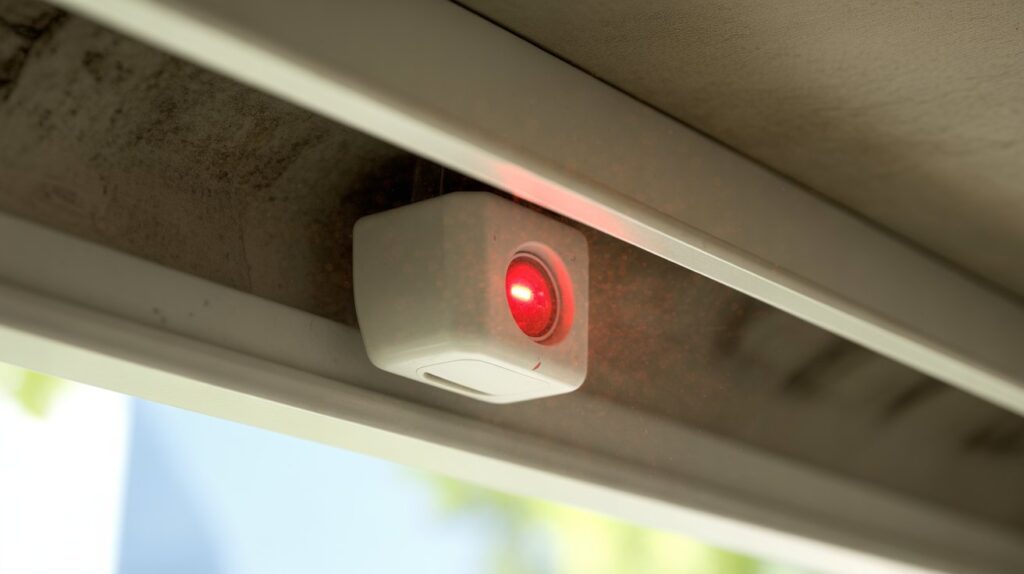
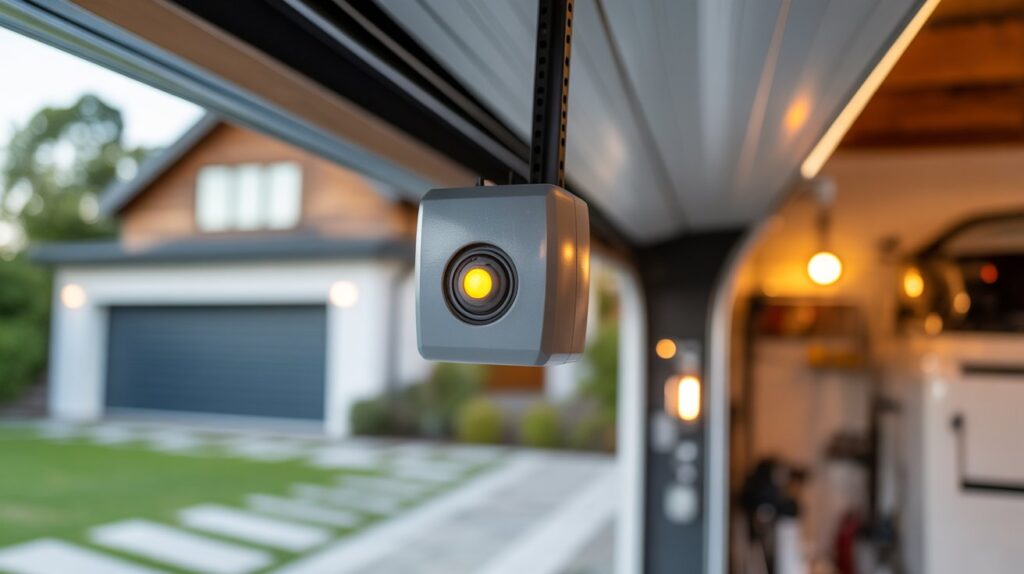
To confirm it’s sensor-related: check the indicator lights on both units. On a properly working Genie system, one sensor glows green (receiver) and the other amber (sender). If either light is off, flickering, or red, that confirms the 2-blink error is coming from the sensors.
Knowing which of these three it is saves time and gets the door working again faster.
Step-by-Step Fix for Genie Garage Door Sensor Blinking Red 2 Times
Most of the time, you can fix this yourself in under 10 minutes. No special tools, no technician needed. Just work through these steps in order.
Step 1: Clear the Path First
Walk the full length of your garage door opening and remove anything near the sensors — boxes, trash cans, bikes, or even a garden hose. Sometimes the fix is that simple.
Step 2: Clean the Sensor Lenses
Dust, spider webs, and grime build up on sensor lenses over time and block the infrared beam. Take a clean dry cloth and gently rub each sensor lens until the surface is clear. Don’t use harsh chemicals — a slightly damp cloth works fine.
Step 3: Realign the Sensors
This is the most common fix. Loosen the wing nut or bracket screw holding each sensor, then carefully adjust both sensors so they point directly at each other. You’ll know they’re aligned when the indicator lights go solid — green on the receiver, amber on the sender. Tighten the brackets once they’re locked in.
Step 4: Check the Wiring
Trace the wires from each sensor up to the opener unit. Look for anything loose, frayed, or disconnected. Press each wire firmly into its terminal. If a wire looks damaged, that section needs to be replaced.
Step 5: Test the Door
Press the wall button or remote. If the door moves smoothly and the blinking stops, you’re done. If the Genie garage door sensor is still blinking red 2 times after all these steps, the issue runs deeper.
When the Problem Keeps Coming Back
If you’ve cleaned the lenses, realigned the sensors, and checked the wiring — but your Genie garage door sensor keeps blinking red 2 times after a few days — something deeper is going on.
Here are the three most common repeat offenders:
Direct Sunlight Interference
This one catches a lot of homeowners off guard. In the late afternoon, direct sunlight can flood into the garage and overwhelm the receiver sensor, making it lose the infrared signal. The fix is simple — add a small visor or shade shield over the receiving sensor to block the sun without blocking the beam.
Failing Sensor Unit
Sensors don’t last forever. If a sensor is internally damaged or simply worn out, it will keep losing alignment or dropping signal no matter what you do. At that point, the sensor itself needs to be replaced. Genie sensors are affordable and widely available — replacing them is a straightforward job for most homeowners.
Damaged or Deteriorating Wiring
Wires that run along garage walls take a beating over the years — from temperature changes, pests, and general wear. A wire that looks fine on the outside can have internal breaks that cause intermittent signal loss. If the problem keeps returning and no other cause explains it, the wiring between the sensor and the opener unit needs to be replaced.
A recurring 2-blink error isn’t just an annoyance — it’s a sign that your garage door’s safety system is unreliable. Don’t keep resetting it. Fix the root cause.
Stop Sensor Problems Before They Interrupt Your Day
Most garage door sensor problems don’t happen suddenly — they build up slowly over time. A little routine attention keeps your Genie system running without interruptions.
Clean the Lenses Every Few Months
Dust, pollen, and cobwebs build up on sensor lenses faster than most people expect. A quick wipe with a dry cloth every couple of months keeps the infrared beam strong. It takes 30 seconds and saves a frustrating troubleshooting session later.
Check Alignment Seasonally
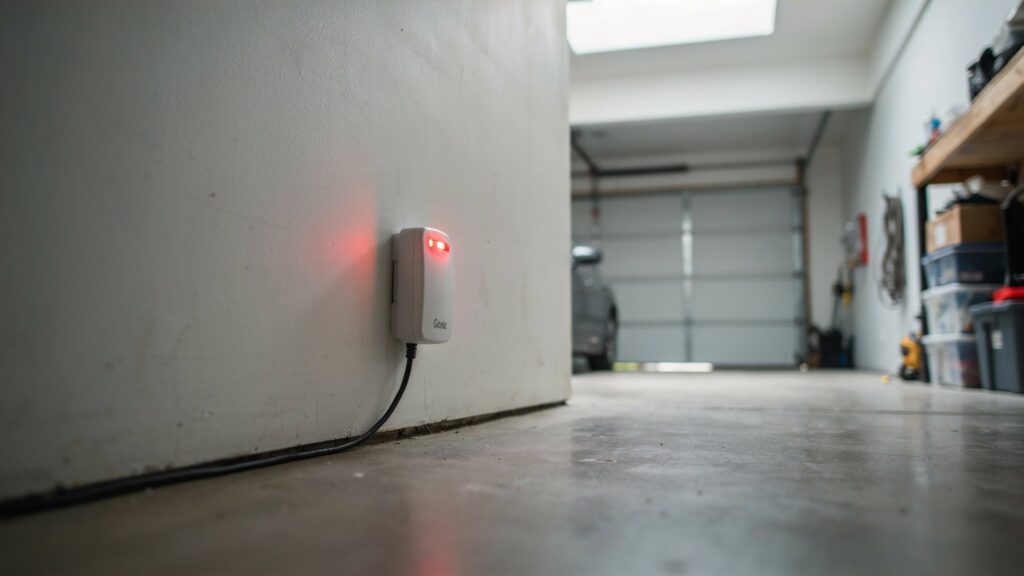
Temperature shifts and everyday garage activity — kids bumping into things, cars brushing past — gradually knock sensors out of position. Check that both sensor lights are solid and steady at least once each season. Catching a slight misalignment early prevents the 2-blink error from showing up at the worst time.
Keep the Sensor Area Clear
The floor space around your sensors should stay open. Avoid storing items near the base of the garage door tracks. Even something leaning against the wall too close to a sensor can interrupt the beam without you realizing it.
Protect Sensors from Direct Sun
If your garage faces west or south, afternoon sun can hit the receiver sensor directly and cause signal errors. A small bracket-mounted shade over the sensor solves this permanently.
Test the System Monthly
The Consumer Product Safety Commission recommends testing your garage door’s reversing safety feature monthly to confirm it’s working properly — a simple habit that catches sensor failures before they become a bigger safety issue.
Preventing a Genie garage door sensor from blinking red 2 times is far easier than diagnosing it after the fact. Small habits, consistent results.
Conclusion
A Genie garage door sensor blinking red 2 times almost always comes down to one of three fixable causes: misalignment, obstruction, or a wiring issue. Cleaning the lenses, realigning the sensors, and checking the wiring typically resolves it in under 10 minutes.
If cleaning alone doesn’t clear the beam, check the sensor brackets next — our guide on garage door sensor brackets covers how loose or bent brackets cause the same misalignment symptoms.
These sensors only protect your home when they’re working correctly, so a quick check today is worth more than a repair call tomorrow.
Why is my garage door opener blinking red twice?
It means something is interrupting the signal between your sensors — a misaligned bracket, a blocked beam, or a wiring issue are the usual suspects.
How to reset blinking red light on Genie garage door opener?
Realign both sensors until their indicator lights go solid, clear any obstructions, then unplug the opener for 30 seconds and plug it back in.
How do you reset the sensor on a Genie garage door opener?
Loosen the sensor brackets, adjust both sensors until they face each other directly, confirm solid indicator lights, then tighten the brackets and test the door.
How to reset blinking garage door sensor?
Clear the path, wipe the lenses, realign the sensors, and check all wiring connections. Most resets happen automatically once the beam is restored.
Author Bio Box:
M. Bilal is the founder of CrimTechHub and holds a Bachelor’s degree in Criminology. He writes hands-on guides for home safety systems, including garage door sensors and entry-point security, focusing on fixes homeowners can actually carry out themselves before calling a technician.