Introduction
A dead router or a Wi-Fi outage shouldn’t leave your front door useless. Most smart locks are built to keep working even when the internet drops, relying on short-range wireless protocols instead of your home network. Here’s exactly how that happens, what you lose without a connection, and how to pick a lock that won’t leave you stuck outside.
Table of Contents
Smart Locks Don’t Actually Need Wi-Fi to Function
Wi-Fi is simply one of several channels a smart lock can use to receive its unlock signal — it isn’t what makes the lock function in the first place. Strip away the connectivity layer and every smart lock is the same basic hardware: an electronic deadbolt driven by a small motor, a microcontroller that verifies each request, and a battery pack that keeps the whole system running. Wi-Fi gets the most attention because it’s what enables control from across the country, but the bolt itself never actually needs an internet connection to turn.
Most smart locks fall back on one or more of these local, low-power connection types:
Bluetooth
Bluetooth is the most common non-Wi-Fi method. Your smartphone talks directly to the lock over a short-range radio signal, typically within 30 to 40 feet, with no router or internet connection involved. As you approach the door, the app detects the lock and either unlocks it automatically or lets you tap to unlock. The tradeoff is range — you can’t lock or unlock the door remotely from work or while traveling, since Bluetooth requires physical proximity.
Z-Wave and Zigbee
These run on mesh-network protocols built specifically for whole-home automation rather than general internet traffic. Instead of connecting to your Wi-Fi router at all, a Z-Wave or Zigbee lock communicates with a dedicated smart home hub — something like a SmartThings or Hubitat controller — which then passes the command along. Because the lock never touches your Wi-Fi network directly, it shrinks the number of ways it could be remotely attacked, and it typically stretches battery life well beyond what a comparable Wi-Fi lock can manage.
Keypad and PIN Codes
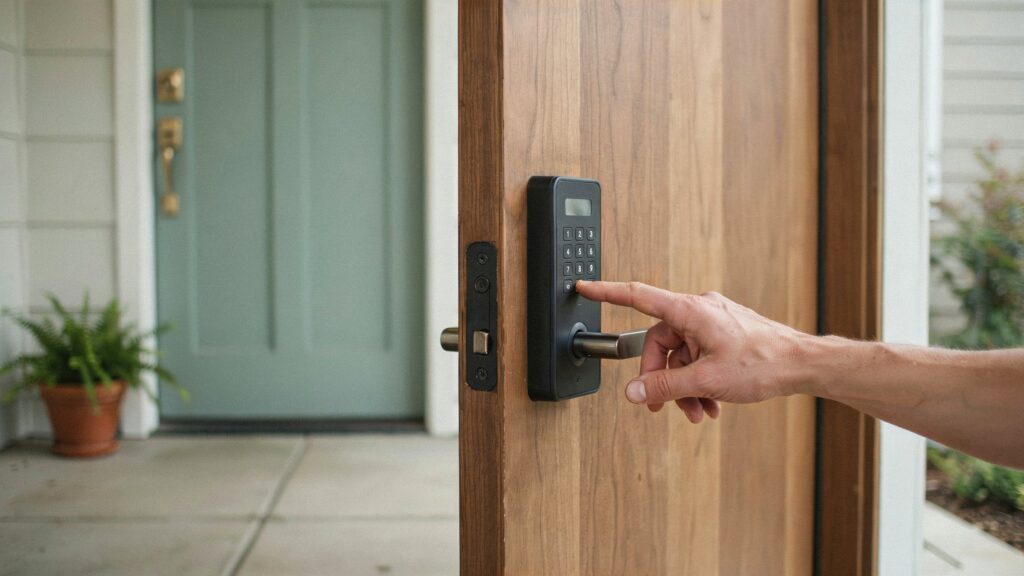
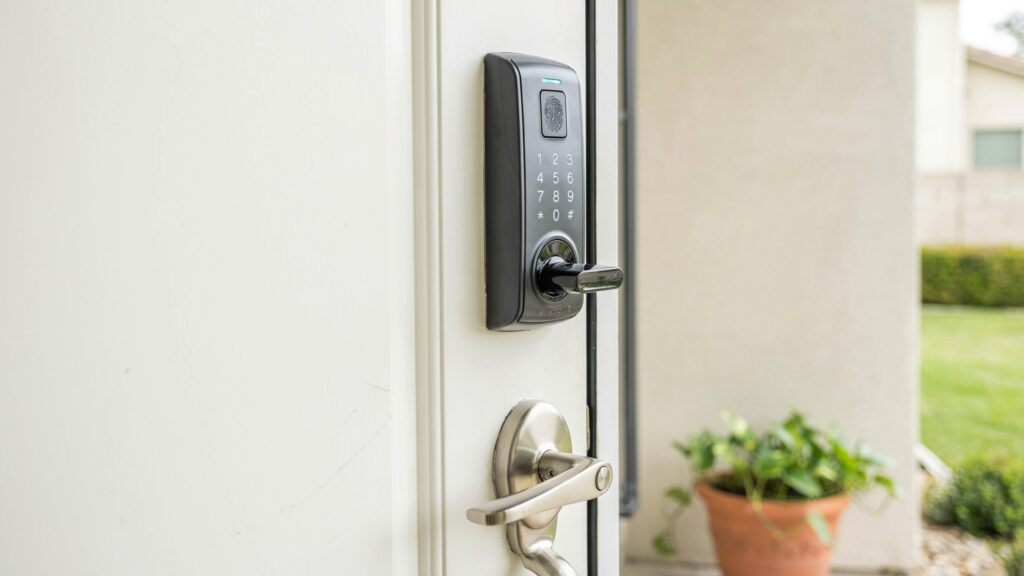
A built-in keypad is the simplest offline access method. You assign PIN codes directly through the lock’s internal settings, no app or network required. This is standard on most mid-range and premium smart locks and works exactly the same whether your internet is up or down.
RFID Cards and Key Fobs
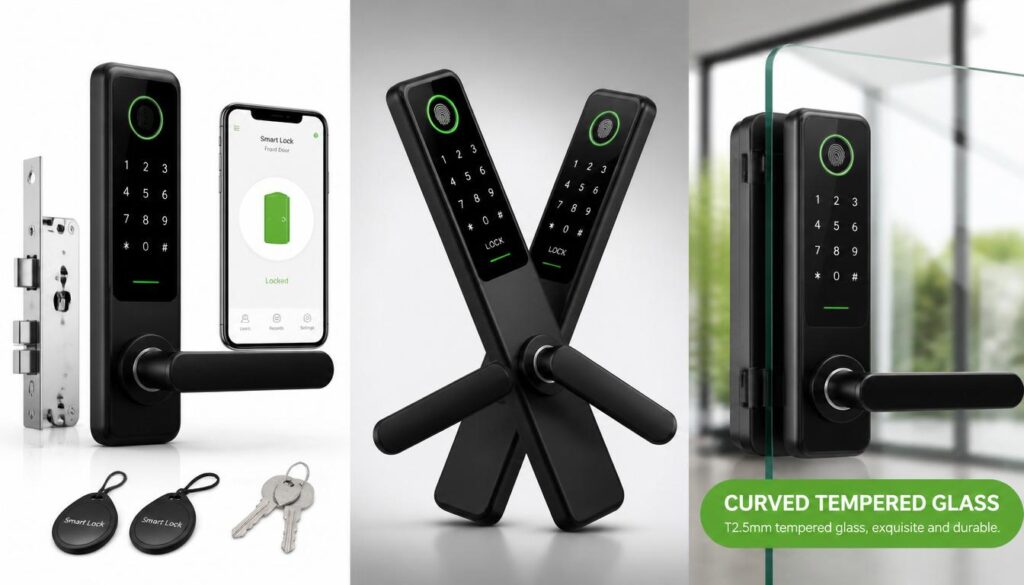
Some locks accept RFID cards or fobs, similar to a hotel key card. The lock reads a short-range radio signal from the card and matches it against stored credentials locally. This method never depends on connectivity of any kind.
Fingerprint and Biometric Access
Higher-end smart locks store fingerprint data directly on the lock’s internal chip. Recognition happens on-device in under a second, with no cloud lookup involved, which means it works identically with or without internet.
Mechanical Key Backup
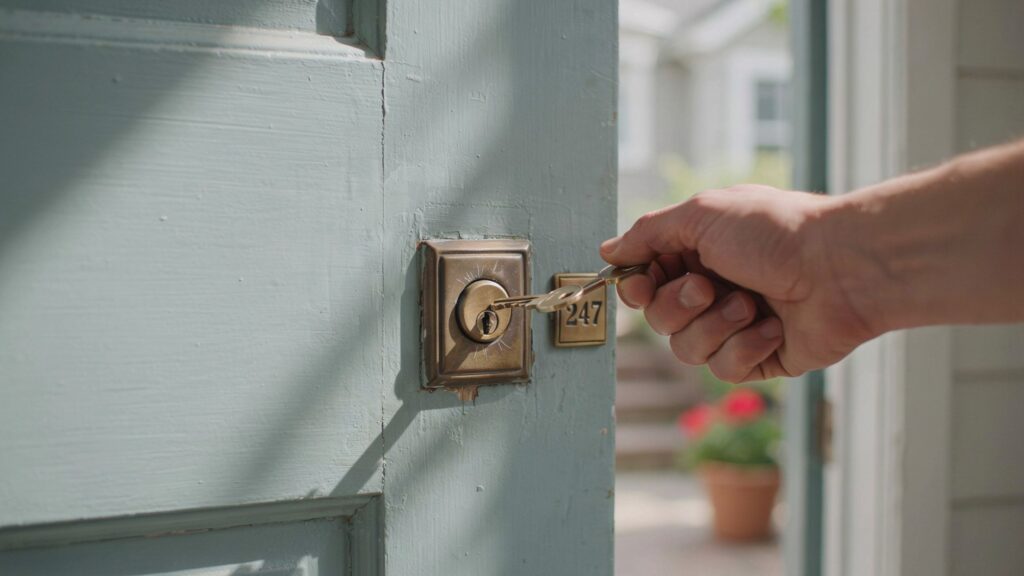
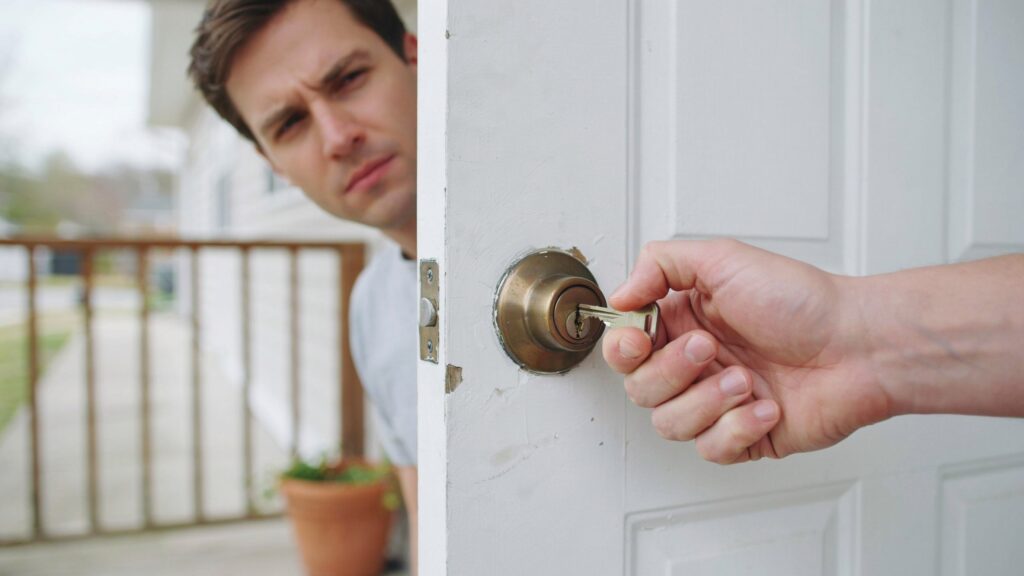
Nearly every residential smart lock, including fully keyless-looking models, includes a physical key override hidden behind the faceplate. It’s the manufacturer’s built-in guarantee that a dead battery or connectivity failure never permanently locks you out.
What You Actually Lose Without Wi-Fi
A non-Wi-Fi smart lock isn’t a downgrade, but it does trade away a specific set of conveniences:
- Remote locking and unlocking. Without Wi-Fi, letting a guest in from your office or confirming the door is secure while you’re on vacation isn’t possible, unless the lock connects through a separate hub or bridge accessory. This is the same remote-access convenience covered in most modern home security alarm systems, which typically require an internet connection for the same reason.
- Real-time push notifications. You won’t get an instant alert on your phone the moment someone locks, unlocks, or tampers with the door.
- Voice assistant control. Commands through Alexa or Google Home generally require an internet-connected bridge, since the voice request has to route through the cloud.
- Remote firmware updates. Security patches that normally install automatically over Wi-Fi may need to be applied manually through Bluetooth instead.
- Activity logs synced to the cloud. Local access history is often still recorded on the lock itself, but it won’t back up anywhere unless you connect via the app when in Bluetooth range.
Everything related to physically locking and unlocking the door, however, keeps working exactly as designed.
Does a Power Outage Affect a Smart Lock Without Wi-Fi?
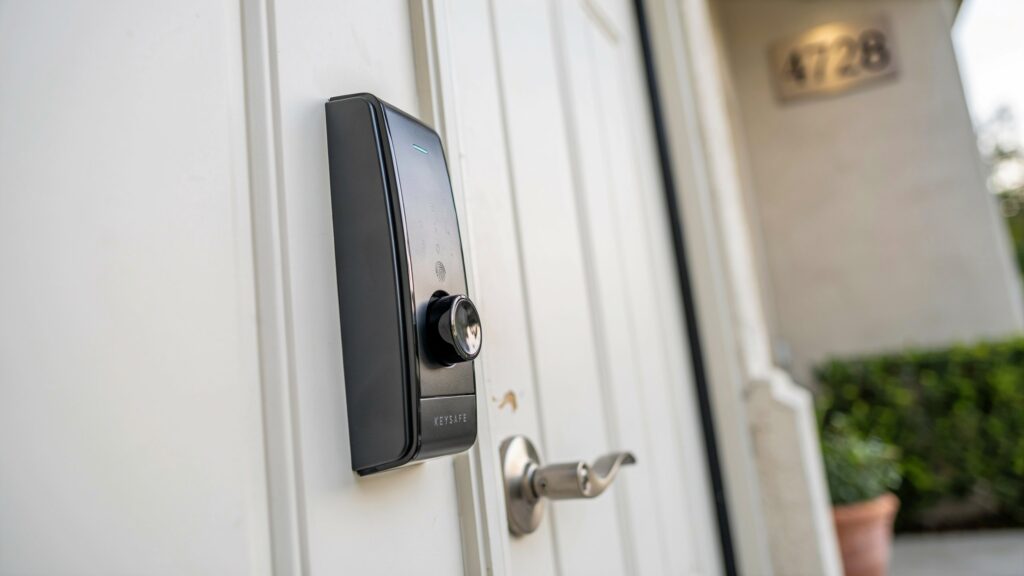
This is a separate question from internet connectivity, and it matters more in practice. Smart locks run on batteries, not household electricity, so a power outage on its own doesn’t disable them. PIN codes, fingerprints, key fobs, and the mechanical key override all continue to function normally during a blackout. What actually stops working is anything routed through your home router, since the router itself loses power. If your lock depends on a Wi-Fi bridge for remote access, that bridge — not the lock — is what goes offline first.
Battery Life: The Underrated Advantage of Going Wi-Fi-Free
Ho gaya. Yeh raha updated sentence:
A constant Wi-Fi connection simply drains more power than short-range, low-power radios like Bluetooth, Z-Wave, or Zigbee were built to use. A lock staying continuously linked to Wi-Fi usually needs fresh batteries every three to six months under normal daily use. Switch to a lock built around Bluetooth or a low-power mesh protocol, and that window commonly stretches to nine months or longer, since the radio only wakes up when a paired phone comes into range or someone enters a code. Anyone who’s ever been stuck outside because a smart lock battery died at exactly the wrong moment knows how much that gap in maintenance actually matters.
The Security Tradeoff Most Buyers Overlook
From a security standpoint, a non-Wi-Fi lock has one meaningful advantage: it isn’t sitting on your home network as a potential entry point for a network-based attack. Every device connected to Wi-Fi is a device that could theoretically be targeted if your router or network is compromised. A Bluetooth-only or keypad-only lock simply isn’t reachable that way — someone would need to be standing at your door within radio range to attempt an exploit, which rules out nearly every remote hacking scenario that worries homeowners with connected devices.
The tradeoff is monitoring. A lock with no connectivity at all can’t alert you the instant someone tampers with it, which matters if you’re relying on the lock itself as an early-warning system rather than just an access point. In practice, most homeowners get the better balance from a Bluetooth or Z-Wave lock paired with a separate door sensor or camera covering the same entry point, rather than expecting the lock to do both jobs at once.
Which Type Should You Choose?
- Just want reliable keyless entry with no subscriptions or ongoing setup? A Bluetooth or keypad-only lock is enough.
- Already running a smart home hub with other Z-Wave or Zigbee devices? Choose a lock that matches your existing hub’s protocol for the smoothest integration.
- Need to unlock the door remotely for guests, deliveries, or pet sitters while you’re away? You’ll want Wi-Fi connectivity or a bridge accessory, even if the lock itself normally runs on Bluetooth.
- Prioritizing long battery life and minimal network exposure over remote convenience? A non-Wi-Fi lock with a keypad and physical key backup covers nearly every real-world scenario without the tradeoffs above.
Common Myths About Non-Wi-Fi Smart Locks
A few misconceptions keep buyers from considering these locks, and most don’t hold up:
- “No Wi-Fi means no app control at all.” Bluetooth-only locks still work fully through a smartphone app — you just need to be within range of the door, rather than connected from anywhere in the world.
- “They’re outdated technology.” Bluetooth, Z-Wave, and Zigbee are current, actively maintained protocols found in the newest lock releases from major brands, not legacy holdovers.
- “You can’t share access with family or guests.” Local PIN codes and Bluetooth pairing both support multiple users. You simply manage that list on the lock or through short-range app access instead of a cloud dashboard.
- “They’re less reliable in bad weather.” Connectivity type has no bearing on weatherproofing. A lock’s IP rating and build quality, not its wireless protocol, determine how well it holds up outdoors.
Frequently Asked Questions
Do all smart locks have a physical key backup?
Almost all residential models do, hidden behind the keypad or faceplate, specifically to prevent a dead battery or failed electronics from locking you out permanently. Always confirm this before buying, since a small number of ultra-minimalist models skip it.
Can I add Wi-Fi to a Bluetooth-only lock later?
Yes, in most cases. Manufacturers commonly sell a separate Wi-Fi bridge or gateway accessory that plugs into a power outlet and relays commands between the lock and your home network, without replacing the lock itself.
Is a Wi-Fi smart lock actually less secure than one without Wi-Fi?
Not inherently, but it does add one more networked device to your home that could be affected if your router or Wi-Fi network is ever compromised. Keeping the lock’s firmware updated and using a strong, unique Wi-Fi password largely offsets this risk.
Will my smart lock still work if my internet provider has an outage?
Yes. PIN codes, fingerprints, RFID fobs, and the mechanical key all continue working normally, since they don’t rely on your internet service at all — only remote app access and voice assistant control are affected.
Conclusion
A working smart lock has never actually depended on Wi-Fi to keep your door protected. Bluetooth, Z-Wave, Zigbee, keypads, RFID, and biometric access all function independently of any internet connection, and the mechanical key override built into nearly every model guarantees you’re never truly locked out. The only real cost of skipping Wi-Fi is remote access and real-time alerts — the lock’s core job of securing the door stays fully intact either way. As with most decisions covered in our broader guide on why home security matters, the smarter approach isn’t picking Wi-Fi or no Wi-Fi by default, but matching the lock’s connectivity to how your household actually uses its front door.