Introduction
Have you ever stepped out of your house, locked the door, and still wondered — “Is everything really okay in there?” Almost every homeowner carries that same unspoken worry the moment they walk away. It’s exactly the problem the Kidde RemoteLync home security camera was designed to solve.
Long before “smart home” became a buzzword, Kidde had already built its name protecting families from fire and gas hazards. So when the company introduced RemoteLync, it wasn’t just launching another gadget — it was extending a promise of safety into a new part of everyday life: knowing what’s happening at home, even when you’re miles away.
In this article, we’ll walk through exactly what the Kidde RemoteLync camera offers, how it works, and whether it still holds up as a smart, practical choice for homeowners in 2026.
Table of Contents
What Is the Kidde RemoteLync Home Security Camera?
Most people know Kidde for one thing: the smoke alarm mounted on their hallway ceiling. That’s not an accident. Kidde has spent nearly a century building fire and safety equipment for American homes, long before “smart home” was even a phrase anyone used. So when the company moved into home monitoring with the RemoteLync camera, it wasn’t chasing a trend — it was extending a reputation it had already earned the hard way.
Few buyers realize just how much that track record actually matters. A camera brand with no history in life-safety products is selling you convenience. A brand like Kidde, whose entire business is built on protecting families from fires and carbon monoxide leaks, is selling you something closer to peace of mind rooted in accountability. Before RemoteLync, Kidde’s reputation was already built on a few key things:
- Decades of experience in smoke and carbon monoxide detection
- A focus on reliability over flashy features
- Products designed for average homeowners, not tech specialists
- A safety-first approach that carried directly into its camera line
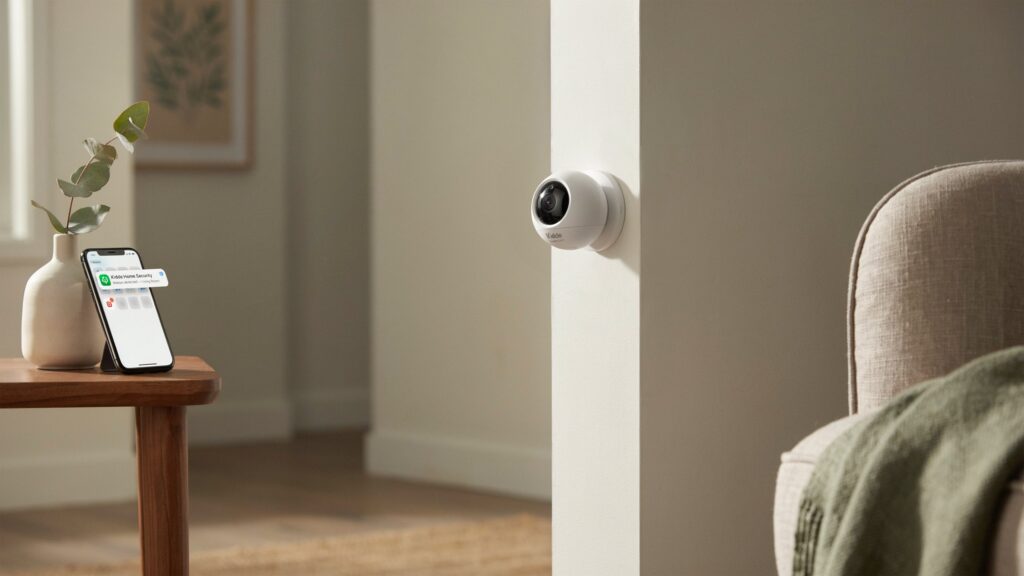
At its core, the Kidde RemoteLync home security camera is a battery-powered, Wi-Fi-connected motion camera built for everyday homeowners rather than tech enthusiasts. It doesn’t try to compete with high-end surveillance systems. Instead, it focuses on doing one job well: telling you when something is moving in your home while you’re not there. That focus is part of what gives it staying power, even years after its original release.
There’s a certain logic in how Kidde approached this product. The company already understood what homeowners fear most — the “what if something happens while I’m gone” feeling. RemoteLync took that same protective mindset and pointed it at a different threat — not fire or gas, but the unexpected movement inside your own walls.
How the Kidde RemoteLync Camera Works
The Kidde RemoteLync home security camera runs on a simple idea: stay quiet until something actually happens. Instead of streaming video constantly, it uses a passive infrared (PIR) sensor to detect body heat and movement. That means the camera stays in a low-power sleep state most of the day, only waking up when it senses real motion in front of its lens. For a battery-powered device, this design choice is what makes long-term use realistic instead of a constant charging chore.
Once motion triggers the sensor, the camera doesn’t just send a vague notification — it records a short video clip, usually somewhere between five and thirty seconds, capturing exactly what caused the alert. That clip gets pushed straight to your phone through the RemoteLync app, and you can also choose to receive alerts by email. For a homeowner checking their phone during a lunch break or a work meeting, this creates a quick, clear answer instead of anxious guessing about what might be happening back home.
Here’s what a typical alert cycle looks like in practice:
- Motion is detected through the PIR sensor
- A short video clip is automatically recorded
- An alert is sent instantly via app or email
- The user reviews the clip and decides on next steps, like marking it as a false alarm or contacting emergency services
One honest point worth mentioning here: the Kidde RemoteLync camera does not offer live streaming. You can’t open the app anytime and simply peek in on your home the way you would with many modern Wi-Fi cameras. This is a deliberate trade-off, not an oversight. By skipping constant video streaming, Kidde extended battery life significantly, since always-on streaming is one of the biggest power drains for any wireless cam
Key Features That Set It Apart
What makes the Kidde RemoteLync home security camera stand out isn’t a long list of flashy extras — it’s a handful of well-thought-out features that solve real, everyday problems for homeowners.
- Geo-arming — The camera can automatically arm itself when your phone leaves the house and disarm once you’re back, using your device’s location. No need to remember to switch it on or off every time you head out the door.
- Pet mode — For homes with cats or dogs, this feature reduces false alerts by adjusting motion sensitivity based on your pet’s size, so you’re not getting notified every time the dog walks past.
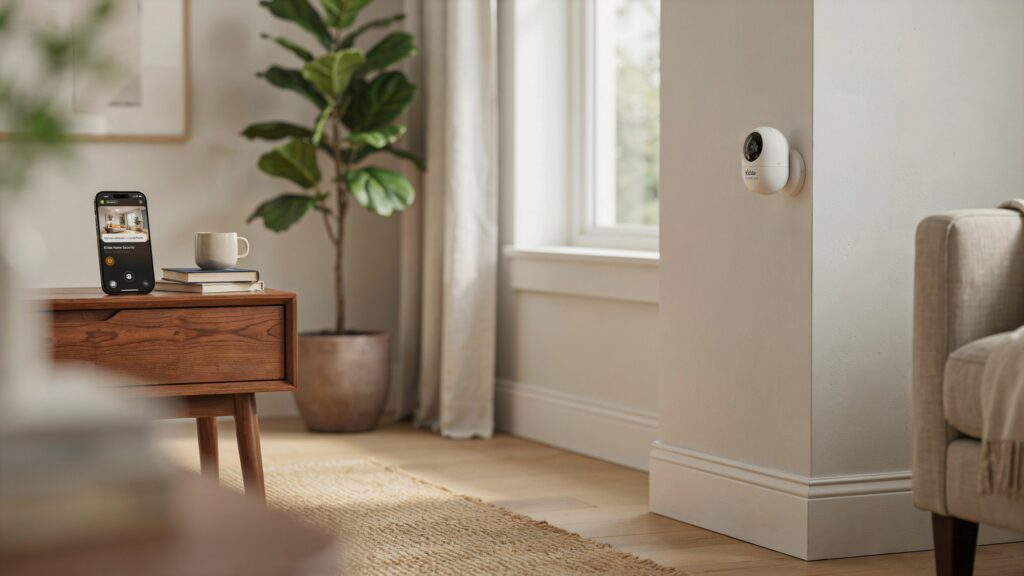
- Magnetic, wire-free installation — The camera mounts almost anywhere using a magnetic base and adhesive strips, with no drilling, no extra hubs, and no need to be near an outlet.
- Long battery life — A single charge lasts around three months under normal use, making it practical for spots where running a cord simply isn’t an option.
- Trusted contact sharing — Homeowners can invite family members or neighbors to receive alerts too, which is especially useful for people who travel often or want a second set of eyes watching over the property.
Together, these features reflect a simple design philosophy: give homeowners real control and flexibility, without turning home monitoring into a technical hassle.
Installation and Setup Process
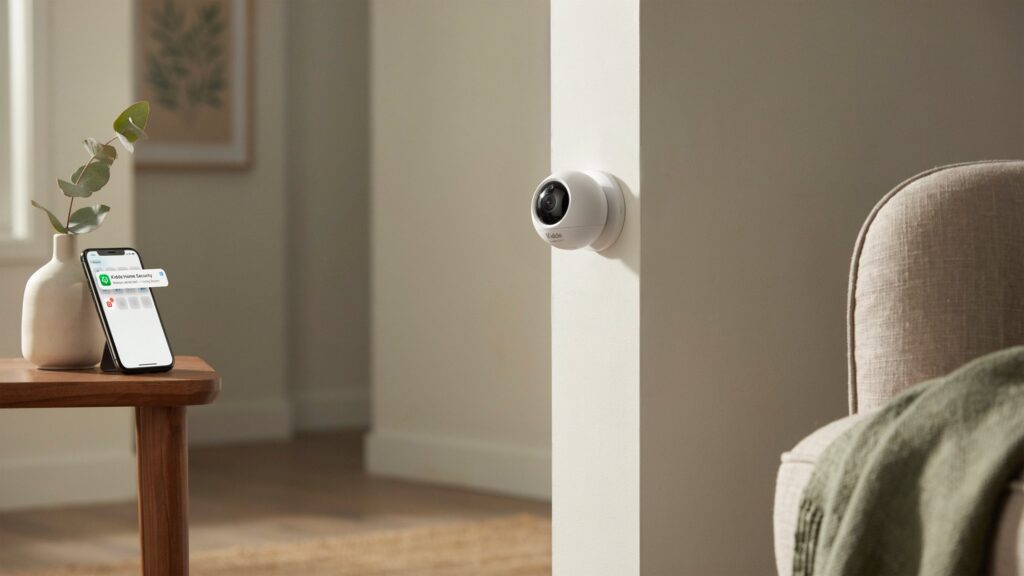
Setting up the Kidde RemoteLync home security camera feels less like installing tech and more like sticking a picture frame on the wall. There’s no drilling, no wiring behind walls, and no waiting for an electrician. The camera comes with a magnetic base that attaches using adhesive strips, so you just pick a spot, press it in place, and snap the camera onto the base. It genuinely takes a few minutes, not a weekend project.
Once it’s mounted, the next step is connecting it to your home’s Wi-Fi network. The app walks you through pairing the camera, which typically involves selecting your network, entering your password, and waiting for the camera to sync. There’s no separate hub required and no monthly router upgrades needed — it simply works with the Wi-Fi you already have running through your house.
A typical setup flow looks something like this:
- Choose a mounting spot with a clear view of the area you want monitored
- Attach the magnetic base using the included adhesive strips
- Download the RemoteLync app and create an account
- Connect the camera to your home Wi-Fi network
- Adjust camera angle and test motion detection before finalizing placement
After the camera is connected, the app becomes the control center for everything else. This is where you set up geo-arming, invite trusted contacts, turn on pet mode if needed, and decide how you want to receive alerts. For most homeowners, the entire process, from opening the box to receiving a first test alert, takes well under thirty minutes. That kind of simplicity matters, especially for anyone who wants better home security without spending an entire afternoon fighting with settings.
Where It Fits Best (and Where It Falls Short)
No security camera is perfect for every household, and the Kidde RemoteLync home security camera is no exception. Being upfront about where it works well — and where it doesn’t — is exactly what helps homeowners avoid buyer’s remorse.
Where the Kidde RemoteLync Camera Works Best
This camera fits naturally into households that want simple, motion-based awareness rather than a full surveillance setup. It’s a strong match for:
- Homeowners who want basic activity alerts without live viewing
- People who travel and want trusted contacts to help monitor the home
- Renters or apartment dwellers who need a no-drill, wire-free option
- Anyone who prioritizes long battery life over constant video streaming
In these cases, the camera delivers on its promise without forcing users to juggle complicated settings or pay for costly extras.
Where the Kidde RemoteLync Camera Falls Short
On the other hand, some limitations become clear once you compare RemoteLync to modern Wi-Fi security cameras. Being honest about these gaps matters, since real-life expectations should match what the device can actually deliver:
- No live view — You can’t open the app anytime and simply watch your home in real time, which can feel limiting for someone checking on kids, pets, or deliveries throughout the day.
- VGA-only resolution — At 640×480, video clarity falls well short of the 1080p or higher resolution that’s now standard on most home security cameras, making details like faces or license plates harder to make out.
- No two-way audio — There’s no built-in way to speak through the camera to a visitor or intruder, a feature many competing cameras now include as standard.
These trade-offs don’t necessarily make the camera a bad choice — they simply narrow down who it’s really built for. A family wanting to remotely check on a nanny or a package at the front door in real time may find these limitations frustrating. But a homeowner who just wants a quiet, reliable motion alert system without extra streaming, subscriptions, or clutter will likely find these gaps easy to live with.
Is the Kidde RemoteLync Still Worth Considering in 2026?
A lot has changed in home security since the Kidde RemoteLync camera first launched. Today’s market is filled with Wi-Fi cameras offering 1080p or even 4K video, live streaming, two-way talk, and AI-powered person detection, often bundled into subscription plans that promise to do everything at once. Against that backdrop, it’s fair to ask whether a simpler, older device like RemoteLync still has a place in an American homeowner’s setup.
The honest answer depends less on specs and more on what someone actually wants from a home security camera. If the goal is round-the-clock live viewing, facial recognition, or crisp video for identifying details from a distance, newer competitors clearly do more. But if the priority is straightforward motion alerts, no monthly fees, and a device that just works without constant app tinkering, the RemoteLync camera still holds its ground surprisingly well.
Reliability still counts for something, even when it isn’t the flashiest option on the shelf. Kidde didn’t build its reputation chasing every new feature trend — it built it by focusing on dependable, no-nonsense safety products. That same mindset carries into RemoteLync. It won’t dazzle anyone with 4K clarity, but it consistently does the one job it was designed for: alerting homeowners the moment something moves where it shouldn’t.
For budget-conscious households, secondary monitoring spots, or anyone who simply wants an extra layer of awareness without adding another subscription to their monthly bills, the Kidde RemoteLync home security camera remains a reasonable, practical option in 2026 — not as a flagship security solution, but as a dependable supporting player in a broader home safety plan.
Conclusion
Home security isn’t about specs or feature lists — it’s about peace of mind. The Kidde RemoteLync home security camera keeps that promise simple: reliable motion alerts, no subscriptions, and the trust of a brand built on decades of home safety.
That’s what makes it worth considering, even in 2026 — not perfection, but dependability when it matters most.
Now take a moment to think — how much of your own sense of security depends on knowing, rather than guessing?
FAQs
Does Kidde make hidden cameras?
A product doesn’t need to dazzle to be worth trusting — sometimes steady performance is enough.
How do I know if my Kidde smoke alarm has a camera in it?
Standard Kidde smoke alarms don’t include cameras; only the separate RemoteLync product line offers camera functionality.
Does Kidde make cameras?
Yes, Kidde produces the RemoteLync home security camera, a battery-powered, Wi-Fi-enabled motion camera.
What does Kidde detect?
Kidde is best known for detecting smoke and carbon monoxide, while its RemoteLync camera detects motion using a PIR sensor.
What is better, First Alert or Kidde?
Both brands are trusted names in home safety, though the right choice depends on whether you need smoke detection, CO monitoring, or camera-based security.
What beeps three times in a house?
Three beeps from a smoke alarm typically signal a fire or smoke detection alert, not a low-battery warning.
Why is my smoke detector chirping at 3am?
A smoke detector chirping at night usually means the backup battery is low and needs replacing.
What does 3 short beeps mean?
Three short beeps generally indicate an active smoke alarm, warning that smoke has been detected in the home.