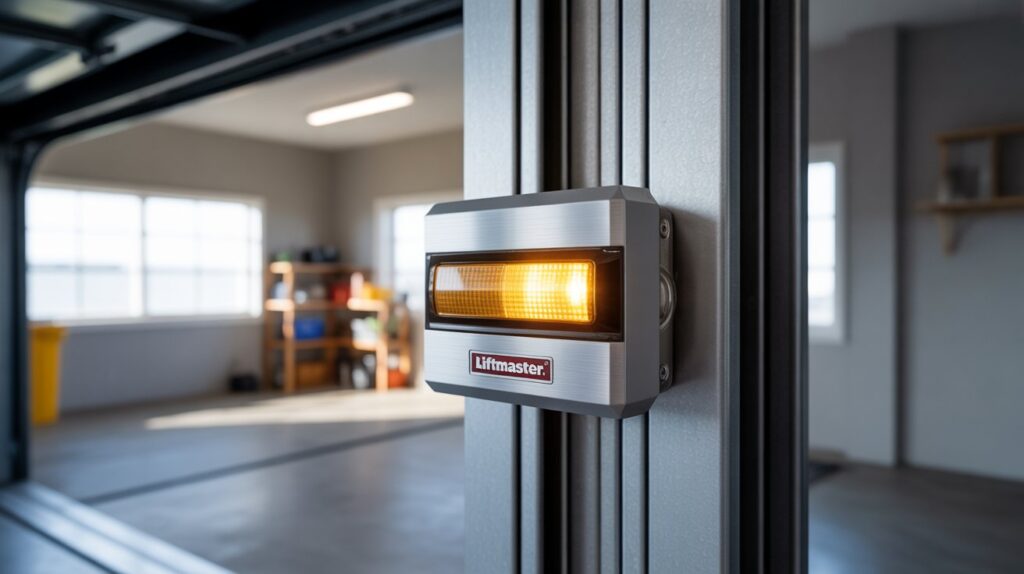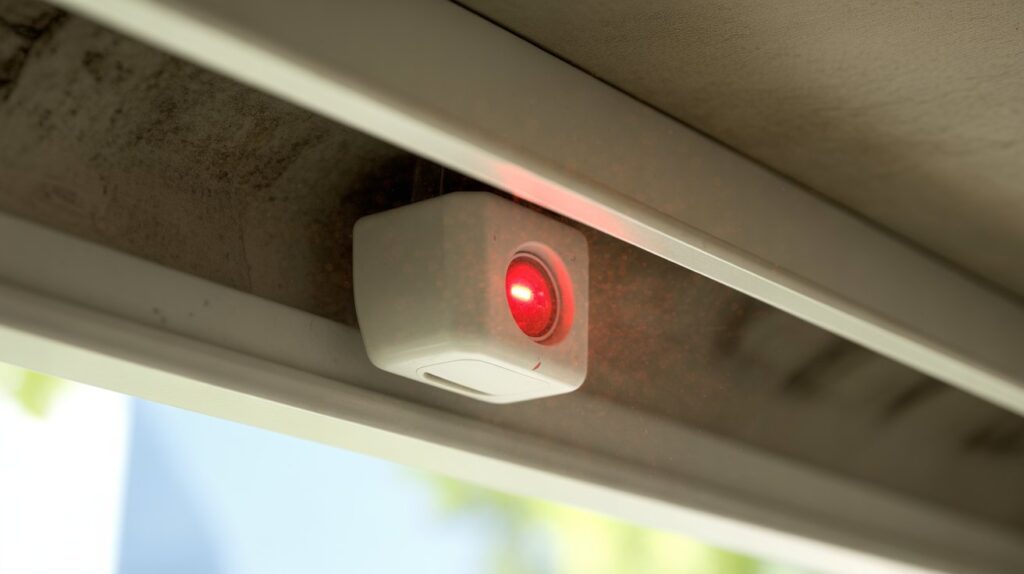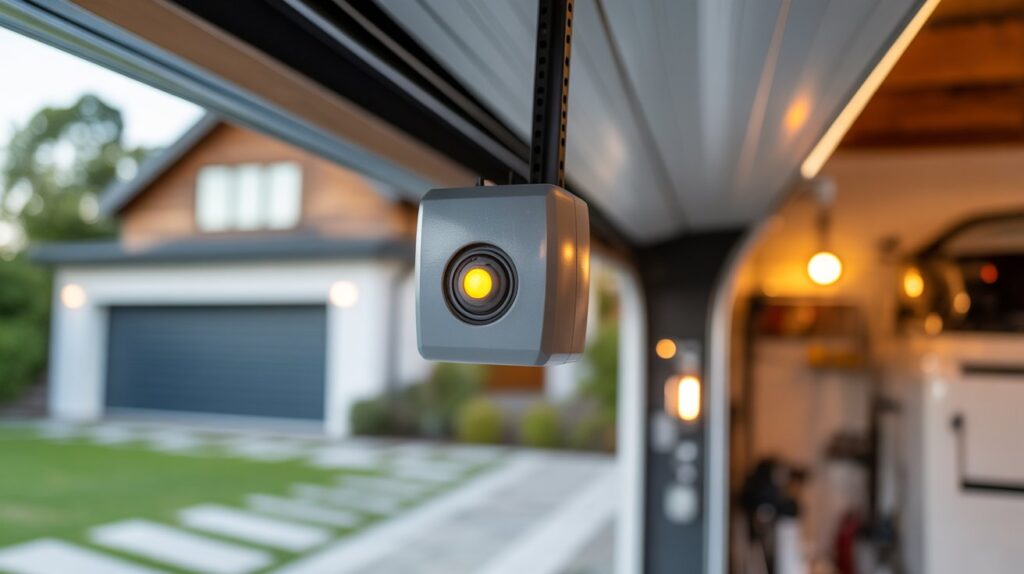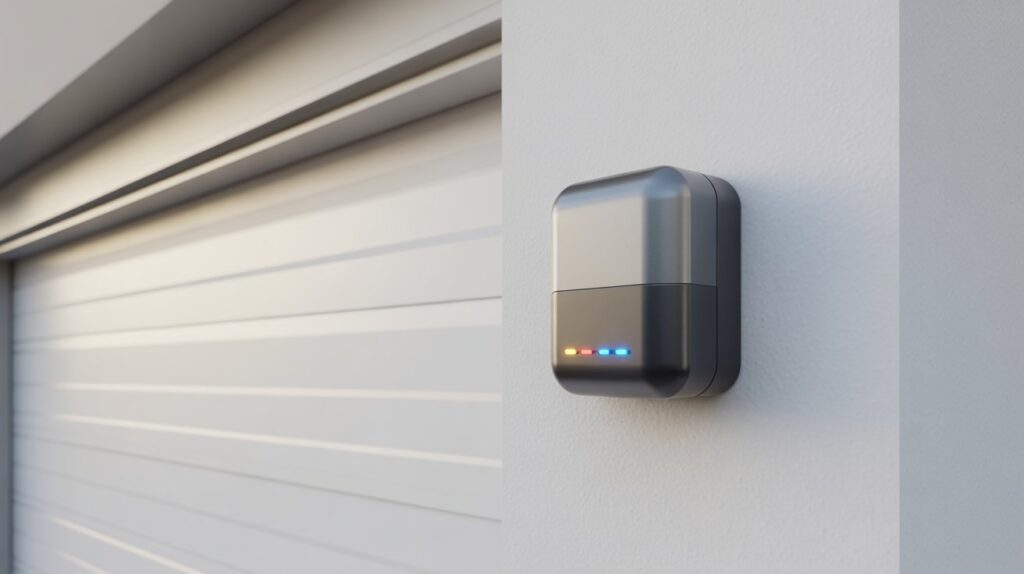
Introduction
Ever walked past a motion sensor light during the day and wondered why it didn’t turn on—even though you clearly triggered it? You’re not alone. Many U.S. homeowners face this same confusion and start asking: do motion sensor lights work during the day, or is something wrong with the system?
The truth is, most motion sensor lights include smart daylight detection that controls when they activate. This can feel frustrating at first, especially when you expect instant lighting for safety or convenience—but once you understand how it works, it makes perfect sense.
In this guide, we’ll break down exactly how motion sensor lights behave in daylight, why they sometimes stay off, and how to adjust them for better performance.
Table of Contents
Why Your Motion Sensor Light May Not Turn On in Daylight
Many homeowners notice movement in the yard, driveway, or porch and wonder why the light stays off. It can feel frustrating at first, especially when you expect instant lighting for safety or convenience. If you’re asking, do motion sensor lights work during the day, the answer often depends on how the light is designed.
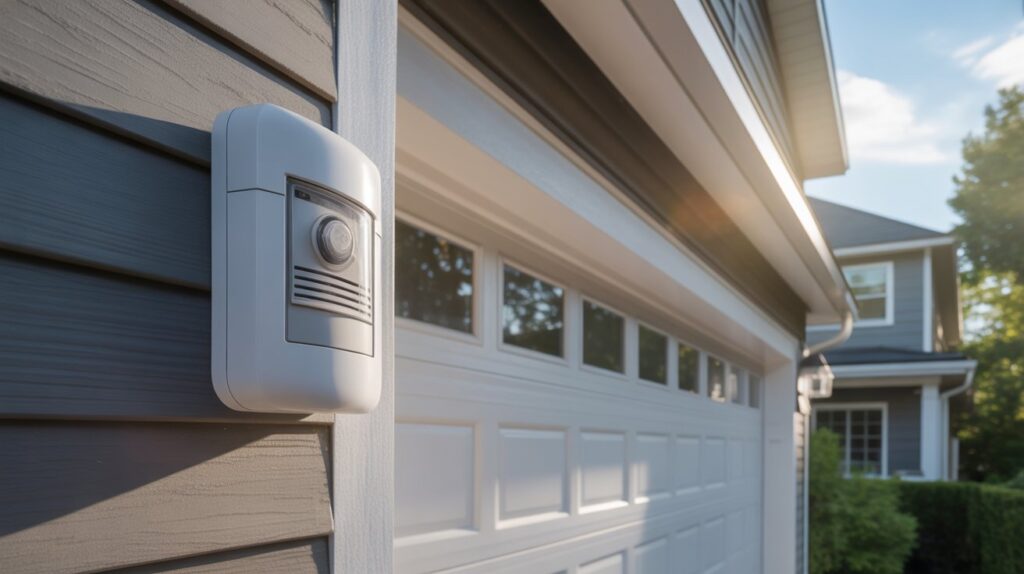
Most motion sensor lights include a built-in daylight sensor, sometimes called a photocell, that detects outdoor brightness levels. When the sun is out and there’s enough natural light, the fixture blocks the bulb from turning on—even if motion is detected. This is a normal energy-saving function used in many outdoor security lights across U.S. homes.
In simple terms, the motion sensor may still notice movement, but the daylight setting tells the light there’s no need to shine. This helps reduce electricity use, bulb wear, and unnecessary daytime activation—especially useful for front porches, garages, walkways, and backyards.
So if your motion sensor light doesn’t turn on in daylight, it usually doesn’t mean the unit is broken. In most cases, the sensor is working exactly as intended. Checking the switch mode, sensitivity setting, or product manual can quickly confirm how your specific light operates.
How Motion Sensor Lights Actually Work
Many people think a motion sensor light only reacts to movement, but most models use two systems at the same time. Understanding these two functions makes it much clearer why the light sometimes stays off in daylight.
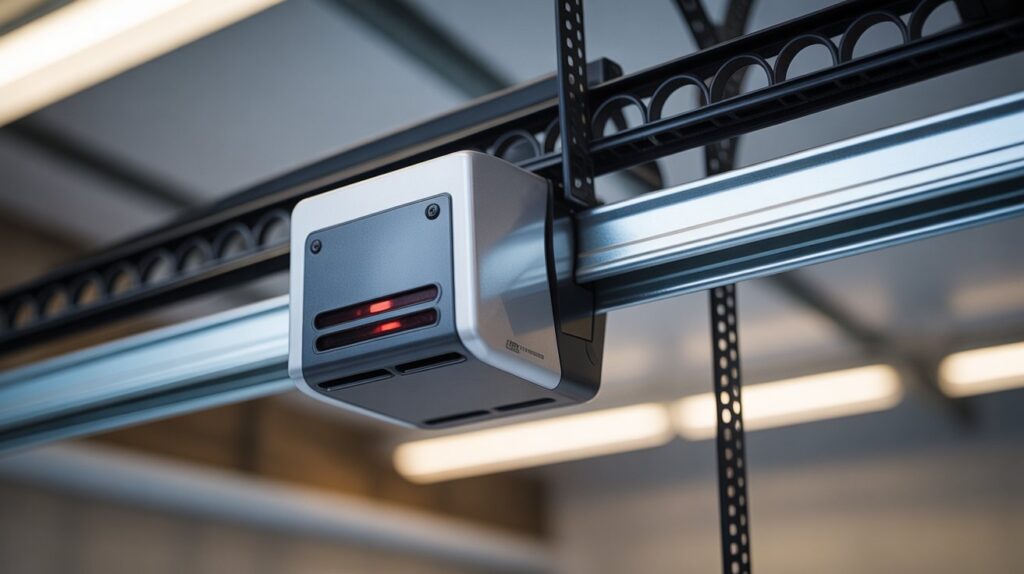
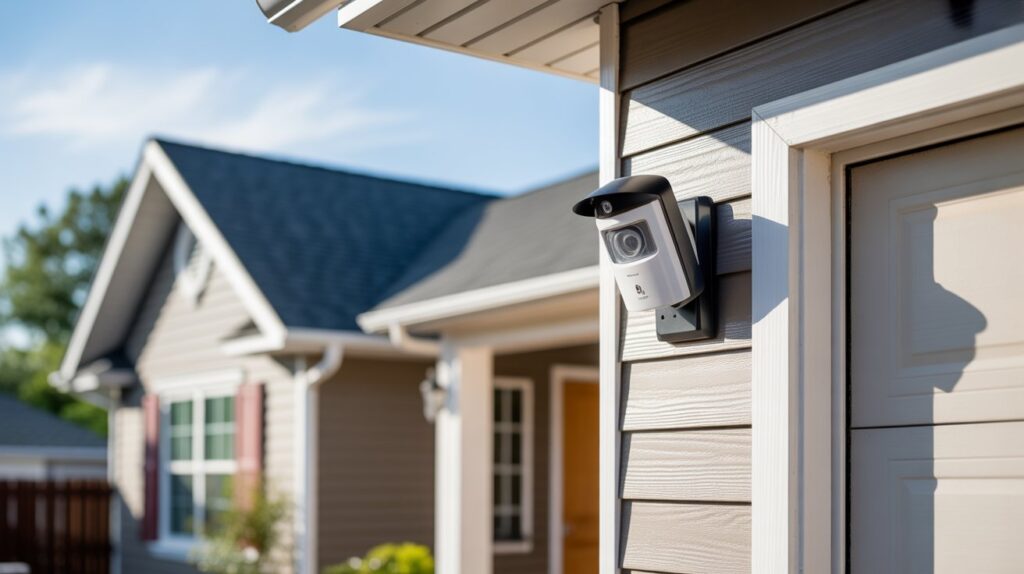
The first system is motion detection. This sensor looks for heat changes or movement in its coverage area. When a person, car, or animal passes by, the sensor triggers the light—which is why motion lights are popular for driveways, front doors, garages, and backyard security.
The second system is light detection. A built-in photocell checks how bright it is outside. If the area already has enough sunlight, many lights stay off to save power. When it gets dark, cloudy, or dim, the light becomes ready to turn on with motion.
Here’s how both systems work together:
- Motion sensor notices movement nearby
- Photocell sensor measures daylight levels
- Control settings decide when the bulb should activate
- Timer settings decide how long the light stays on before switching off automatically
Sensitivity settings also matter. If sensitivity is too low, the sensor may miss smaller movement. If set too high, it may react too often—adjusting this can improve performance around walkways or busy streets.
Some motion sensor lights work both day and night because they include manual override modes, test settings, or smart controls. These models let homeowners choose exactly when the light activates, offering more flexibility for security, repairs, or shaded areas during the day.
Do All Motion Sensor Lights Work During the Day?
The short answer is no. Every motion sensor light doesn’t function the same way, since each model is built with different settings and technology. The real answer depends on the type of light, its settings, and the technology built into it. Many homeowners assume all motion lights behave alike, but small differences can change everything.
Basic Motion Sensor Models
Standard motion sensor lights are often designed for nighttime use. These models usually include a daylight sensor that prevents the bulb from turning on when the sun is out. They still detect motion, but the light stays off until the area becomes darker.
This type is common for:
- Front porches
- Garages
- Side doors
- Backyard floodlights
Security and Smart Motion Lights
Advanced security lights and smart home models offer more control. Some allow daytime activation through mobile apps, manual override switches, or custom schedules—helpful if you want extra visibility during storms, cloudy weather, or shaded driveways.
Many U.S. homeowners choose smart motion lights because they can adjust settings without touching the fixture.
How to Check Your Specific Product Settings
The easiest way to know how your light works is to check the product manual or settings menu. Look for terms like:
- Dusk to dawn
- Test mode
- Day mode
- Sensitivity control
- Timer settings
If your light has one of these options, it can likely work during the day. If not, it may only activate at night. Knowing your exact model saves time and avoids the frustration of assuming the sensor is faulty when it’s simply following its programmed design.
How to Make a Motion Sensor Light Work During the Day
If your light stays off in sunlight, there may be a simple fix. Many homeowners ask, do motion sensor lights work during the day, and the answer is often yes—if the settings allow it. Some models are designed to block daytime use by default, but you can often change that in minutes.
Adjust the Dusk-to-Dawn Setting
Many outdoor lights have a dusk-to-dawn sensor that only allows motion activation when it gets dark. If this setting is active, the light may ignore daytime movement.
Check for:
- A switch labeled Auto, Night, or Dusk to Dawn
- A dial that controls brightness levels
- A setting that lets you lower daylight sensitivity
Changing this can allow the light to respond earlier in the day or even in brighter conditions.
Use Test Mode or Manual Override
Some motion sensor lights include a test mode. This mode is meant to help homeowners check motion range and settings, but it can also activate the light during daylight.
Look for these options:
- Turn the wall switch off and on quickly
- Set the mode to Test
- Use Override to keep the light on temporarily
This is useful when cleaning the yard, unloading a car, or working near the garage during the day.
Use Smart App Controls on Newer Models
Modern smart motion lights give you more control through an app. Instead of adjusting tiny switches, you can change settings from your phone. According to ENERGY STAR, smart lighting can be scheduled or controlled remotely, making it easier to manage outdoor lights without physically touching the fixture (ENERGY STAR).
Common app features include:
- Daytime motion activation
- Custom schedules
- Brightness control
- Motion sensitivity levels
- Instant alerts when movement is detected
For many U.S. homeowners, smart controls are the easiest way to make a motion sensor light work exactly when needed.
Best Times to Use Motion Sensor Lights in Daylight
Many people assume motion lights are only useful after sunset, but that is not always true. If you are asking, do motion sensor lights work during the day, the better question may be when daytime use actually helps. In the right spots, these lights can improve safety, visibility, and convenience even with the sun out.
Dark Covered Areas Around the Home
Some outdoor spaces stay dim during the day because of roofs, fences, trees, or narrow layouts. In these areas, a motion light can make everyday tasks easier and safer.
Great places for daytime motion lighting include:
- Garages with limited natural light
- Storage sheds
- Side yards between homes
- Covered patios
- Entryways under deep porches
This added light can help when carrying tools, groceries, or packages.
Cloudy Weather or Storm Conditions
Bad weather can make daytime feel much darker than normal. During rainstorms, heavy clouds, or winter afternoons, motion lights can improve visibility around walkways and driveways.
Helpful times to use them include:
- Thunderstorms
- Snowy days
- Foggy mornings
- Overcast afternoons
- Power outage backup areas with battery models
For families coming home in rough weather, that quick burst of light can feel reassuring.
Energy-Saving Tips for Daytime Use
Using motion lights during the day does not have to waste power. Modern LED motion sensor lights are designed to be efficient, especially when settings are adjusted correctly.
Smart ways to save energy:
- Use LED bulbs or built-in LED fixtures
- Lower the timer so lights turn off faster
- Reduce motion sensitivity in busy areas
- Enable daytime mode only where needed
- Clean the sensor for better performance
Used wisely, motion sensor lights can provide daytime convenience without raising energy costs.
Conclusion
So, do motion sensor lights work during the day? In many cases, yes—but it depends on the model, settings, and how the light is designed. Some stay off to save energy, while others can be adjusted for daytime use when extra safety or convenience is needed.
The real value of motion sensor lights isn’t just brightness. It’s peace of mind, smarter security, and making everyday moments easier around your home—much like other smart upgrades such as motion sensor light bulbs that combine convenience with energy savings.
A small setting change can make a big difference. Now take a moment to think—could your outdoor lighting be working better for your life today?
FAQs
Why doesn’t my motion sensor light turn on during the day?
Most motion sensor lights have a built-in photocell that blocks the bulb from activating when there’s enough natural daylight, even if motion is detected. This is a normal energy-saving feature, not a malfunction.
How do I make my motion sensor light stay on during the day?
Look for a dusk-to-dawn switch, test mode, or manual override on the fixture. Smart models also let you enable daytime activation through a companion app.
Do motion sensor lights work in cloudy or overcast weather?
Yes. Since the daylight sensor reacts to overall brightness rather than direct sunlight, motion lights can still activate during storms, heavy cloud cover, or foggy conditions.
Can I adjust the sensitivity of a motion sensor light?
Most models have a sensitivity dial. Lowering it reduces false triggers from small animals or passing shadows, while raising it improves detection range for larger movement.
Do motion sensor lights save energy compared to regular lights?
Yes. Because they only activate when needed, motion sensor lights use significantly less electricity than lights left on continuously, and LED-based models save even more.
About the Author
M. Bilal
I run CrimTechHub, a site focused on home security, motion sensors, and smart outdoor lighting for everyday homeowners. My background is in Criminology (BS), which drives how I approach security topics — looking beyond the gadget itself to how it actually protects a property.
Motion sensor lights are one of the topics I get asked about most, especially why they behave differently in daylight versus at night. I dig into manufacturer specs, test settings myself where possible, and break things down in plain language so readers can troubleshoot their own fixtures without guesswork.
Outside of CrimTechHub, I take on SEO content projects for other brands, mostly in the tech and home-improvement space.